QR/Barcode Scanner for iPhone
Download on App Store

This page is not an official page of the app or its developer, but an independent editorial publication created for informational and commentary purposes. Unless expressly stated otherwise, neither the app nor its developer is affiliated with, endorsed by, sponsored by, authorized by, or otherwise officially connected with MWM, Apple, Google Play, the app publisher, or the app's developer, and nothing on this page implies that the app was developed using MWM's services. Any trademarks, logos, screenshots, and other content remain the property of their respective owners.

Logo of QR/Barcode Scanner for iPhone
Download on App Store

QR/Barcode Scanner for iPhone

Go beyond the basic camera. Effortlessly compare prices, secure your online accounts with built-in 2FA, and keep a history of every scan in one fast, privacy-safe app.

Key Figures

Downloads

33K+

User Rating

4.8/5

Total Ratings

300

Publisher

AKRURA PTE. LTD

Category

Utilities

Locales

24

Latest Version

1.2.0

Size

74.6 MB

First Released

Apr 21, 2022
Features

Smart Scanning for Your Daily Life

Go beyond simple links with a powerful utility tool that combines high-speed scanning, price tracking, and account security in one app.

Smart Price Comparison

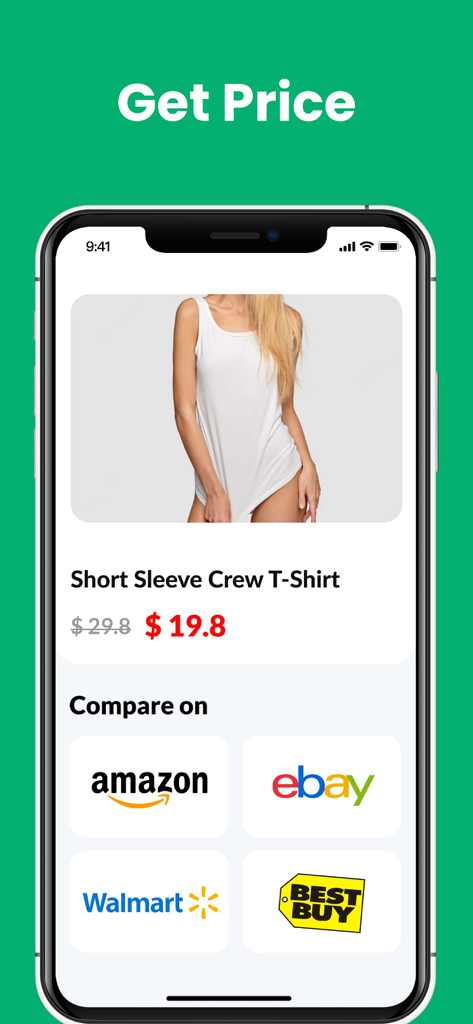
Scan any barcode in-store to instantly compare prices online and ensure you are getting the best deal every time.

Built-in 2FA Security

Protect your online accounts with integrated two-factor authentication, keeping your logins secure and accessible.

The following screenshots and description are sourced directly from the app's official store listing and are the property of the app developer.

App Store

Screenshots
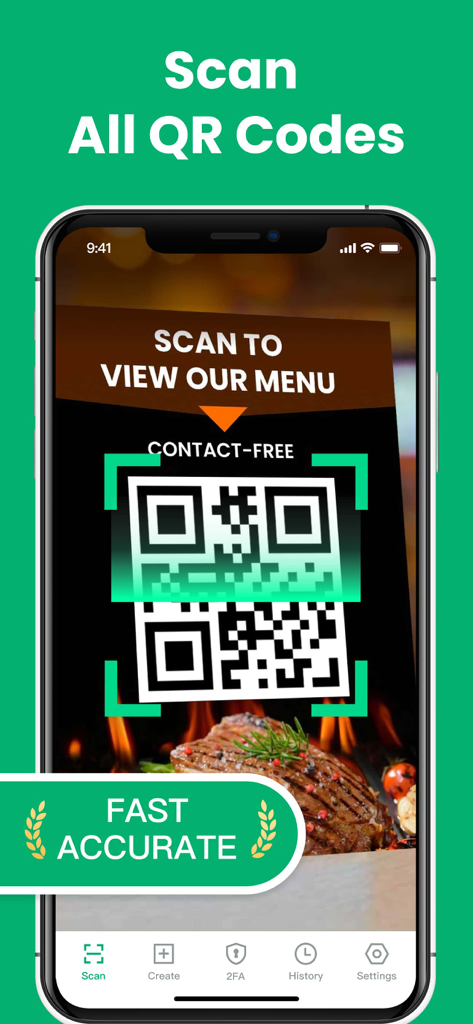
QR/Barcode Scanner for iPhone - An iPhone scanning a contact-free restaurant menu QR code using the QR and Barcode Scanner app.
An iPhone scanning a contact-free restaurant menu QR code using the QR and Barcode Scanner app.

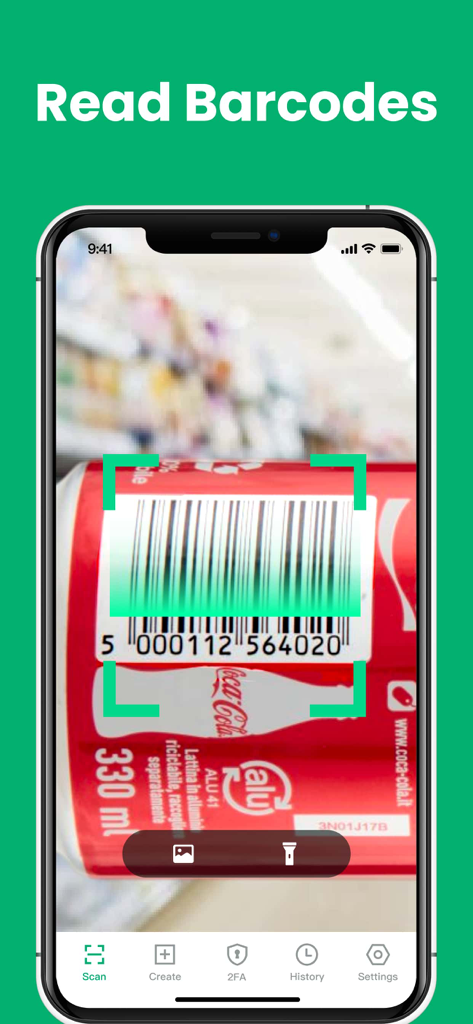
QR/Barcode Scanner for iPhone - iPhone app scanning a product barcode on a soda can
iPhone app scanning a product barcode on a soda can

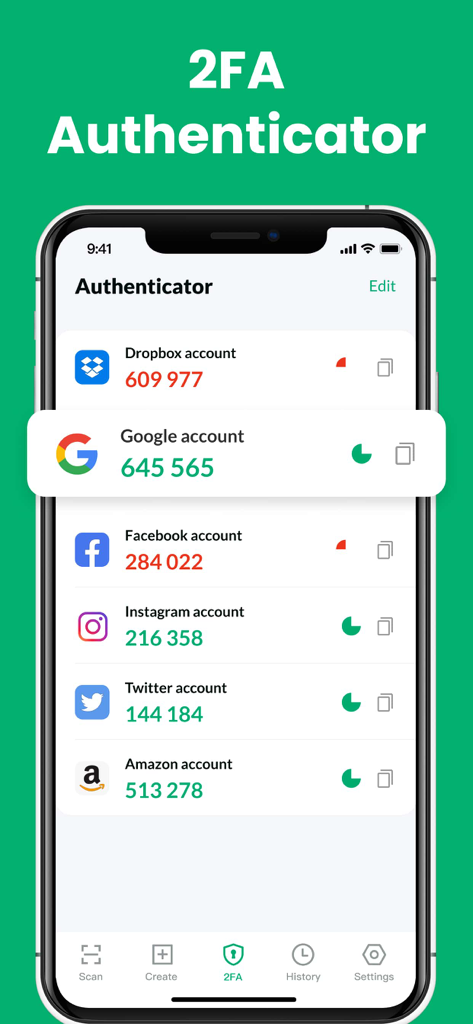
QR/Barcode Scanner for iPhone - iPhone app screen showing the 2FA authenticator feature with verification codes for multiple accounts
iPhone app screen showing the 2FA authenticator feature with verification codes for multiple accounts

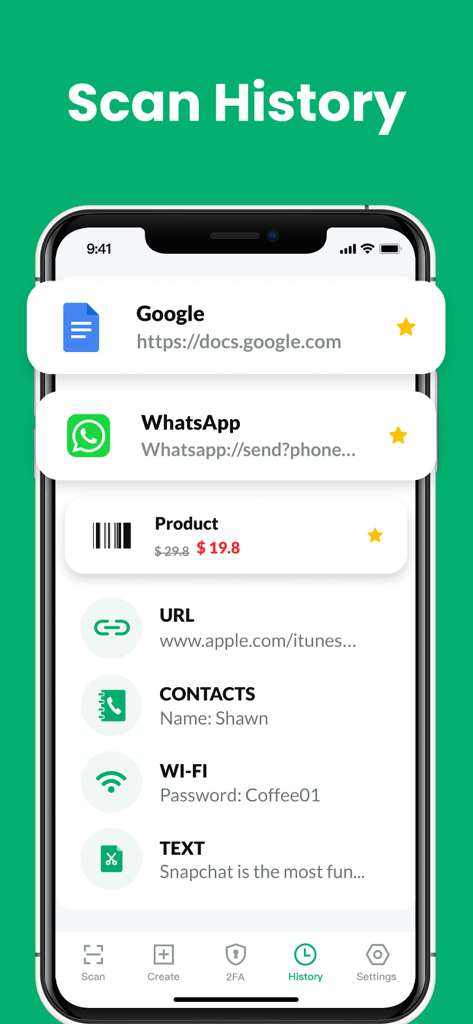
QR/Barcode Scanner for iPhone - Scan history screen of the QR and barcode scanner app showing a list of previous scans including URLs products and contacts
Scan history screen of the QR and barcode scanner app showing a list of previous scans including URLs products and contacts

QR/Barcode Scanner for iPhone - iPhone app screen showing product price comparison on Amazon eBay Walmart and Best Buy
iPhone app screen showing product price comparison on Amazon eBay Walmart and Best Buy

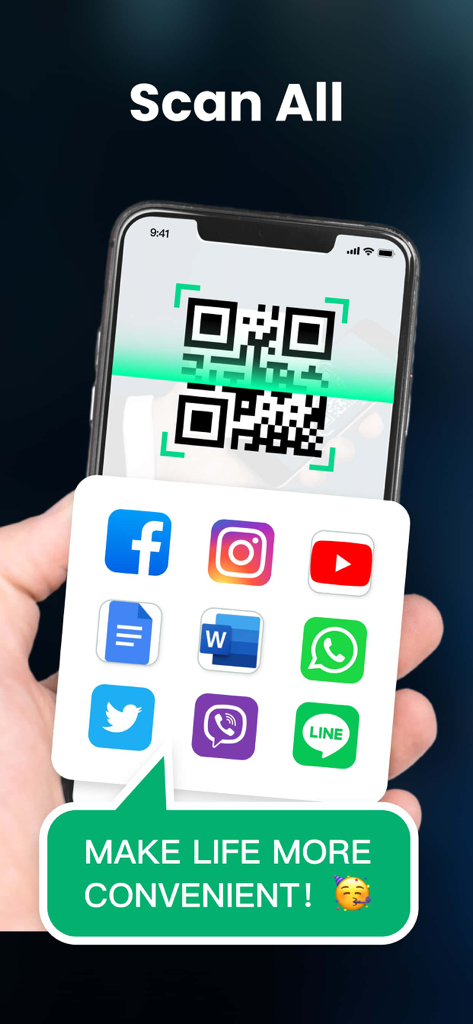
QR/Barcode Scanner for iPhone - A smartphone scanning a QR code showing links to social media and productivity apps
A smartphone scanning a QR code showing links to social media and productivity apps

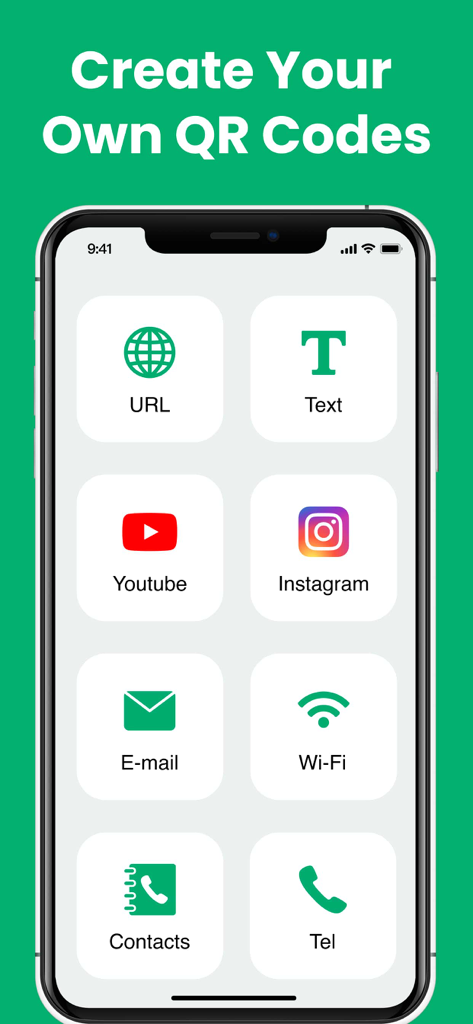
QR/Barcode Scanner for iPhone - iPhone app screen showing multiple options to create custom QR codes for URLs text social media and contacts
iPhone app screen showing multiple options to create custom QR codes for URLs text social media and contacts

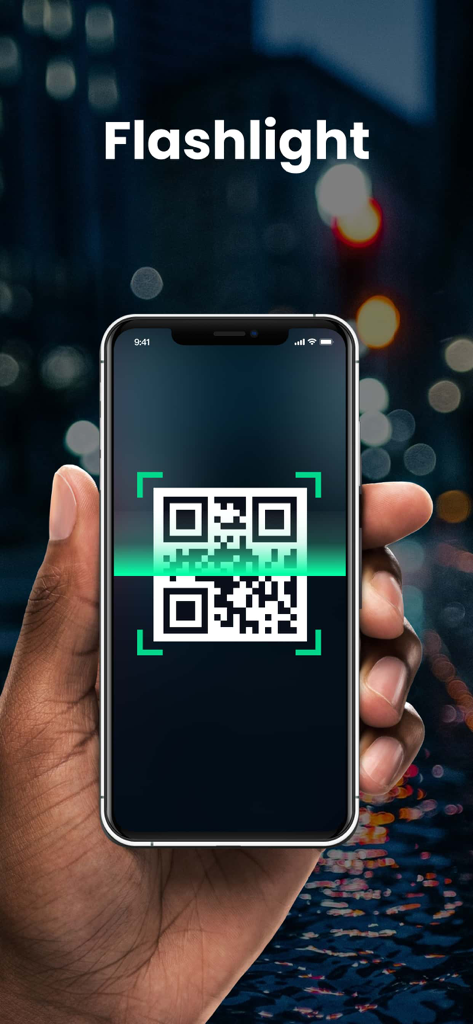
QR/Barcode Scanner for iPhone - A hand holding an iPhone using the QR and barcode scanner app with flashlight support in a low-light environment

A hand holding an iPhone using the QR and barcode scanner app with flashlight support in a low-light environment

Description

Extremely fast QR & barcode scanner that supports all QR & barcode formats! It’s the must-have scanner app for iPhone and iPad. It’s very easy to use, no need to press any buttons or adjust the zoom, just open it and point to the QR code/barcode, it will auto recognize, scan and decode the QR code/barcode. After scanning, several relevant options for the results will be provided, you can search the products online, visit the websites, or connect to Wi-Fi without entering the password. It even supports 2FA authentication to protect your online accounts! QR code reader can scan and decode all kinds of QR codes and barcodes, such as contacts, products, URL, Wi-Fi, text, books, E-mail, location, calendar, and so on. It is also commonly used to scan promotion and coupon codes in shops to get discounts. Key Features: * Safe & easy-to-use scanner app * Instant scan * Privacy safe, only camera permission required * Price scanner * Support scan QR & barcodes from gallery * Support 2FA authentication to secure your online accounts * Scan history saved * Flashlight supported * Auto zoom * No internet connection required How to use: 1. Open the scanner 2. Point the camera to the QR code/barcode 3. Auto recognize, scan and decode 4. Get results and relevant options Support all QR & barcode formats QR code, Data Matrix, Maxi code, Code 39, Code 93, Codabar, UPC-A, EAN-8... Scan history saved All scan history will be saved for instant viewing at any time. Price scanner You can scan product barcodes and compare prices online. 2FA authenticator Two-factor authentication adds an extra layer of security to your sign-ins. You can scan 2FA QR codes, and get verification codes within our app to safeguard all your online accounts. Auto zoom No need to adjust the zoom, it’s easy to scan far away Flashlight supported Easily scan QR code/barcode in dark environment. Subscription Terms and Details - You can subscribe to remove ads and get unlimited access to all features - Subscription options: weekly, yearly, lifetime - The payment will be charged to your iTunes account at confirmation of purchase. - The subscription automatically renews unless auto-renew is turned off at least 24 hours before the end of the current period. - Subscription may be managed and auto-renewal may be turned off by going to Account Settings after purchase. - The account will be charged for renewal within 24 hours prior to the end of the current period. - Any unused portion of a free trial period will be forfeited when the user purchases a subscription to that publication. Privacy Policy: https://qrcodereader.akrura.ltd/privacypolicy.html Terms of Use: https://qrcodereader.akrura.ltd/terms.html

Download

Download on App Store

This page is not an official page of the app or its developer, but an independent editorial publication created for informational and commentary purposes. Unless expressly stated otherwise, neither the app nor its developer is affiliated with, endorsed by, sponsored by, authorized by, or otherwise officially connected with MWM, Apple, Google Play, the app publisher, or the app's developer, and nothing on this page implies that the app was developed using MWM's services. Any trademarks, logos, screenshots, and other content remain the property of their respective owners.








