
This page is not an official page of the app or its developer, but an independent editorial publication created for informational and commentary purposes. Unless expressly stated otherwise, neither the app nor its developer is affiliated with, endorsed by, sponsored by, authorized by, or otherwise officially connected with MWM, Apple, Google Play, the app publisher, or the app's developer, and nothing on this page implies that the app was developed using MWM's services. Any trademarks, logos, screenshots, and other content remain the property of their respective owners.

QR Code Reader · Barcode Maker
Experience lightning-fast, ad-free scanning designed for power users. Compare prices at the register, digitize business cards with OCR, and generate custom QR codes with the advanced features your native camera is missing.
Downloads
24K+User Rating
Total Ratings
300Publisher
Category
UtilitiesLocales
12Latest Version
1.3.5Size
38.4 MBFirst Released
Jul 23, 2025Professional Tools for Your Daily Workflow
Experience more than just a camera. Our pro-grade features are designed to save time for busy professionals and savvy shoppers alike.
High-Speed Batch Scanning
Process dozens of codes in a single session. Perfect for managing inventory, validating event tickets, or organizing shipping labels with zero friction.
AI-Powered Contact OCR
Transform physical business cards into digital contacts instantly. Skip the manual entry and build your professional network with one tap.
Frequently Asked Questions
Everything you need to know about QR Code Reader · Barcode Maker
What is QR Code Reader · Barcode Maker?
QR Code Reader · Barcode Maker transforms your iPhone into a universal scanner for QR codes, product barcodes, documents, and business cards. It also creates custom QR codes for various purposes.
Does QR Code Reader · Barcode Maker allow price comparison?
Yes, QR Code Reader · Barcode Maker allows users to scan product barcodes and compare prices directly. This feature helps with price-checking at stores or online.
Can I create QR codes with QR Code Reader · Barcode Maker?
Yes, the QR Code Reader · Barcode Maker app includes a QR code generator. Users create custom QR codes for contacts, calendar events, links, Wi-Fi passwords, and more, then share them.
Does QR Code Reader · Barcode Maker offer a free trial?
Yes, QR Code Reader · Barcode Maker provides a 3-day free trial. This trial is available once per Apple ID, allowing users to experience premium features before subscribing.
How do I cancel my subscription for QR Code Reader · Barcode Maker?
You can manage or cancel your QR Code Reader · Barcode Maker subscription anytime. Go to your iPhone Settings, then navigate to Apple ID, and select Subscriptions.
Can QR Code Reader · Barcode Maker scan multiple codes at once?
Yes, QR Code Reader · Barcode Maker features a batch mode. This allows users to scan multiple QR codes or barcodes simultaneously, useful for inventory or ticket validation.
Does QR Code Reader · Barcode Maker save my scan history?
Yes, QR Code Reader · Barcode Maker saves your scan history. Users can export this history, providing a record of all scanned and created codes within the app.
Can QR Code Reader · Barcode Maker help join Wi-Fi networks?
Yes, QR Code Reader · Barcode Maker simplifies joining Wi-Fi networks. Users can scan Wi-Fi QR codes to connect without manually typing passwords.
Does QR Code Reader · Barcode Maker support Dark Mode?
Yes, QR Code Reader · Barcode Maker offers full Dark Mode support. The app provides a clean interface that adapts to your device's preferred display settings.
The following screenshots and description are sourced directly from the app's official store listing and are the property of the app developer.
App Store
Screenshots
QR and Barcode Scanner promotional screen for iPhone with a five star rating and laurel wreaths
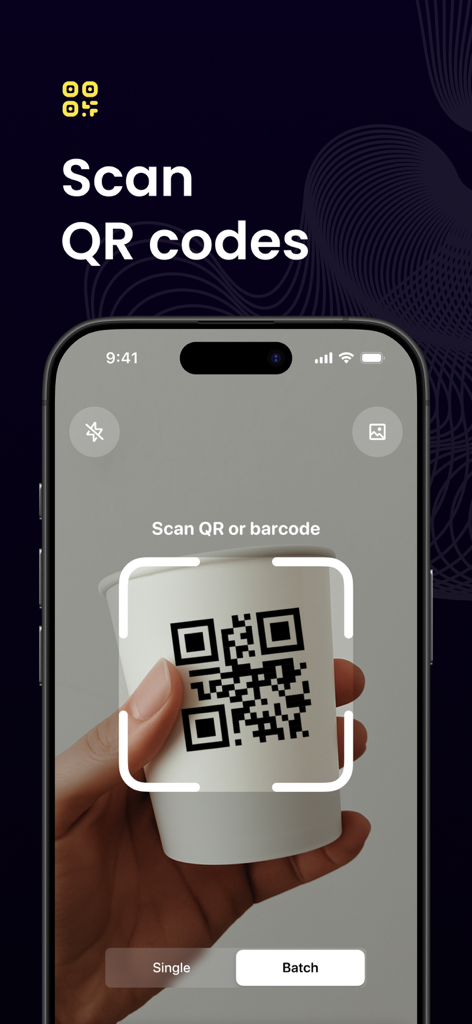
An iPhone screen displaying the QR code scanning interface while scanning a code on a coffee cup
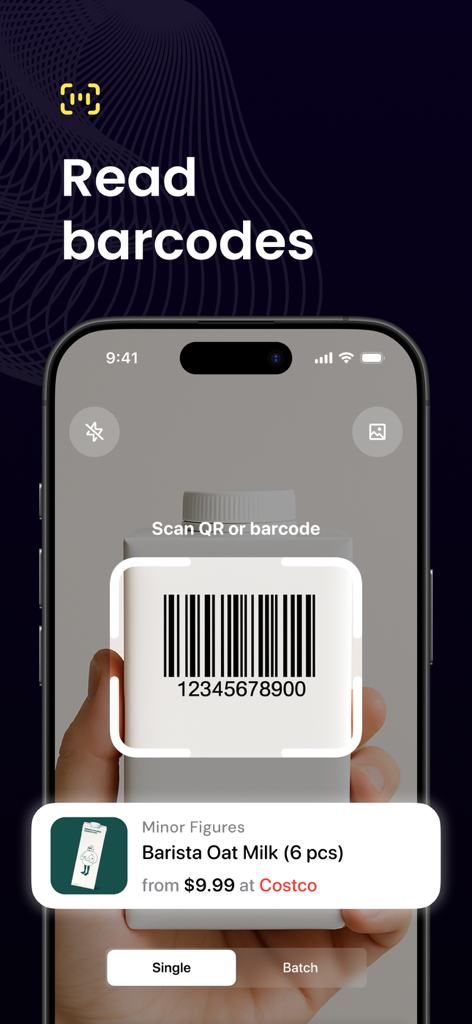
iPhone screen scanning a barcode on a milk carton to compare prices at Costco
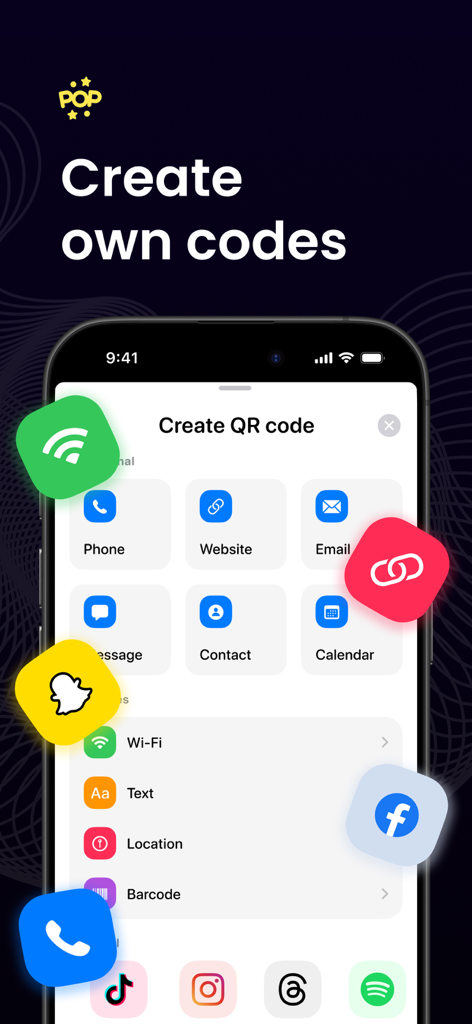
Mobile app menu for creating custom QR codes for websites, contacts, and Wi-Fi passwords.
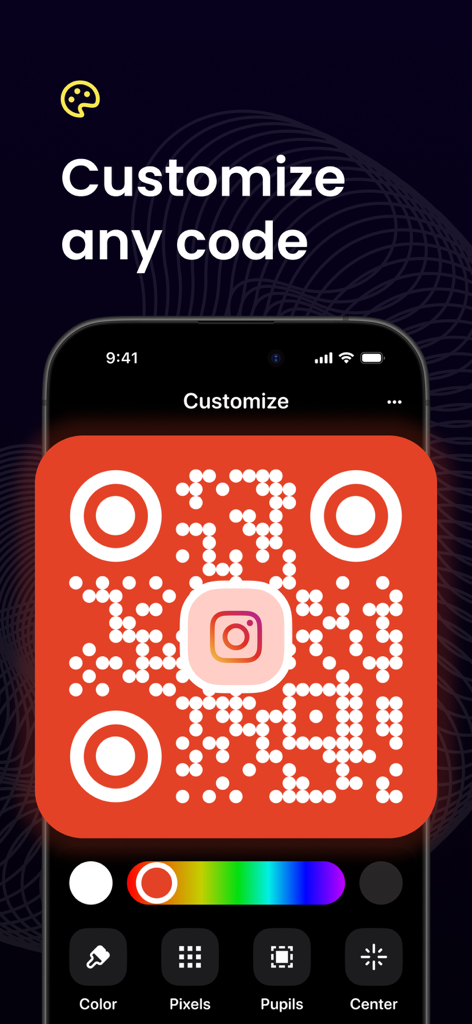
A smartphone screen showing the customization of a red QR code with an Instagram logo
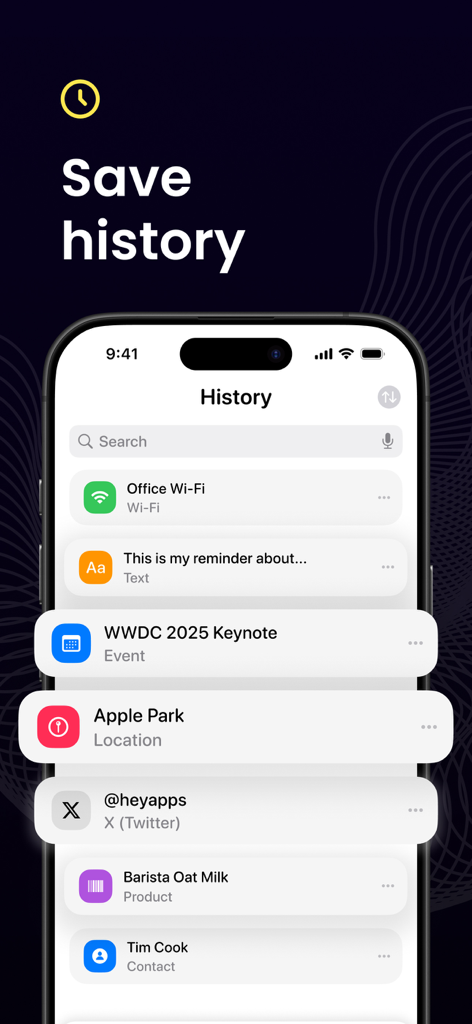
An iPhone screen displaying a history of scanned QR codes and barcodes including Wi-Fi passwords, calendar events, and contact information.
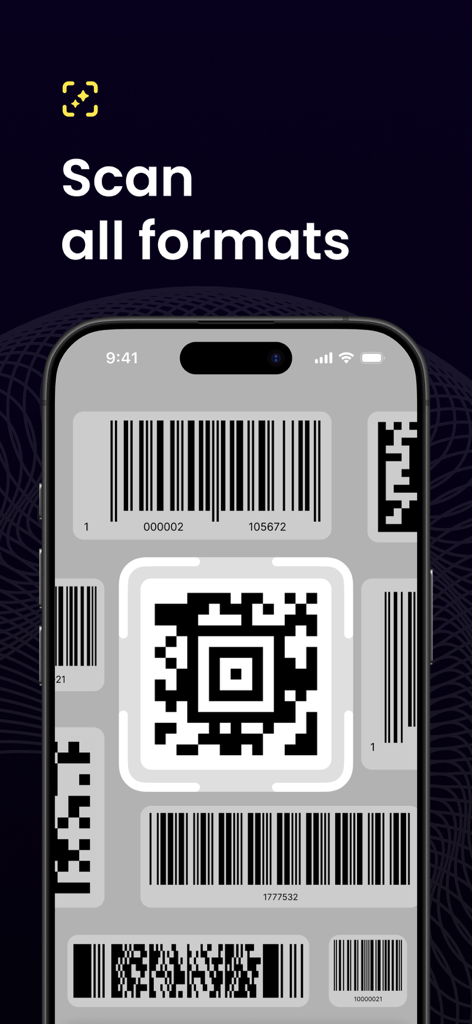
iPhone interface showing the app scanning various QR code and barcode formats
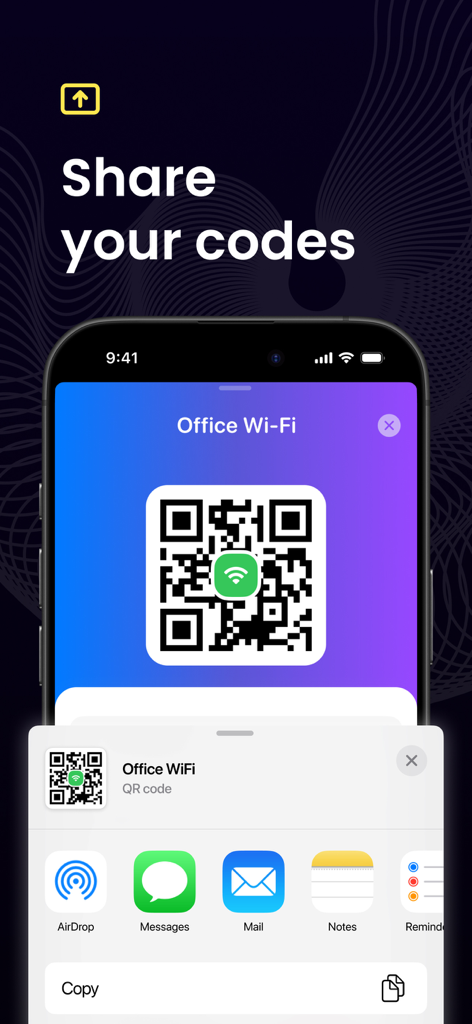
iPhone screen displaying an office wifi qr code with the ios share sheet open for sharing via messages or email.
Description
Download
More Like This
Apps with similar features and user experience

Me QR - QR Code Generator
ME TEAM LTD

QR Code Reader/QR Scanner App
MixerBox Inc.

QR Code Barcode: Scanner Maker
DE BITT LTD

QR Code Reader & QR Scanner ·
Simple Health Limited

Scan QR Code & Barcode
Mars Mobile LLC

QR Bot
Petr Polasek

QR Reader- Scanner & Generator
SAN MOBILE YAZILIM TICARET LIMITED SIRKETI

What's App -QR code scanner
DIGITALSTALK PRIVATE LIMITED

Power Barcode Scanner
Irvinesoft Inc
This page is not an official page of the app or its developer, but an independent editorial publication created for informational and commentary purposes. Unless expressly stated otherwise, neither the app nor its developer is affiliated with, endorsed by, sponsored by, authorized by, or otherwise officially connected with MWM, Apple, Google Play, the app publisher, or the app's developer, and nothing on this page implies that the app was developed using MWM's services. Any trademarks, logos, screenshots, and other content remain the property of their respective owners.