
This page is not an official page of the app or its developer, but an independent editorial publication created for informational and commentary purposes. Unless expressly stated otherwise, neither the app nor its developer is affiliated with, endorsed by, sponsored by, authorized by, or otherwise officially connected with MWM, Apple, Google Play, the app publisher, or the app's developer, and nothing on this page implies that the app was developed using MWM's services. Any trademarks, logos, screenshots, and other content remain the property of their respective owners.

Qwik Dice
Bring the magic of board games to your digital hangouts. Roll together in real-time with friends on Discord or FaceTime—perfect for TTRPGs, Yahtzee, and every game in between.
Downloads
7K+User Rating
Total Ratings
0Publisher
Category
GamesLocales
1Latest Version
2.0.1Size
11.4 MBFirst Released
May 3, 2020Bring Your Game Night Online
Qwik Dice is the lightweight companion app designed to facilitate remote play. Stop worrying about 'fudged' rolls and start playing your favorite dice games with friends over Discord, Zoom, or FaceTime as if you were in the same room.
Real-Time Shared Rolling
Eliminate the 'trust factor' in remote gaming. Every roll is synced instantly across all devices so everyone sees the results at the exact same time, ensuring total transparency and fairness.
Zero-Friction Lobby Setup
Perfect for the social organizer. Skip the long tutorials and account creation; just generate a game code, send it to the group chat, and get your whole crew rolling in seconds.
Frequently Asked Questions
Everything you need to know about Qwik Dice
What is Qwik Dice?
Qwik Dice is an application that allows users to roll a shared set of dice with friends remotely. It facilitates playing dice games when participants are physically apart.
How do I start a new game in Qwik Dice?
To start a new game in Qwik Dice, tap "New Game" from the main screen. You then send the generated game code to your friends so they can join.
How do friends join a Qwik Dice game?
Friends can join a Qwik Dice game by tapping "Join Game" on the main screen and entering the game code provided by the game host.
Can I set my player name in Qwik Dice?
Yes, you can set your name in Qwik Dice. Tap the profile icon within the game room to customize your name, so other players can identify you.
How do I keep specific dice from rolling in Qwik Dice?
To keep a die from being rolled in Qwik Dice, double-tap one of the colored dice. Double-tap it again to include it back in subsequent rolls.
Is Qwik Dice a game?
No, Qwik Dice is not a game itself. It serves as a tool to facilitate playing dice games with friends when you are physically separated, not a standalone game.
The following screenshots and description are sourced directly from the app's official store listing and are the property of the app developer.
App Store
Screenshots
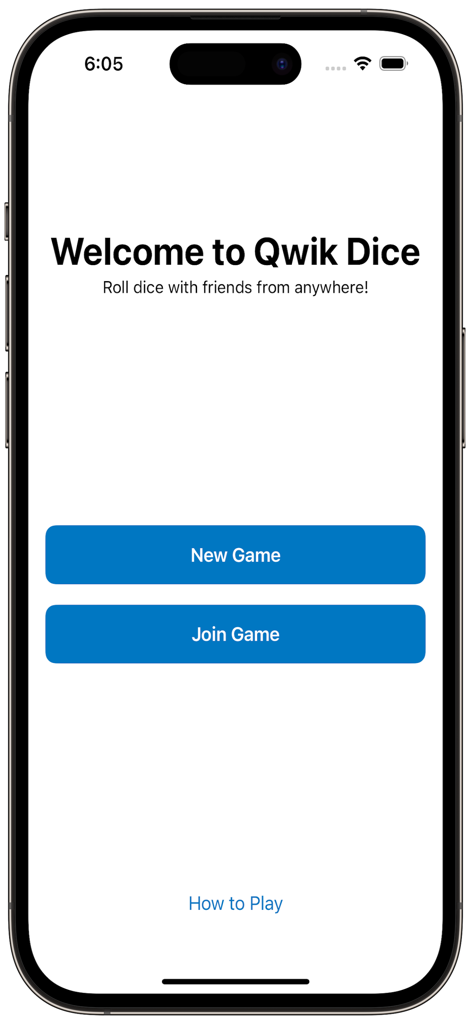
The welcome screen of the Qwik Dice app featuring buttons to start or join a game.
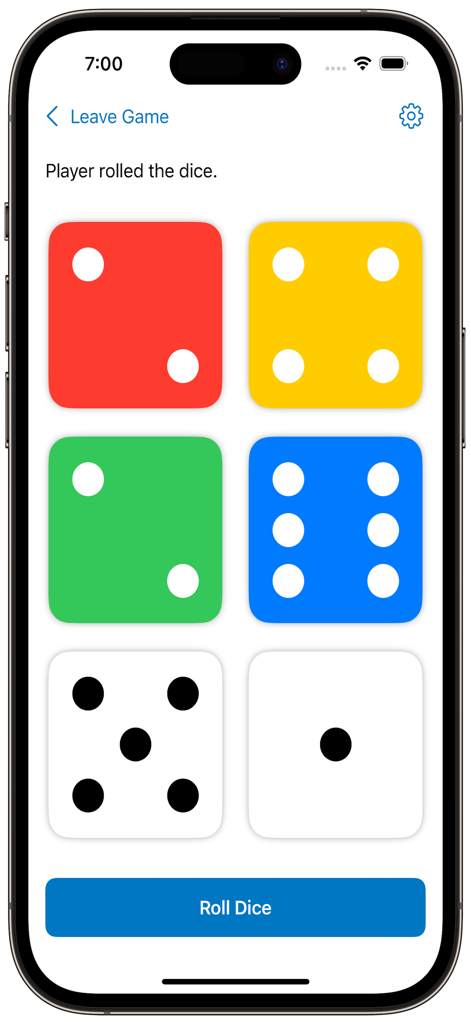
The Qwik Dice app interface showing six colorful dice and a roll button on a smartphone screen.
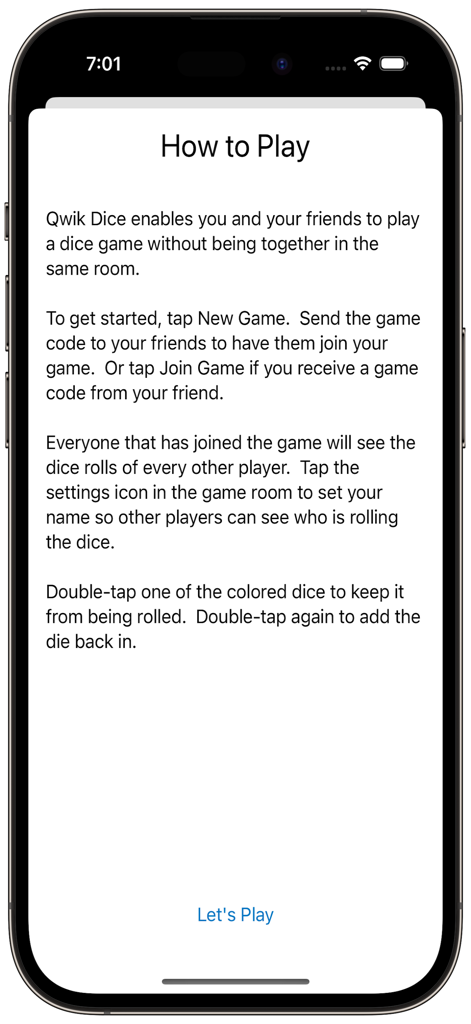
The How to Play instructions screen for the Qwik Dice app explaining how to start a remote game with friends.
Description
Download
More Like This
Top-ranked apps in the same category

Block Blast!
ARETIS LIMITED

Heartopia
XD Entertainment Co., Ltd.

Solitaire Associations Journey
Hitapps Games LTD

Roblox
Roblox Corporation

Gossip Harbor®: Merge & Story
Microfun Limited

Arrows – Puzzle Escape
Lessmore UG haftungsbeschraenkt

Township
PLR Worldwide Sales Limited

Last War:Survival
FUNFLY PTE. LTD.

Vita Mahjong
VITA STUDIO PTE. LTD.
This page is not an official page of the app or its developer, but an independent editorial publication created for informational and commentary purposes. Unless expressly stated otherwise, neither the app nor its developer is affiliated with, endorsed by, sponsored by, authorized by, or otherwise officially connected with MWM, Apple, Google Play, the app publisher, or the app's developer, and nothing on this page implies that the app was developed using MWM's services. Any trademarks, logos, screenshots, and other content remain the property of their respective owners.