
This page is not an official page of the app or its developer, but an independent editorial publication created for informational and commentary purposes. Unless expressly stated otherwise, neither the app nor its developer is affiliated with, endorsed by, sponsored by, authorized by, or otherwise officially connected with MWM, Apple, Google Play, the app publisher, or the app's developer, and nothing on this page implies that the app was developed using MWM's services. Any trademarks, logos, screenshots, and other content remain the property of their respective owners.

ReadID Me
Instantly read the NFC chip in your passport or identity card with professional-grade technology. Your data never leaves your iPhone, providing the most secure and private way to verify your identity.
Downloads
484K+User Rating
Total Ratings
6K+Publisher
Category
BusinessLocales
3Latest Version
4.123.5Size
12.0 MBFirst Released
Sep 19, 2019Verified Identity, Total Privacy
Experience the most secure way to read and verify your electronic passport or identity card using advanced NFC technology right on your iPhone.
Privacy-First Processing
Your sensitive data never leaves your device. All verification is handled locally, ensuring your personal information stays 100% private.
Official NFC Authentication
Access the encrypted chip within your identity documents to provide the highest level of trust and authenticity for remote onboarding.
Frequently Asked Questions
Everything you need to know about ReadID Me
What is the ReadID Me app used for?
The ReadID Me app uses an iPhone's NFC capability to read and verify the authenticity of NFC chips found in passports and identity cards.
How does ReadID Me scan identity documents?
The ReadID Me app first scans the Machine Readable Zone (MRZ) of the identity document. This step provides the password needed to access and read the NFC chip.
Which iPhone models support the ReadID Me app?
The ReadID Me app supports iPhone 7 or later models. These iPhones possess the necessary NFC capability to read the chips embedded in passports and identity cards.
Does the ReadID Me app store personal data on my phone?
No, the ReadID Me app operates client-only. This means that personal data retrieved from your identity document remains exclusively on your phone and does not leave it.
Can the ReadID Me app verify document authenticity?
Yes, the ReadID Me app verifies the authenticity of identity documents. It reads the embedded chip to confirm the document's content and chip authenticity.
What types of identity documents does ReadID Me support?
ReadID Me supports reading NFC chips in most passports and many identity cards. It works with documents that integrate chip-based mobile identity verification technology.
The following screenshots and description are sourced directly from the app's official store listing and are the property of the app developer.
App Store
Screenshots
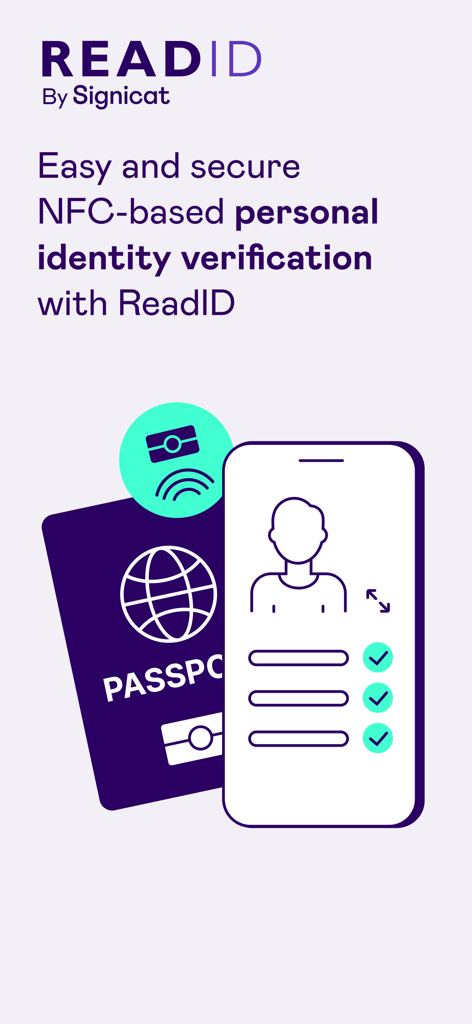
ReadID Me app illustration showing secure NFC based personal identity verification with a passport and smartphone
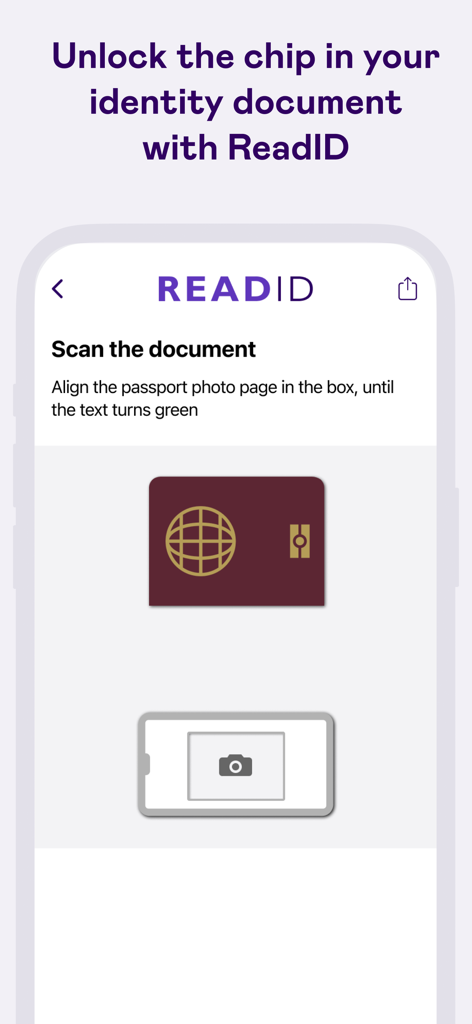
ReadID Me app interface showing instructions to scan an identity document passport page
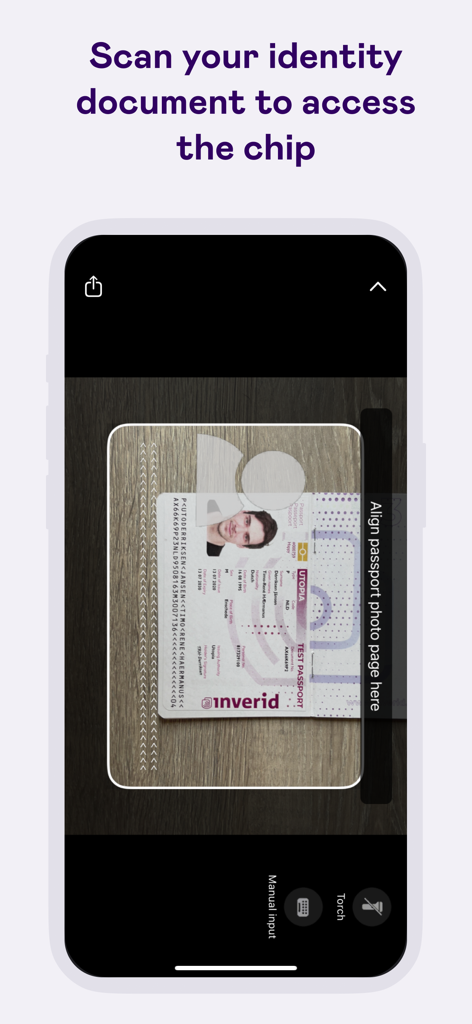
A smartphone screen showing the ReadID Me app interface scanning a passport photo page to access the electronic chip.
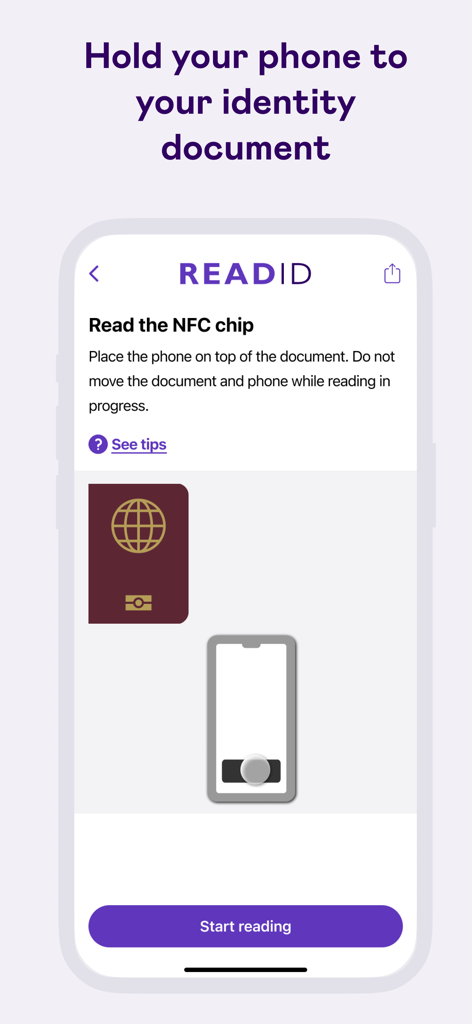
ReadID Me app interface showing how to scan an identity document NFC chip.
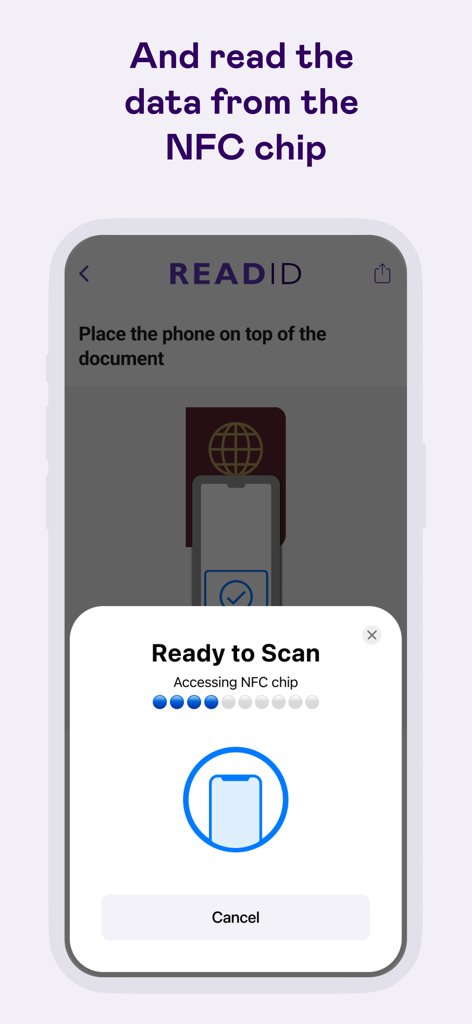
ReadID Me app interface showing the prompt to scan an identity document NFC chip.
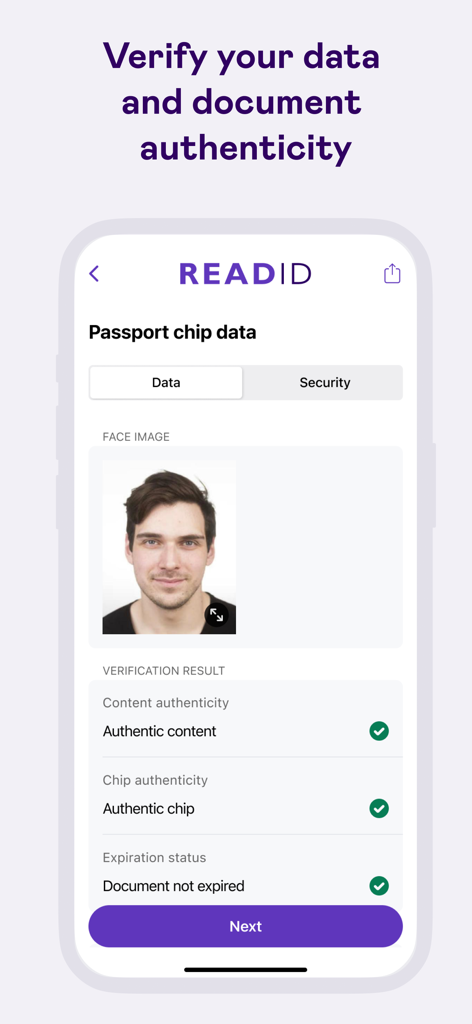
ReadID Me app interface showing passport chip data verification with authenticity results and face image
Description
Download
More Like This
Apps with similar features and user experience

Честный ЗНАК
TSENTR RAZVITIYA PERSPEKTIVNYKH TEKHNOLOGI, OOO

Vio: QR Seguro
Servico Federal de Processamento de Dados (SERPRO)

LegitApp Authentication
LEGIT APP LIMITED

CheckCheck App
CheckCheck LLC

Legit Check: AI Scanner
Meltem Arslan

维鉴-专业美妆鉴别
Shenzhen Fenqi Zhongyue Culture Media Co.,Ltd.

ThirtyOne Hats
Enovate Consulting, Inc

iCheck Scan - Quét mã sản phẩm
ICHECK JOINT STOCK COMPANY

Barbas Hats
Truzt LLC
This page is not an official page of the app or its developer, but an independent editorial publication created for informational and commentary purposes. Unless expressly stated otherwise, neither the app nor its developer is affiliated with, endorsed by, sponsored by, authorized by, or otherwise officially connected with MWM, Apple, Google Play, the app publisher, or the app's developer, and nothing on this page implies that the app was developed using MWM's services. Any trademarks, logos, screenshots, and other content remain the property of their respective owners.