RecGen - AI Screen Recorder

RecGen - AI Screen Recorder

Logo of RecGen - AI Screen Recorder

RecGen: AI-Powered Screen Recording for Pro Creators

Capture studio-quality gaming highlights, tutorials, and meetings effortlessly. Let AI optimize your settings while you record, edit, and share in seconds.

Publisher

正福 邹

Category

Photo & Video

Downloads

0

User Rating

1.0/5

Total Ratings

0

Locales

17

Pro Quality, Simplified

Discover the interface used by 0 users.
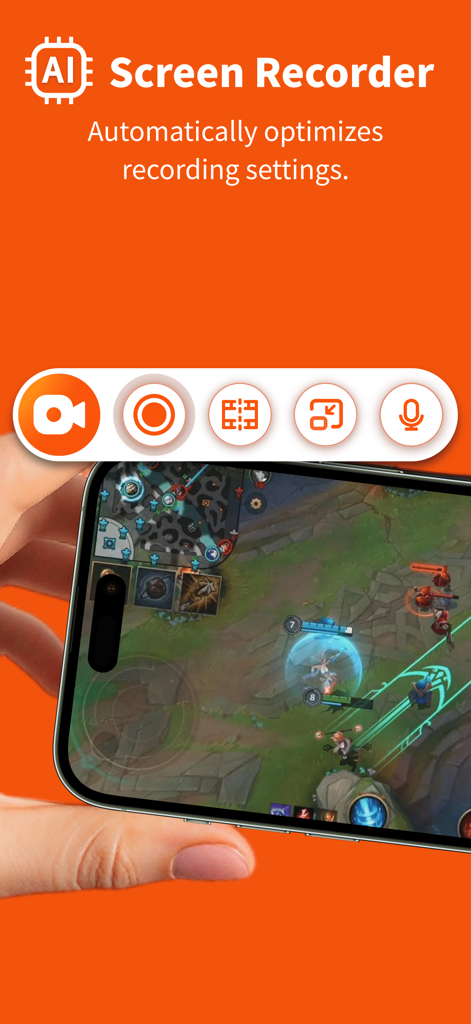
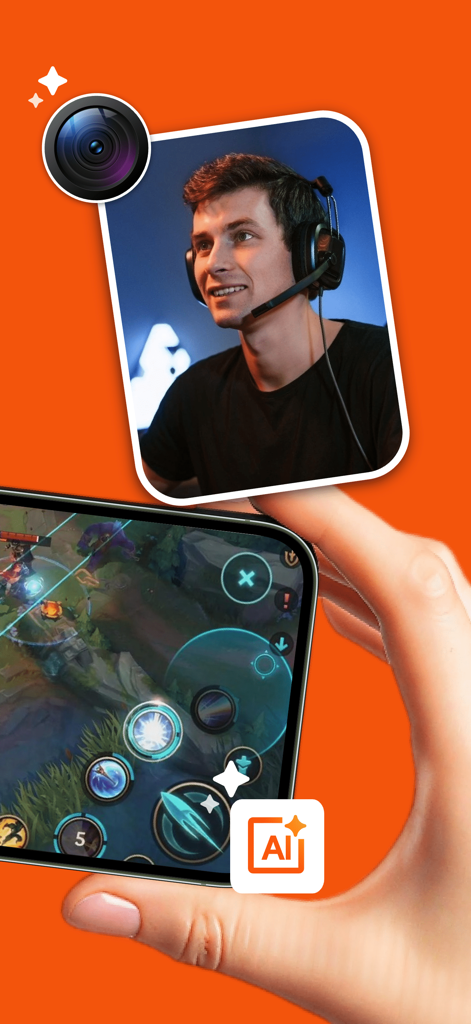
RecGen AI Screen Recorder app capturing mobile gameplay with automatic settings optimization

RecGen AI Screen Recorder app capturing mobile gameplay with automatic settings optimization

RecGen AI screen recorder mobile app displaying gaming recording with face cam overlay

RecGen AI screen recorder mobile app displaying gaming recording with face cam overlay

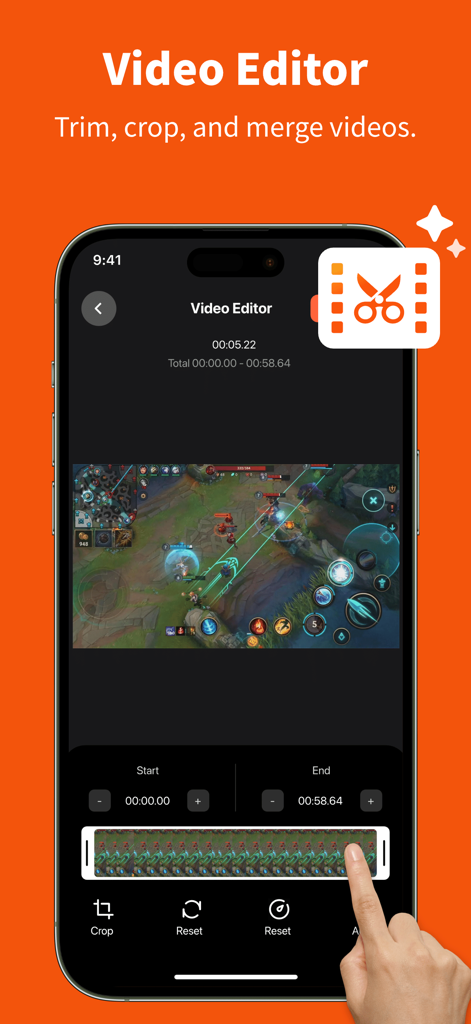
RecGen app video editor interface showing a mobile game recording being trimmed and cropped on an iPhone

RecGen app video editor interface showing a mobile game recording being trimmed and cropped on an iPhone

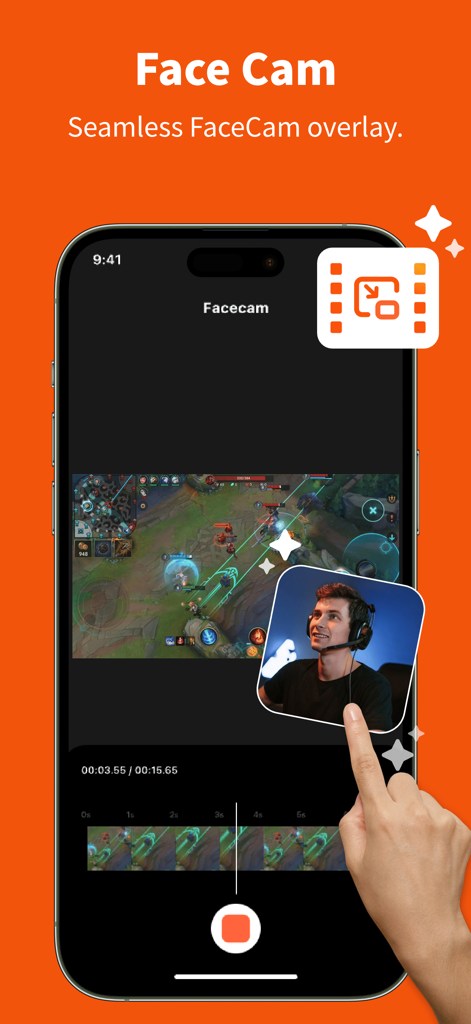
RecGen app interface demonstrating the Face Cam overlay feature on a mobile gaming screen recording

RecGen app interface demonstrating the Face Cam overlay feature on a mobile gaming screen recording

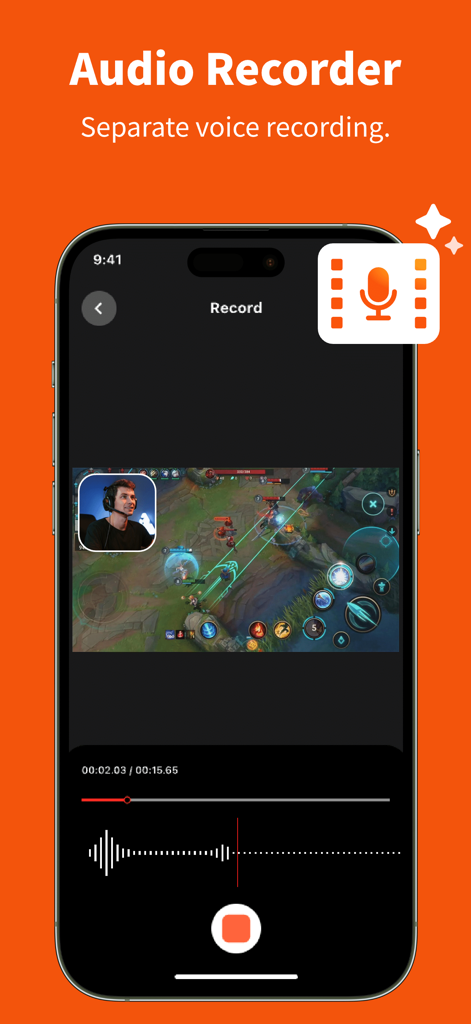
RecGen app screen showing separate voice recording and face cam overlay for a mobile game recording.

RecGen app screen showing separate voice recording and face cam overlay for a mobile game recording.

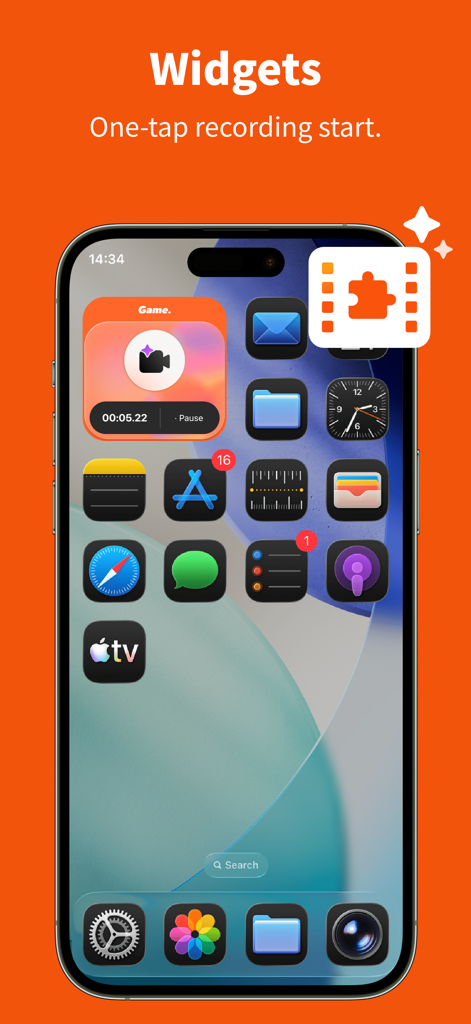
iPhone home screen displaying the RecGen one-tap screen recording widget.

iPhone home screen displaying the RecGen one-tap screen recording widget.

Pro Quality, Zero Effort

The tools that make this app stand out, trusted by 0 users.

🤖

AI-Powered Optimization

Stop worrying about bitrates. Our AI detects your content—from high-speed gaming to remote meetings—and automatically selects the perfect resolution for crystal-clear footage.

🤳

Reaction-Ready Face Cam

Engage your audience by overlaying your face and voice narration. Perfect for creating YouTube tutorials, gaming highlights, or professional walkthroughs directly on your iPhone.

Instant Widgets & Editing

Capture the action instantly with one-tap Home Screen widgets. Once recorded, use the built-in editor to trim and merge your clips into polished content ready for TikTok or Reels.

About the app

Everything you need to know about RecGen - AI Screen Recorder.

Description

Experience AI Screen Recorder today and unlock a more efficient, professional way to capture your screen. This AI-powered screen recorder app is designed for both professionals and everyday users. Leveraging advanced AI models, the app automatically identifies different recording scenarios, such as gaming, remote meetings, online courses, or tutorial demos, and intelligently optimizes key parameters like resolution, frame rate, and bitrate. With no complex setup required, even beginners can effortlessly produce clear, smooth, high-quality video content. FEATURES - AI Screen Recorder : Automatically adjusts resolution, frame rate, and bitrate based on the scenario to provide the optimal recording configuration. - Video Editor: Supports essential editing tools including trimming, cropping, and merging. - Face Cam: Allows you to add a FaceCam overlay to your recordings. - Audio Recorder: Supports recording separate audio narrations for your videos. - Widgets: Enable one-tap recording starts for maximum efficiency. USE CASES - Gaming highlights and replays - Online courses and educational video production - Remote meetings and work reports - Training sessions and product walkthroughs - YouTube content creation Simplify your screen recording and create high-quality videos effortlessly with AI.

Latest Version

1.0

Size

37.2 MB

First Released

Mar 5, 2026

Ready to Record Like a Pro?

Let our AI handle the technical details while you focus on creating. Download RecGen now and transform your screen captures into high-quality content in one tap.

App information, icons, screenshots, and descriptions displayed on this page are sourced from the Apple App Store and are the property of their respective developers. Download estimates and rankings are based on MWM's proprietary models and may not reflect actual figures. This page is provided for informational and analytical purposes only.

Believe this page infringes your intellectual property? File a dispute