
This page is not an official page of the app or its developer, but an independent editorial publication created for informational and commentary purposes. Unless expressly stated otherwise, neither the app nor its developer is affiliated with, endorsed by, sponsored by, authorized by, or otherwise officially connected with MWM, Apple, Google Play, the app publisher, or the app's developer, and nothing on this page implies that the app was developed using MWM's services. Any trademarks, logos, screenshots, and other content remain the property of their respective owners.

Recipe Collector
Preserve family secrets, scan physical cards, and import from the web into one ad-free home. Sync seamlessly across iPhone, iPad, and Mac with a one-time purchase and zero subscription fees.
Downloads
6K+User Rating
Total Ratings
0Publisher
Category
Food & DrinkLocales
1Latest Version
4.9.0Size
24.9 MBFirst Released
Aug 25, 2020Your Entire Culinary Legacy, Organized
Preserve family secrets and web favorites in one ad-free digital cookbook. No subscriptions, no clutter—just your recipes on every Apple device.
Scan Handwritten Recipes
Breathe new life into vintage cards and magazine clippings by turning them into searchable text with advanced AI scanning.
Ad-Free Web Importing
Instantly extract just the ingredients and steps from any food blog, removing intrusive ads and long-winded introductions.
The following screenshots and description are sourced directly from the app's official store listing and are the property of the app developer.
App Store
Screenshots
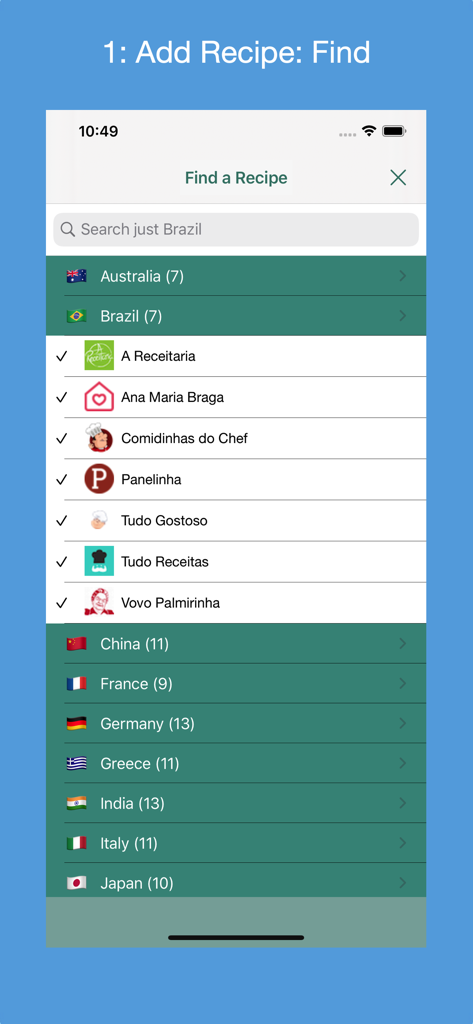
Find a Recipe screen in Recipe Collector showing a list of supported recipe websites from various countries
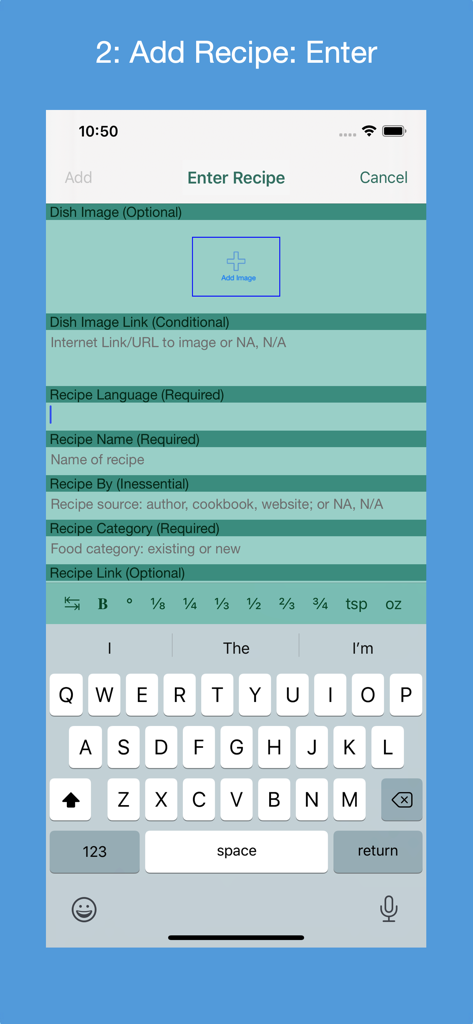
Manual entry form for adding a new recipe with name and category fields in the Recipe Collector app

Interface of the Recipe Collector app showing the screen for adding a new recipe via a web URL.
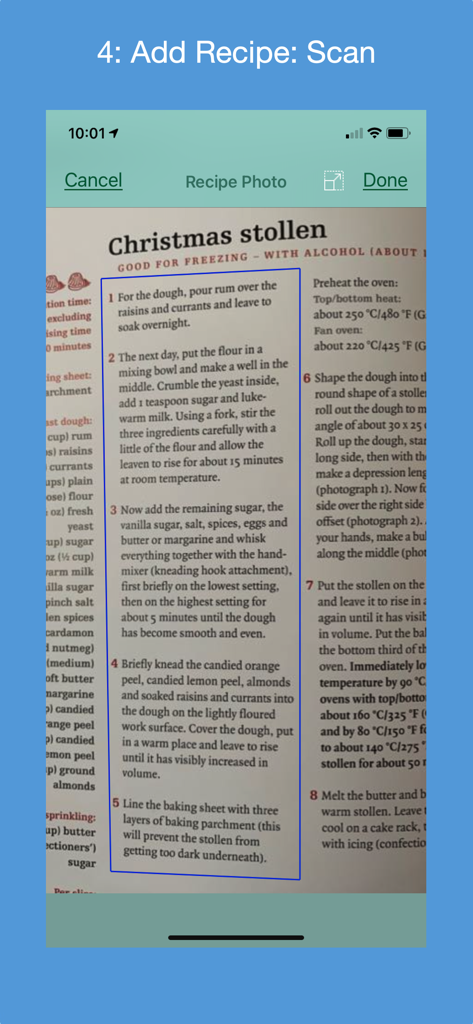
iPhone screenshot of Recipe Collector app scanning a physical Christmas stollen recipe from a cookbook using OCR technology
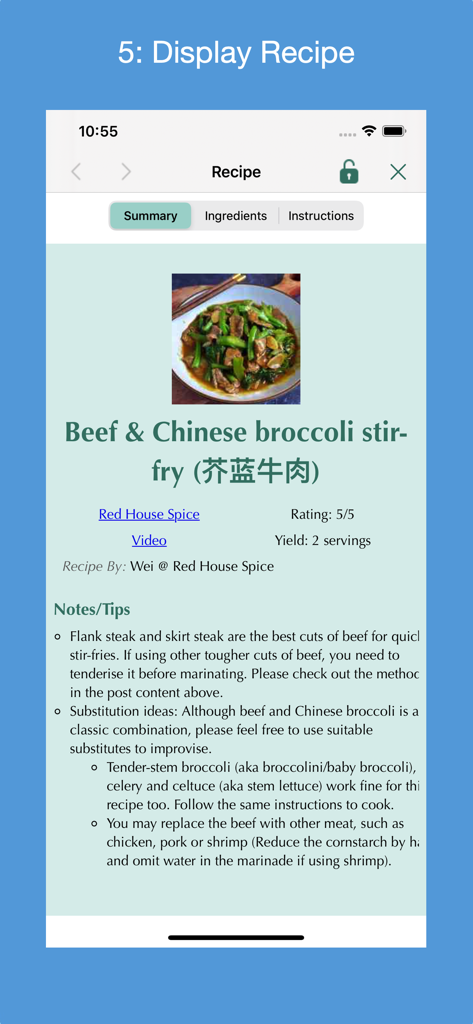
Displaying a Beef and Chinese broccoli stir fry recipe in the Recipe Collector app
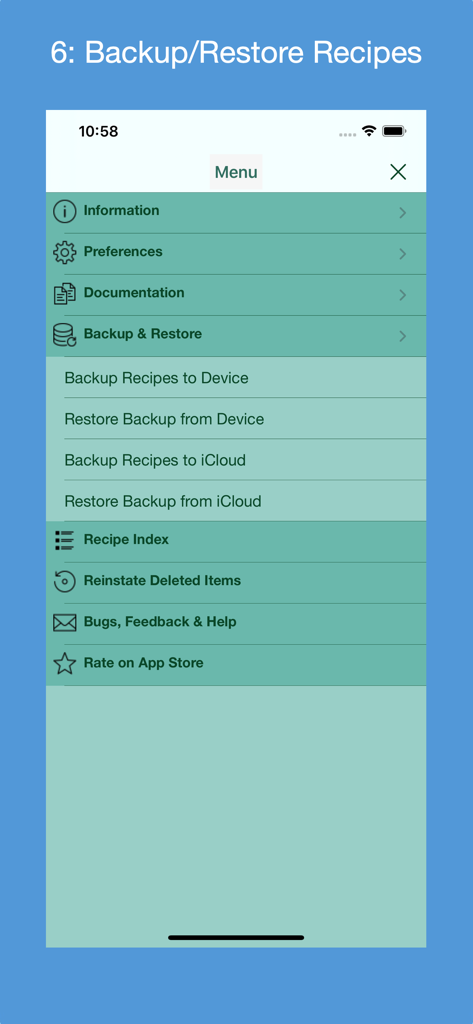
A screenshot of the Recipe Collector app menu showing backup and restore options for local device and iCloud storage
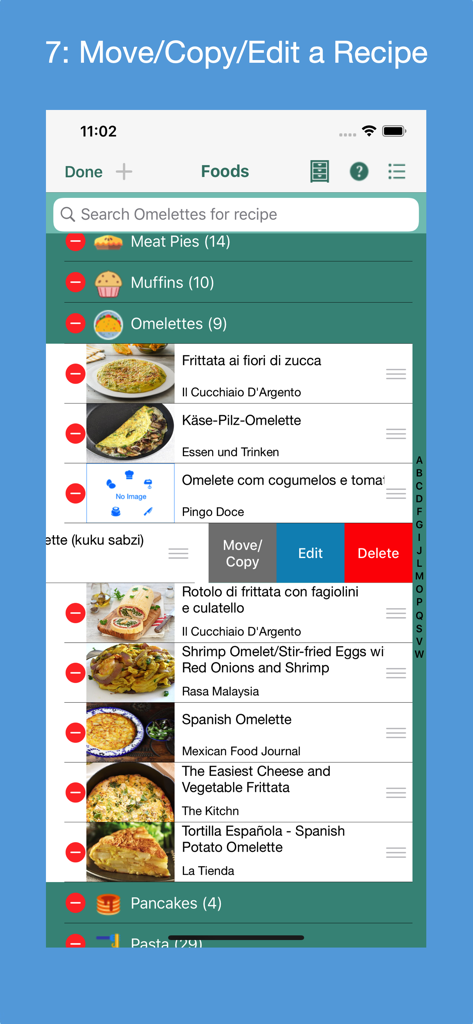
Interface of Recipe Collector app showing options to move, copy, edit, and delete recipes within a digital cookbook.

The Deleted Items screen in the Recipe Collector app showing a list of categorized recipes with options to restore or permanently delete items.
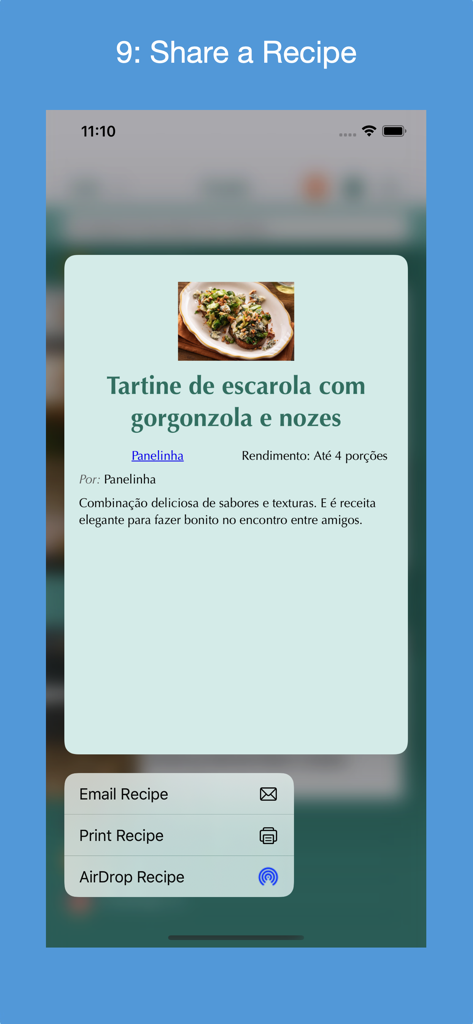
A screenshot of the Recipe Collector app showing the share menu with options to Email, Print, and AirDrop a recipe.
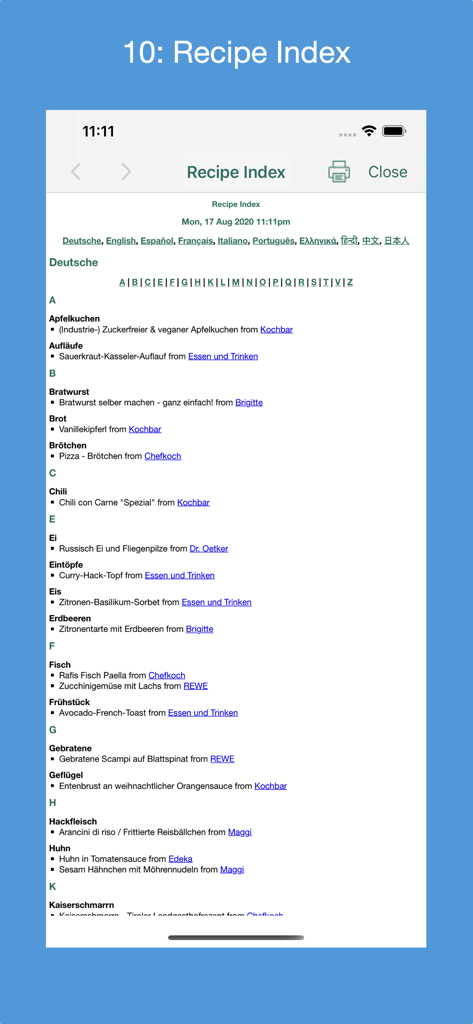
A detailed recipe index in the Recipe Collector app organized alphabetically by language with source website links.
Description
Download
More Like This
Top-ranked apps in the same category

DoorDash: Food, Grocery, More
DoorDash, Inc.

盒马 - 鲜美生活
Shanghai Heli Network Technical Service Co., Ltd.

Uber Eats: Food & Groceries
Uber Technologies, Inc.

Too Good To Go: End Food Waste
Too Good To Go ApS

Keeta - Food Delivery
Kangaroo Limited

麦当劳McDonald's - 到店取餐 麦咖啡 麦乐送
McDonald's (China) Co., Ltd.

McDonald’s
McDonald's Global Markets LLC

McDonald's
McDonalds USA LLC

美团外卖-外卖订餐,送啥都快
Sankuai Technology Co., Ltd.
This page is not an official page of the app or its developer, but an independent editorial publication created for informational and commentary purposes. Unless expressly stated otherwise, neither the app nor its developer is affiliated with, endorsed by, sponsored by, authorized by, or otherwise officially connected with MWM, Apple, Google Play, the app publisher, or the app's developer, and nothing on this page implies that the app was developed using MWM's services. Any trademarks, logos, screenshots, and other content remain the property of their respective owners.