
Remote control for LG

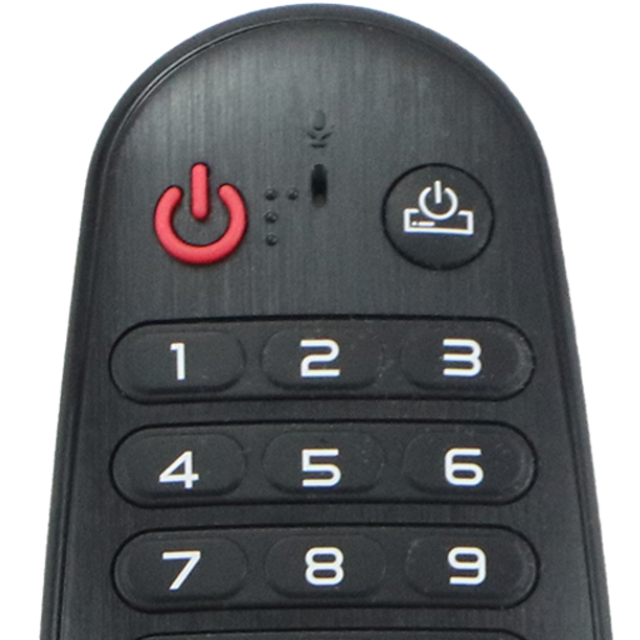
Join 11 million users who upgraded to a premium remote experience. Control your LG TV with a responsive touchpad and lightning-fast keyboard—no setup required.
Publisher
Category
UtilitiesDownloads
11M+User Rating
Total Ratings
164K+Locales
1Discover the interface used by 11M+ users.
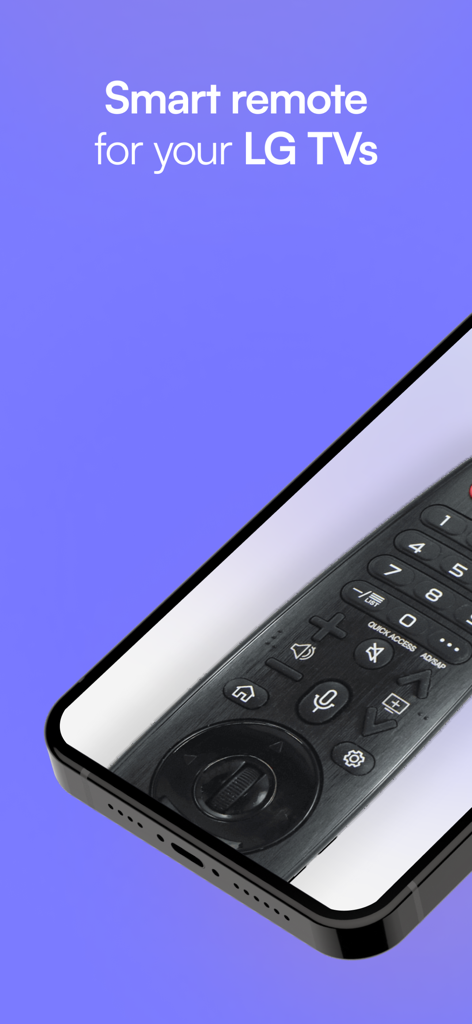
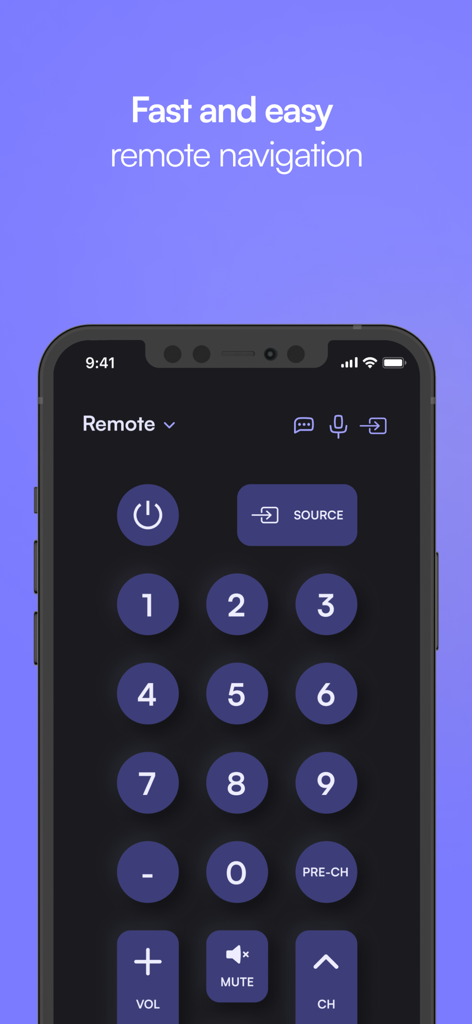
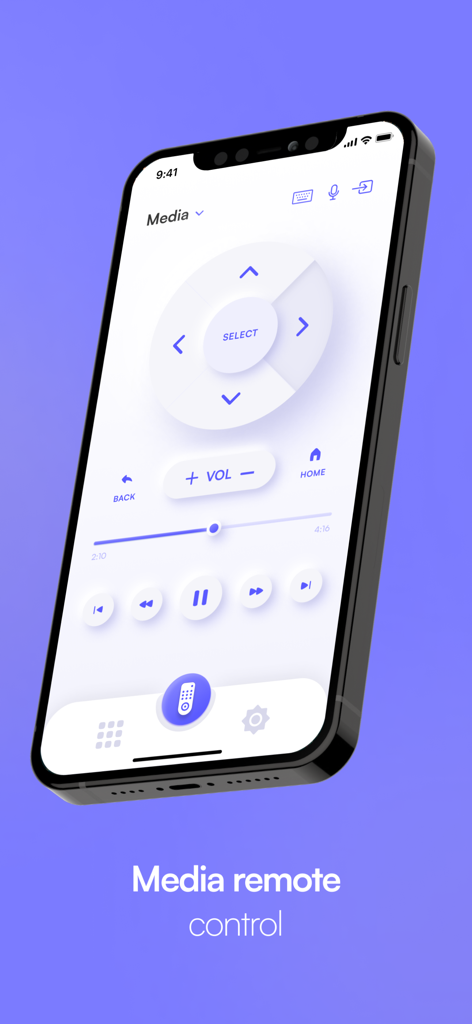
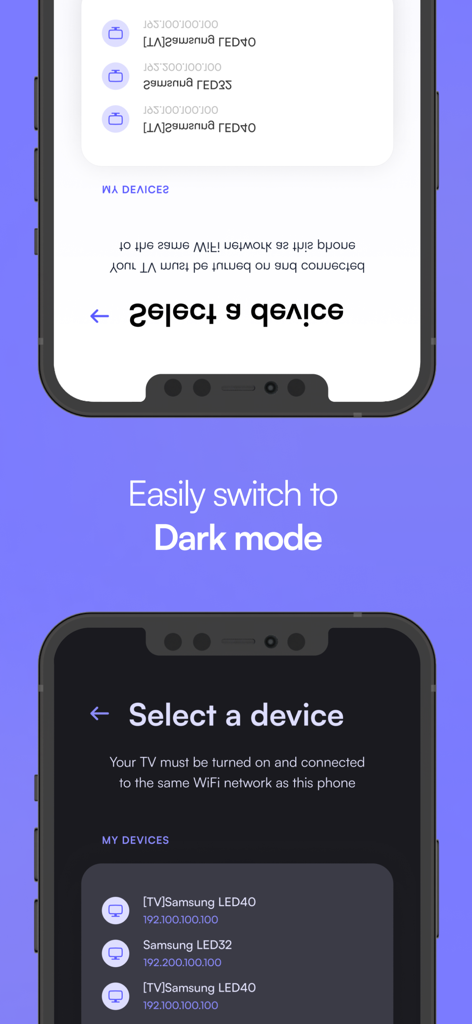
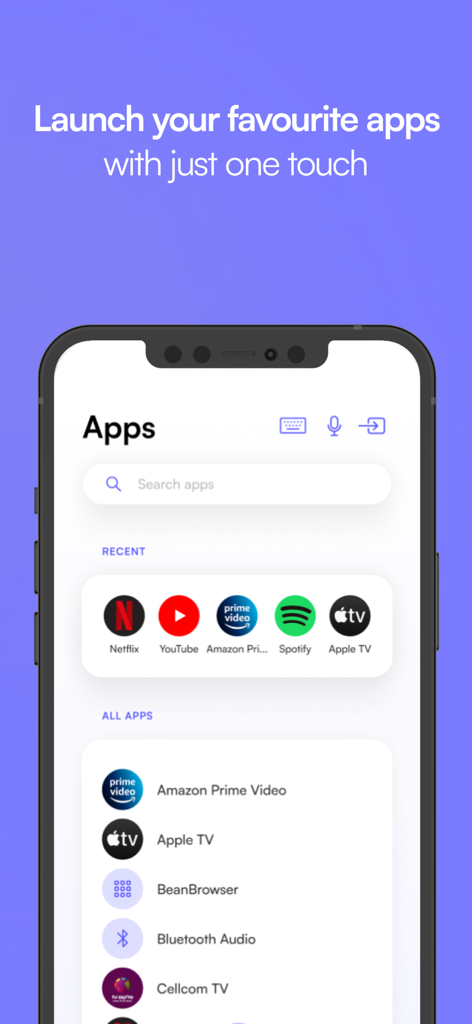
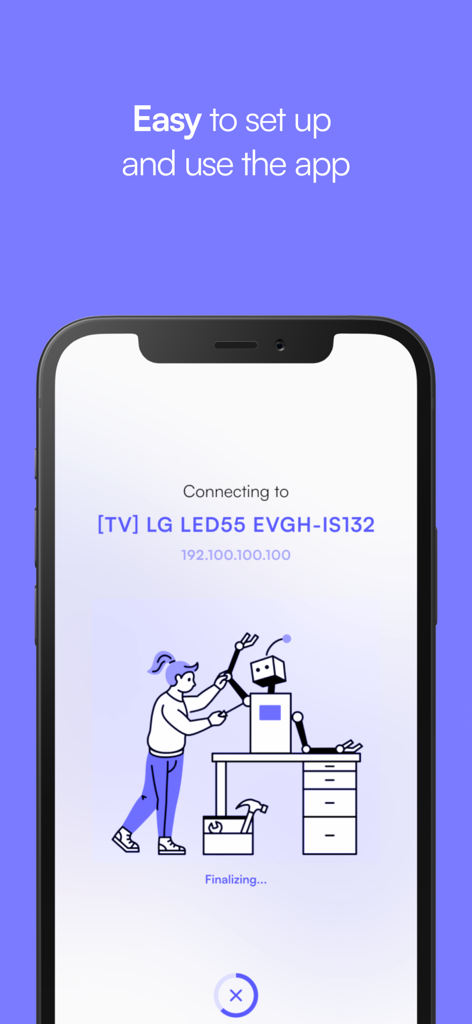
The tools that make this app stand out, trusted by 11M+ users.
Skip the frustration of on-screen letters. Type movie titles and passwords instantly with your phone's native keyboard.
No complex setup or hidden menus. Your remote is ready the moment you open the app, automatically remembering your last device.
Swipe and scroll through your favorite streaming apps with a responsive touchpad designed for fluid, natural control.
Everything you need to know about Remote control for LG.
Description
Latest Version
18.6
Size
87.6 MB
First Released
Mar 26, 2019
Join over 11 million users who have ditched their physical remotes for a faster, smarter way to browse. Download now and never search for your remote again.
Everything you need to know about Remote control for LG
No, the "Remote control for LG" app is not the official LG app. It is designed to provide an enhanced experience for LG users.
The "Remote control for LG" app saves your last used remote, allowing for quick and easy access the next time you open the application.
No, the "Remote control for LG" app requires no installation. Users can simply click and play to start controlling their LG TV.
Yes, the "Remote control for LG" app features a fast touchpad and keyboard for quick swipes and efficient typing.
Yes, the "Remote control for LG" app is a universal application designed to control any LG TV.
The "Remote control for LG" app provides fast and easy remote navigation, including a standard remote layout and media playback controls.
The "Remote control for LG" app connects to an LG TV when both devices are turned on and connected to the same WiFi network.
Yes, the "Remote control for LG" app allows users to easily switch to a Dark mode interface.
Yes, users can launch their favorite apps like Netflix, YouTube, and Spotify on their LG TV with just one touch using the "Remote control for LG" app.
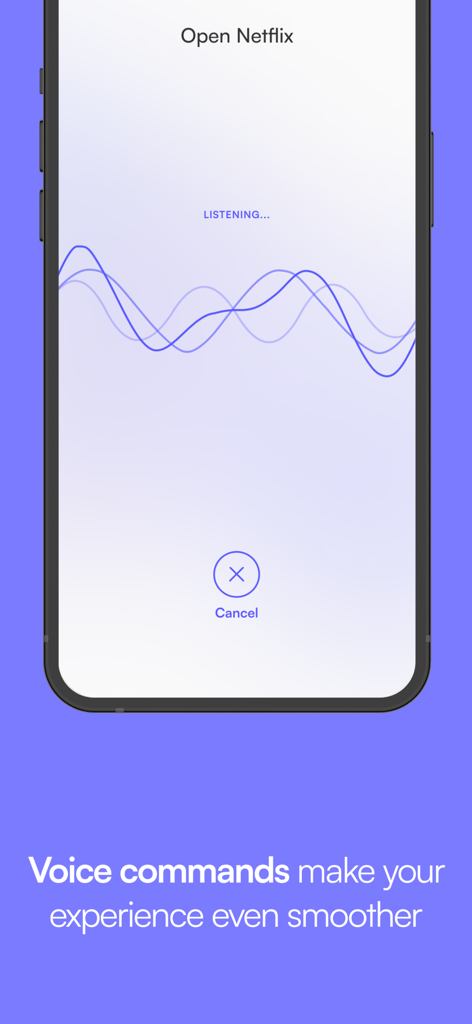
Yes, the "Remote control for LG" app supports voice commands to enhance the user experience, allowing actions like "Open Netflix."
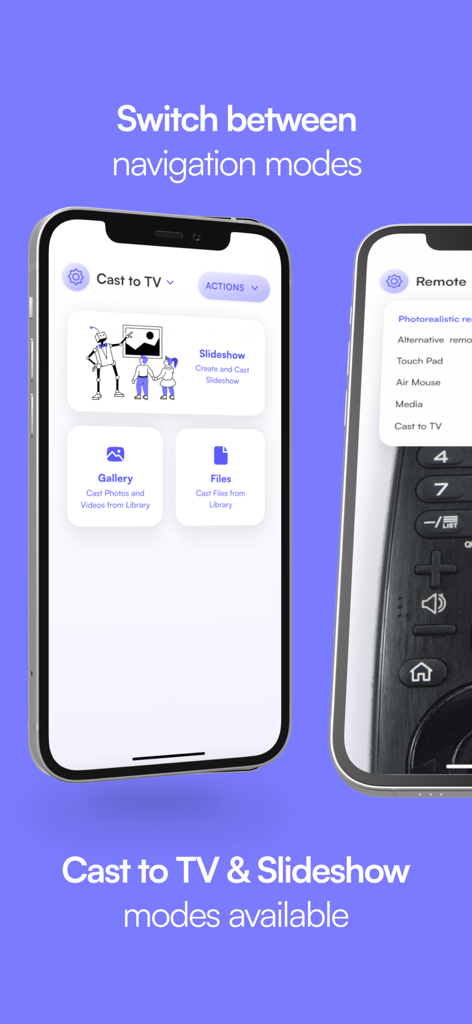
Yes, the "Remote control for LG" app includes "Cast to TV" and "Slideshow" modes, enabling users to cast photos and videos to their LG TV.
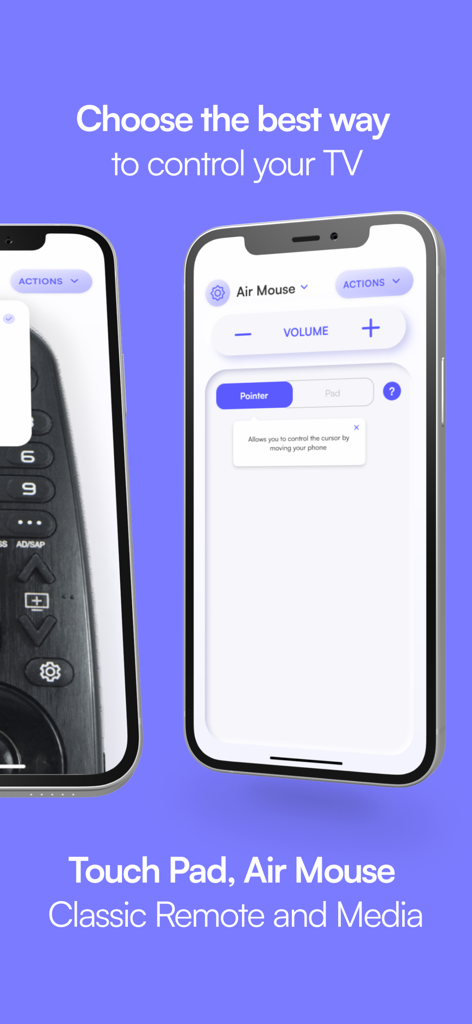
The "Remote control for LG" app offers multiple navigation modes, including Touch Pad, Air Mouse, Classic Remote, and Media control.
The Air Mouse feature in the "Remote control for LG" app allows users to control the cursor on their LG TV by moving their phone.
Users can contact osfunapps@gmail.com for questions or if the "Remote control for LG" app is not working as expected.
Yes, the "Remote control for LG" app features an amazing design with a cool and easy-to-use interface.
Apps with similar features and user experience

ROKU INC

To Ngoc Mai

Apps Venture Inc.

Hangzhou Yingshitong Technology Co., Ltd.

Nemo Apps LLC

Mihai Turlea

clement gasner

CEMAL CAGLAR KIRICI

Anh Ngo
App information, icons, screenshots, and descriptions displayed on this page are sourced from the Apple App Store and are the property of their respective developers. Download estimates and rankings are based on MWM's proprietary models and may not reflect actual figures. This page is provided for informational and analytical purposes only.
Believe this page infringes your intellectual property? File a dispute