
This page is not an official page of the app or its developer, but an independent editorial publication created for informational and commentary purposes. Unless expressly stated otherwise, neither the app nor its developer is affiliated with, endorsed by, sponsored by, authorized by, or otherwise officially connected with MWM, Apple, Google Play, the app publisher, or the app's developer, and nothing on this page implies that the app was developed using MWM's services. Any trademarks, logos, screenshots, and other content remain the property of their respective owners.


Universal TV Remote Control .
Reclaim your living room. The app puts device control squarely in users' hands, eliminating remote chaos.
Downloads
750k+User Rating
Total Ratings
14.3KPublisher
Category
UtilitiesLocales
11Latest Version
4.0.0Size
139.8 MBFirst Released
Mar 10, 2025Streamlining TV Control for the Modern Smart Home
Key Features of Universal TV Remote Control
Extensive Device Compatibility
The app ensures a broad range of smart TVs and streaming devices can be controlled, addressing the need for an all-in-one solution and eliminating the necessity for multiple physical remotes.
Quick and Reliable Connection
It allows for instant pairing and stable control over Wi-Fi, directly solving issues with complex setups or unreliable physical remotes by providing a quick and reliable connection.
Keyboard Input
This tool features a keyboard for easy text entry, significantly improving the user experience for search queries and passwords compared to traditional D-pad input.
Media Player and Apps Control
The app provides comprehensive control over media playback (play, pause, fast forward, rewind) and allows direct launching of favorite streaming applications, streamlining the entertainment experience.
Dual Navigation Modes
It offers both touchpad and D-pad navigation modes, giving users flexible and enhanced control for browsing menus, applications, and settings with ease.
Volume Control
The app enables precise adjustment of volume, muting capabilities, and fine-tuning of audio output, fully replacing the core audio controls of a traditional remote.
Power ON/OFF
This tool allows users to power their TV or streaming device on and off directly from their mobile device, providing fundamental remote functionality.
Numeric Keypad
It includes a numeric keypad for direct channel entry, catering to users who still access linear TV channels and offering quick channel surfing.
Frequently Asked Questions
Everything you need to know about Universal TV Remote Control .
What TV brands are compatible with the Universal TV Remote Control app?
The Universal TV Remote Control app is compatible with numerous brands including Roku, Samsung, LG, Fire TV, Vizio, TCL, Google TV, Sony, Philips, and more. It supports over 100 TV brands.
Can the Universal TV Remote Control app power on and off my TV?
Yes, the Universal TV Remote Control app allows users to power ON/OFF their TV directly from their phone or tablet. This feature provides direct control over your television.
What navigation modes does the Universal TV Remote Control app offer?
The Universal TV Remote Control app offers dual navigation modes: touchpad mode for swiping and D-pad mode for classic directional control. Users navigate menus, apps, and settings with ease.
Does the Universal TV Remote Control app have a keyboard for text input on TV?
Yes, the Universal TV Remote Control app includes a keyboard feature. Users enter text on their TV smart device using their phone's keyboard, facilitating search queries and password entry.
Can I control media playback and streaming apps using the Universal TV Remote Control app?
Yes, the Universal TV Remote Control app allows users to manage media playback with play, pause, rewind, and fast forward functions. It also launches and controls streaming apps directly.
How does the Universal TV Remote Control app connect to a smart TV or streaming device?
The Universal TV Remote Control app connects to smart TVs or streaming devices over your existing Wi-Fi network. It requires no additional hardware or complex setup steps for instant use.
Can the Universal TV Remote Control app function if my physical remote is lost or broken?
Yes, the Universal TV Remote Control app allows connection and control of your device even if your physical remote is lost or broken. It provides a full replacement solution.
How can users contact support for the Universal TV Remote Control app?
Users contact support for the Universal TV Remote Control app directly at support@appsventure.co. The support team is ready to assist with help or questions regarding the app.
Where can I find the privacy policy for the Universal TV Remote Control app?
The privacy policy for the Universal TV Remote Control app is available at https://appsventure.co/privacy-policy. This link provides detailed information on data handling.
Does the Universal TV Remote Control app support casting photos and videos to a TV?
Yes, the Universal TV Remote Control app supports casting photos and videos. Users view their media on a big TV screen directly from their mobile device.
The following screenshots and description are sourced directly from the app's official store listing and are the property of the app developer.
App Store
Screenshots
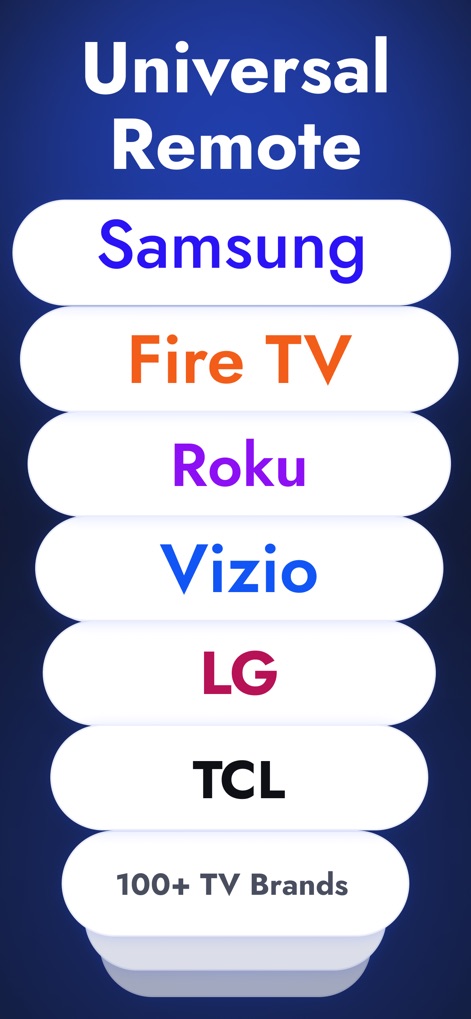
See how the app supports an extensive range of TV brands and lists common streaming devices for quick selection.
Broad Compatibility
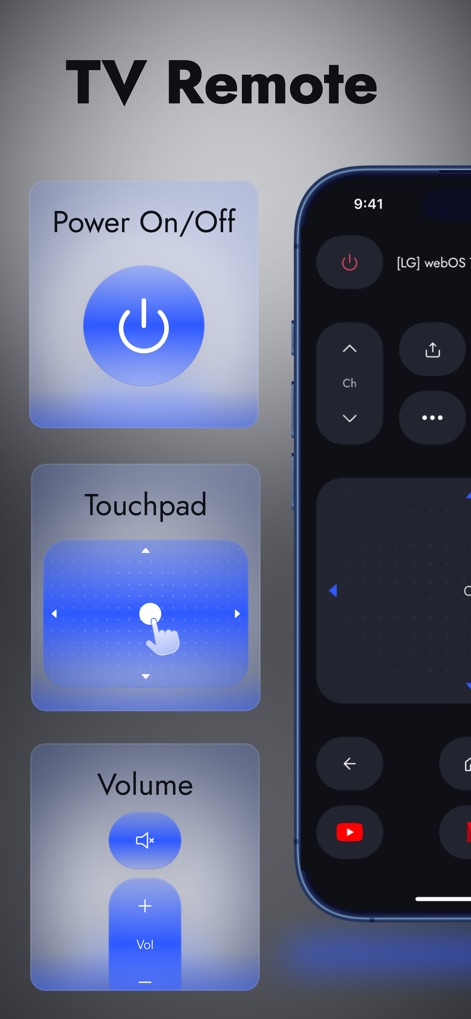
Discover the app's streamlined interface featuring essential controls like Power On/Off and the responsive Touchpad for seamless navigation.
Intuitive Controls
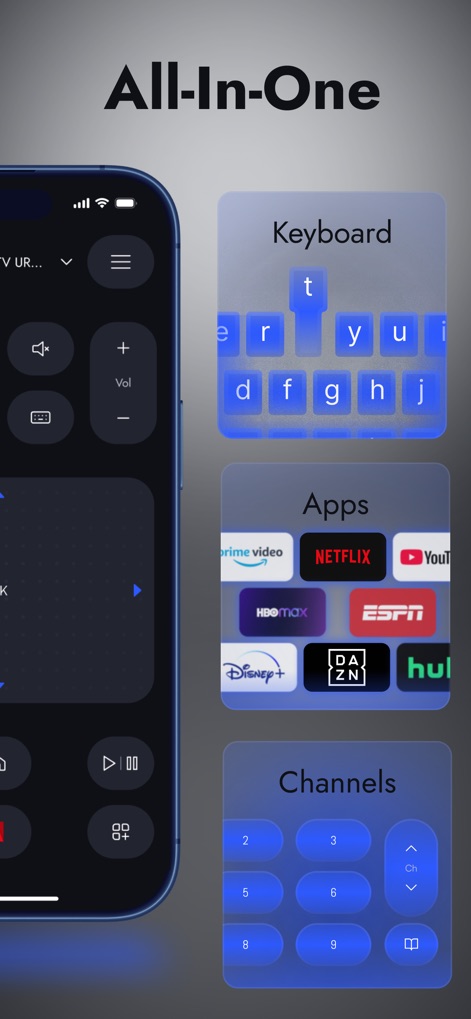
This screenshot reveals comprehensive features, including a smart Keyboard for easy text input and quick access to favorite streaming Apps.
Complete Command
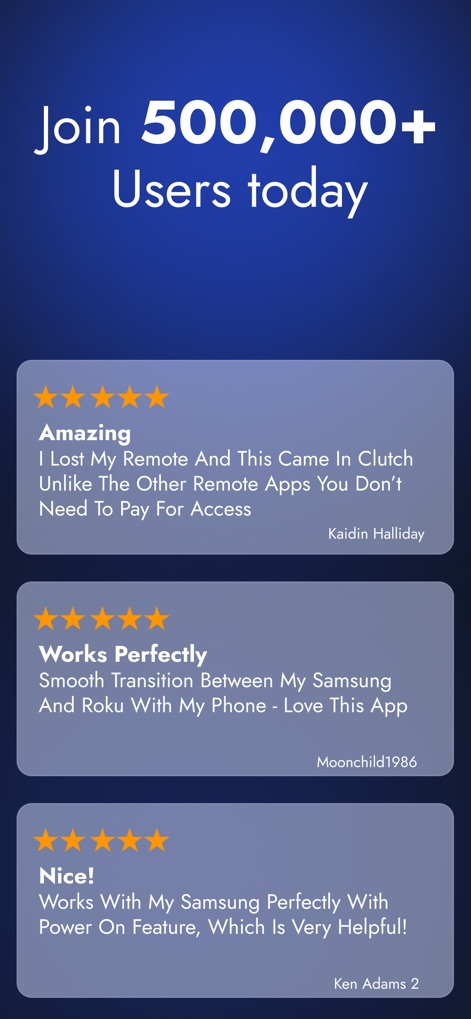
Observe positive user testimonials highlighting the app's reliability and its ability to seamlessly control Samsung and Roku devices.
Trusted by Users
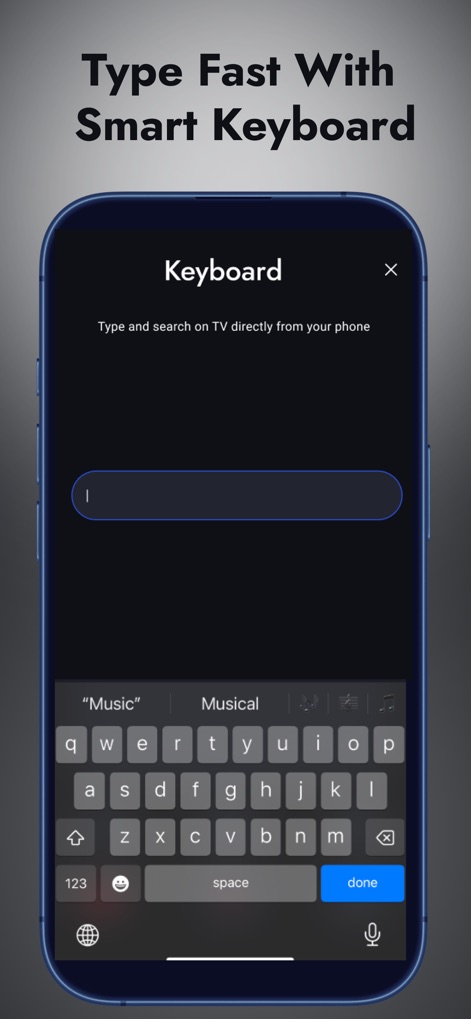
Explore the dedicated Keyboard feature, allowing users to efficiently type search queries and passwords directly from their phone.
Effortless Text Entry
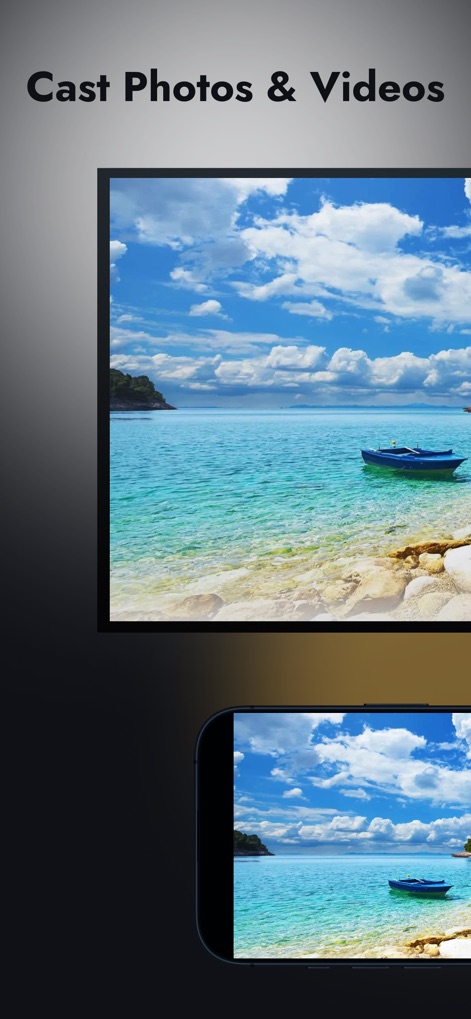
This visual demonstrates the ability to cast photos and videos from the user's mobile device directly to their larger TV screen.
Share Your Media
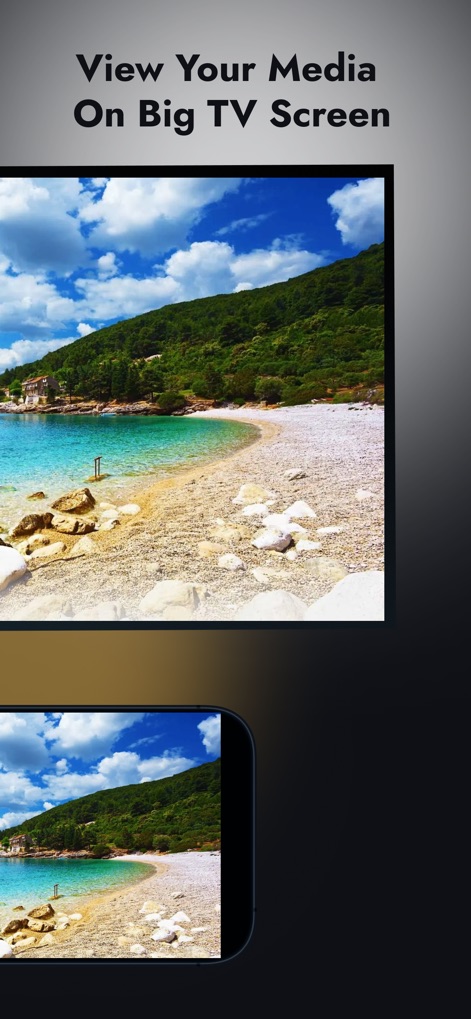
Experience media sharing by viewing personal photos and videos on the large TV screen, enhancing the viewing experience for users.
Big Screen Experience

Witness the quick pairing process, where the app easily identifies and connects to various devices like a Fire TV Stick or Roku TV.
Instant Connection
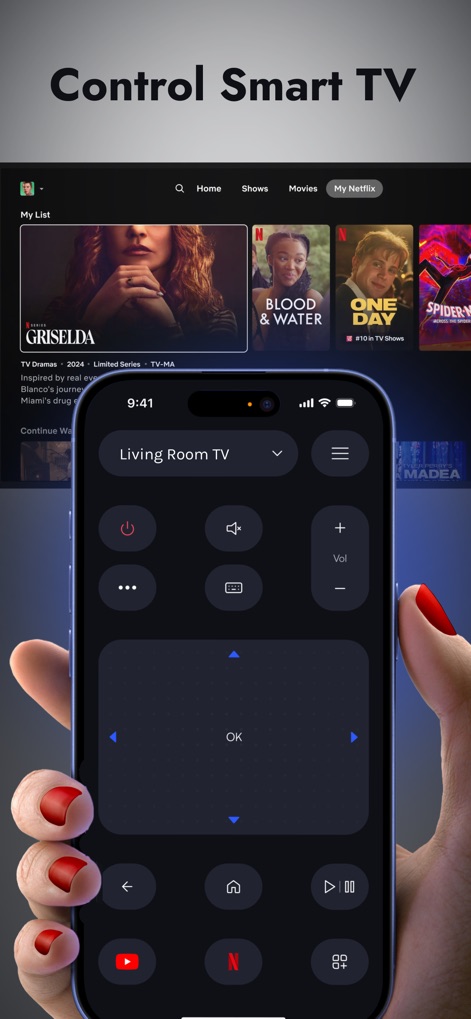
Users can see the ergonomic remote interface designed for comfort and precision, enabling full control over smart TV apps like Netflix.
Smart TV Mastery
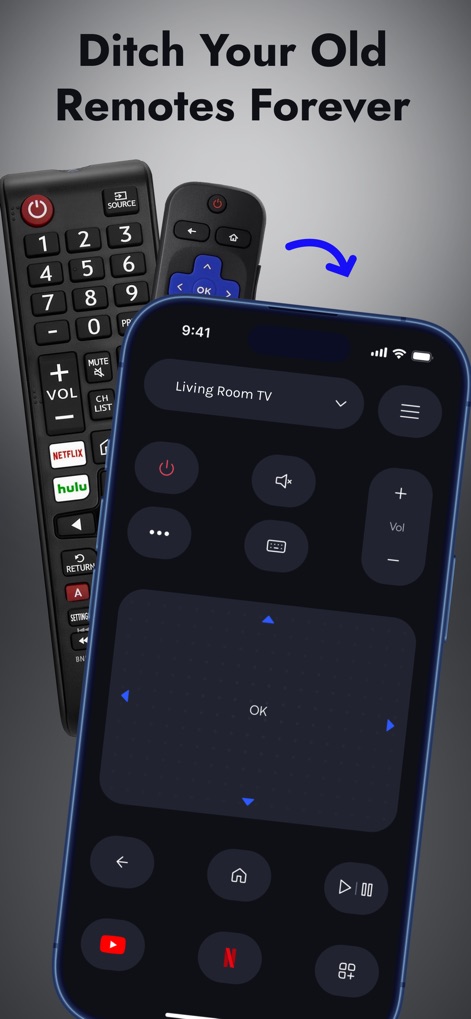
This image illustrates how the app replaces multiple physical remotes, providing a single, convenient digital control for all TV functions.
Modern Remote Solution
Description
Download
More Like This
Apps with similar features and user experience

The Roku App (Official)
ROKU INC

TV Remote & Smart TV Control
To Ngoc Mai

TV Remote, Universal Remote
Hangzhou Yingshitong Technology Co., Ltd.

TV Remote Control “Universo”
Nemo Apps LLC

TV Remote・Universal Control #1
Mihai Turlea

Remote Smart Tv Universal
clement gasner

Remote TV Control TCL Onn App
CEMAL CAGLAR KIRICI

TV Remote Control Universal AI
Anh Ngo

万能遥控器 ·
宇锋 林
This page is not an official page of the app or its developer, but an independent editorial publication created for informational and commentary purposes. Unless expressly stated otherwise, neither the app nor its developer is affiliated with, endorsed by, sponsored by, authorized by, or otherwise officially connected with MWM, Apple, Google Play, the app publisher, or the app's developer, and nothing on this page implies that the app was developed using MWM's services. Any trademarks, logos, screenshots, and other content remain the property of their respective owners.