
Remote Control for TV

Stop searching for lost remotes and simplify your living room. Effortlessly control Samsung, LG, Roku, and more from your iPhone with lightning-fast keyboard input and intuitive touchpad navigation.
Publisher
Category
UtilitiesDownloads
3M+User Rating
Total Ratings
25K+Locales
6Discover the interface used by 3M+ users.
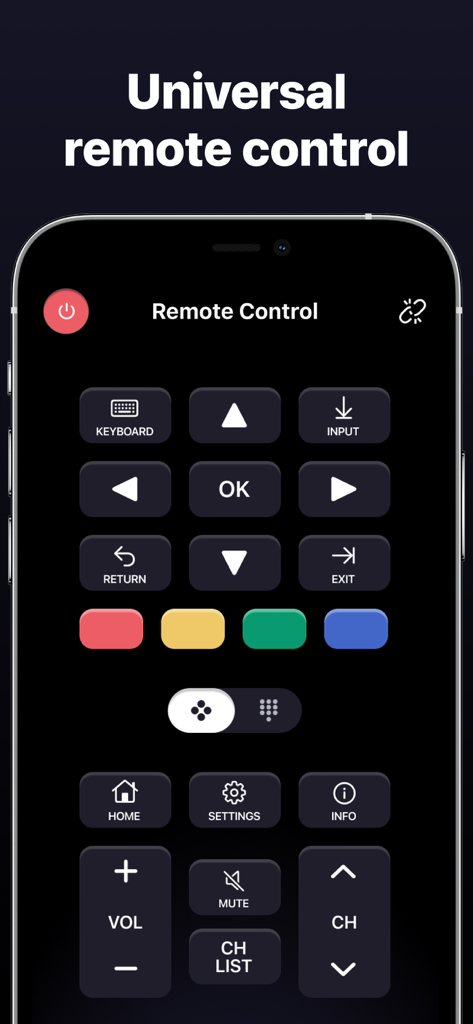
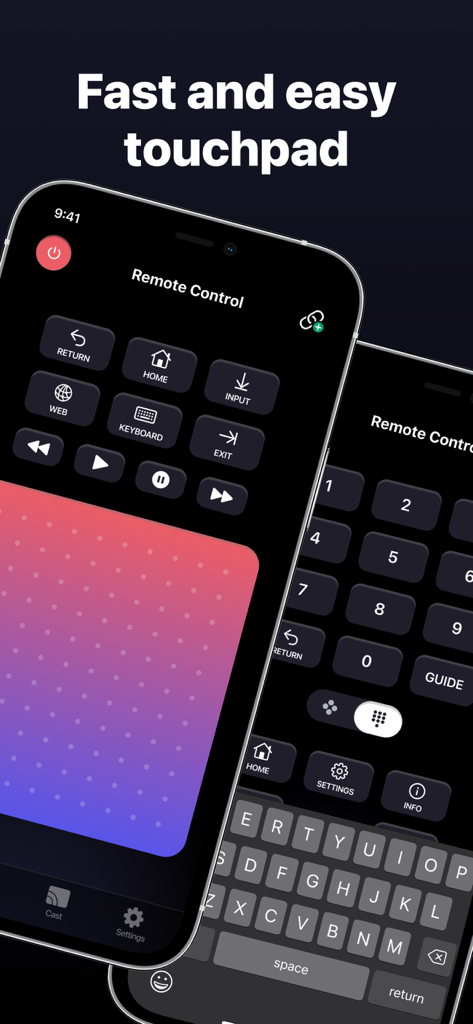
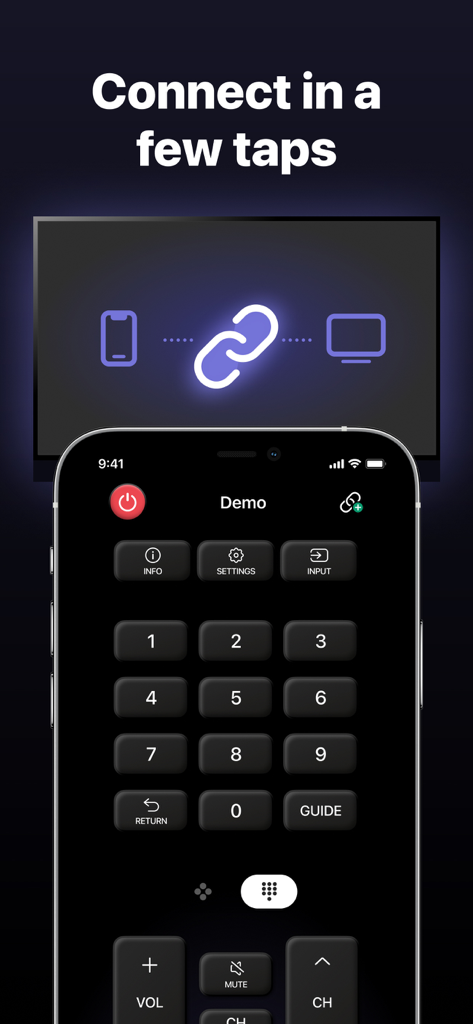
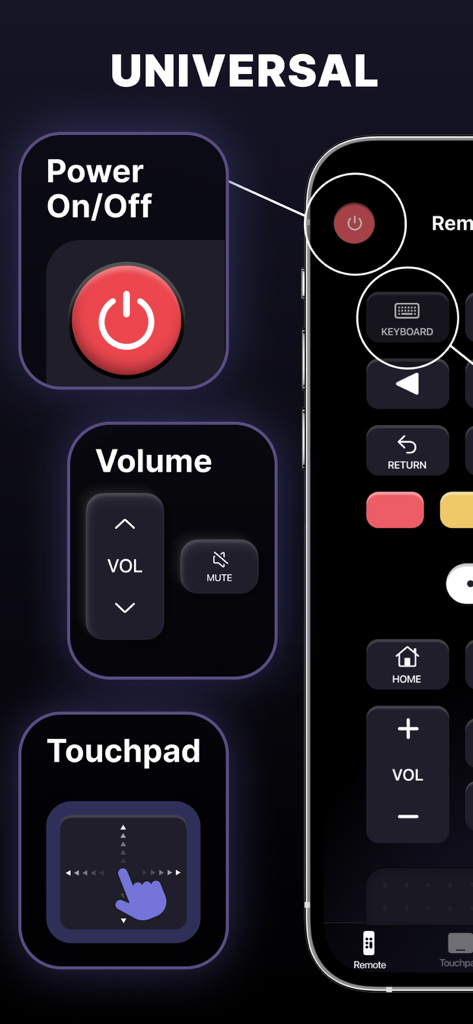
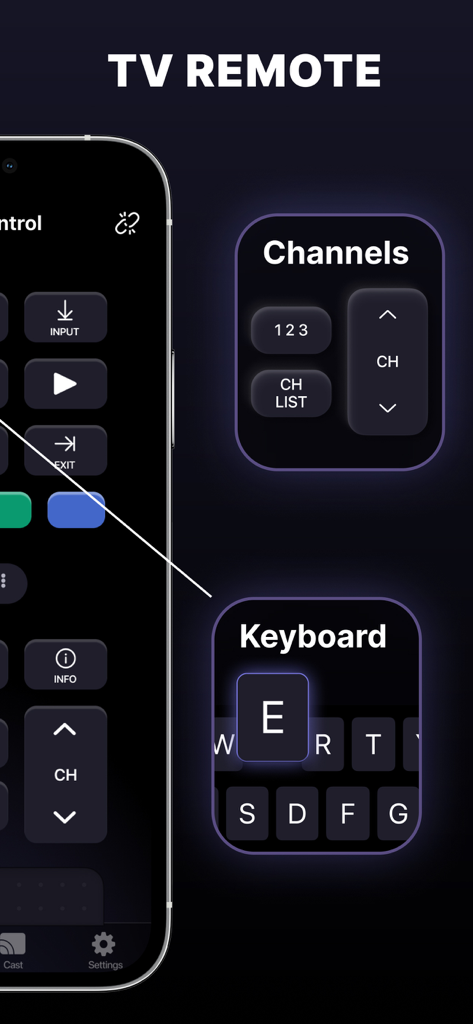
The tools that make this app stand out, trusted by 3M+ users.
One app for all your screens. Seamlessly switch between Samsung, LG, Roku, Fire TV, and more without leaving your couch.
Stop the frustration of on-screen typing. Use your iPhone keyboard to search for movies and enter passwords in a flash.
Navigate menus with fluid, responsive gestures. Our large touchpad makes browsing streaming apps feel as natural as using your phone.
Insights from user reviews.
Sentiment Score
Summary
This mobile app is frequently lauded by users for its easy setup, quick connection, and smooth, reliable performance, often serving as a convenient replacement for physical remotes. Many appreciate its broad compatibility with various TV brands and even other devices, enabling seamless control over channels, volume, and settings with no noticeable lag. However, a significant portion of reviews express severe dissatisfaction due to pervasive issues with unauthorized recurring subscriptions and deceptive billing practices. Users frequently report automatic charges, often immediately after download or during a misrepresented free trial, alongside considerable difficulties in canceling subscriptions or obtaining refunds from unresponsive customer service.
Common Themes
Everything you need to know about Remote Control for TV.
Description
Latest Version
1.4.4
Size
117.4 MB
First Released
Mar 23, 2023
Join 3 million users and turn your iPhone into a universal powerhouse. Control any TV, type faster with your keyboard, and launch your favorite apps in a tap.
Everything you need to know about Remote Control for TV
MyRemote: TV Remote Control transforms your iPhone or iPad into a universal remote for Smart TVs. It controls various TV brands, changes channels, and launches apps like Netflix and YouTube.
MyRemote: TV Remote Control supports popular TV brands including Roku, Samsung, LG, Sony, Amazon Fire TV, Panasonic, Phillips, Toshiba, and Vizio, with more devices planned.
Yes, MyRemote: TV Remote Control allows users to launch favorite apps directly from the app, including popular streaming services like Netflix and YouTube.
Yes, MyRemote: TV Remote Control includes a large touchpad for easy navigation and fast keyboard input, enhancing control over your Smart TV. This is a subscription feature.
No, MyRemote: TV Remote Control is an independent application. It is not affiliated with, endorsed, or sponsored by any TV brands or hardware manufacturers.
A subscription to MyRemote: TV Remote Control unlocks features such as automatic Smart TV detection, compatibility with most popular TV brands, a large touchpad, in-app channel launch, and fast keyboard input.
Your MyRemote: TV Remote Control subscription automatically renews. To prevent renewal, disable auto-renewal at least 24 hours before your current billing period ends.
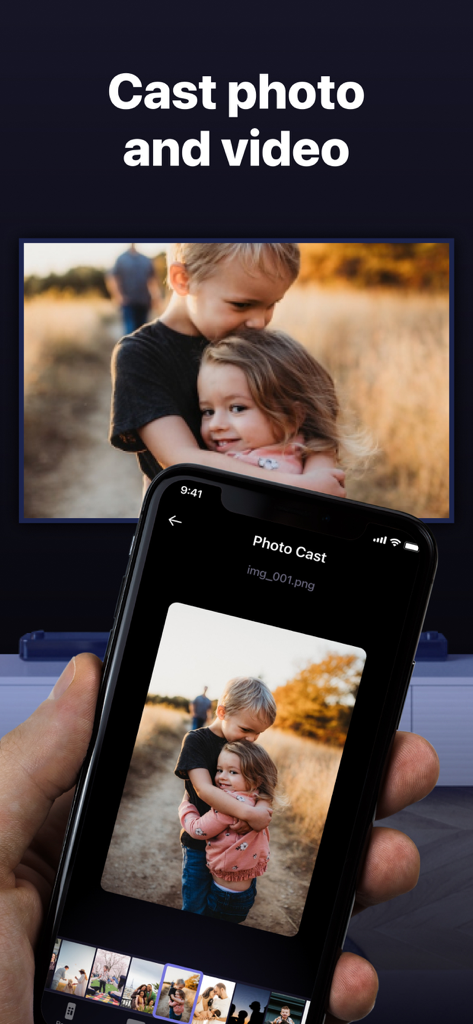
Yes, MyRemote: TV Remote Control supports casting photos and videos from your device to your Smart TV.
Apps with similar features and user experience

ROKU INC

To Ngoc Mai

Apps Venture Inc.

Hangzhou Yingshitong Technology Co., Ltd.

Nemo Apps LLC

Mihai Turlea

clement gasner

CEMAL CAGLAR KIRICI

Anh Ngo
App information, icons, screenshots, and descriptions displayed on this page are sourced from the Apple App Store and are the property of their respective developers. Download estimates and rankings are based on MWM's proprietary models and may not reflect actual figures. This page is provided for informational and analytical purposes only.
Believe this page infringes your intellectual property? File a dispute