
This page is not an official page of the app or its developer, but an independent editorial publication created for informational and commentary purposes. Unless expressly stated otherwise, neither the app nor its developer is affiliated with, endorsed by, sponsored by, authorized by, or otherwise officially connected with MWM, Apple, Google Play, the app publisher, or the app's developer, and nothing on this page implies that the app was developed using MWM's services. Any trademarks, logos, screenshots, and other content remain the property of their respective owners.


Resolutioner
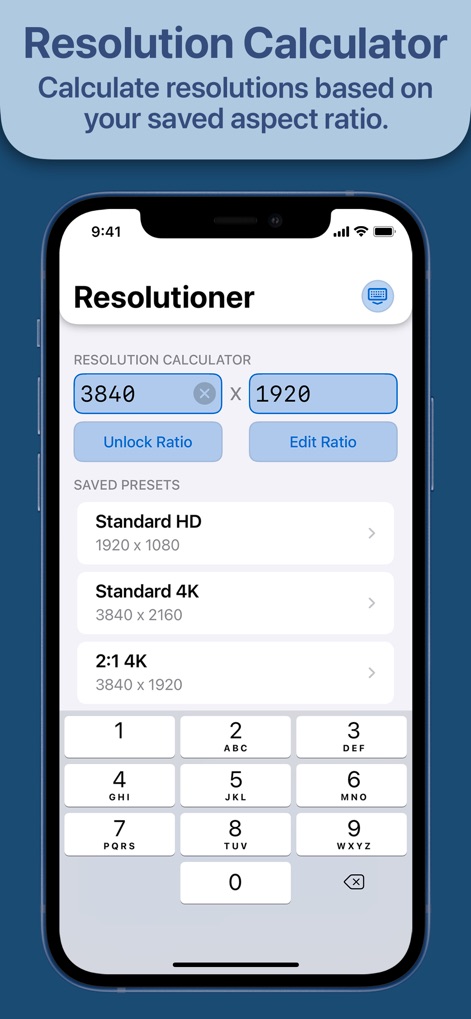
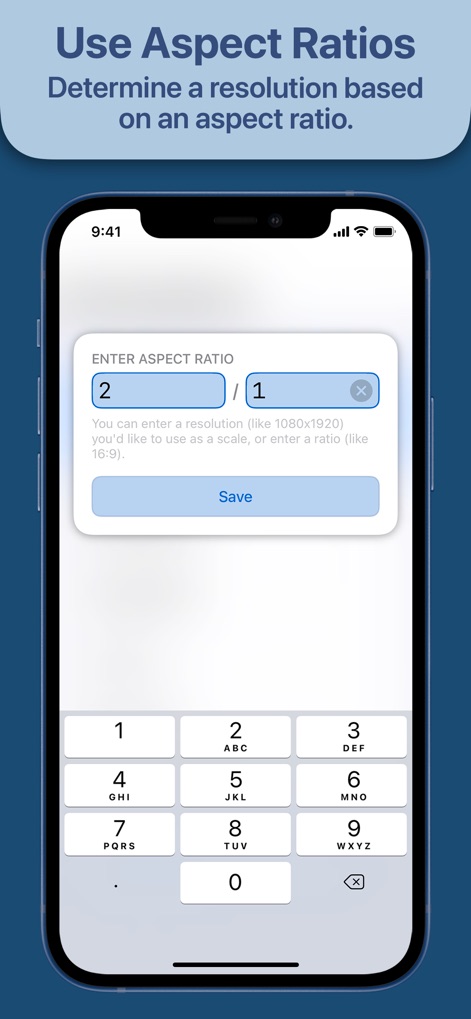
The essential utility for designers and developers to calculate dimensions, scale aspect ratios, and sync custom presets seamlessly across iPhone, iPad, and Mac.
Downloads
101K+User Rating
Total Ratings
1K+Publisher
Category
Developer ToolsLocales
1Latest Version
1.0Size
4.0 MBFirst Released
May 11, 2021Master Your Canvas with Pixel-Perfect Precision
The essential utility for digital creators to calculate, scale, and organize resolutions across the entire Apple ecosystem.
Instant Aspect Scaling
Calculate perfect dimensions for any ratio without manual math, ensuring your assets are sharp and correctly sized every time.
Pro Workflow Presets
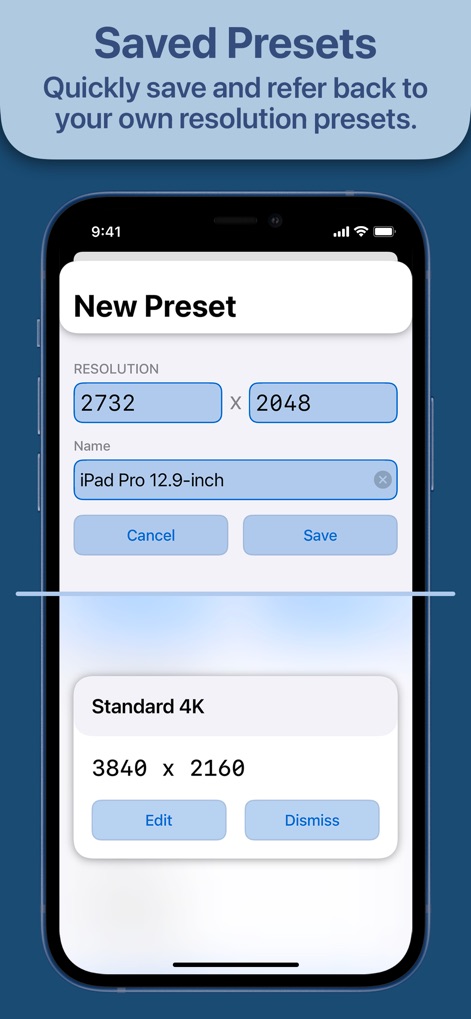
Save and name your most-used resolutions for specific clients or projects, turning complex specs into a one-tap library.
The following screenshots and description are sourced directly from the app's official store listing and are the property of the app developer.
App Store
Screenshots


Description
Download
More Like This
Apps with similar features and user experience
BA Financial Calculator
Angel Montana

Astrology Master
ibrahim veli

Sporty's E6B Flight Computer
Sporty's Pilot Shop
BA Financial Calculator (PRO)
Angel Montana
Construction Master Pro Calc
Calculated Industries, Inc.
Construction Master 5 Calc
Calculated Industries, Inc.
Pipe Trades Pro Calc
Calculated Industries, Inc.

Qualifier Plus IIIx/fx
Calculated Industries, Inc.

CliniCalc Medical Calculator
Medicon Apps
This page is not an official page of the app or its developer, but an independent editorial publication created for informational and commentary purposes. Unless expressly stated otherwise, neither the app nor its developer is affiliated with, endorsed by, sponsored by, authorized by, or otherwise officially connected with MWM, Apple, Google Play, the app publisher, or the app's developer, and nothing on this page implies that the app was developed using MWM's services. Any trademarks, logos, screenshots, and other content remain the property of their respective owners.