
This page is not an official page of the app or its developer, but an independent editorial publication created for informational and commentary purposes. Unless expressly stated otherwise, neither the app nor its developer is affiliated with, endorsed by, sponsored by, authorized by, or otherwise officially connected with MWM, Apple, Google Play, the app publisher, or the app's developer, and nothing on this page implies that the app was developed using MWM's services. Any trademarks, logos, screenshots, and other content remain the property of their respective owners.

Resume Maker: CV Builder
Land your dream job with industry-standard templates and easy mobile editing. Create, customize, and export a high-quality PDF resume that stands out to recruiters on the go.
Downloads
700User Rating
Total Ratings
0Publisher
Category
BusinessLocales
1Latest Version
1.0.0Size
27.6 MBFirst Released
Oct 3, 2024Land Your Dream Job Faster
The ultimate mobile toolkit designed for Gen Z professionals to create stunning, recruiter-ready resumes in minutes, directly from your iPhone.
Industry-Standard Templates
Swap 'boring' for 'brilliant' with modern layouts designed to beat ATS filters and impress top-tier hiring managers.
Seamless Mobile Editing
Tailor your CV for specific job roles on the fly. No more formatting headaches—just smooth, intuitive customization.
Frequently Asked Questions
Everything you need to know about Resume Maker: CV Builder
Is Resume Maker: CV Builder a free application?
Yes, Resume Maker: CV Builder is a free application. It is promoted as a savvy free resume builder, allowing users to create resumes without cost.
What types of templates does Resume Maker: CV Builder offer?
Resume Maker: CV Builder offers multiple resume templates. These include elegantly designed, industry-standard options ranging from modern to traditional designs, catering to various vocations and career levels.
Can I add a photo to my resume using Resume Maker: CV Builder?
Yes, Resume Maker: CV Builder allows users to upload a photo to their resume. This feature helps enhance the resume with an authoritative photo for a strong first impression.
How do I export my resume from Resume Maker: CV Builder?
Resume Maker: CV Builder allows users to export their completed resumes in a high-quality PDF version. This prepares the document for direct submission to employers.
Does Resume Maker: CV Builder allow customization of resume sections?
Yes, Resume Maker: CV Builder enables extensive customization. Users can add details for experience, education, activities, achievements, skills, objectives, references, and more sections.
Can I add skills to my resume with Resume Maker: CV Builder?
Yes, Resume Maker: CV Builder includes a dedicated section for adding skills. Users can input specific skills and their corresponding levels into their resume.
How quickly can I create a resume with Resume Maker: CV Builder?
Resume Maker: CV Builder is designed for quick and efficient resume generation. Users can create a professional resume in minutes by streamlining the entire process.
Does Resume Maker: CV Builder offer help or examples for filling out resume details?
Resume Maker: CV Builder provides thorough information and instructions for filling in details in each section. This assistance ensures users can complete their resumes accurately.
Can I manage multiple resume profiles in Resume Maker: CV Builder?
Yes, Resume Maker: CV Builder supports managing multiple resume profiles. Users can create new profiles and switch between existing ones to manage different versions of their CVs.
The following screenshots and description are sourced directly from the app's official store listing and are the property of the app developer.
App Store
Screenshots
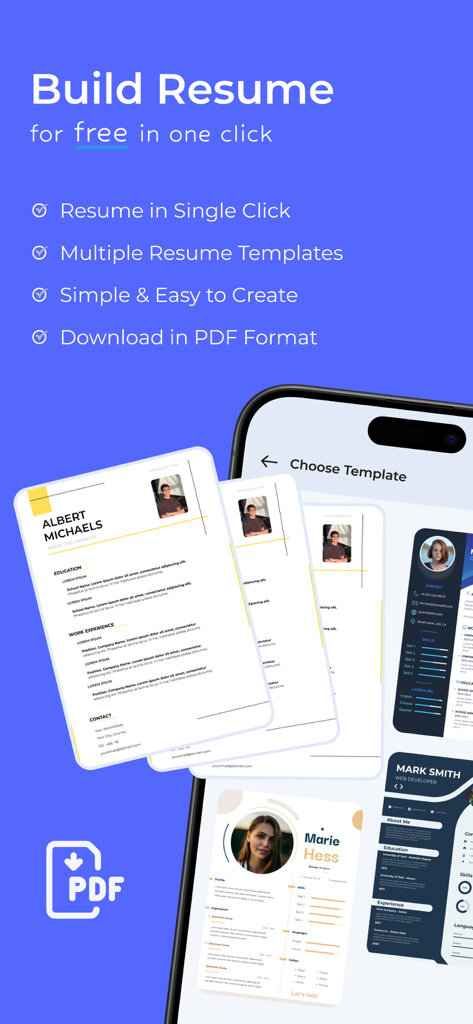
Mobile app interface showing various professional resume templates with a PDF download feature
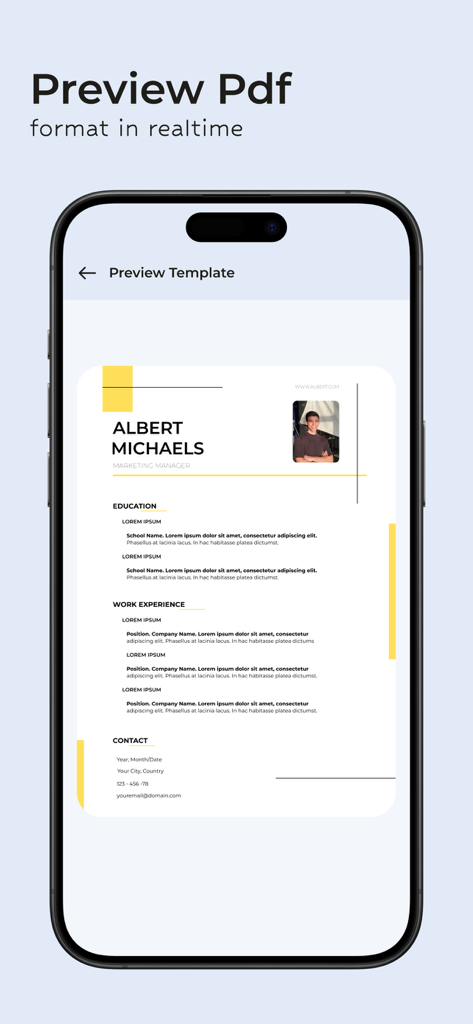
A professional resume template preview on a mobile phone screen
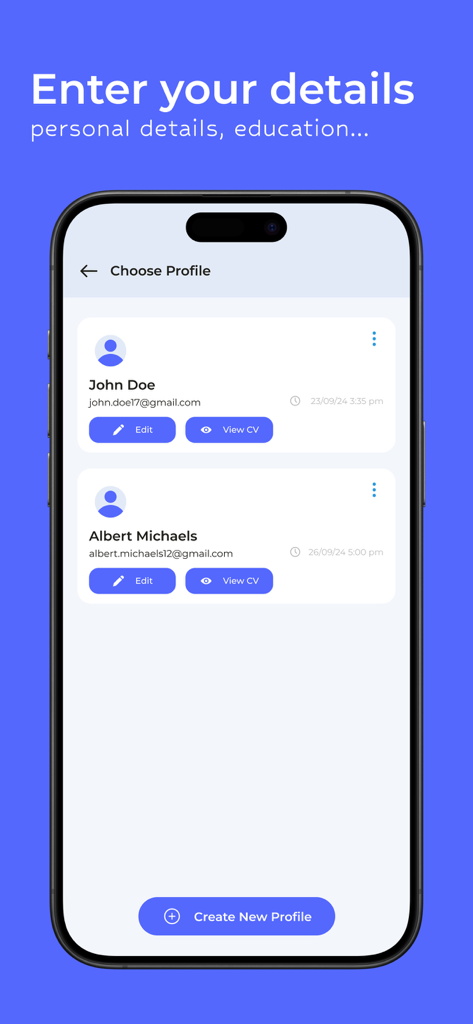
A mobile app screen displaying multiple user profiles within a resume builder app, featuring buttons to edit, view CV, or create a new profile.
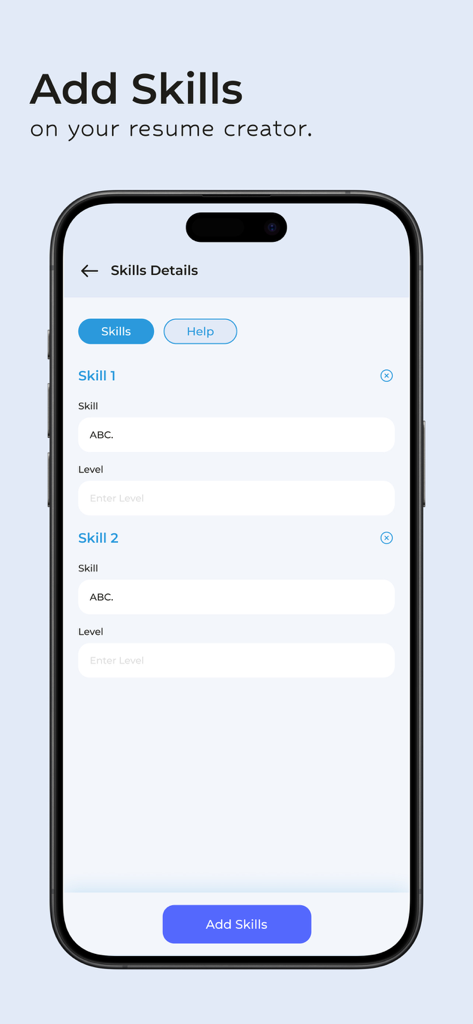
Interface of the Resume Maker app showing fields to add skills and their proficiency levels on a resume.
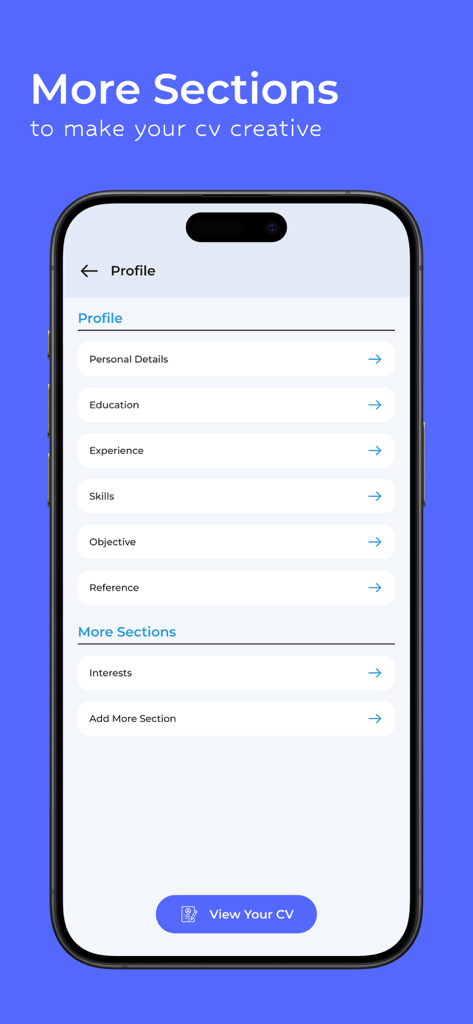
A mobile app screen showing options to add different sections to a resume such as education, experience, and skills.
Description
Download
More Like This
Top-ranked apps in the same category

Microsoft Teams
Microsoft Corporation

Zoom Workplace
Zoom Communications, Inc.

WhatsApp Business
WhatsApp Inc.

Indeed Job Search
Indeed Inc.

LinkedIn: Network & Job Finder
LinkedIn Corporation

Adobe Acrobat Reader: Sign PDF
Adobe Inc.

WeCom-Work Communication&Tools
Tencent Technology (Shenzhen) Company Limited

BOSS直聘-招聘求职找工作神器
Beijing China Product Bo Farce Network Technology Co., Ltd.

DingDing - Redefine Work in AI
DingTalk Technology Co., Ltd.
This page is not an official page of the app or its developer, but an independent editorial publication created for informational and commentary purposes. Unless expressly stated otherwise, neither the app nor its developer is affiliated with, endorsed by, sponsored by, authorized by, or otherwise officially connected with MWM, Apple, Google Play, the app publisher, or the app's developer, and nothing on this page implies that the app was developed using MWM's services. Any trademarks, logos, screenshots, and other content remain the property of their respective owners.