
This page is not an official page of the app or its developer, but an independent editorial publication created for informational and commentary purposes. Unless expressly stated otherwise, neither the app nor its developer is affiliated with, endorsed by, sponsored by, authorized by, or otherwise officially connected with MWM, Apple, Google Play, the app publisher, or the app's developer, and nothing on this page implies that the app was developed using MWM's services. Any trademarks, logos, screenshots, and other content remain the property of their respective owners.


RetroCam: Vintage Film Camera
Effortlessly recreate the nostalgic look of the 80s and 90s with realistic light leaks, grainy textures, and vintage filters designed for the modern curator.
Downloads
7M+User Rating
Total Ratings
6K+Publisher
Category
Photo & VideoLocales
1Latest Version
2.1.2Size
124.5 MBFirst Released
Dec 4, 2008The Ultimate Analog Vibe
Ditch the clinical look of digital. Effortlessly recreate the nostalgic charm of 80s film with professional-grade filters, textures, and light leaks tailored for your curated aesthetic.
Authentic Film Simulation
Skip the expensive film rolls. Get the exact look of classic 35mm cameras with presets designed to bring warmth and depth to every shot.
Artistic Imperfections
Embrace the 'anti-perfection' trend by adding organic light leaks, dust textures, and grain that make your photos feel real and tangible.
Frequently Asked Questions
Everything you need to know about RetroCam: Vintage Film Camera
What is Retrocam and what does it do?
Retrocam is a mobile application that transforms photos into vintage film-style images. It applies retro effects like light leaks, grain, scratches, and dust textures to give photos an authentic analog look.
How can users apply vintage effects using Retrocam?
Users load a photo into Retrocam, then select a filter, and apply effects such as light leaks, scratches, or dust textures. The app also allows adjustment of highlights, shadows, tints, and saturation.
Does Retrocam offer a free trial for its premium features?
Yes, Retrocam offers a 3-day free trial for its "Retrocam Pro" auto-renewing subscription. After the trial, the subscription costs $19.99 per year.
What exclusive features does the Retrocam Pro subscription unlock?
The Retrocam Pro subscription unlocks the Glitch tool and provides access to all light leaks, textures, and filters. Non-subscribers are limited to 10 elements from each category.
What types of vintage effects can Retrocam add to photos?
Retrocam adds faux film effects, random light leaks, grainy vintage looks, scratches, and dust textures. It also features vintage filters and a Glitch tool.
What is the annual cost of a Retrocam Pro subscription?
The Retrocam Pro subscription costs $19.99 per year. This price applies after a 3-day free trial period.
Can users manage their Retrocam Pro subscription settings?
Yes, users can manage their subscription and turn off auto-renewal by accessing their Account Settings after purchase. This must be done at least 24-hours before the current period ends.
The following screenshots and description are sourced directly from the app's official store listing and are the property of the app developer.
App Store
Screenshots
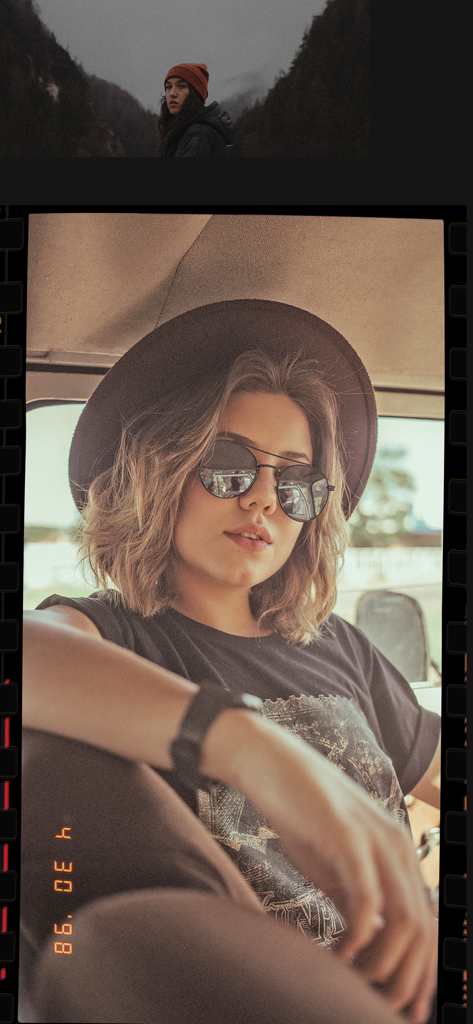
A woman wearing sunglasses and a hat with a retro 90s film camera effect and date stamp
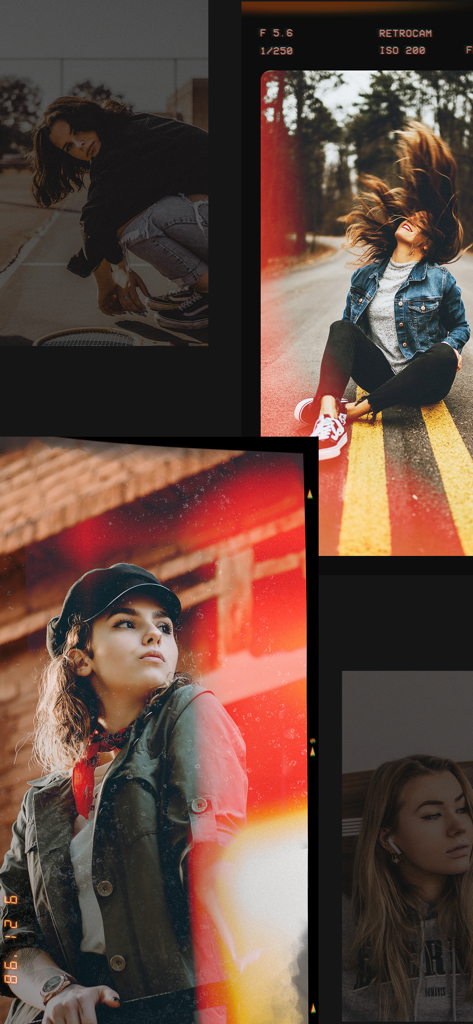
A collage of portraits featuring vintage film filters, light leaks, and grainy textures
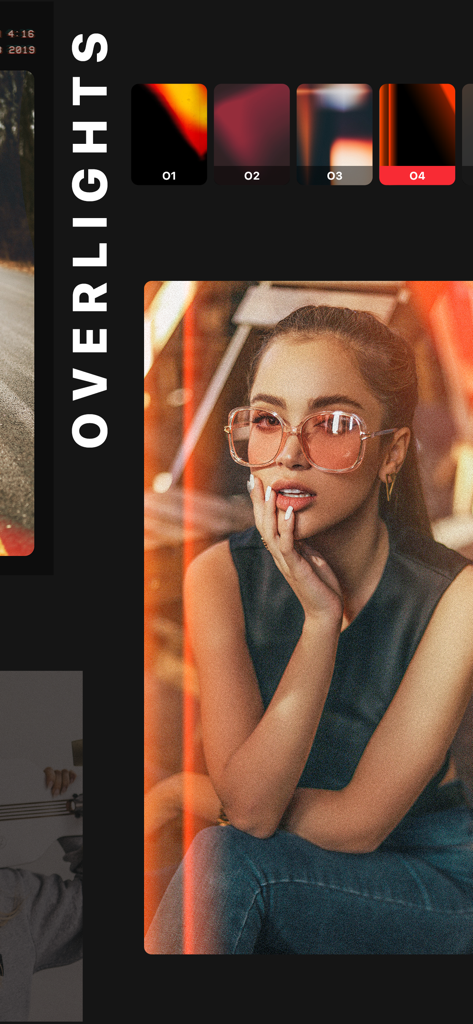
A woman with vintage light leak effects applied using RetroCam overlights filters
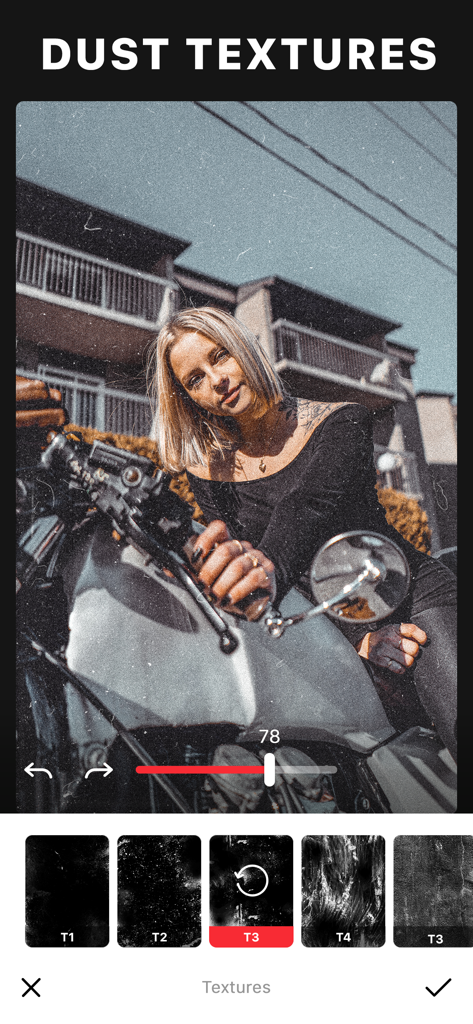
RetroCam app interface showing dust textures and vintage film effects being applied to a photo of a woman on a motorcycle.
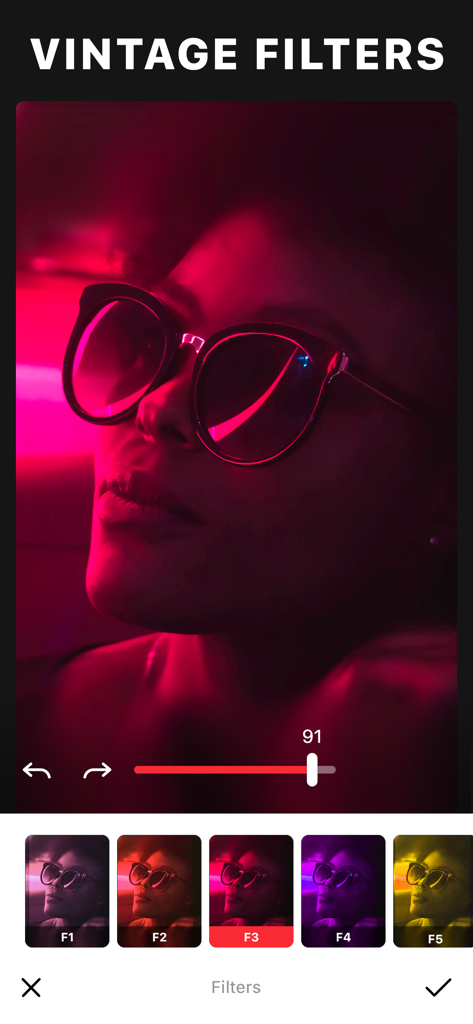
RetroCam app interface showing vintage filters applied to a portrait photo with neon pink lighting
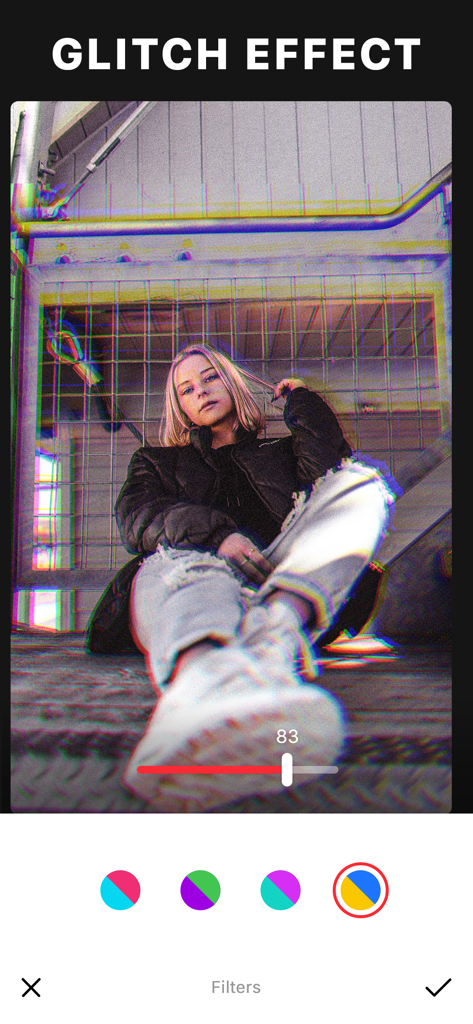
A mobile app screenshot of RetroCam showing a glitch effect applied to a portrait of a woman.
Description
Download
More Like This
Apps with similar features and user experience

Dazz Cam - Vintage Camera
DAZZ PTE. LTD.

Kapi - Vintage Film Camera
Shanghai Yuhuan Technology Co., Ltd.
ProCCD - Digital Film Camera
秉妍 蔡

Fomz - Vintage Analog Camera
Guangzhou Mengdong Information Technology Co., Ltd.

Liit - Photo & Video Editor
DAZZ PTE. LTD.
1998 Cam - Vintage Camera
Huu Nguyen Chi

y2k: 2000s photo editor
Abel Thomas Noble

Uplens: Photo & Video Editor
MPGAMES LTD

Buttercam
Beijing Muke Technology Co., Ltd.
This page is not an official page of the app or its developer, but an independent editorial publication created for informational and commentary purposes. Unless expressly stated otherwise, neither the app nor its developer is affiliated with, endorsed by, sponsored by, authorized by, or otherwise officially connected with MWM, Apple, Google Play, the app publisher, or the app's developer, and nothing on this page implies that the app was developed using MWM's services. Any trademarks, logos, screenshots, and other content remain the property of their respective owners.