
ReversePlayback

The lightweight, no-nonsense tool to flip your videos and audio instantly. Defy physics, control playback speed, and trim your clips for that perfect 'how-did-they-do-that' viral vibe.
Publisher
Category
Photo & VideoDownloads
0User Rating
Total Ratings
0Locales
2Discover the interface used by 0 users.
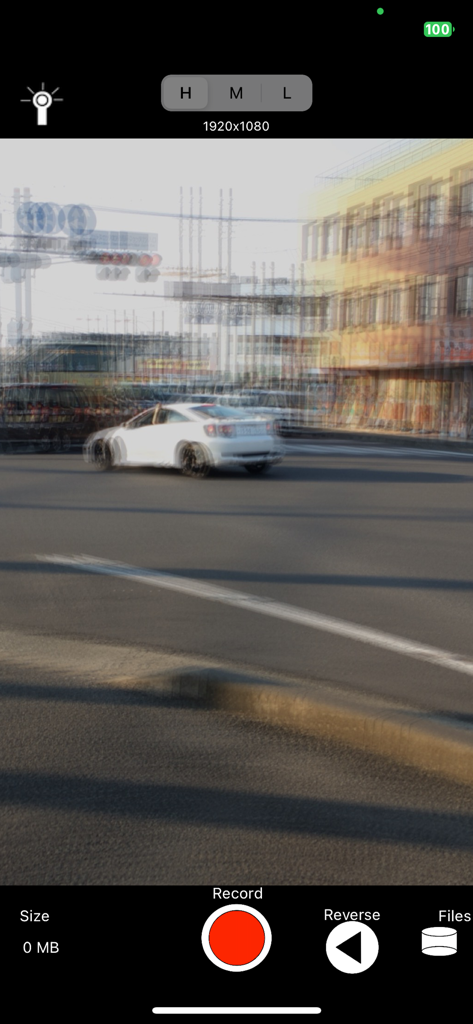
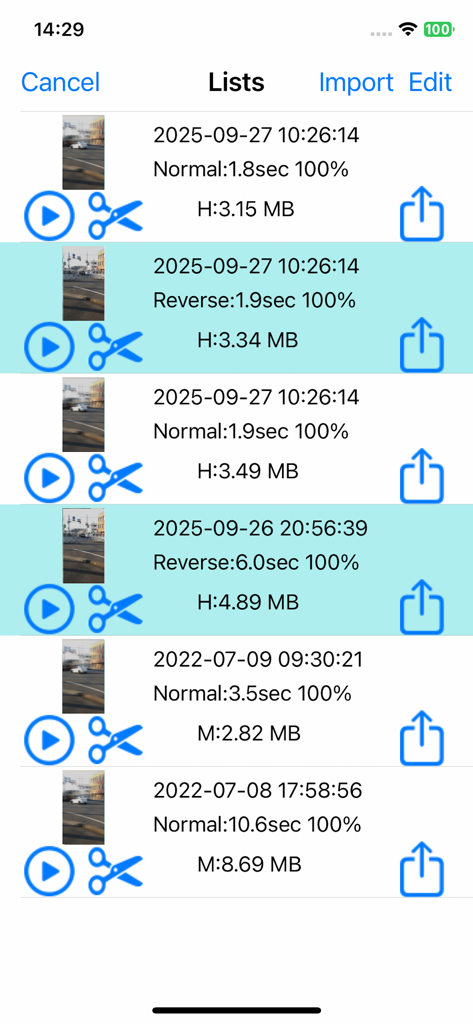
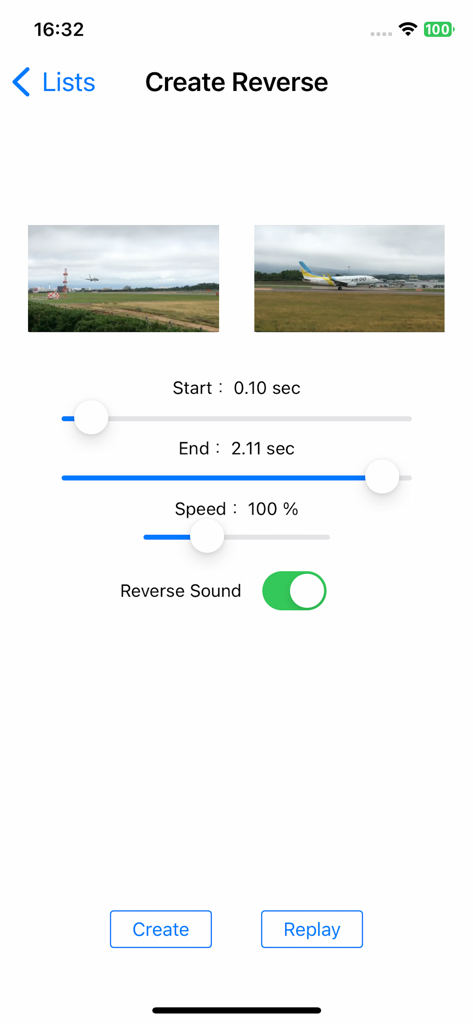
The tools that make this app stand out, trusted by 0 users.
Shoot and see the magic immediately. Film your stunts or 'get ready with me' transitions and play them back in reverse without the wait.
Slow down for epic cinematic reveals or speed up for high-energy comedy. Dial in the perfect pace to match the beat of any viral track.
Flip your sound along with your visuals. Create surreal soundscapes or trippy backmasked audio that adds a unique aesthetic to your feed.
Everything you need to know about ReversePlayback.
Description
Latest Version
1.3
Size
9.8 MB
First Released
Sep 2, 2016
The fastest way to flip your videos and audio for TikTok, Reels, and Shorts. Download the lightweight editor built for creators who value speed and style.
Top-ranked apps in the same category

BYTEDANCE PTE. LTD.

Instagram, Inc.

Google LLC

Canva Pty Ltd

Beijing Kwai Technology Co., Ltd.

Snap, Inc.

Meta Platforms, Inc.

Instagram, Inc.

Xiamen Meitu Technology Co., Ltd.
App information, icons, screenshots, and descriptions displayed on this page are sourced from the Apple App Store and are the property of their respective developers. Download estimates and rankings are based on MWM's proprietary models and may not reflect actual figures. This page is provided for informational and analytical purposes only.
Believe this page infringes your intellectual property? File a dispute