
This page is not an official page of the app or its developer, but an independent editorial publication created for informational and commentary purposes. Unless expressly stated otherwise, neither the app nor its developer is affiliated with, endorsed by, sponsored by, authorized by, or otherwise officially connected with MWM, Apple, Google Play, the app publisher, or the app's developer, and nothing on this page implies that the app was developed using MWM's services. Any trademarks, logos, screenshots, and other content remain the property of their respective owners.

RevHeadz Engine Sounds
Unleash the visceral roar of V12 supercars, classic muscle, and GT3 legends. Connect via OBD-II to sync real-time engine physics with your car and transform every drive into a high-performance experience.
Downloads
3M+User Rating
Total Ratings
2K+Publisher
Category
EntertainmentLocales
1Latest Version
1.23Size
200.9 MBFirst Released
Feb 16, 2014Unleash the World's Most Iconic Engines
Transform your device into a high-performance cockpit with professional sonic modeling and real-world mechanical physics.
Total Mechanical Control
Master every rev with physics-based simulation including gear-shifts, engine load, drive ratios, and authentic backfire logic.
Drive Your Dream Engine
Use the OBD-II feature to sync the app with your car’s real RPM, turning your daily commute into a high-octane racing experience.
Frequently Asked Questions
Everything you need to know about RevHeadz Engine Sounds
What is RevHeadz Engine Sounds?
RevHeadz Engine Sounds is an advanced application that simulates a wide array of car and bike engine sounds. It allows users to control gear-shifts, brakes, and accelerator speed, incorporating realistic mechanical physical parameters for an immersive experience.
Does RevHeadz Engine Sounds offer OBD2 connectivity?
Yes, RevHeadz Engine Sounds supports OBD2 connectivity. This feature enables users to experience the app's engine sounds while driving their car. It requires an OBD-II compliant vehicle and a specific adapter.
What adapters are needed for RevHeadz Engine Sounds' OBD2 feature?
To use the OBD2 feature with RevHeadz Engine Sounds, an ELM/OBD-II Wifi adapter or a Bluetooth adapter certified for iOS is required. The vehicle must also be OBD-II compliant, reporting RPM or Speed data.
What engine sounds are included in the free pack of RevHeadz Engine Sounds?
The free pack in RevHeadz Engine Sounds includes a 6.0L V12 Italian Supercar, 1000cc V4 Japanese Sports Bike, 4.7L V8 American Classic Muscle Car, and five other specific engine sounds like the NIS 350Z V8 Super GT.
How do users control engine parameters in RevHeadz Engine Sounds?
Users control engine parameters in RevHeadz Engine Sounds through gear-shifts, brakes, and accelerator input. The app integrates physical parameters such as speedometer, tachometer, engine load, and backfire logic for realistic simulation.
Can RevHeadz Engine Sounds be connected to a car sound system?
Yes, RevHeadz Engine Sounds can be connected to external sound systems. Users can connect their device to a home or car sound system to enhance the experience and fully appreciate the simulated engine sounds.
How do I restore purchases within RevHeadz Engine Sounds?
Yes, users can restore purchases in RevHeadz Engine Sounds. The app provides a dedicated "RESTORE PURCHASES" button on its main menu interface to re-enable previously acquired content.
The following screenshots and description are sourced directly from the app's official store listing and are the property of the app developer.
App Store
Screenshots
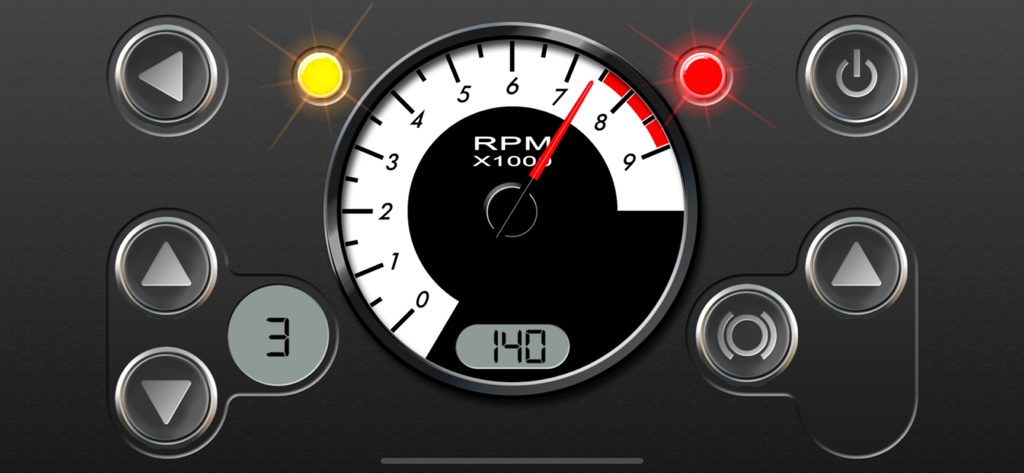
Digital car dashboard interface showing a tachometer with high RPM and gear shift controls
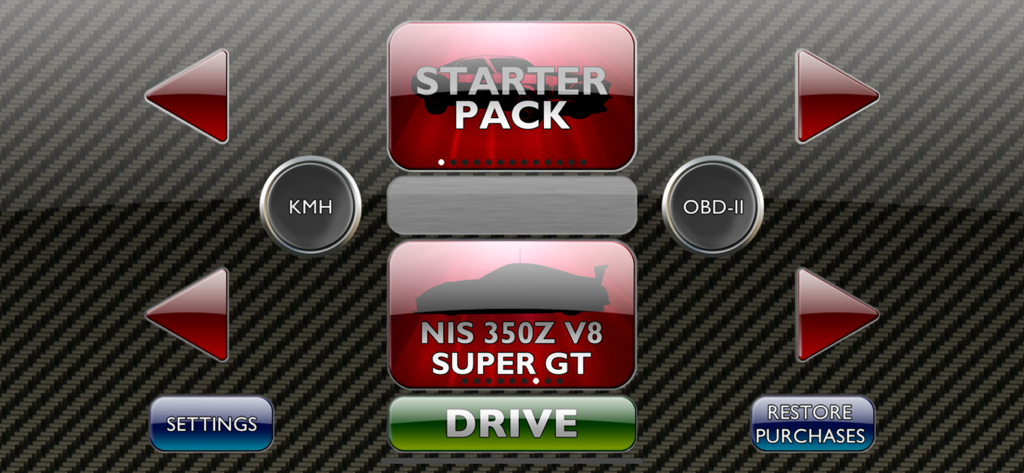
RevHeadz app menu showing the NIS 350Z V8 Super GT car selection and drive button
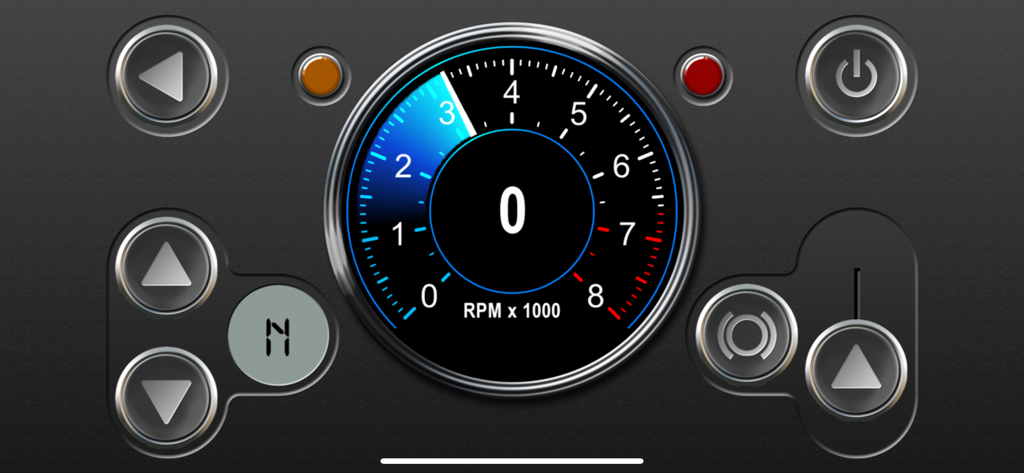
Digital car dashboard interface showing an RPM gauge and interactive engine controls.
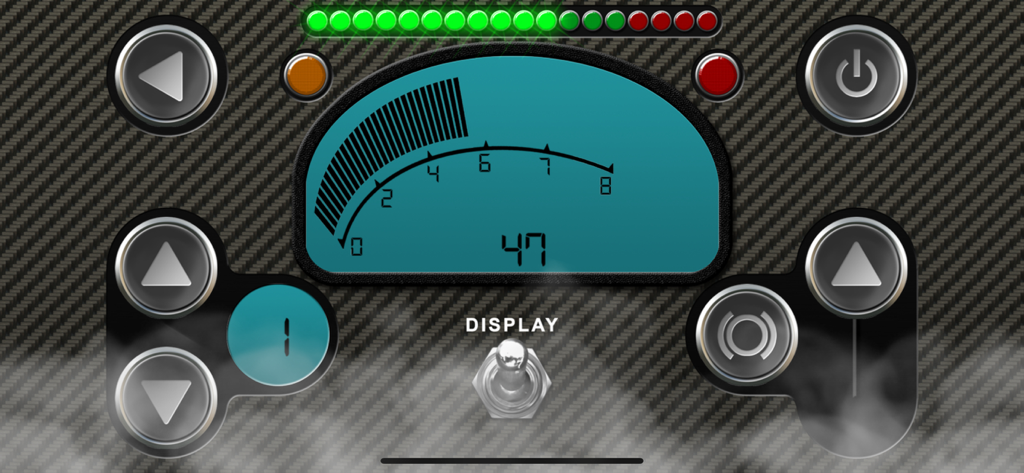
RevHeadz app digital engine dashboard showing RPM gauge gear indicator and acceleration controls
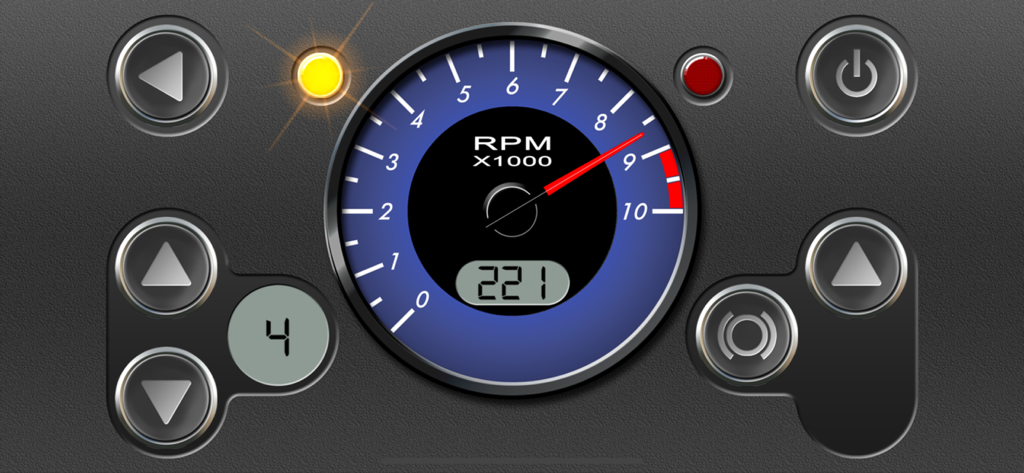
A digital car dashboard interface featuring a blue RPM gauge and gear indicator.
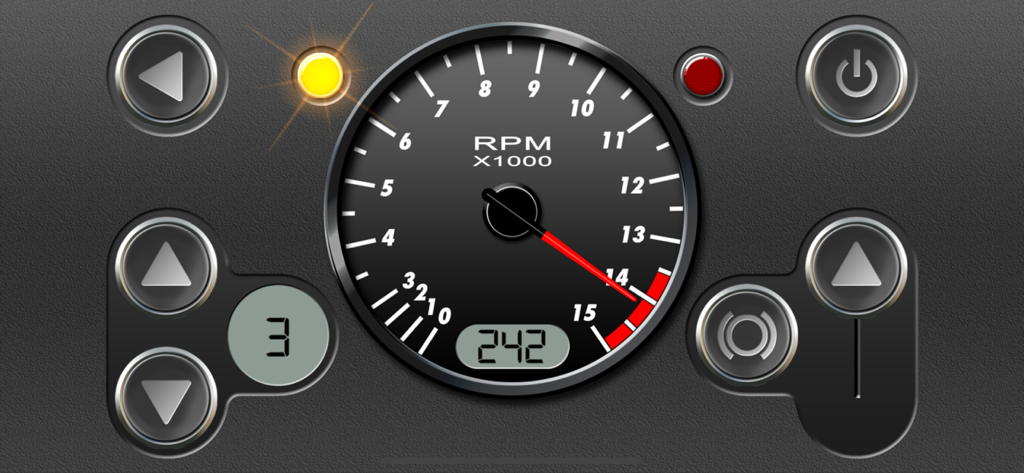
RevHeadz engine sounds dashboard showing a high RPM tachometer and gear indicator
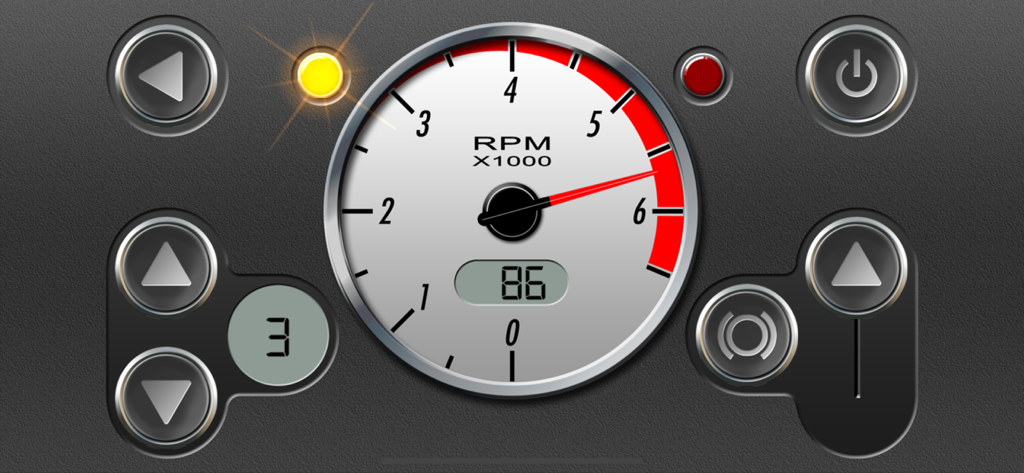
RevHeadz app interface showing a tachometer gauge and gear shift buttons
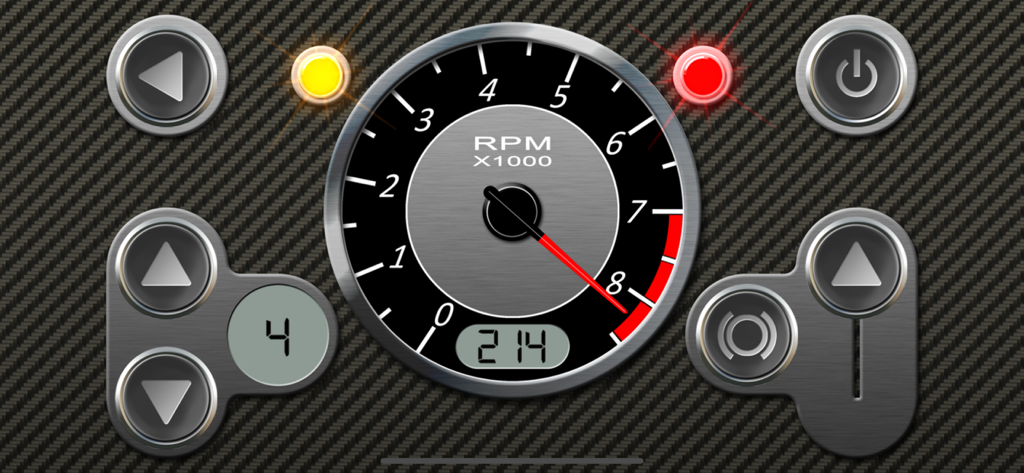
Digital car dashboard interface with tachometer and gear controls in RevHeadz app
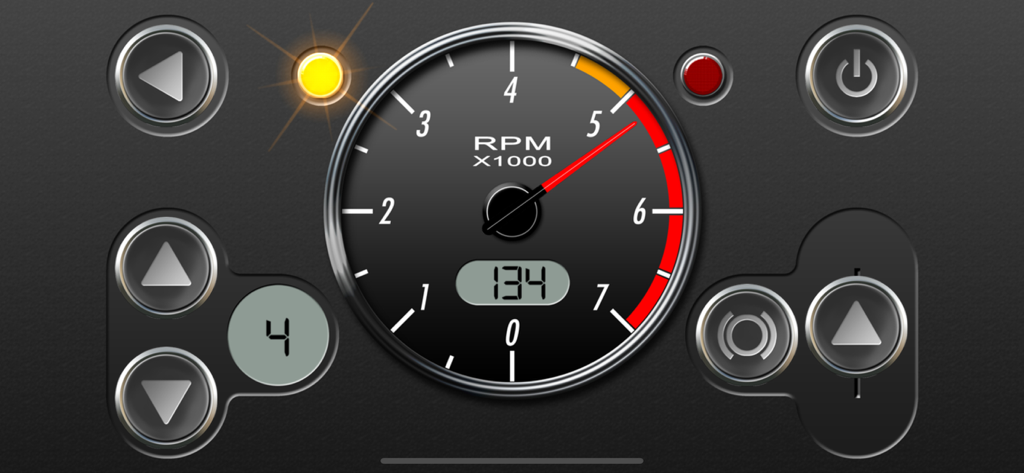
RevHeadz Engine Sounds digital dashboard interface with RPM gauge and gear indicator
Description
Download
More Like This
Apps with similar features and user experience


This page is not an official page of the app or its developer, but an independent editorial publication created for informational and commentary purposes. Unless expressly stated otherwise, neither the app nor its developer is affiliated with, endorsed by, sponsored by, authorized by, or otherwise officially connected with MWM, Apple, Google Play, the app publisher, or the app's developer, and nothing on this page implies that the app was developed using MWM's services. Any trademarks, logos, screenshots, and other content remain the property of their respective owners.