
This page is not an official page of the app or its developer, but an independent editorial publication created for informational and commentary purposes. Unless expressly stated otherwise, neither the app nor its developer is affiliated with, endorsed by, sponsored by, authorized by, or otherwise officially connected with MWM, Apple, Google Play, the app publisher, or the app's developer, and nothing on this page implies that the app was developed using MWM's services. Any trademarks, logos, screenshots, and other content remain the property of their respective owners.


Ringtone Maker – create ringtones with your music
Finally, your iPhone sings your tune. This app liberates your music, turning tracks into personal alerts.
Downloads
2.5M+User Rating
Total Ratings
18.5KPublisher
Category
MusicLocales
1Latest Version
1.2Size
16.1 MBFirst Released
Feb 16, 2016An evaluation of core functionalities for iPhone personalization.
Key Features Analysis: Ringtone Maker
Custom Ringtone Creation
The app provides the ability to transform personal music library tracks, including iPod songs, into unique ringtones and notification sounds, directly addressing the core need for device personalization.
Comprehensive Sync Tutorials
The app offers graphic and video tutorials to guide users through the necessary iTunes synchronization process, ensuring their custom ringtones can be successfully activated on their iPhone, overcoming a common technical hurdle.
Precise Audio Clipping
It allows users to easily select the desired portion of a song by swiping the audio wave, providing an efficient and accurate method for clipping audio segments.
Fine-tuned Time Controls
This tool features precise controls for setting the exact start and end times of the ringtone, enabling users to capture and customize the perfect audio segment.
Audio Fade Effects
The app provides fade-in and fade-out options, which contribute to creating professional-sounding ringtones with smooth audio transitions.
Streamlined User Interface
It features a minimalistic user interface design, which contributes to a straightforward and enjoyable experience, aligning with the target audience's preference for user-friendly applications.
The following screenshots and description are sourced directly from the app's official store listing and are the property of the app developer.
App Store
Screenshots
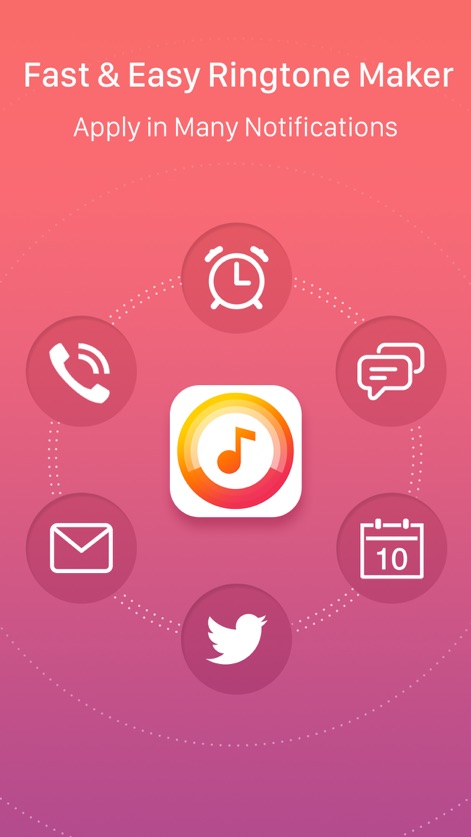
Observe how this tool facilitates applying custom ringtones across various notification types, clearly depicted by the distinct phone call and alarm clock icons.
Universal Customization Power
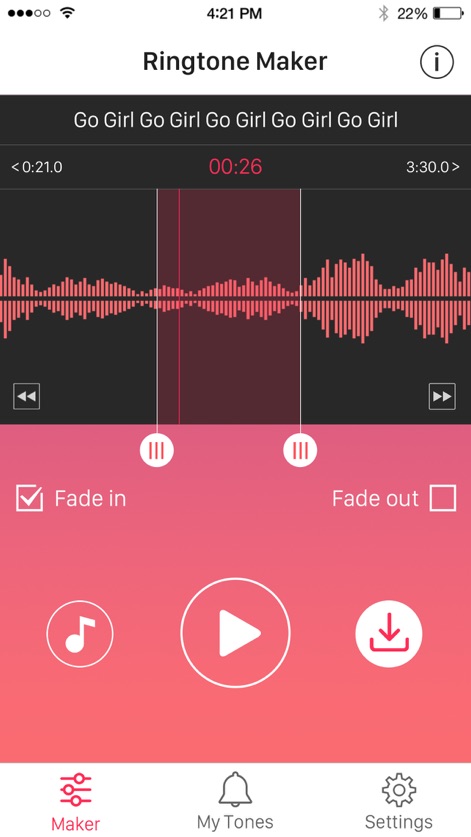
Delve into the intuitive audio editing interface, where users precisely manipulate the visual audio waveform and apply desired 'Fade in' and 'Fade out' effects.
Precise Audio Editing
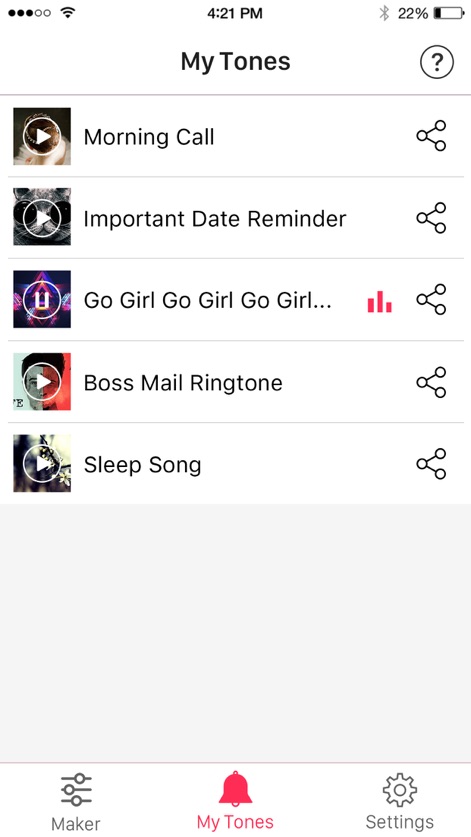
Navigate the 'My Tones' library to browse all custom creations, each entry featuring a playback icon for preview and a share icon for distribution.
Your Custom Library
The app's core promise is clearly articulated: 'Turn Your iPod Songs Into Unique Ringtones!', visually reinforced by the prominent app logo.
Transform Your Music
Description
Download
More Like This
Top-ranked apps in the same category

Spotify: Music and Podcasts
Spotify

YouTube Music
Google LLC

Shazam: Find Music & Concerts
Apple Inc.

SoundCloud: The Music You Love
SoundCloud Global Limited & Co KG

Suno - AI Songs & Music
Suno Inc.

QQ音乐 - 听我想听
Tencent Technology (Shenzhen) Company Limited

Audiomack - Play Music Offline
Audiomack, Inc.

GuitarTuna: Tune & Play Guitar
Yousician Ltd

BandLab – Music Maker & Beats
BandLab Singapore Pte Ltd
This page is not an official page of the app or its developer, but an independent editorial publication created for informational and commentary purposes. Unless expressly stated otherwise, neither the app nor its developer is affiliated with, endorsed by, sponsored by, authorized by, or otherwise officially connected with MWM, Apple, Google Play, the app publisher, or the app's developer, and nothing on this page implies that the app was developed using MWM's services. Any trademarks, logos, screenshots, and other content remain the property of their respective owners.