Ringtone Maker: Music Cutter
Download on App Store

This page is not an official page of the app or its developer, but an independent editorial publication created for informational and commentary purposes. Unless expressly stated otherwise, neither the app nor its developer is affiliated with, endorsed by, sponsored by, authorized by, or otherwise officially connected with MWM, Apple, Google Play, the app publisher, or the app's developer, and nothing on this page implies that the app was developed using MWM's services. Any trademarks, logos, screenshots, and other content remain the property of their respective owners.

Logo of Ringtone Maker: Music Cutter
Download on App Store

Ringtone Maker: Music Cutter

Stop settling for boring stock alerts. Effortlessly trim your favorite tracks, add professional fades, and turn any viral clip into a personalized ringtone or notification in seconds.

Key Figures

Downloads

4K+

User Rating

4.8/5

Total Ratings

0

Publisher

Ketan Padsala

Category

Music

Locales

1

Latest Version

1.5

Size

25.3 MB

First Released

Oct 26, 2024
Features

Your Sound, Your Identity

Turn any song, viral clip, or voice note into a custom ringtone that reflects your unique style and personality.

Precision Studio Trimming

Snip the perfect chorus or catchy beat with our easy-to-use waveform editor. Get the exact segment you want, every time.

Professional Fade Effects

No more abrupt starts. Add smooth fade-ins and volume adjustments for a high-quality, studio-engineered sound profile.

The following screenshots and description are sourced directly from the app's official store listing and are the property of the app developer.

App Store

Screenshots
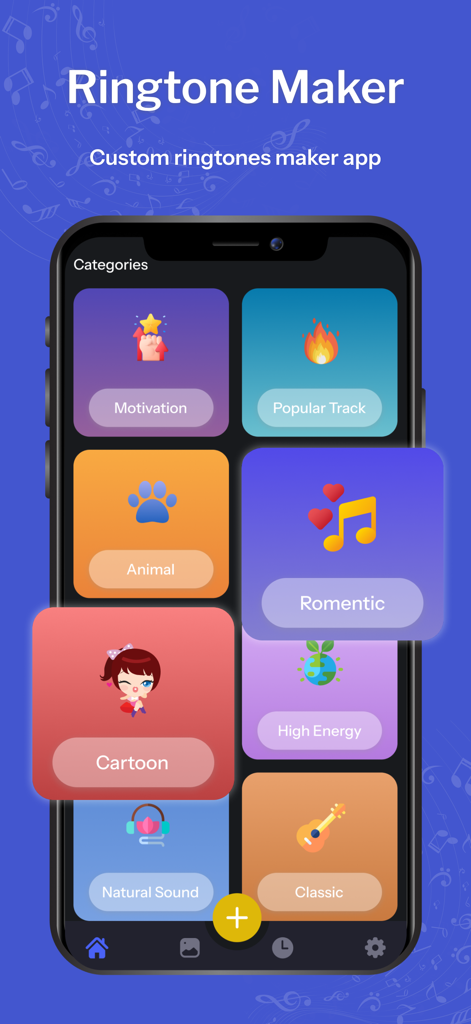
Ringtone Maker: Music Cutter - Interface of the Ringtone Maker app showing various ringtone categories such as Motivation, Popular Track, and Romantic
Interface of the Ringtone Maker app showing various ringtone categories such as Motivation, Popular Track, and Romantic

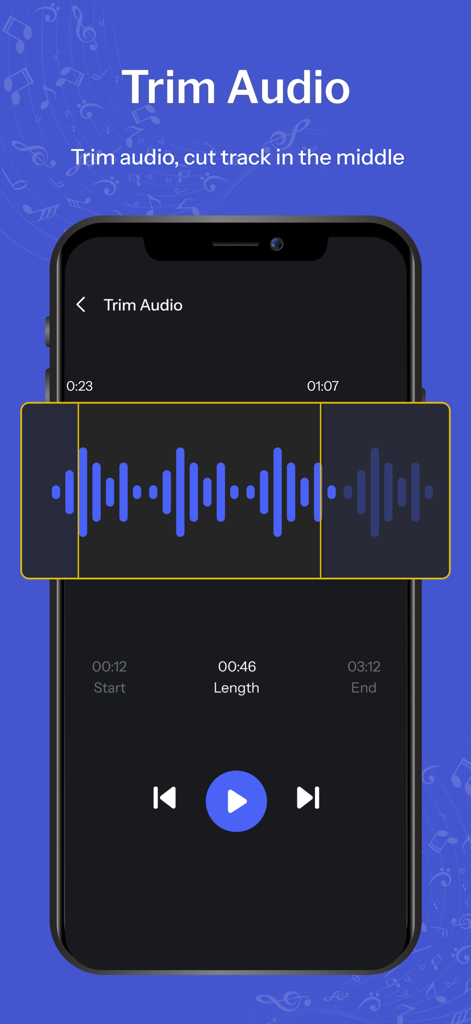
Ringtone Maker: Music Cutter - Interface showing the trim audio feature with a visual waveform to cut music tracks in the Ringtone Maker app
Interface showing the trim audio feature with a visual waveform to cut music tracks in the Ringtone Maker app

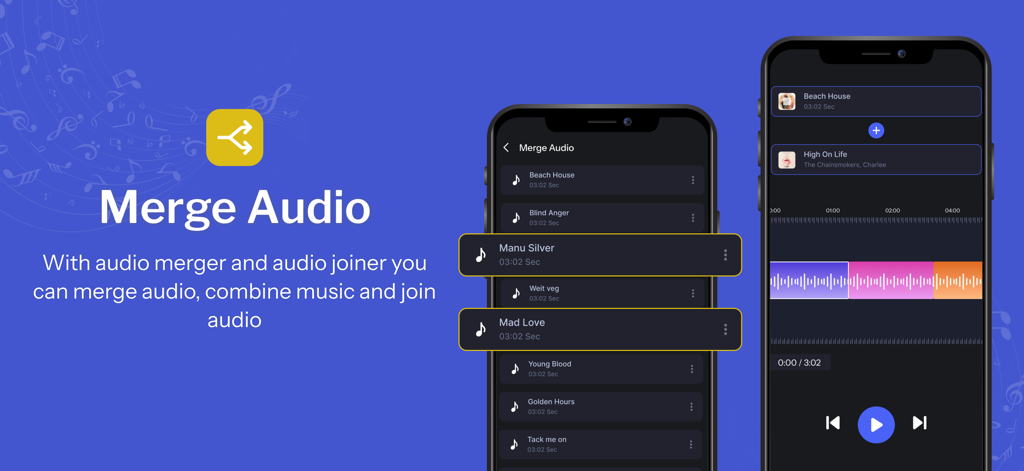
Ringtone Maker: Music Cutter - Smartphone screens showing the merge audio and music combiner feature of the Ringtone Maker app

Smartphone screens showing the merge audio and music combiner feature of the Ringtone Maker app
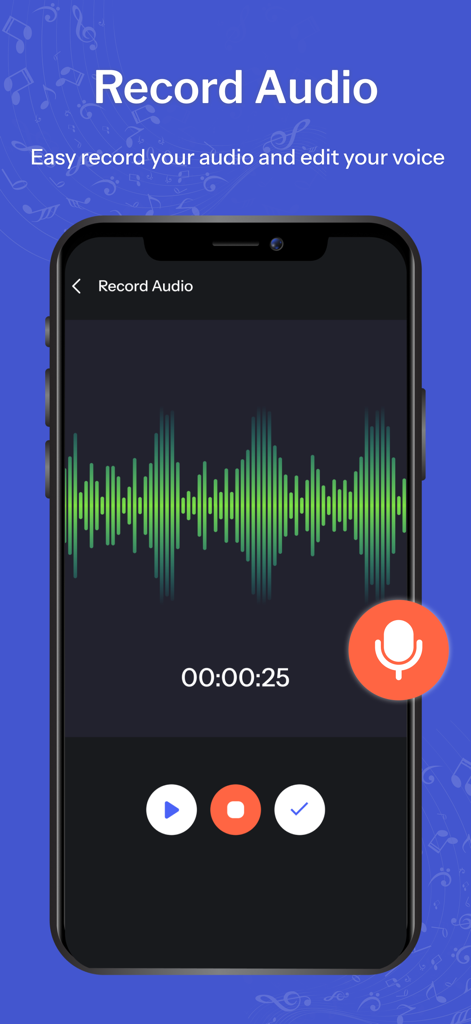
Ringtone Maker: Music Cutter - Interface of Ringtone Maker app showing the record audio feature with a green waveform and microphone icon
Interface of Ringtone Maker app showing the record audio feature with a green waveform and microphone icon

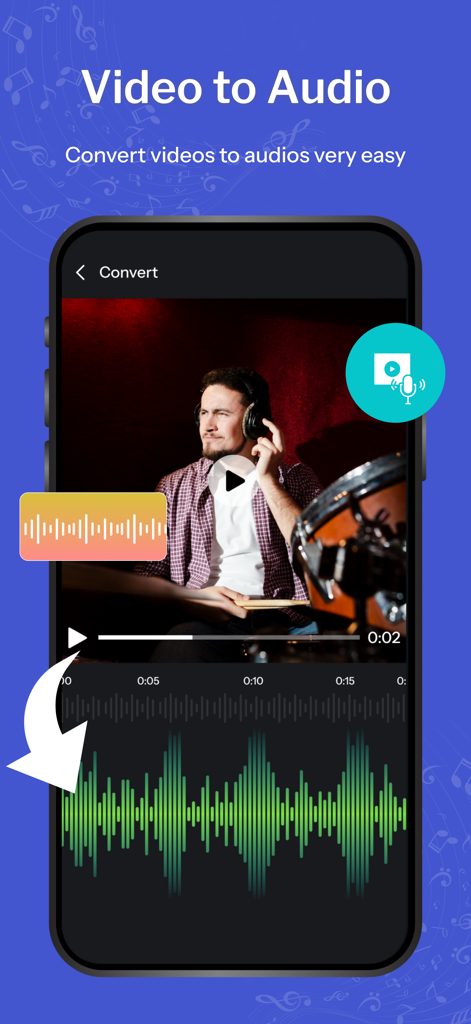
Ringtone Maker: Music Cutter - Interface showing how to convert video files to audio waveforms for custom ringtones
Interface showing how to convert video files to audio waveforms for custom ringtones

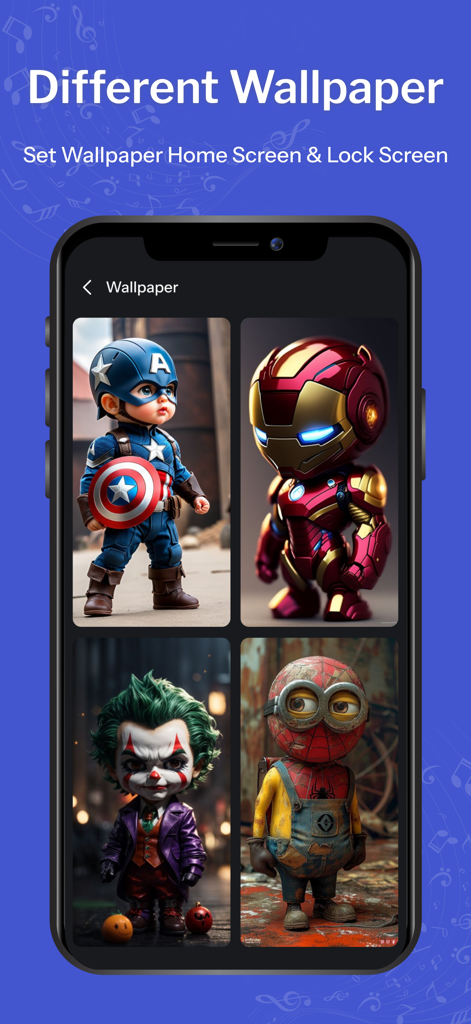
Ringtone Maker: Music Cutter - App interface displaying a variety of character themed wallpapers for mobile customization

App interface displaying a variety of character themed wallpapers for mobile customization

Description

Ringtone Maker & TuneCut: Your Ultimate Ringtone Creator! Transform your audio experience with Ringtone Maker & TuneCut, the app designed for music lovers who want to personalize their phones like never before. Create custom ringtones, alerts, and notification sounds effortlessly from your favorite songs or audio clips. Key Features: Easy Audio Trimming: Quickly trim any audio file to capture the perfect segment you want as your ringtone. Simply select the start and end points, and you're good to go! Multiple Formats Supported: Whether it's MP3, WAV, or any other popular audio format, Ringtone Maker & TuneCut supports a wide range of file types, making it easy to work with your existing music library. Intuitive User Interface: Enjoy a seamless editing experience with our user-friendly interface. Navigate through your audio files easily, and make adjustments with just a few taps. Preview Your Edits: Listen to your edits in real-time before saving them. Ensure every ringtone is exactly how you want it before setting it as your default. Set Ringtones Instantly: Once you've created your perfect ringtone, set it instantly for calls, texts, or notifications. Customize your phone's sound profile to match your style! Audio Effects: Enhance your ringtones with various audio effects. Add fades, volume adjustments, and more to make your sound truly unique. Share Your Creations: Show off your creativity! Share your custom ringtones with friends or on social media directly from the app. Why Choose Ringtone Maker & TuneCut? In today’s digital age, a personalized ringtone is more than just a sound; it’s an expression of who you are. Whether you want a catchy snippet from your favorite song, a memorable movie quote, or a unique sound effect, Ringtone Maker & TuneCut gives you the tools to make it happen. With our app, you’re not limited to the standard ringtones that come with your phone. Break free from the mundane and design ringtones that reflect your personality. The easy-to-use editing features and multiple format support make this app suitable for anyone, from beginners to audio editing enthusiasts. Get Started! Download Ringtone Maker & TuneCut today and start crafting your custom ringtones! With just a few taps, you'll have a unique sound that’s all yours. Don’t settle for generic—make every call, text, and notification a reflection of your style. Read our full Terms of Service and our Privacy Policy at: 
 - Privacy Policy: https://www.freeprivacypolicy.com/live/77bf4da3-c911-4051-afa4-a075138d5f2e - Terms of Use: https://www.freeprivacypolicy.com/live/9455690d-fbef-41b1-a227-d3697575a519

Download

Download on App Store

This page is not an official page of the app or its developer, but an independent editorial publication created for informational and commentary purposes. Unless expressly stated otherwise, neither the app nor its developer is affiliated with, endorsed by, sponsored by, authorized by, or otherwise officially connected with MWM, Apple, Google Play, the app publisher, or the app's developer, and nothing on this page implies that the app was developed using MWM's services. Any trademarks, logos, screenshots, and other content remain the property of their respective owners.







