
This page is not an official page of the app or its developer, but an independent editorial publication created for informational and commentary purposes. Unless expressly stated otherwise, neither the app nor its developer is affiliated with, endorsed by, sponsored by, authorized by, or otherwise officially connected with MWM, Apple, Google Play, the app publisher, or the app's developer, and nothing on this page implies that the app was developed using MWM's services. Any trademarks, logos, screenshots, and other content remain the property of their respective owners.

ROTOR Power
Unlock the full potential of your ROTOR power meter. Optimize your Q-Rings with proprietary OCA and OCP insights, analyze pedaling efficiency via TORQUE 360, and seamlessly sync your performance data with Strava and TrainingPeaks.
Downloads
0User Rating
Total Ratings
0Publisher
Category
SportsLocales
1Latest Version
2.1.5Size
30.6 MBFirst Released
Mar 31, 2017Engineered for Peak Performance
Transform raw data into a competitive edge with professional-grade biomechanical analysis and precision hardware optimization for elite cyclists.
Precision OCA & OCP Tuning
Unlock the full potential of your Q-Rings. Identify your Optimum Chainring Angle to maximize power delivery and efficiency on every stroke.
TORQUE 360 Biomechanics
Visualize your pedaling smoothness in real-time. Identify dead spots and refine your technique to achieve a perfectly balanced rotation.
The following screenshots and description are sourced directly from the app's official store listing and are the property of the app developer.
App Store
Screenshots
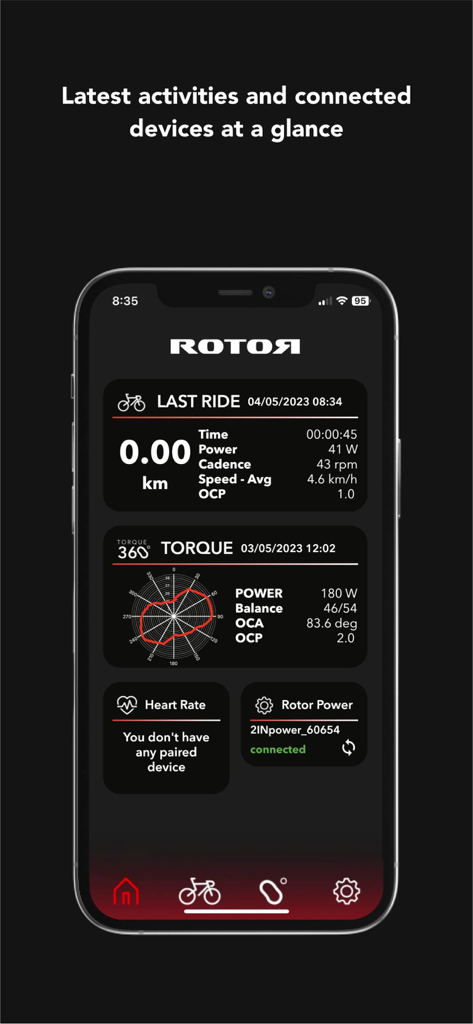
ROTOR Power app dashboard showing last ride metrics and torque 360 pedaling analysis
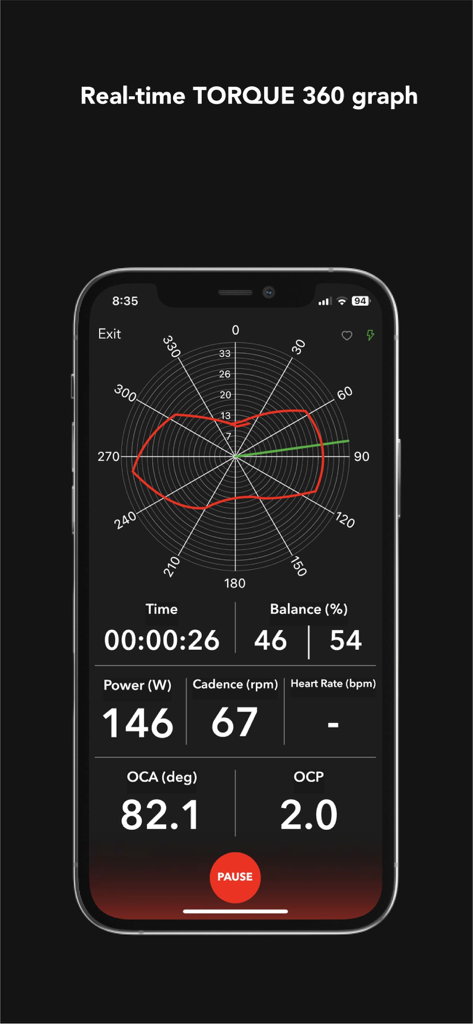
Real time TORQUE 360 graph and cycling performance data on the ROTOR Power app
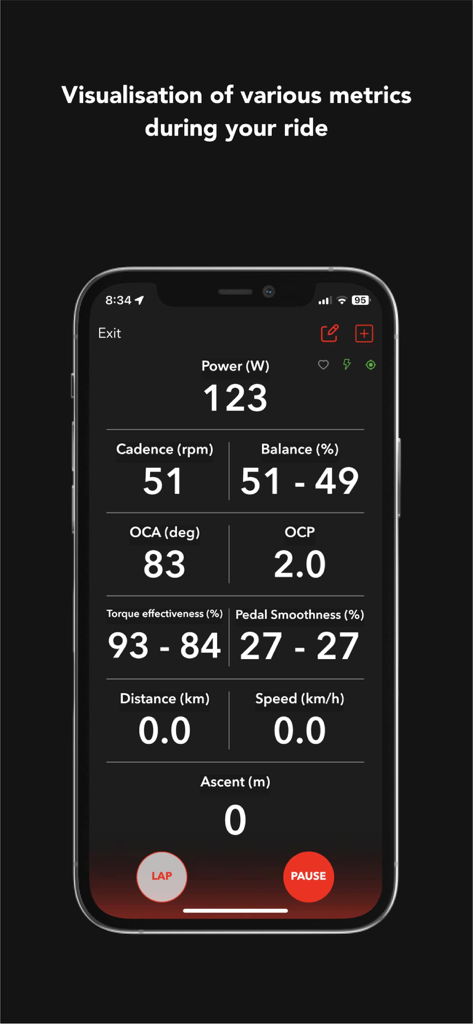
Real-time cycling metrics dashboard in the ROTOR Power app showing power cadence and pedal stroke data
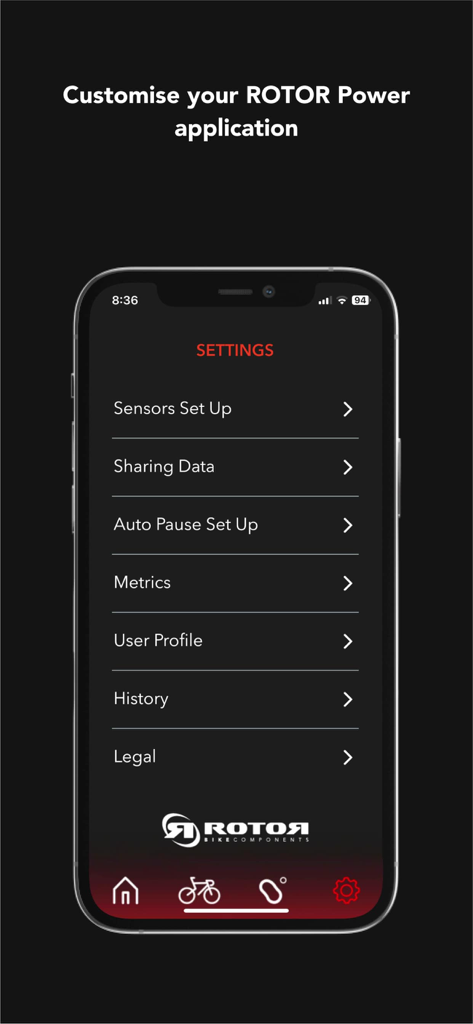
Settings screen of the ROTOR Power application showing menu options like sensors setup and user profile.
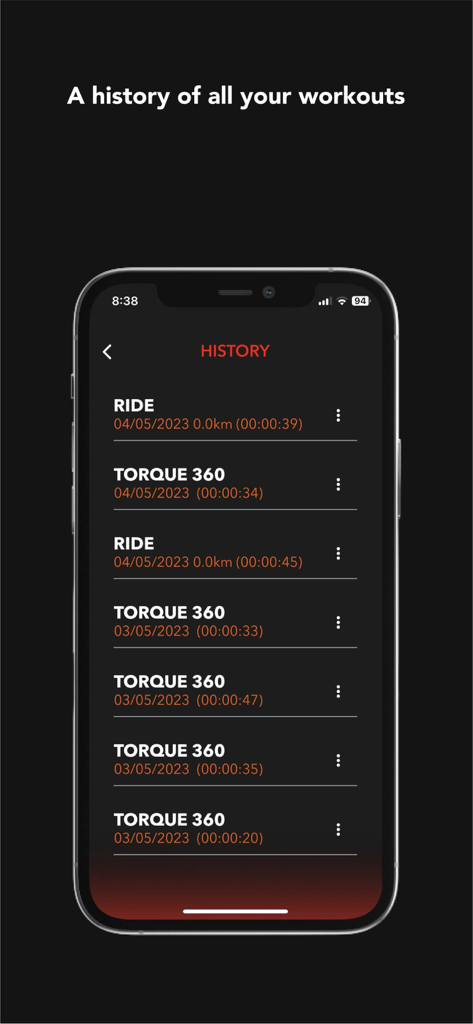
ROTOR Power app workout history log showing ride data and pedaling analysis sessions
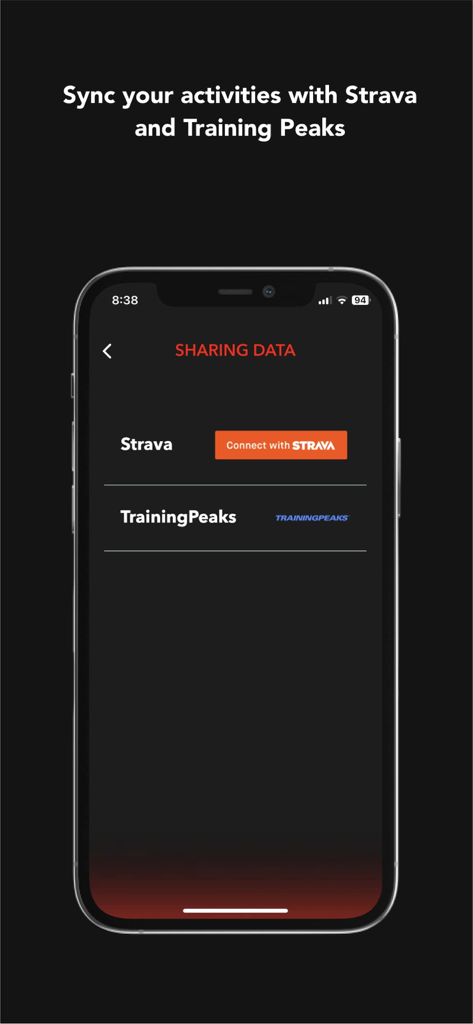
ROTOR Power app data sharing screen with Strava and TrainingPeaks connection options
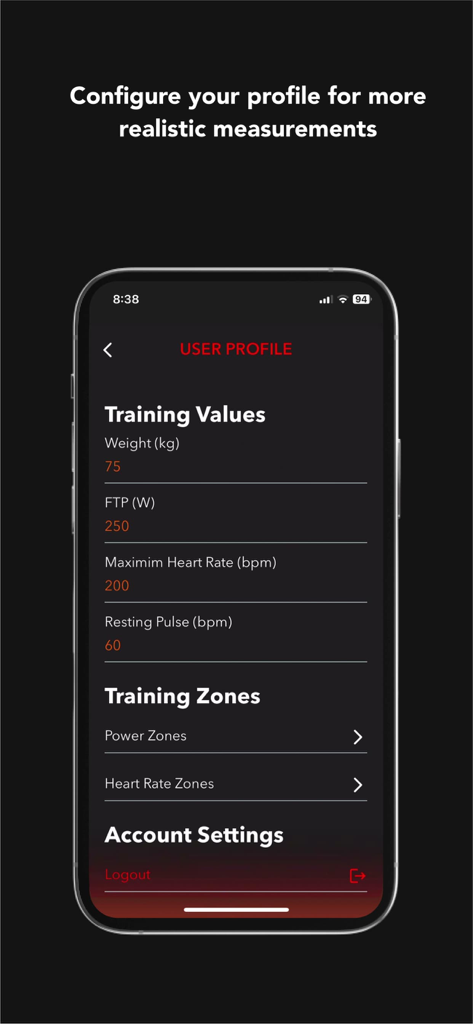
User profile configuration screen in the ROTOR Power app showing training values like FTP and heart rate zones
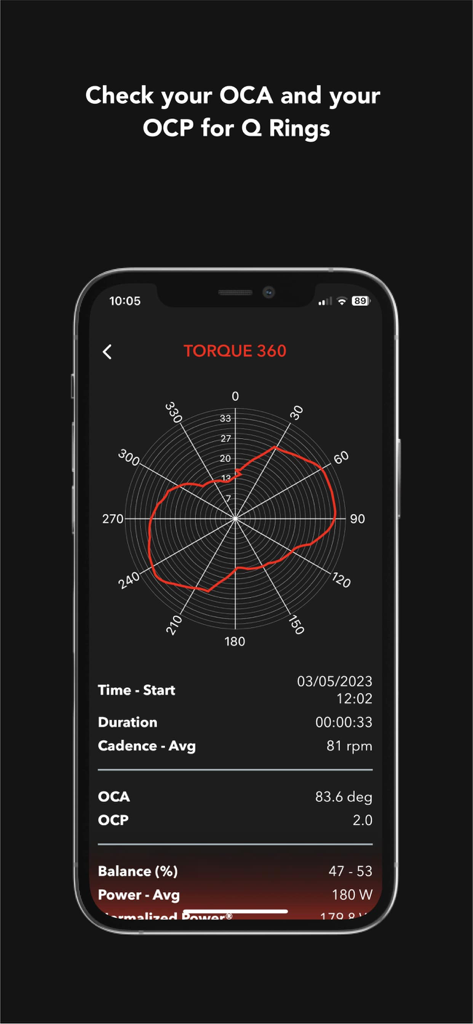
ROTOR Power app display featuring the Torque 360 graph and pedaling metrics like OCA and OCP for cycling optimization
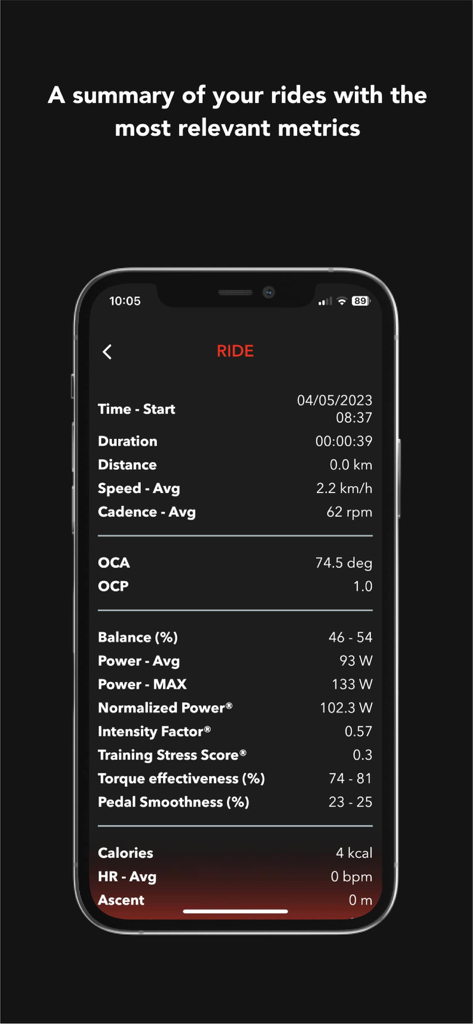
A mobile screen displaying a summary of cycling metrics including power cadence and pedal smoothness from the ROTOR Power app
Description
Download
More Like This
Top-ranked apps in the same category
得物 - 得到美好事物
Shanghai Dewu Information Group Co., Ltd.

虎扑-评分篮球足球游戏影视
Shanghai Kuanghui Network Technology Co., LTD

运动世界校园版-大学生校园趣味运动
Zhejiang Wanhang Mdt InfoTech Co., Ltd.

NCAA March Madness Live
Turner Sports

CBS Sports App: Scores & News
CBS Mobile

F1 TV
Formula One Digital Media Limited

MLB
Major League Baseball Advanced Media

GameChanger
GameChanger Media, Inc.

Formula 1®
Formula One Digital Media Limited
This page is not an official page of the app or its developer, but an independent editorial publication created for informational and commentary purposes. Unless expressly stated otherwise, neither the app nor its developer is affiliated with, endorsed by, sponsored by, authorized by, or otherwise officially connected with MWM, Apple, Google Play, the app publisher, or the app's developer, and nothing on this page implies that the app was developed using MWM's services. Any trademarks, logos, screenshots, and other content remain the property of their respective owners.