
This page is not an official page of the app or its developer, but an independent editorial publication created for informational and commentary purposes. Unless expressly stated otherwise, neither the app nor its developer is affiliated with, endorsed by, sponsored by, authorized by, or otherwise officially connected with MWM, Apple, Google Play, the app publisher, or the app's developer, and nothing on this page implies that the app was developed using MWM's services. Any trademarks, logos, screenshots, and other content remain the property of their respective owners.


RSS-Filter – News Feed Reader
Escape the algorithm and eliminate doomscrolling with powerful keyword filtering. Enjoy a private, ad-free reading experience designed for power users who value signal over noise—no subscriptions required.
Downloads
300User Rating
Total Ratings
0Publisher
Category
NewsLocales
1Latest Version
25.3Size
28.1 MBFirst Released
Nov 14, 2024Reclaim Your Daily Feed
RSS-Filter empowers you to build a distraction-free news environment. No algorithms, no tracking, and no ads—just the content you choose, exactly how you want it.
Precision Signal Control
Eliminate the noise with advanced blacklist and whitelist filtering. Automatically trash unwanted topics and focus on the information that truly matters.
Private by Design
Your reading habits are your business. With no account creation, no data sharing, and secure iCloud syncing, your privacy remains absolute.
The following screenshots and description are sourced directly from the app's official store listing and are the property of the app developer.
App Store
Screenshots
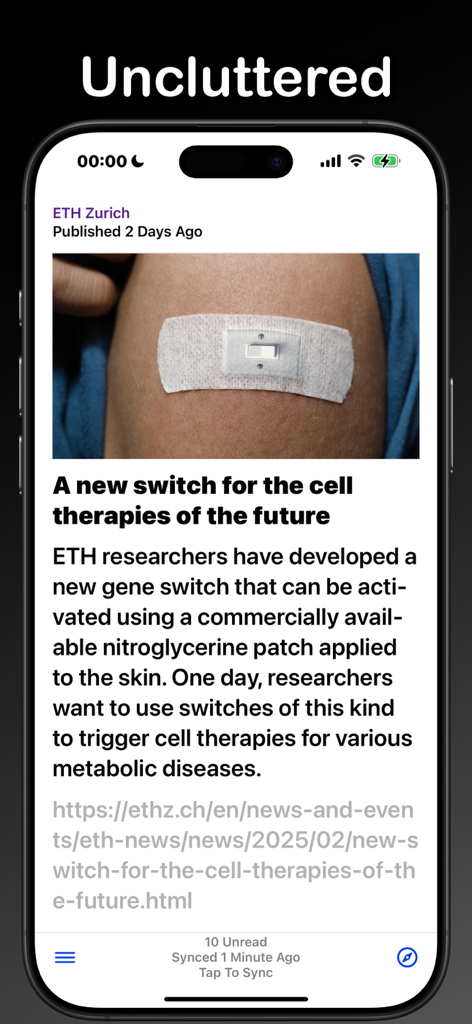
RSS-Filter app showing a clean and uncluttered news article interface on an iPhone
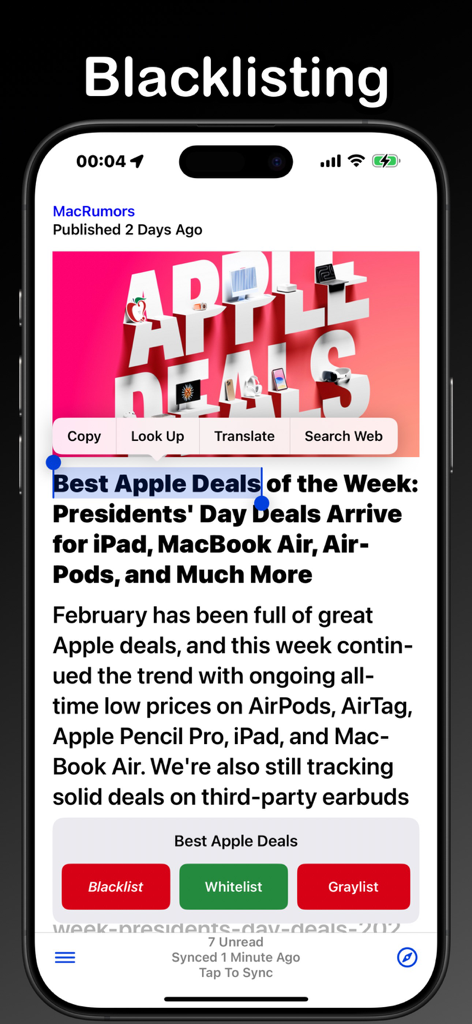
Screenshot of the RSS Filter app showing how to blacklist a selected keyword from a news article
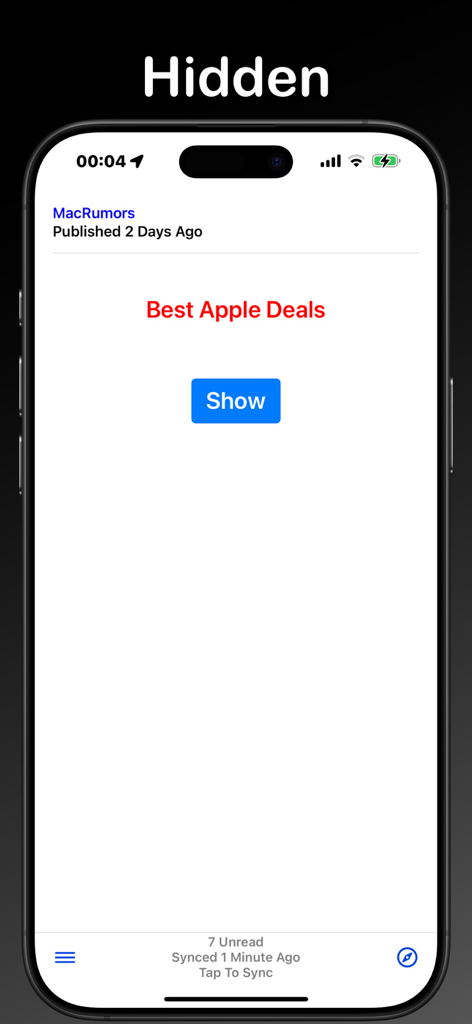
RSS-Filter app interface displaying a hidden news article with a Show button
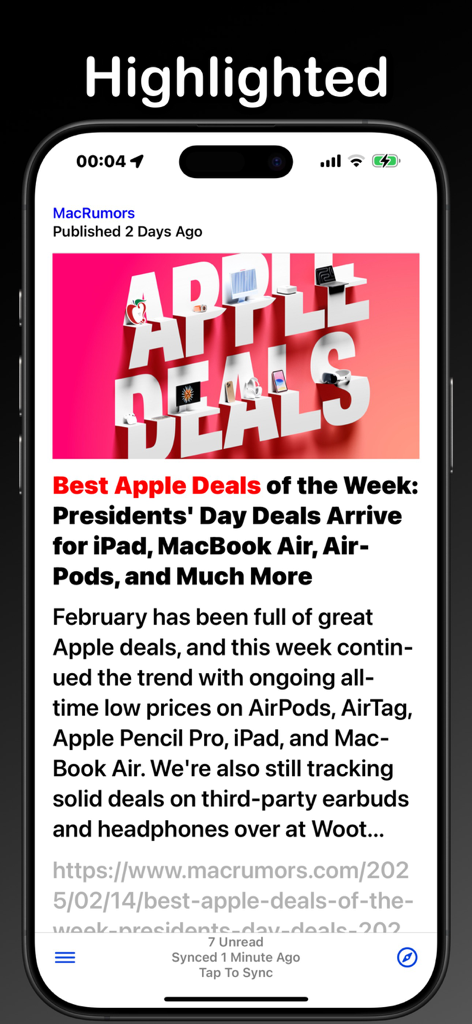
iPhone screen showing a news article from MacRumors inside the RSS-Filter app with a large image and headline
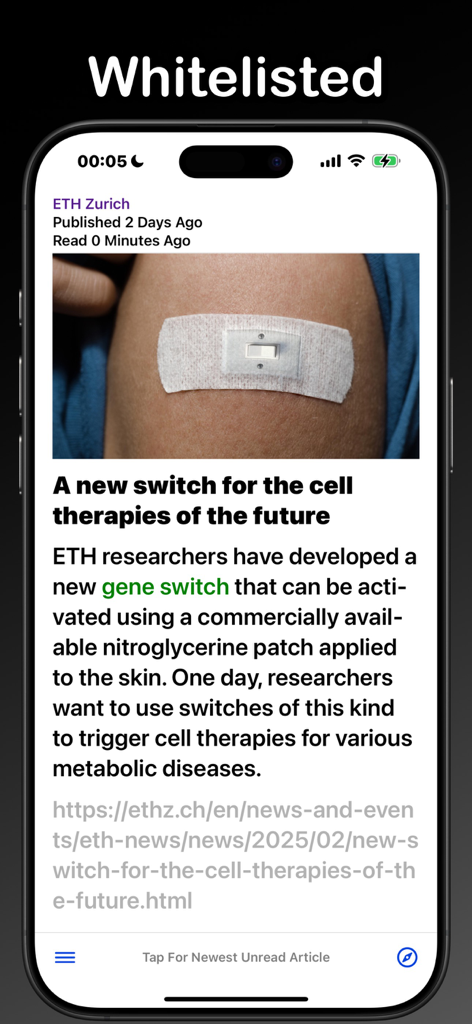
Screenshot of RSS-Filter app displaying a whitelisted article with a highlighted gene switch keyword
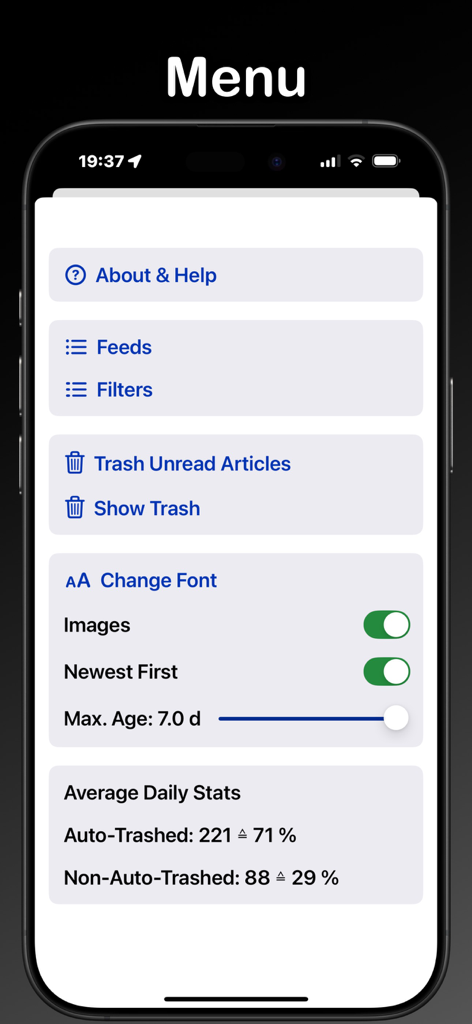
Screenshot of the RSS-Filter menu showing navigation for feeds and filters settings for image display and font and daily article statistics
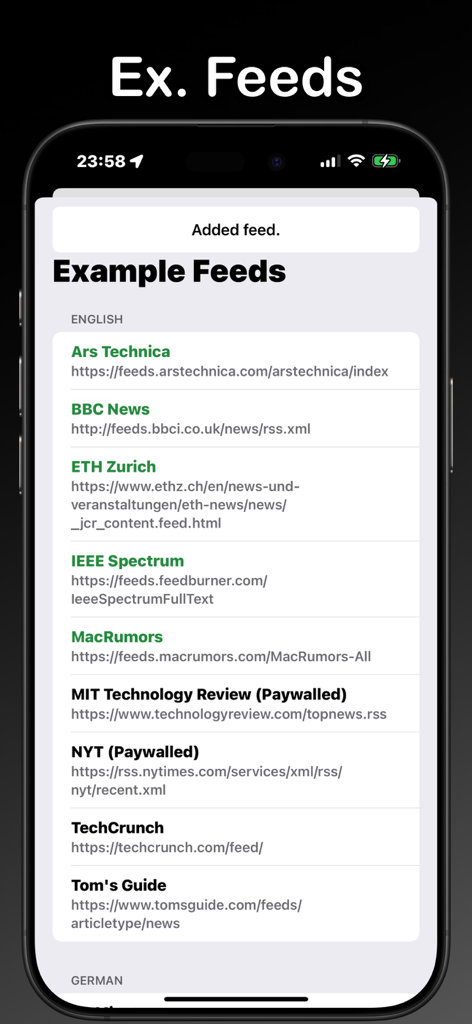
A list of suggested news feeds in the RSS-Filter app including tech and world news sources
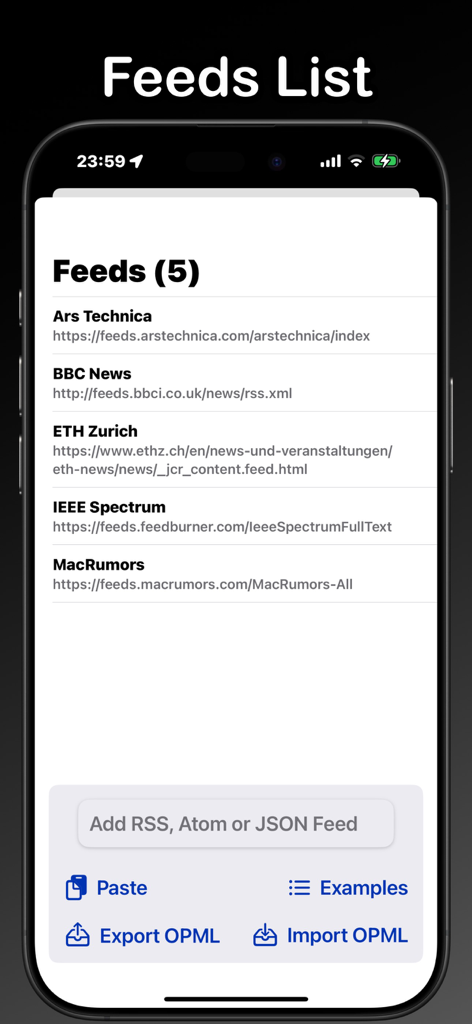
Feeds list view in RSS-Filter app showing news sources and options to add, paste, or import OPML files.
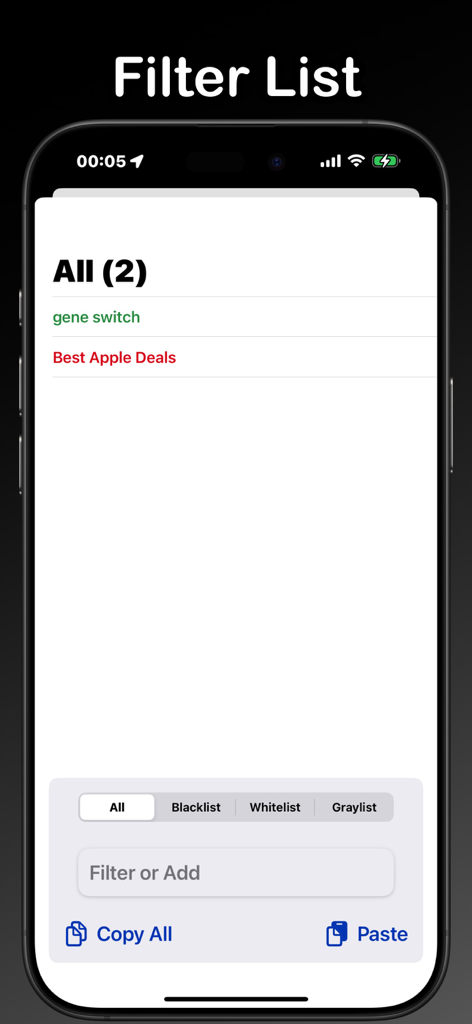
Interface for managing news feed keyword filters with blacklist and whitelist options
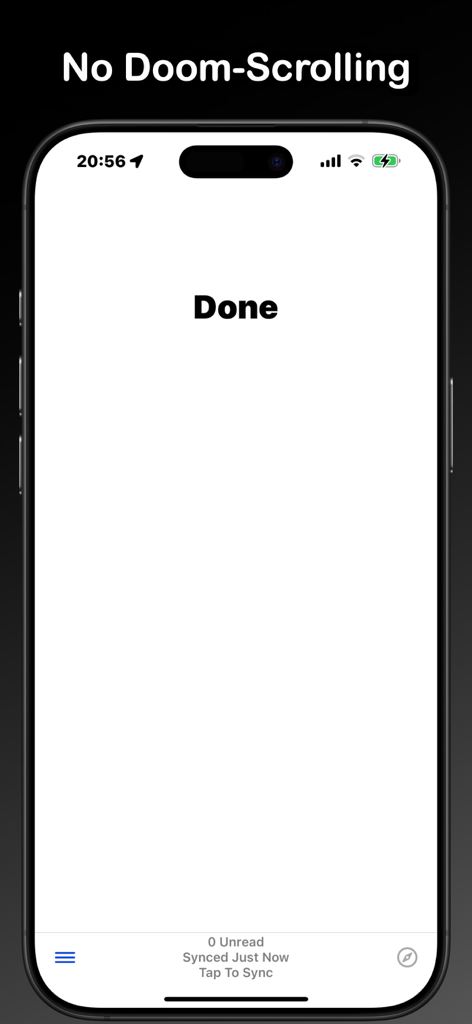
RSS-Filter app screen displaying a Done message and zero unread articles to prevent doomscrolling
Description
Download
More Like This
Top-ranked apps in the same category

X
X Corp.

REDDIT, INC.

Substack
Substack Inc.

NYTimes: US and Global News
The New York Times Company

Nextdoor: Neighborhood Network
Nextdoor.com, Inc.

CrimeRadar Dispatch Audio
Scoopz Inc.

NewsBreak: Local News & Alerts
Particle Media Inc.

Ground News
Snapwise Inc.

Google News
Google LLC
This page is not an official page of the app or its developer, but an independent editorial publication created for informational and commentary purposes. Unless expressly stated otherwise, neither the app nor its developer is affiliated with, endorsed by, sponsored by, authorized by, or otherwise officially connected with MWM, Apple, Google Play, the app publisher, or the app's developer, and nothing on this page implies that the app was developed using MWM's services. Any trademarks, logos, screenshots, and other content remain the property of their respective owners.