
This page is not an official page of the app or its developer, but an independent editorial publication created for informational and commentary purposes. Unless expressly stated otherwise, neither the app nor its developer is affiliated with, endorsed by, sponsored by, authorized by, or otherwise officially connected with MWM, Apple, Google Play, the app publisher, or the app's developer, and nothing on this page implies that the app was developed using MWM's services. Any trademarks, logos, screenshots, and other content remain the property of their respective owners.

Run For Fun: Screen Time Focus
Transform your steps into screen time. Break the doomscrolling cycle and regain self-discipline by making your favorite apps a reward for staying active. No subscriptions, total privacy, and complete focus.
Downloads
500User Rating
Total Ratings
0Publisher
Category
Health & FitnessLocales
1Latest Version
8Size
1.5 MBFirst Released
Apr 20, 2025Turn Every Step Into a Reward
Run For Fun bridges the gap between your physical health and digital habits. Break the cycle of doomscrolling by using physical activity as the currency for your favorite apps.
Activity-Powered Access
Sync with HealthKit to convert steps, calories, and workouts into screen time points. Put an end to sedentary scrolling and start earning your entertainment through movement.
Unbreakable Accountability
Stop clicking "Ignore Limit." Let a friend set a lock password so you cannot bypass your goals. Real guardrails designed for those who are serious about digital wellness.
The following screenshots and description are sourced directly from the app's official store listing and are the property of the app developer.
App Store
Screenshots
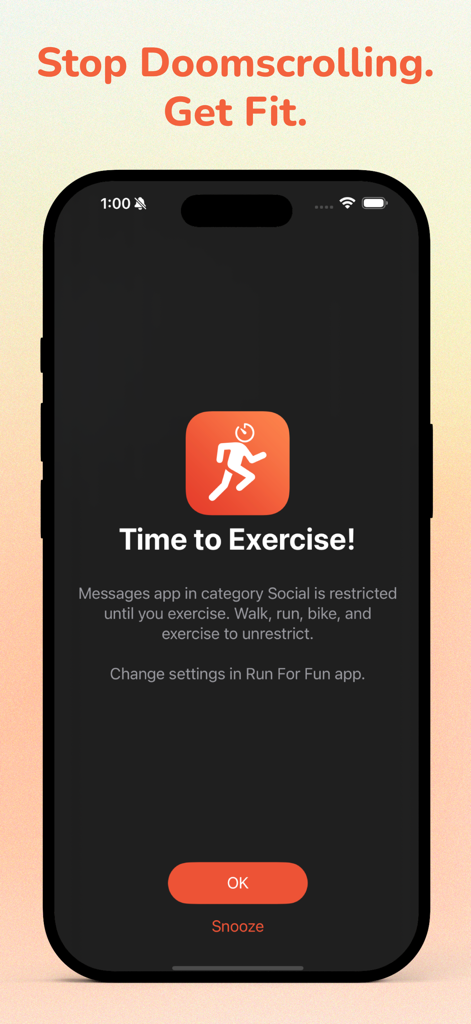
A phone screen displaying a time to exercise prompt that restricts social media apps until physical activity is completed
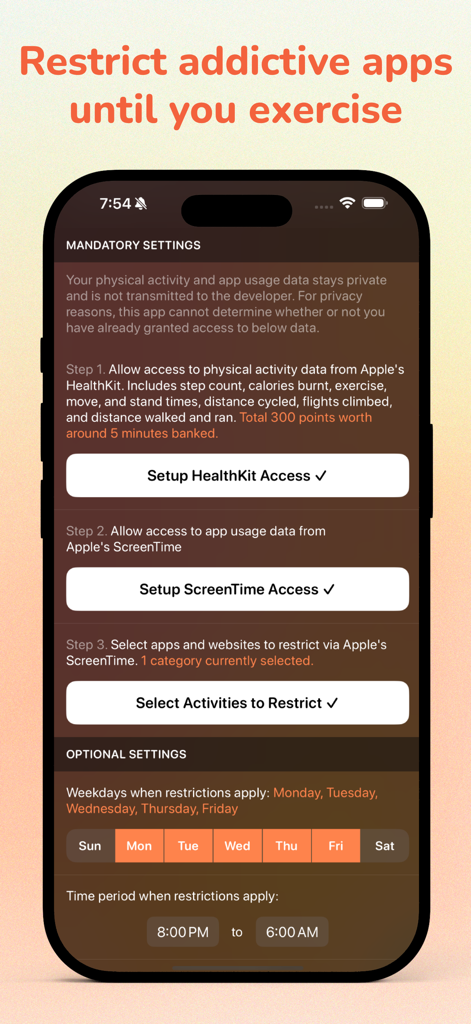
Setup screen for Run For Fun app showing mandatory settings for HealthKit and Screen Time access and optional restriction schedules.
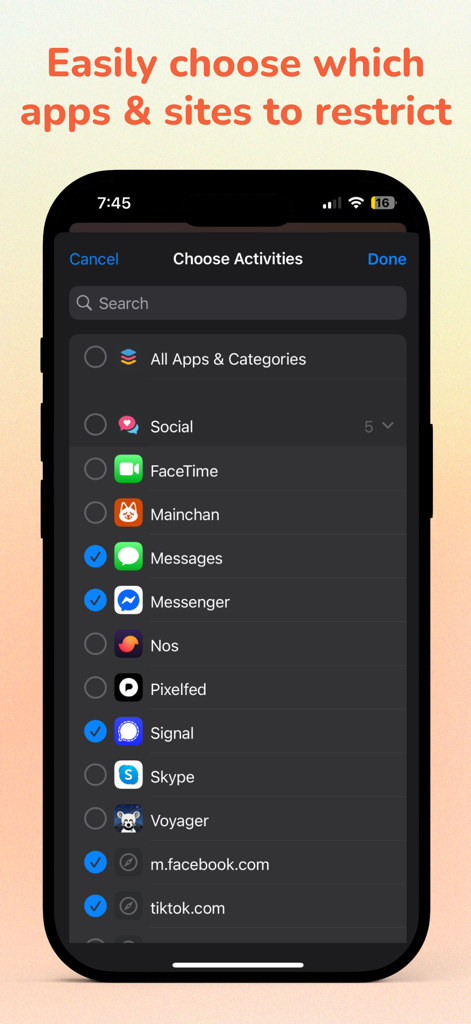
Interface for selecting social media apps and websites to restrict.
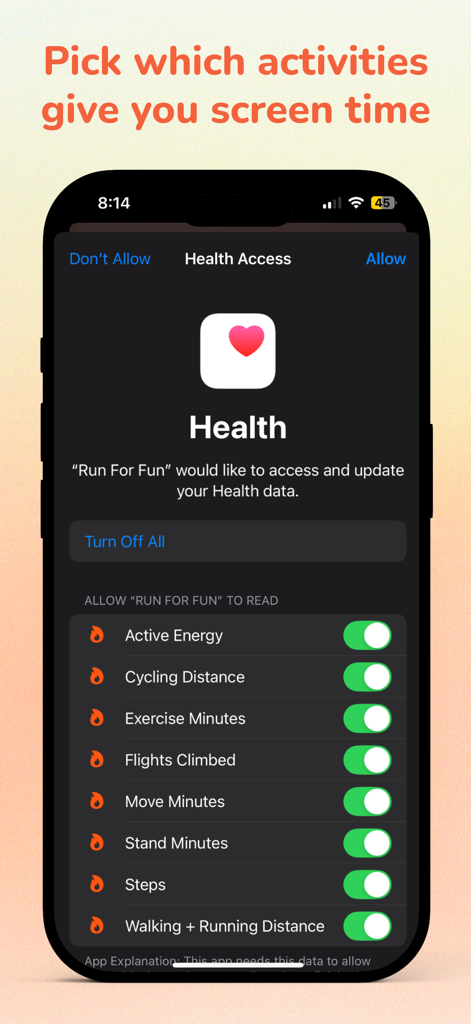
iPhone screen showing Health Access settings to select physical activities that earn screen time
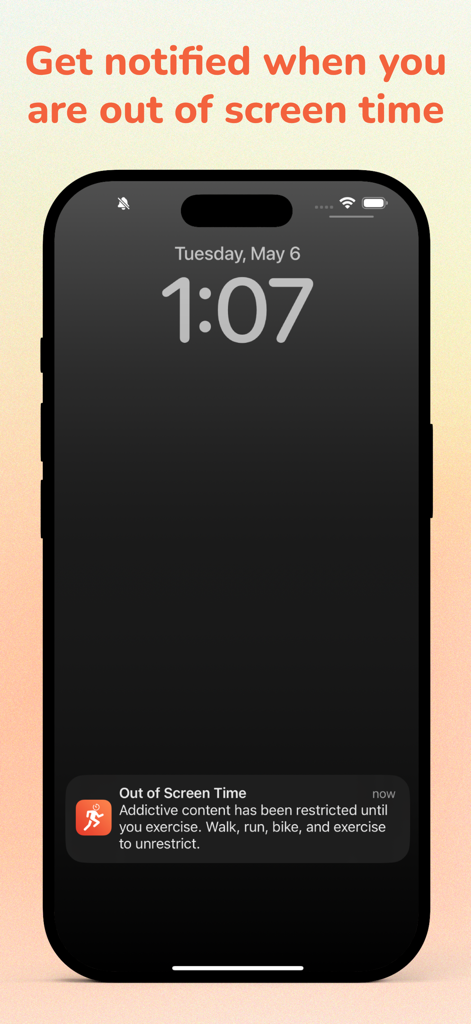
An iPhone lock screen displaying an out of screen time notification from the Run For Fun app.
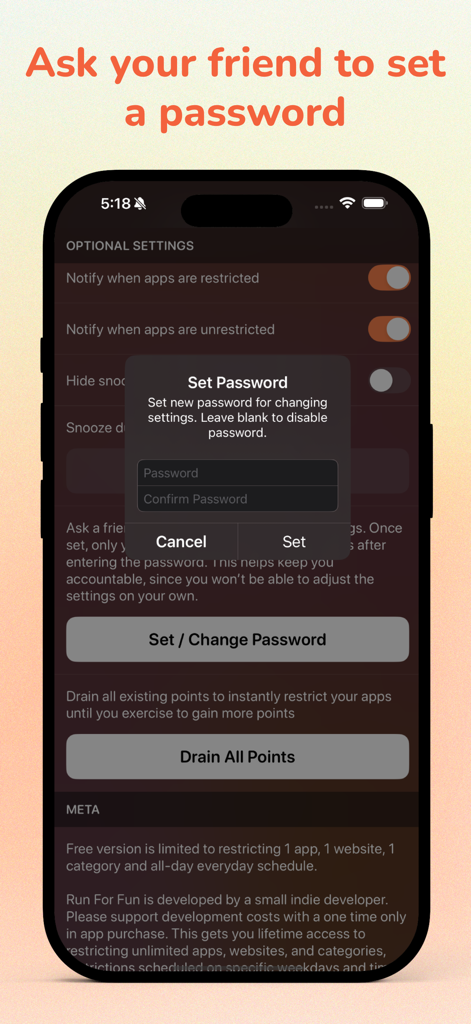
A mobile screen showing the Run For Fun app setting for a friend to create an accountability password
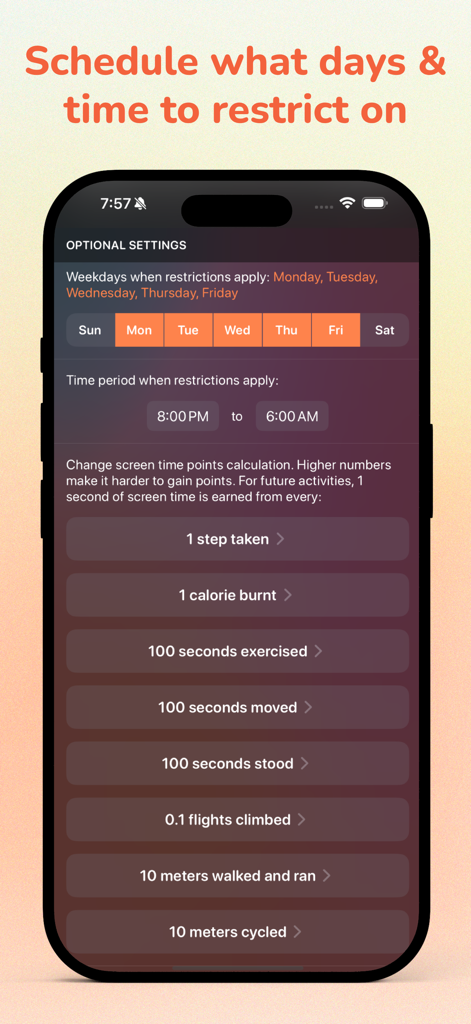
Run For Fun app settings screen for scheduling restrictions and calculating screen time points based on physical activity
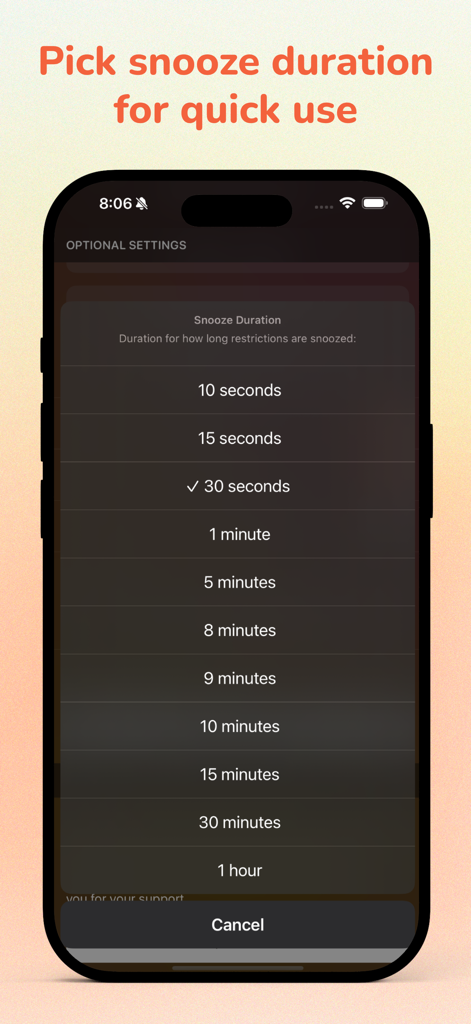
iPhone screen showing a list of snooze duration options for app restrictions in the Run For Fun app.
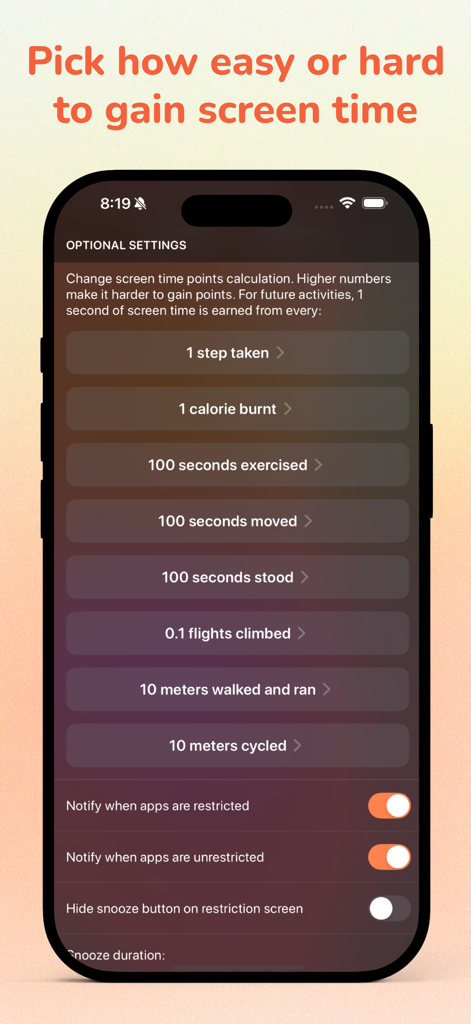
Optional settings screen showing physical activity conversion rates for screen time points
Run For Fun app icon and text highlighting privacy no ads and no subscriptions
Description
Download
More Like This
Top-ranked apps in the same category

Strava: Run, Bike, Walk
Strava Inc.

Flo Cycle & Period Tracker
FLO HEALTH UK LIMITED

AI Calorie Tracker by Yazio
YAZIO GmbH

MyFitnessPal: Calorie Counter
MyFitnessPal, Inc.

Mi Fitness (Xiaomi Wear Lite)
Beijing Xiaomi Co., Ltd

美柚 - 经期·备孕·怀孕·育儿&亲友版
Xiamen Meet You Co., Ltd.

Cal AI - Calorie Tracker
Viral Development LLC

Yuka - Food & Cosmetic Scanner
Yuca

BitePal: Food Tracker Pet
REFACE LITHUANIA UAB
This page is not an official page of the app or its developer, but an independent editorial publication created for informational and commentary purposes. Unless expressly stated otherwise, neither the app nor its developer is affiliated with, endorsed by, sponsored by, authorized by, or otherwise officially connected with MWM, Apple, Google Play, the app publisher, or the app's developer, and nothing on this page implies that the app was developed using MWM's services. Any trademarks, logos, screenshots, and other content remain the property of their respective owners.