
This page is not an official page of the app or its developer, but an independent editorial publication created for informational and commentary purposes. Unless expressly stated otherwise, neither the app nor its developer is affiliated with, endorsed by, sponsored by, authorized by, or otherwise officially connected with MWM, Apple, Google Play, the app publisher, or the app's developer, and nothing on this page implies that the app was developed using MWM's services. Any trademarks, logos, screenshots, and other content remain the property of their respective owners.


SafeX - 聚焦跨区域办公协同
Bridge the gap between your international teams with a unified hub that integrates enterprise-grade chat and high-speed file management into a single, secure workflow.
Downloads
9K+User Rating
Total Ratings
0Publisher
Category
Social NetworkingLocales
21Latest Version
1.3Size
250.1 MBFirst Released
Oct 18, 2025Elevate Your Cross-Border Productivity
SafeX bridges the gap between secure communication and powerful file management, designed specifically for global teams that demand speed and security.
File-Centric Collaboration
Stop switching apps. Preview, edit, and share large files directly within your project threads for a seamless, focused workflow.
Enterprise-Grade Security
Protect your intellectual property with full-link encryption and granular permission controls, keeping your global data private and compliant.
Frequently Asked Questions
Everything you need to know about SafeX - 聚焦跨区域办公协同
What is SafeX?
SafeX redefines enterprise collaboration by integrating chat functions with file management into a deeply unified office hub. It ensures every communication connects with relevant files, streamlining teamwork.
How does SafeX enhance file sharing and collaboration?
SafeX allows users to preview, edit, and share cloud drive files directly within chat discussions, eliminating the need to switch applications. It supports fast and stable transfers for large files.
Does SafeX provide enterprise-level security for data?
Yes, SafeX provides enterprise-level security. It includes transmission and storage encryption, graded member permissions, and file operation logs to protect core business data with a full-link security defense.
Can SafeX organize chat conversations?
Yes, SafeX supports chat organization through folder management. Users can create folders for different chat types, such as group chats or single chats, to keep conversations structured.
What is the maximum file size for transfers in SafeX?
SafeX supports sending and receiving any type of file, with each individual file having a maximum size limit of 2GB. This applies to both general files and media.
Does SafeX offer power-saving options for its users?
Yes, SafeX offers comprehensive power-saving settings. It includes a smart power-saving mode that activates when battery is below 15% and allows customization of video/GIF auto-play and background updates.
Can SafeX users share their location in real-time?
Yes, SafeX enables users to share their real-time location. The app provides options to share either a specific location or continuous real-time location updates, offering both security and convenience.
Does SafeX integrate a cloud drive for file storage?
Yes, SafeX features an exclusive cloud drive for file storage. This dedicated cloud disk makes chat-related files accessible at any time and allows for categorized browsing of resources, media, and links.
How does SafeX ensure communication records are maintained?
SafeX automatically links important project discussions, file updates, and decision opinions to relevant files. This creates a comprehensive project context, ensuring valuable knowledge assets are not lost over time.
Does SafeX support quick replies for messages?
Yes, SafeX supports quick replies. Users can set up shortcuts with rich text and media to respond to messages faster, enhancing communication efficiency within the app.
The following screenshots and description are sourced directly from the app's official store listing and are the property of the app developer.
App Store
Screenshots
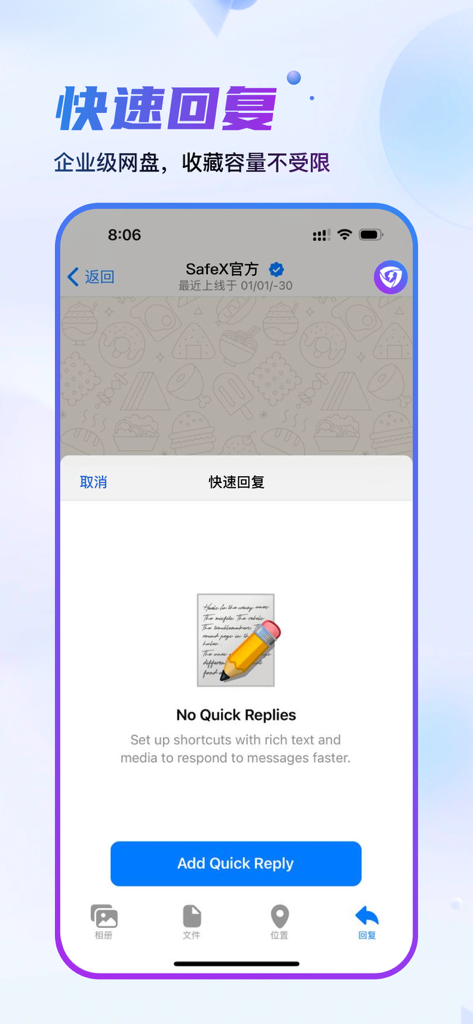
SafeX mobile app interface showing the setup screen for enterprise quick reply shortcuts to enhance business communication efficiency
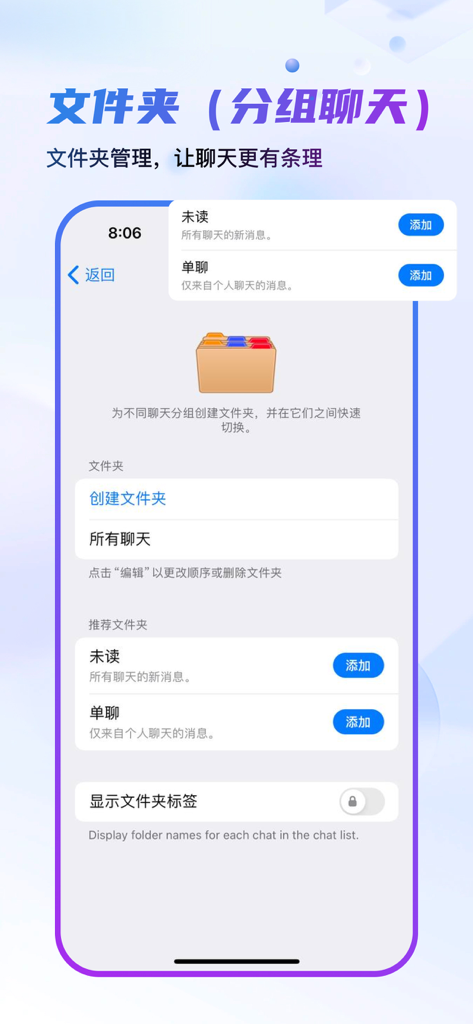
Interface of the SafeX app demonstrating how to organize business chats into folders for better workflow management.
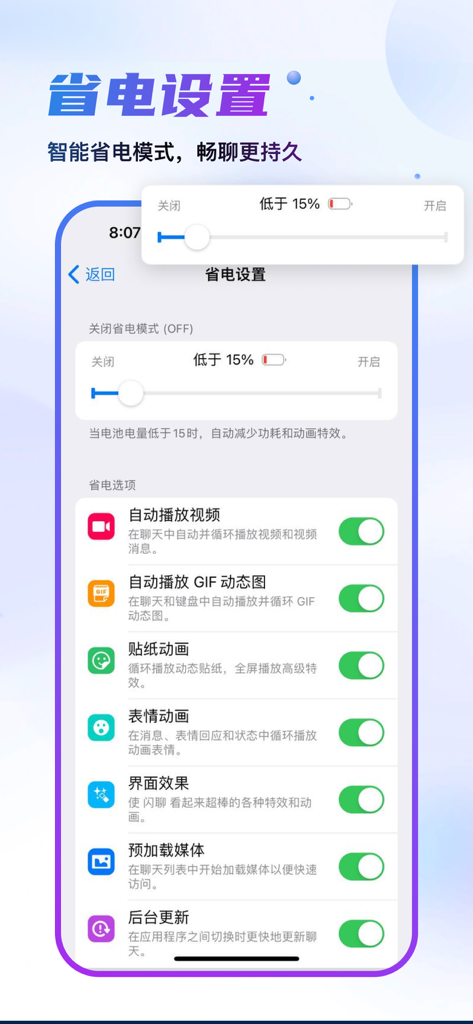
SafeX mobile app power saving settings screen featuring battery optimization toggles and options
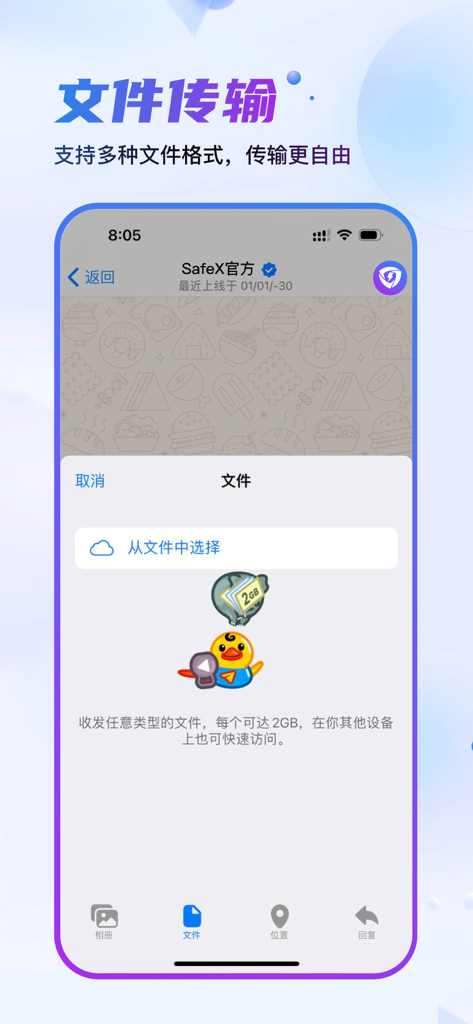
SafeX mobile app screen showing file selection and transfer options with a 2GB size limit
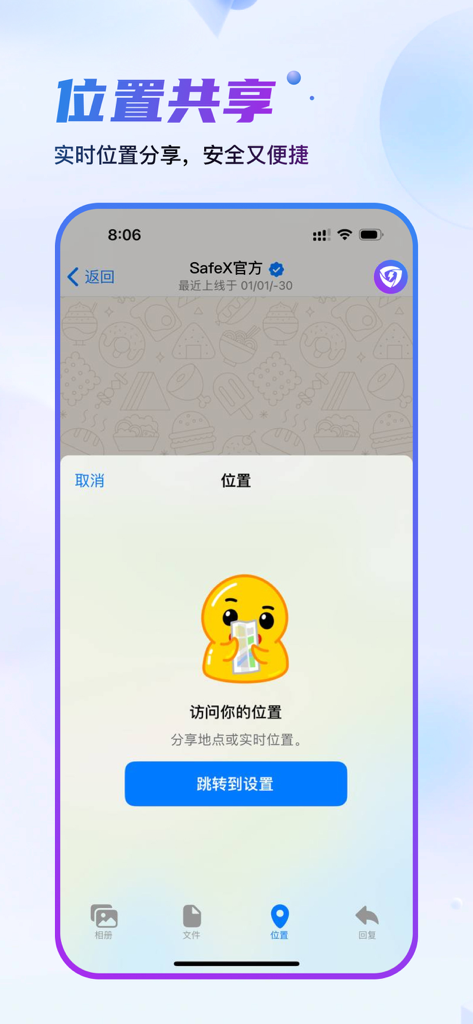
SafeX mobile app interface for secure real-time location sharing
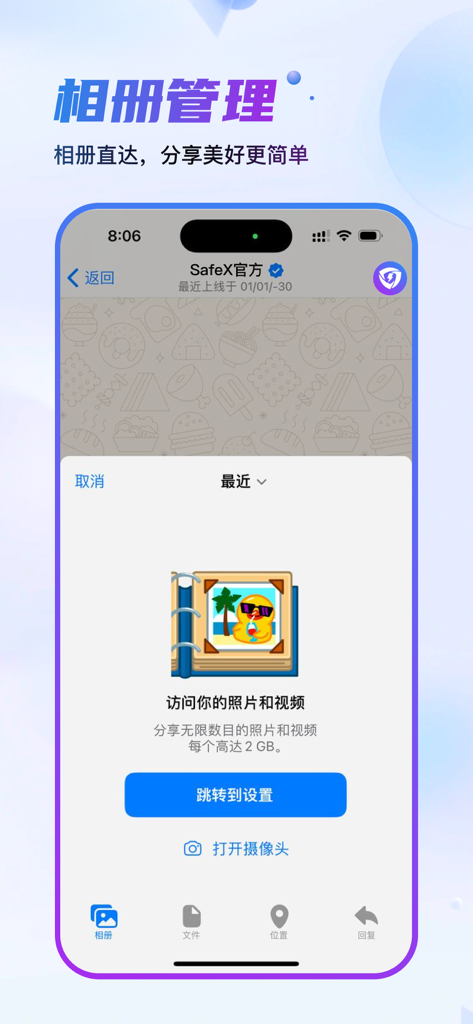
SafeX mobile app interface showing album management and large file sharing options for professionals
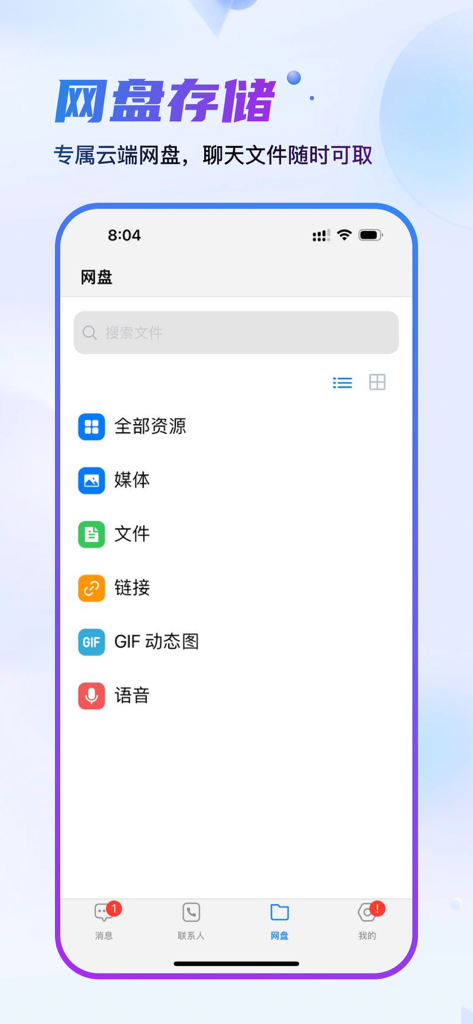
SafeX app cloud storage interface showing searchable categories for files, media, and links.
Description
Download
More Like This
Top-ranked apps in the same category

Threads
Instagram, Inc.

Telegram Messenger
Telegram FZ-LLC

WhatsApp Messenger
WhatsApp Inc.

Meta Platforms, Inc.

Discord - Talk, Play, Hang Out
Discord Inc.

Messenger
Meta Platforms, Inc.

Google Meet
Google LLC

rednote
Xingin Information Technology (Shanghai) Co., Ltd

Tencent Technology (Shenzhen) Company Limited
This page is not an official page of the app or its developer, but an independent editorial publication created for informational and commentary purposes. Unless expressly stated otherwise, neither the app nor its developer is affiliated with, endorsed by, sponsored by, authorized by, or otherwise officially connected with MWM, Apple, Google Play, the app publisher, or the app's developer, and nothing on this page implies that the app was developed using MWM's services. Any trademarks, logos, screenshots, and other content remain the property of their respective owners.