
This page is not an official page of the app or its developer, but an independent editorial publication created for informational and commentary purposes. Unless expressly stated otherwise, neither the app nor its developer is affiliated with, endorsed by, sponsored by, authorized by, or otherwise officially connected with MWM, Apple, Google Play, the app publisher, or the app's developer, and nothing on this page implies that the app was developed using MWM's services. Any trademarks, logos, screenshots, and other content remain the property of their respective owners.


Santander Way
Gerencie limites, faça Pix e acompanhe seus gastos em tempo real com total segurança. A autonomia que o brasileiro no exterior precisa para cuidar das suas finanças com praticidade e liberdade.
Downloads
12M+User Rating
Total Ratings
353K+Publisher
Category
FinanceLocales
1Latest Version
25.10.1Size
334.1 MBFirst Released
Nov 22, 2016Gestão Sem Fronteiras para seu Cartão Santander
Tenha o controle total dos seus cartões do Brasil na palma da sua mão, com a segurança e autonomia que a vida nos Estados Unidos exige.
Segurança Global e Cartão Online
Crie cartões virtuais para compras em sites americanos e bloqueie ou habilite o uso internacional por continente com apenas um toque.
Pix e Pagamentos Instantâneos
Faça o SX, o Pix do Santander, para enviar dinheiro para o Brasil ou pagar contas em segundos, sem depender de transferências internacionais lentas.
Frequently Asked Questions
Everything you need to know about Santander Way
What is the Santander Way app?
The Santander Way app provides real-time monitoring of Santander cards and comprehensive card usage management. It offers features for greater autonomy and security in daily transactions.
How can I manage my Santander cards using the Way app?
Users manage cards by unlocking/activating them, viewing balances, setting limits, enabling international use, and checking status. The app also allows requesting additional cards.
Does the Santander Way app show real-time purchase details?
Yes, the Santander Way app displays latest purchases in real-time. It provides details such as merchant category, credit/debit usage, and online purchase identification.
Can I manage my Santander credit card invoice (fatura) with the Way app?
Yes, the Santander Way app manages invoices by showing graphic history, sending notifications, emailing invoices, offering installment plans, and automatic debit registration.
How do I generate a virtual card for online purchases with Santander Way?
Yes, the Santander Way app generates online cards for secure internet purchases. Users can enable or disable various digital functions for these virtual cards within the app.
Can I block my physical or virtual card using the Santander Way app?
Yes, the Santander Way app allows temporary blocking of physical and virtual cards. Users can also permanently block a lost or stolen card and request a replacement.
Does the Santander Way app support digital wallets like Apple Pay?
Yes, the Santander Way app allows registering digital payment functions, including adding cards to Apple Pay. This provides enhanced freedom and security for transactions.
Does the Santander Way app offer promotions or benefits?
Yes, the Santander Way app provides access to exclusive promotions and benefits associated with Santander cards. Users view current offers directly within the application.
Can I request a new Santander credit card through the Way app?
Yes, the Way app allows requesting a credit card, even for non-customers. Existing customers can also request additional cards through the app's card management features.
The following screenshots and description are sourced directly from the app's official store listing and are the property of the app developer.
App Store
Screenshots
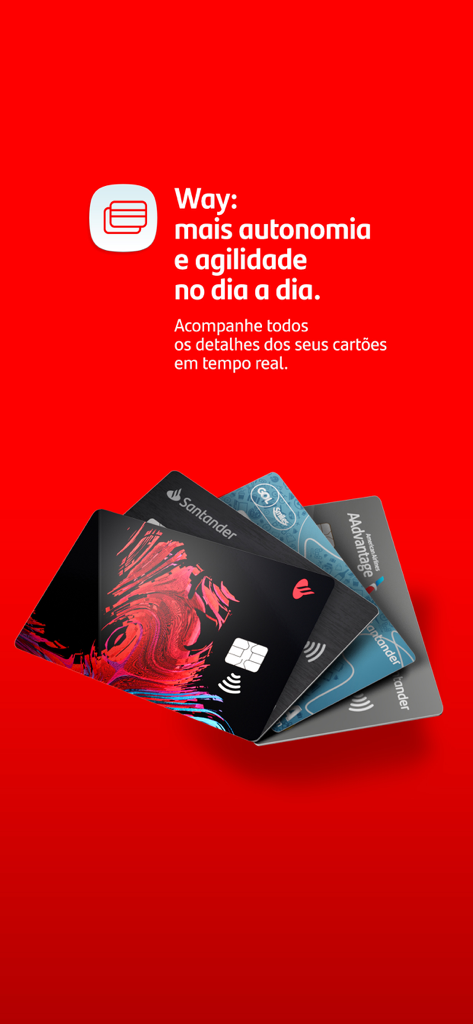
Promotional graphic for the Santander Way app featuring a fan of various Santander credit cards on a bright red background with Portuguese text.
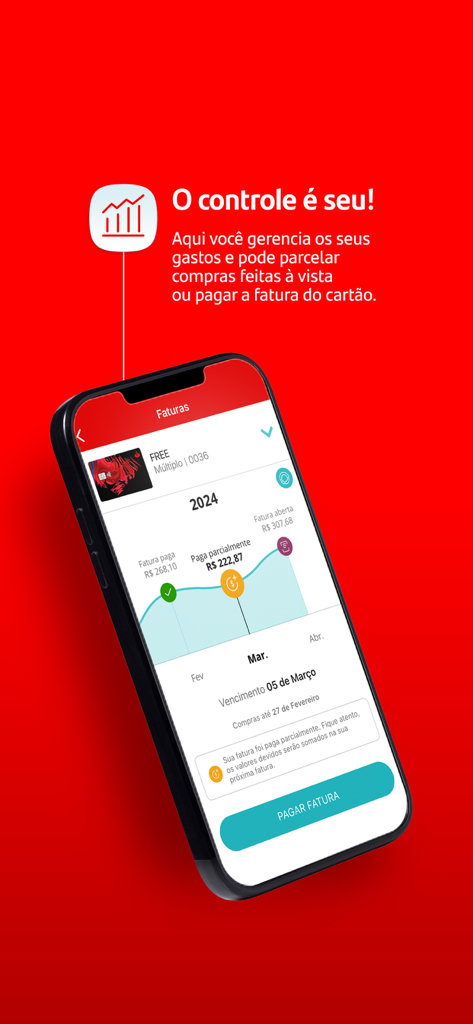
Santander Way app interface showing credit card invoice tracking and payment options
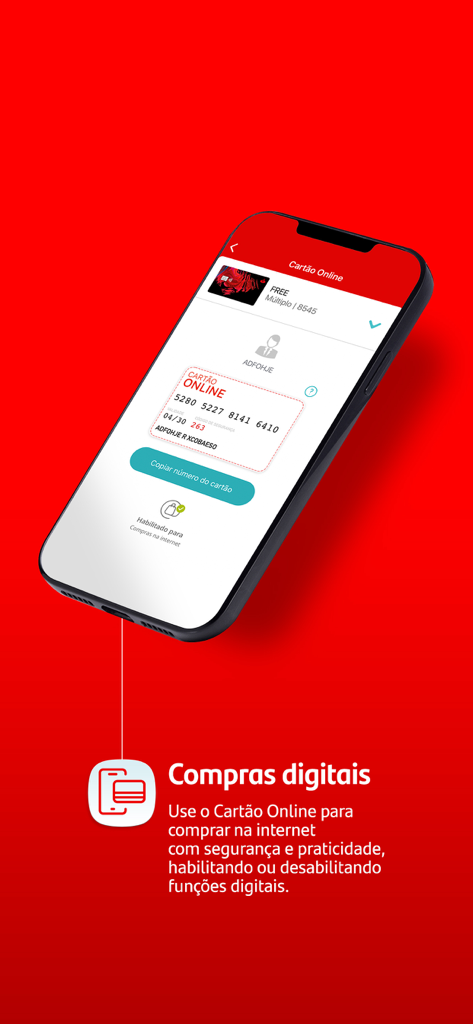
Smartphone screen displaying the Santander Way virtual card for secure online shopping
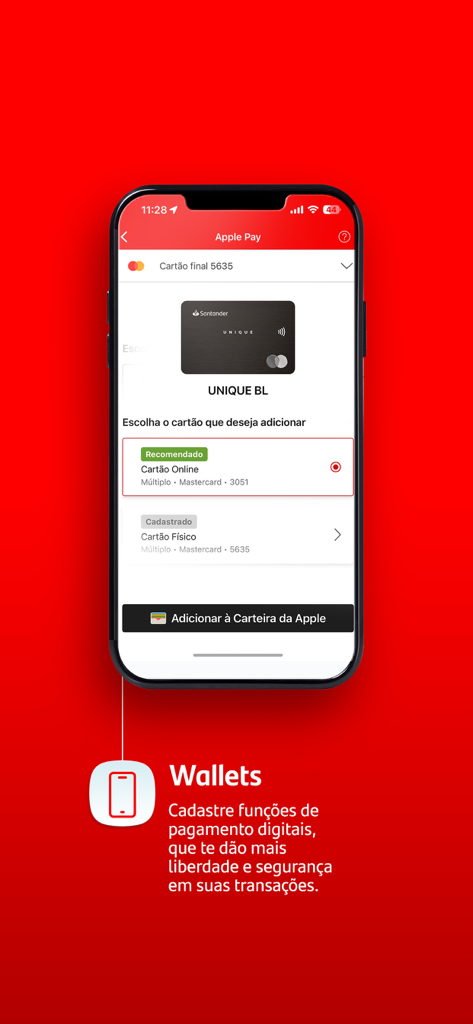
Interface of the Santander Way app showing the option to add a virtual or physical credit card to Apple Wallet for secure digital payments.
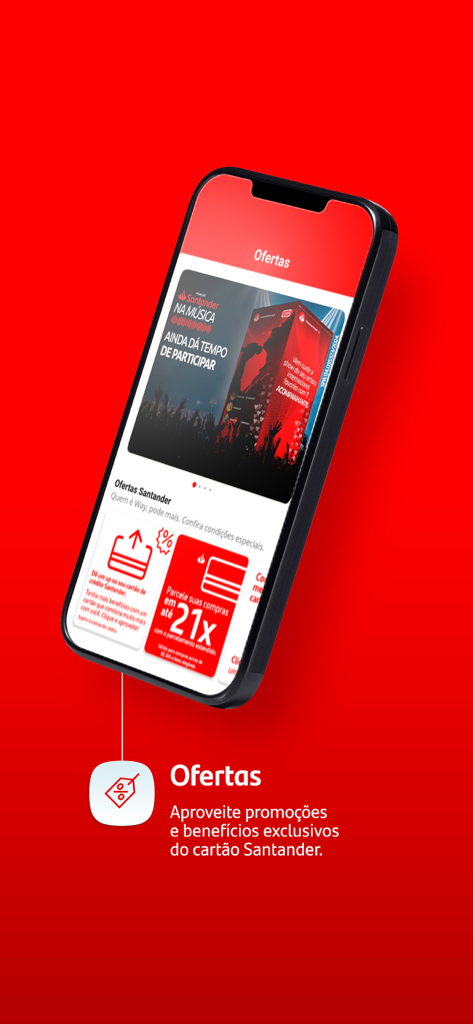
Santander Way mobile app screen showing exclusive credit card offers and promotions
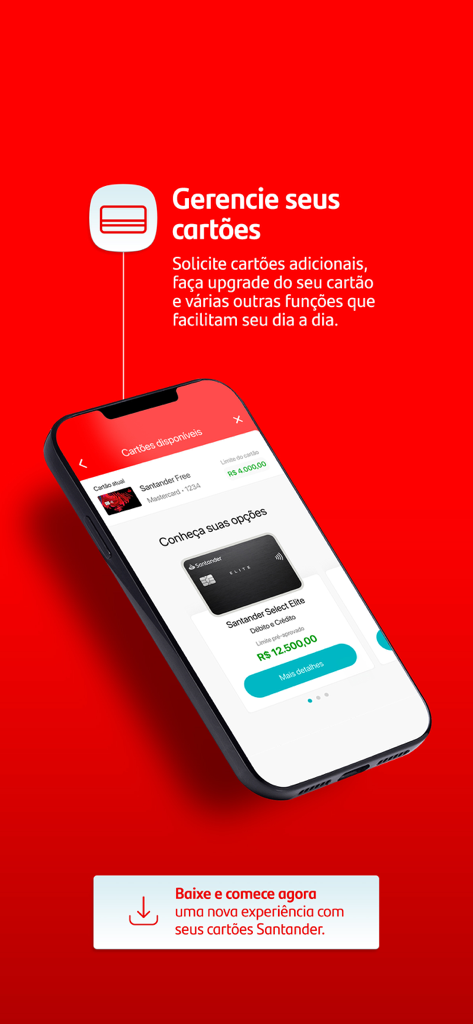
Mobile screen showing Santander Way app for managing credit cards in Portuguese.
Description
Download
More Like This
Apps with similar features and user experience

掌上生活-招商银行信用卡
CHINA MERCHANTS BANK CO.,LTD.

平安口袋银行-更懂您的智能银行
PingAn Bank

Credit One Bank Mobile
Credit One Bank, National Association

MySynchrony
Synchrony Financial

买单吧-交通银行信用卡
Bank of Communications

浦大喜奔-浦发银行信用卡
Shanghai Pudong Development Bank Co.Ltd

Bread Financial
Bread Financial Holdings, Inc.

丰收互联
Zhejiang Rural Commercial United Bank

CareCredit Mobile
Synchrony Financial
This page is not an official page of the app or its developer, but an independent editorial publication created for informational and commentary purposes. Unless expressly stated otherwise, neither the app nor its developer is affiliated with, endorsed by, sponsored by, authorized by, or otherwise officially connected with MWM, Apple, Google Play, the app publisher, or the app's developer, and nothing on this page implies that the app was developed using MWM's services. Any trademarks, logos, screenshots, and other content remain the property of their respective owners.