
This page is not an official page of the app or its developer, but an independent editorial publication created for informational and commentary purposes. Unless expressly stated otherwise, neither the app nor its developer is affiliated with, endorsed by, sponsored by, authorized by, or otherwise officially connected with MWM, Apple, Google Play, the app publisher, or the app's developer, and nothing on this page implies that the app was developed using MWM's services. Any trademarks, logos, screenshots, and other content remain the property of their respective owners.


ScaleGen
Break free from the 12-tone rut with the world's most advanced scale generator. Design intricate microtonal systems, explore the overtone series, and export custom MIDI signatures directly to your professional DAW or synth workflow.
Downloads
0User Rating
Total Ratings
0Publisher
Category
MusicLocales
1Latest Version
1.2.2Size
14.3 MBFirst Released
Sep 23, 2014Redefine Your Harmonic Horizon
From microtonal avant-garde to ancient world tunings, ScaleGen is the ultimate laboratory for professional composers and experimental producers to engineer custom musical DNA.
Infinite Microtonality
Transcend the 12-tone limit. Craft scales with up to 24 pitches per octave and explore intricate non-Western intonations with surgical precision.
Dynamic Scale Architecture
Design scales that evolve across the keyboard. Use overtone series logic and frequency multiplication to create different structures for every octave.
The following screenshots and description are sourced directly from the app's official store listing and are the property of the app developer.
App Store
Screenshots
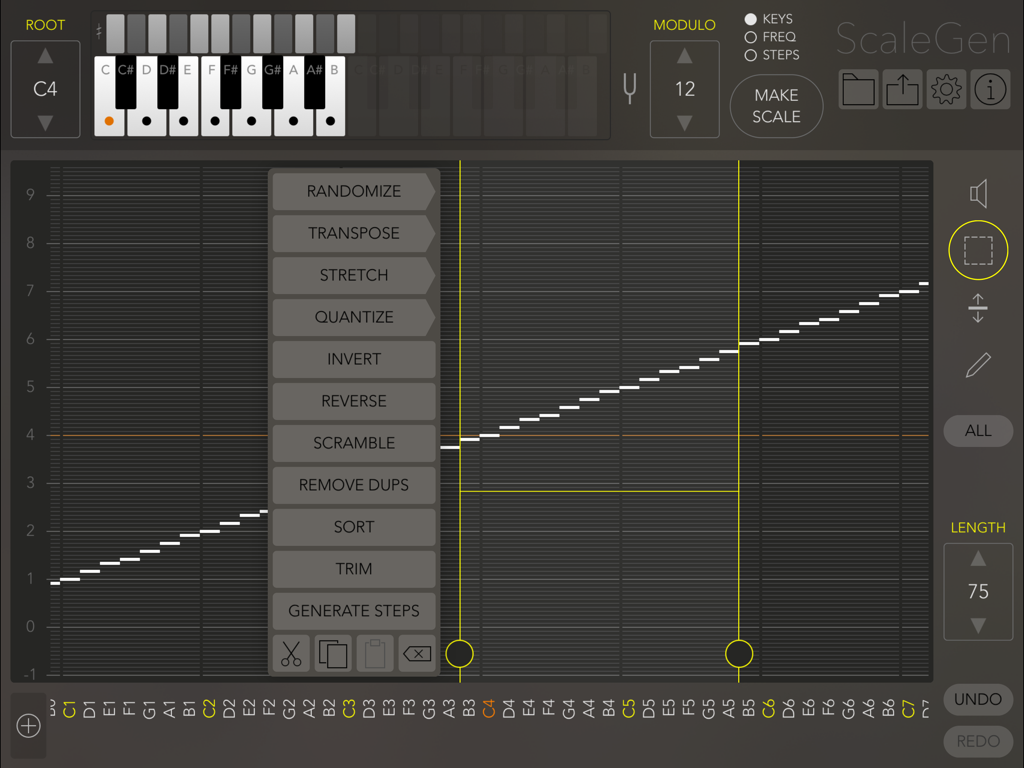
ScaleGen app interface featuring a pitch matrix editor for custom MIDI scale creation on iPad.
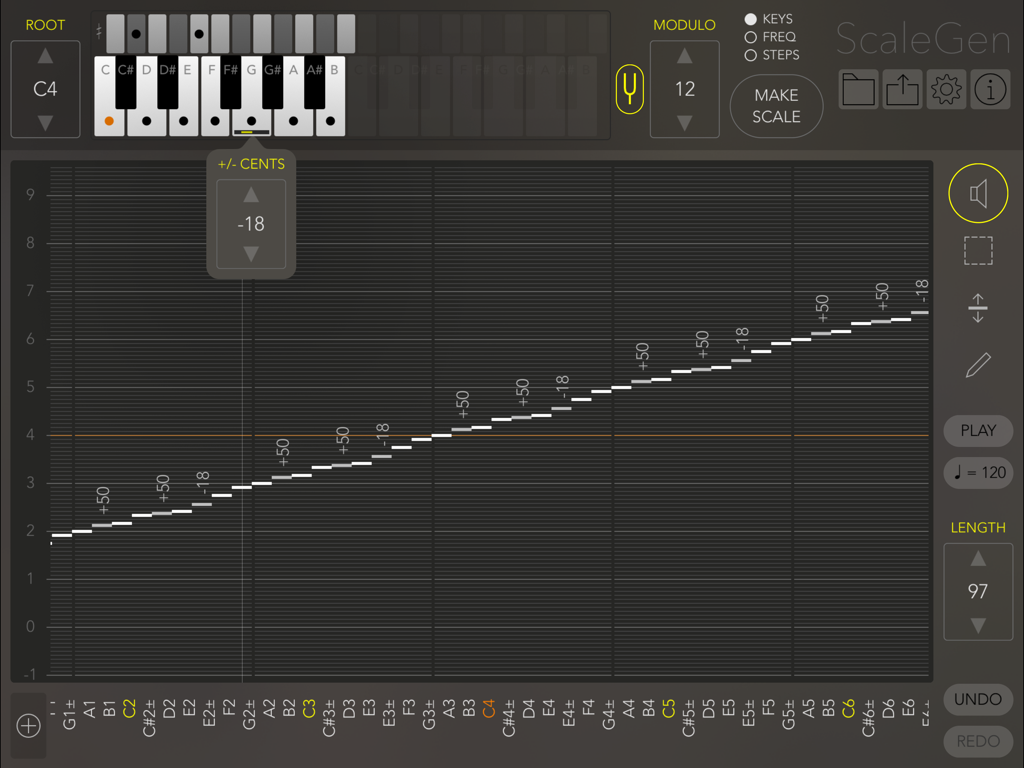
A microtonal music scale matrix editor in the ScaleGen app showing pitch adjustments in cents and a virtual keyboard.
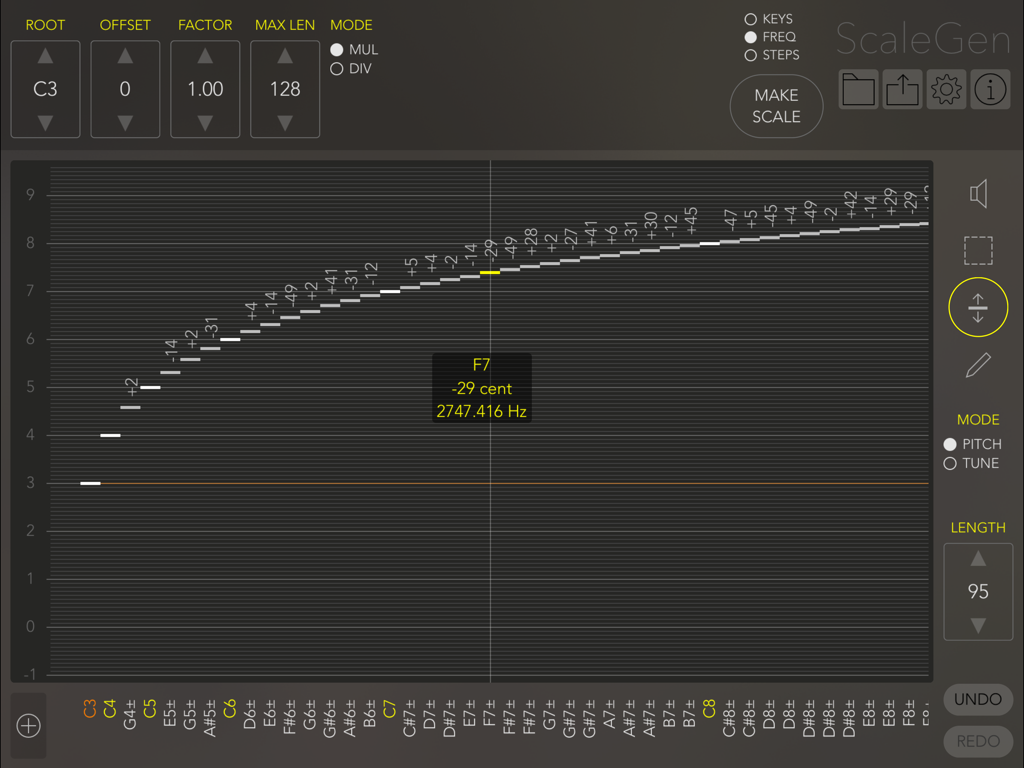
Interface of the ScaleGen app showing a frequency and pitch matrix for designing custom microtonal musical scales
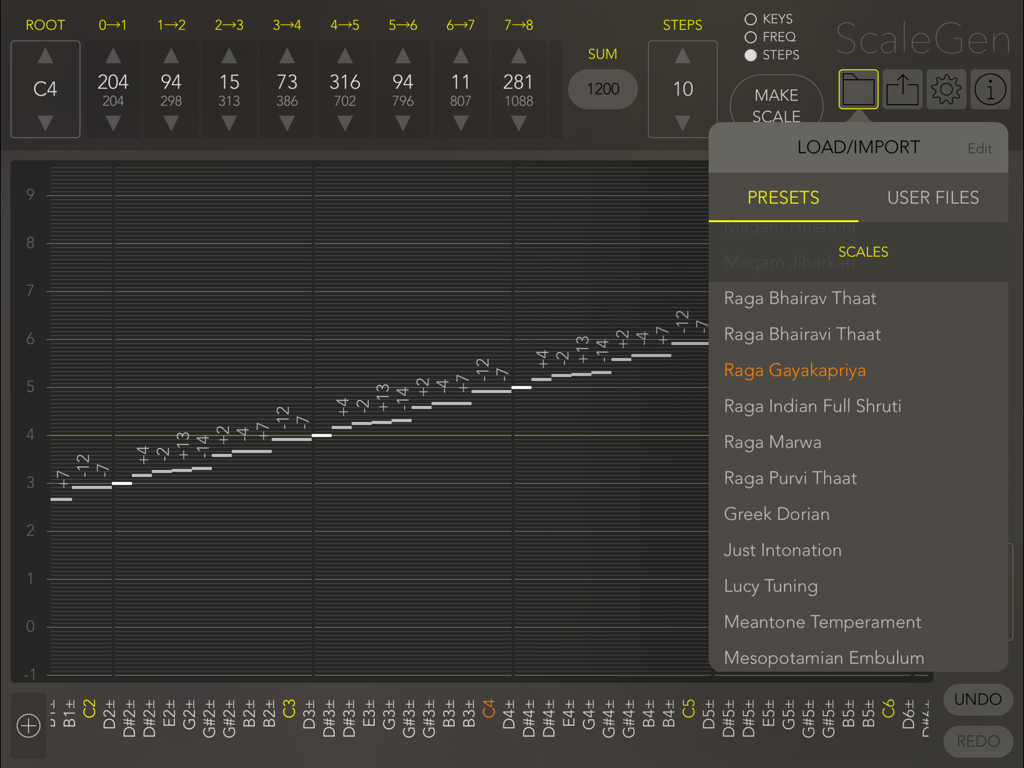
ScaleGen app interface showing a list of musical scale presets and a microtonal pitch editing matrix.
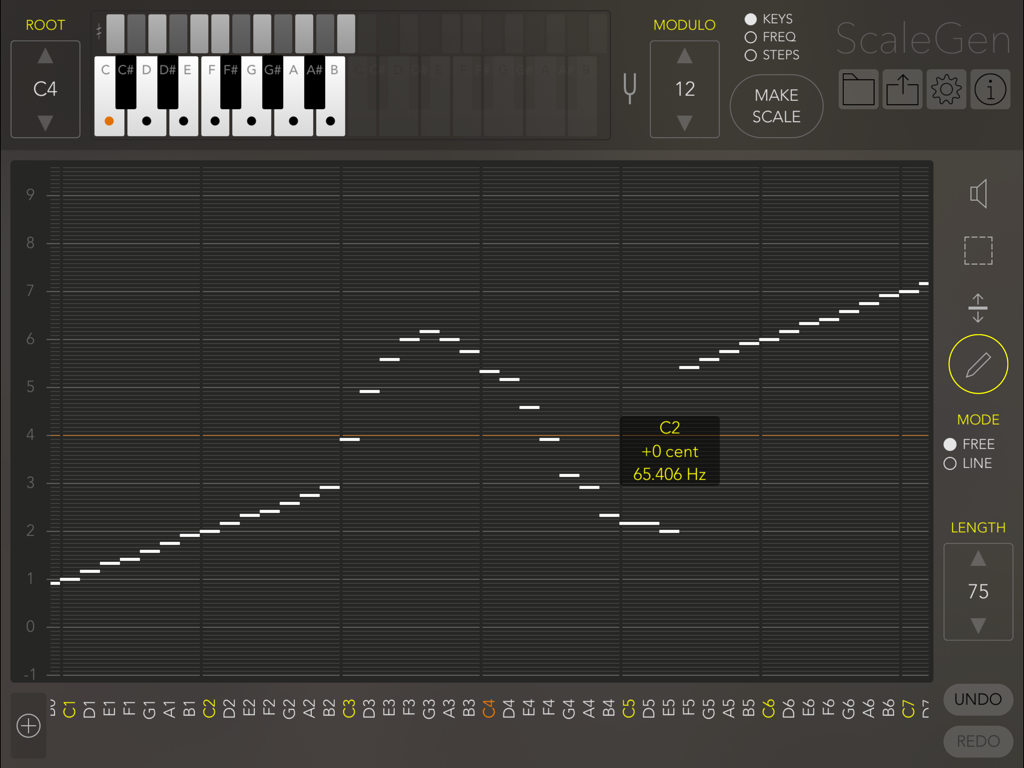
ScaleGen app interface showing a custom musical scale being edited in a matrix grid.
Description
Download
More Like This
Top-ranked apps in the same category

Spotify: Music and Podcasts
Spotify

YouTube Music
Google LLC

Shazam: Find Music & Concerts
Apple Inc.
SoundCloud: The Music You Love
SoundCloud Global Limited & Co KG

Suno - AI Songs & Music
Suno Inc.

QQ音乐 - 听我想听
Tencent Technology (Shenzhen) Company Limited

Audiomack - Play Music Offline
Audiomack, Inc.

BandLab – Music Maker & Beats
BandLab Singapore Pte Ltd

GuitarTuna: Tune & Play Guitar
Yousician Ltd
This page is not an official page of the app or its developer, but an independent editorial publication created for informational and commentary purposes. Unless expressly stated otherwise, neither the app nor its developer is affiliated with, endorsed by, sponsored by, authorized by, or otherwise officially connected with MWM, Apple, Google Play, the app publisher, or the app's developer, and nothing on this page implies that the app was developed using MWM's services. Any trademarks, logos, screenshots, and other content remain the property of their respective owners.