
This page is not an official page of the app or its developer, but an independent editorial publication created for informational and commentary purposes. Unless expressly stated otherwise, neither the app nor its developer is affiliated with, endorsed by, sponsored by, authorized by, or otherwise officially connected with MWM, Apple, Google Play, the app publisher, or the app's developer, and nothing on this page implies that the app was developed using MWM's services. Any trademarks, logos, screenshots, and other content remain the property of their respective owners.

Scan It All Pro
Transform your device into a professional mobile office. Scan multipage documents, sign contracts instantly, and sync to the cloud with complete on-device privacy.
Downloads
220K+User Rating
Total Ratings
100Publisher
Category
BusinessLocales
1Latest Version
7.3.5Size
10.7 MBFirst Released
Feb 8, 2014Efficiency for the Modern Professional
Scan It All Pro turns your iPhone or iPad into a portable, high-performance office. Scan, sign, and organize your business documents with ease while maintaining total privacy.
Smart Multipage Scanning
Automatically detect edges, remove shadows, and enhance contrast for professional-quality PDFs in seconds, no matter where you are.
Sign & Close Deals Faster
Create unlimited signatures to sign documents directly within the app. Scale, move, and finalize contracts without ever needing a printer.
The following screenshots and description are sourced directly from the app's official store listing and are the property of the app developer.
App Store
Screenshots
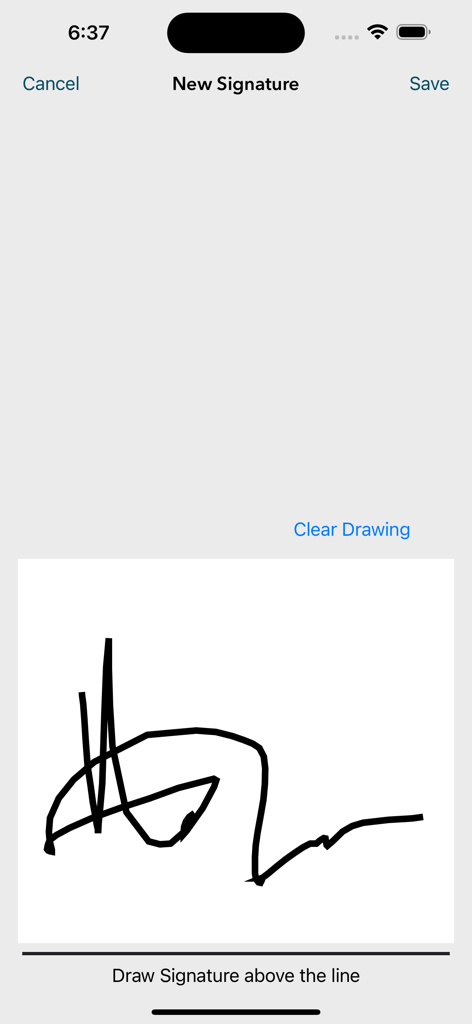
Interface for drawing and saving a new digital signature in the Scan It All Pro app
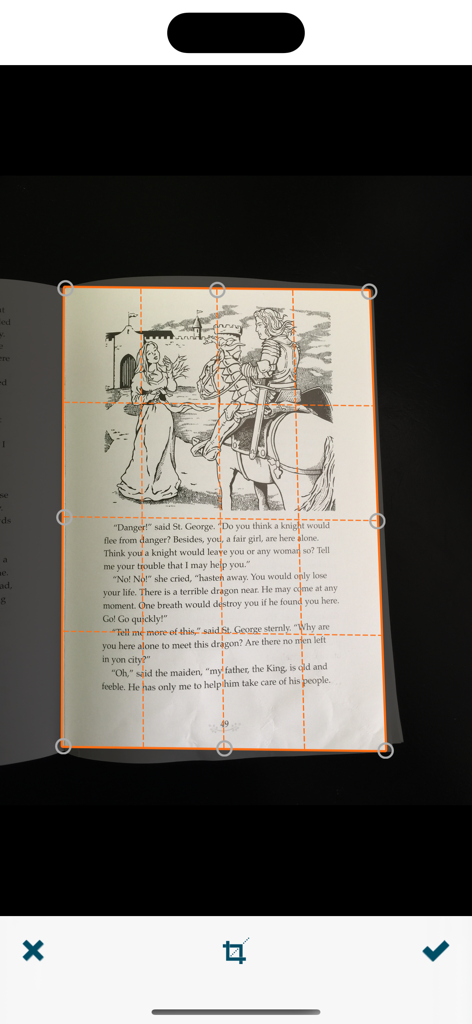
Scan It All Pro app interface showing automatic document edge detection and cropping on a book page.
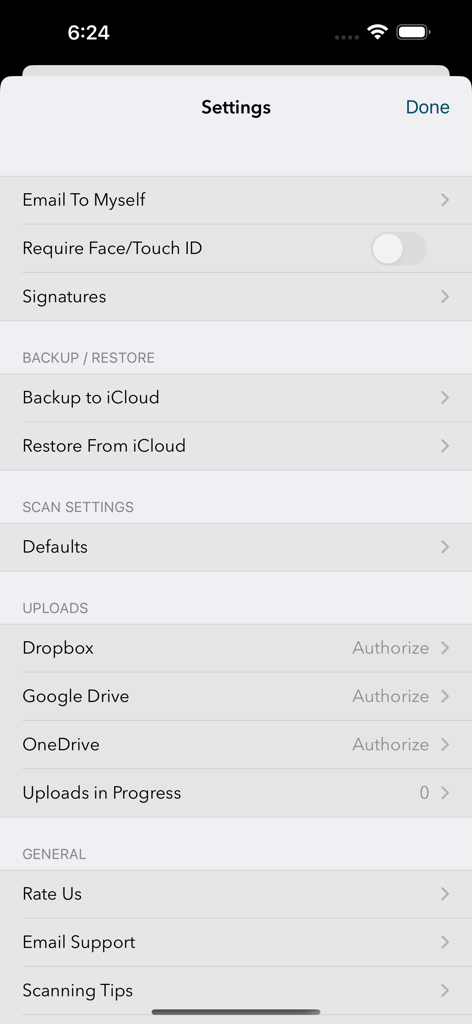
Settings screen of Scan It All Pro app showing cloud storage and security options
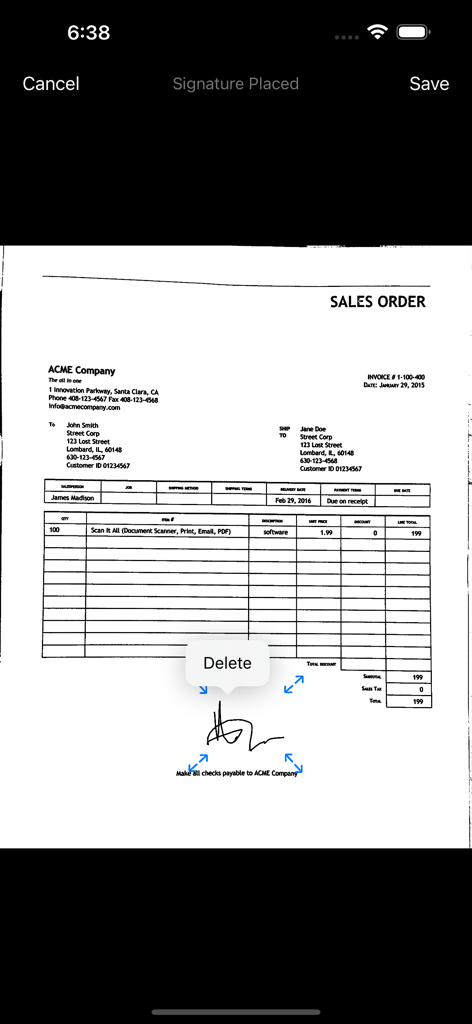
Adding a digital signature to a scanned sales order document in Scan It All Pro.
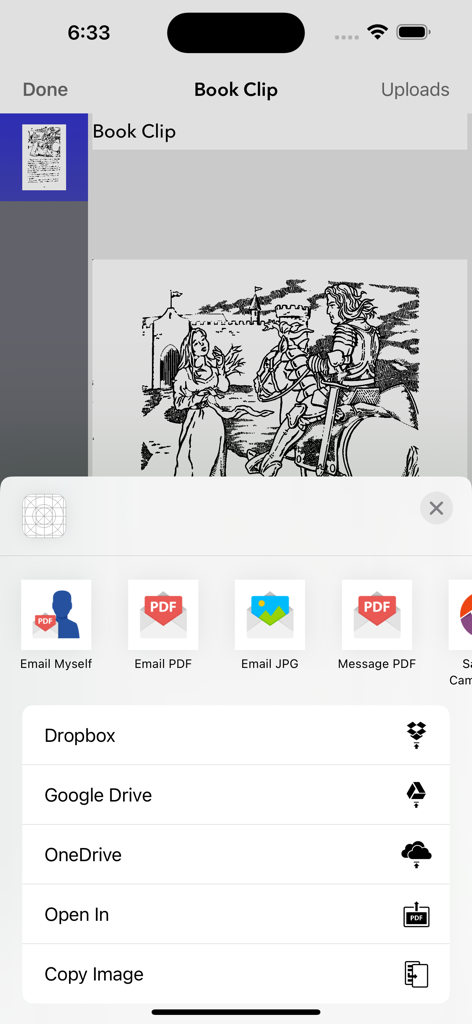
Scan It All Pro app interface showing sharing and cloud export options including Dropbox and Google Drive
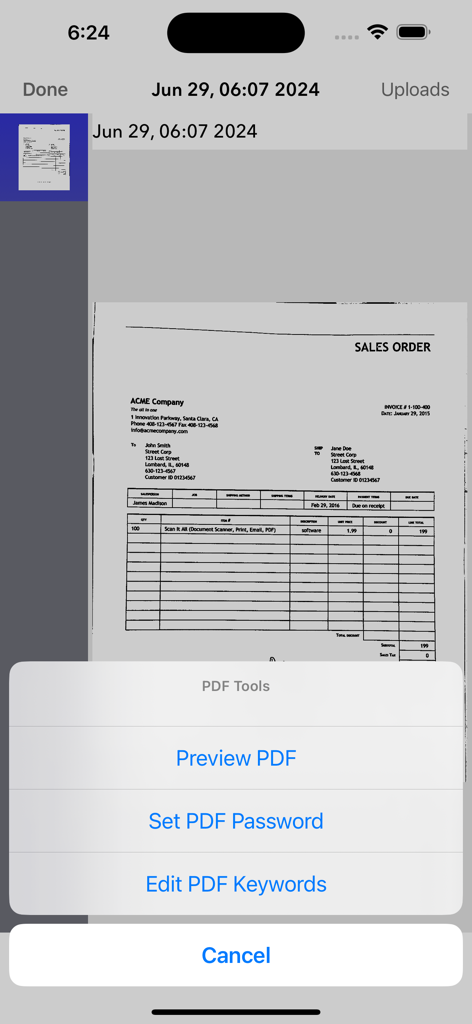
Scan It All Pro app menu showing options to set a PDF password and edit keywords for a scanned sales order
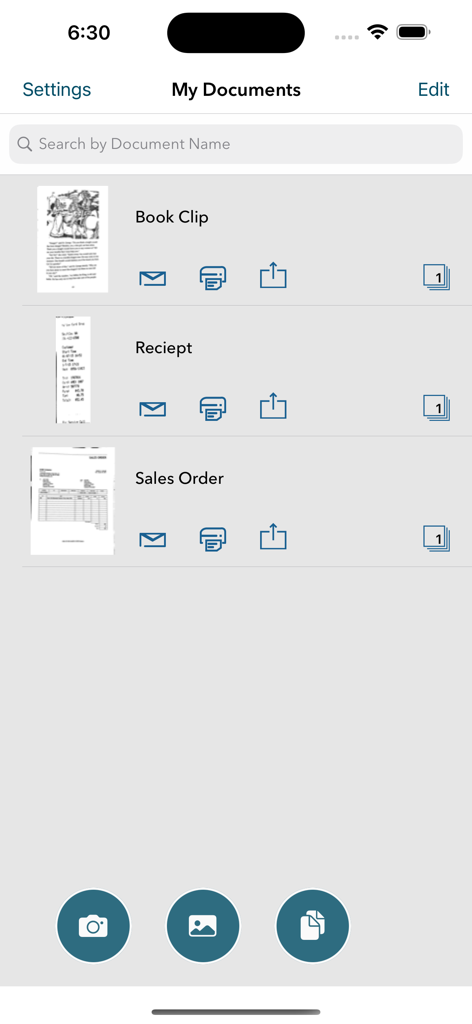
Organized list of scanned receipts and documents in Scan It All Pro
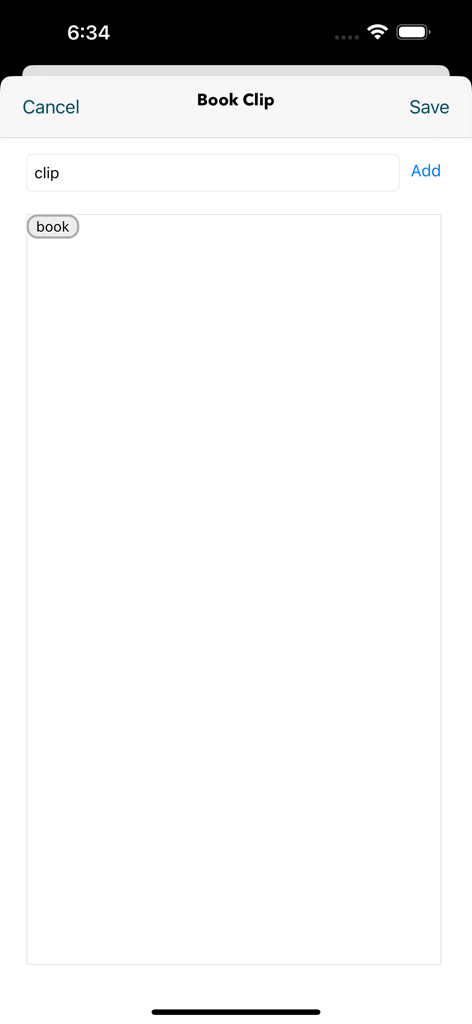
Interface for adding tags and labels to scanned documents in the Scan It All Pro app
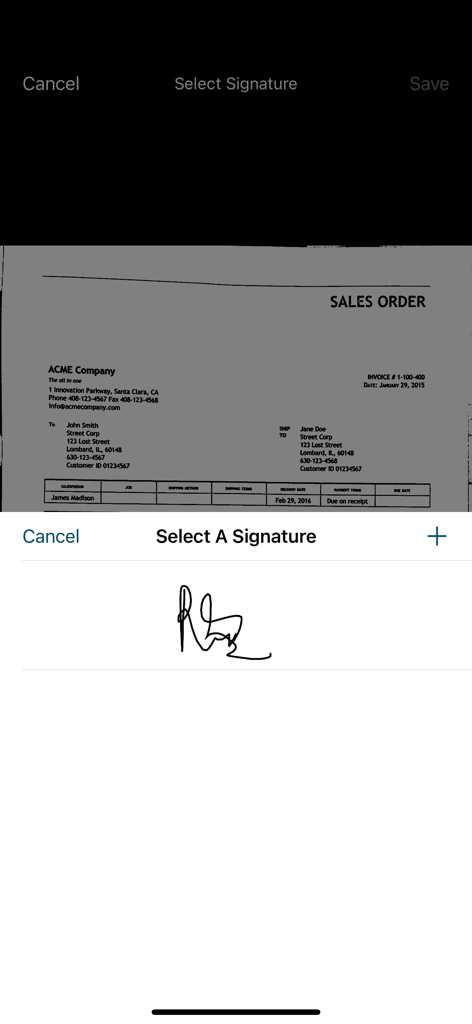
Mobile app interface displaying a signature selection tool over a scanned sales order
Description
Download
More Like This
Top-ranked apps in the same category

Microsoft Teams
Microsoft Corporation

Zoom Workplace
Zoom Communications, Inc.

WhatsApp Business
WhatsApp Inc.

Indeed Job Search
Indeed Inc.

LinkedIn: Network & Job Finder
LinkedIn Corporation

Adobe Acrobat Reader: Sign PDF
Adobe Inc.

WeCom-Work Communication&Tools
Tencent Technology (Shenzhen) Company Limited

BOSS直聘-招聘求职找工作神器
Beijing China Product Bo Farce Network Technology Co., Ltd.

DingDing - Redefine Work in AI
DingTalk Technology Co., Ltd.
This page is not an official page of the app or its developer, but an independent editorial publication created for informational and commentary purposes. Unless expressly stated otherwise, neither the app nor its developer is affiliated with, endorsed by, sponsored by, authorized by, or otherwise officially connected with MWM, Apple, Google Play, the app publisher, or the app's developer, and nothing on this page implies that the app was developed using MWM's services. Any trademarks, logos, screenshots, and other content remain the property of their respective owners.