
This page is not an official page of the app or its developer, but an independent editorial publication created for informational and commentary purposes. Unless expressly stated otherwise, neither the app nor its developer is affiliated with, endorsed by, sponsored by, authorized by, or otherwise officially connected with MWM, Apple, Google Play, the app publisher, or the app's developer, and nothing on this page implies that the app was developed using MWM's services. Any trademarks, logos, screenshots, and other content remain the property of their respective owners.

Screen Time Blocker: app Limit
Stop doomscrolling and take back control of your day. Block distractions automatically by location or schedule, reduce stress, and join users reclaiming 83 minutes of free time every day.
Downloads
53K+User Rating
Total Ratings
2K+Publisher
Category
Health & FitnessLocales
20Latest Version
3.0.4Size
599.5 MBFirst Released
Jul 31, 2018Master Your Attention Economy
Join thousands of high-performing professionals reclaiming over 80 minutes of daily productivity by automating their digital boundaries.
Smart Focus Scheduling
Eliminate the urge to doomscroll by automatically blocking distracting apps during your peak work hours or before bed.
Geofenced Productivity
Create high-performance zones that automatically restrict social media the moment you arrive at the office or your desk.
The following screenshots and description are sourced directly from the app's official store listing and are the property of the app developer.
App Store
Screenshots
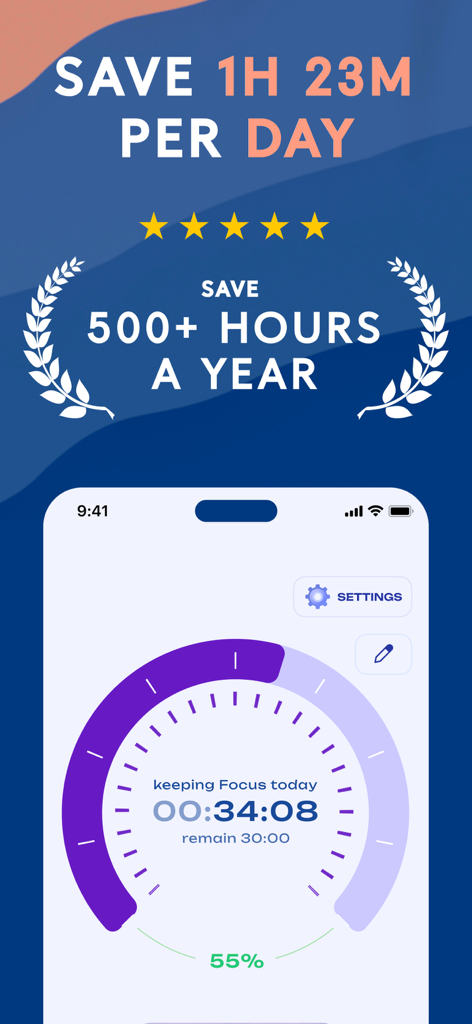
Focus timer screen showing daily and yearly time savings stats
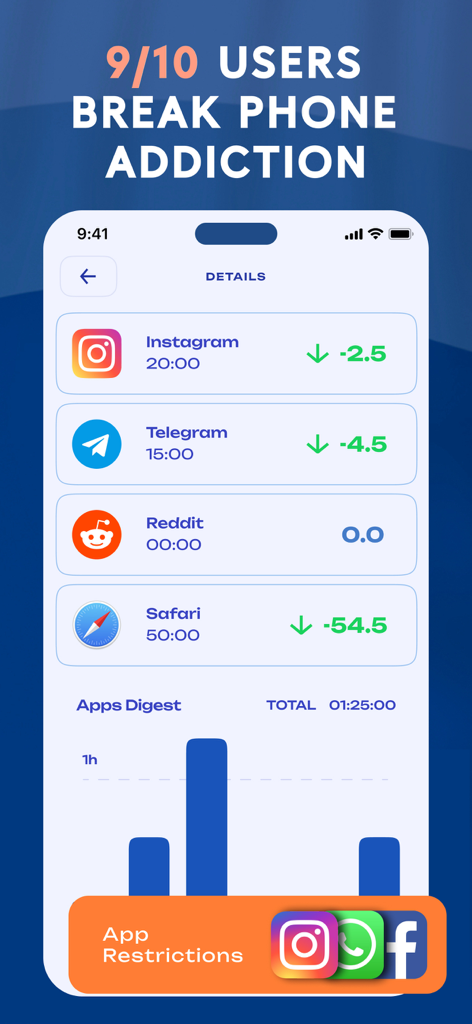
Mobile dashboard showing time reduction statistics for Instagram Telegram and Safari with an apps digest bar chart
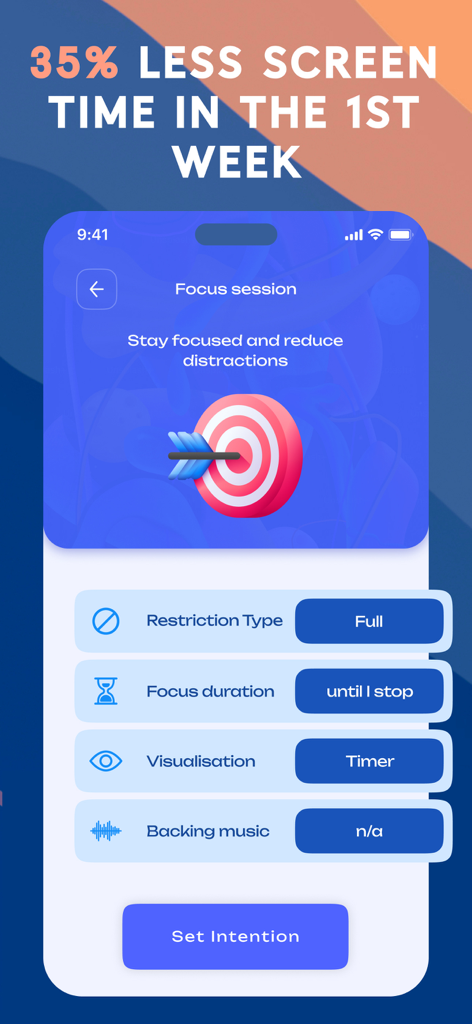
Mobile app screen for setting up a focus session to block distractions and improve productivity
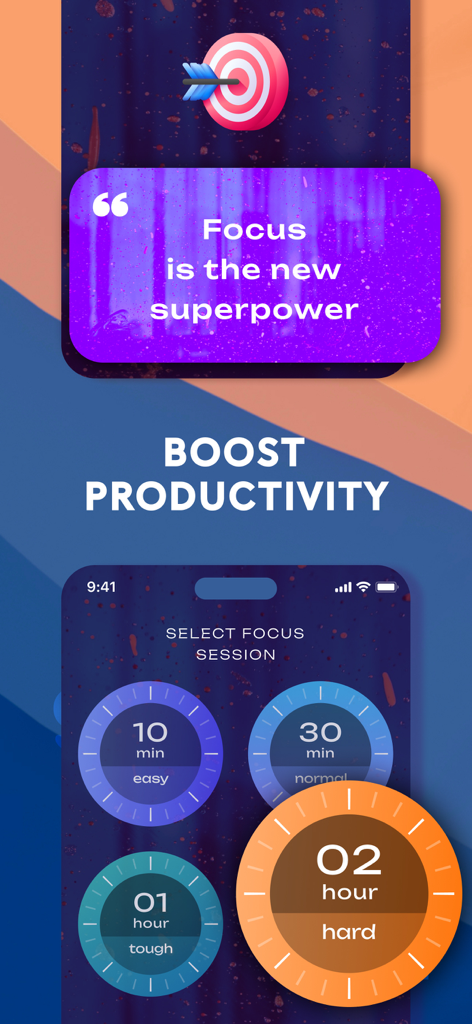
Focus session selection screen with timer options to boost productivity
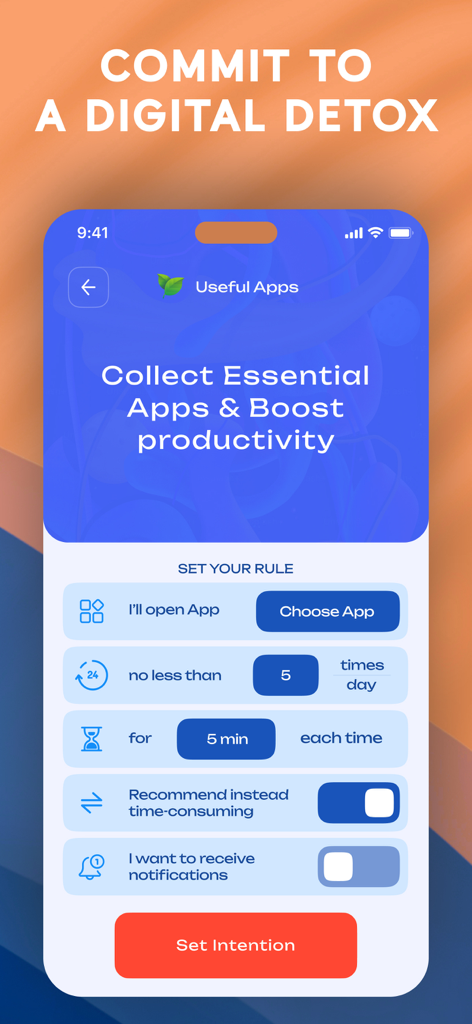
Interface of Screen Time Blocker app showing how to set specific app usage limits and digital detox intentions
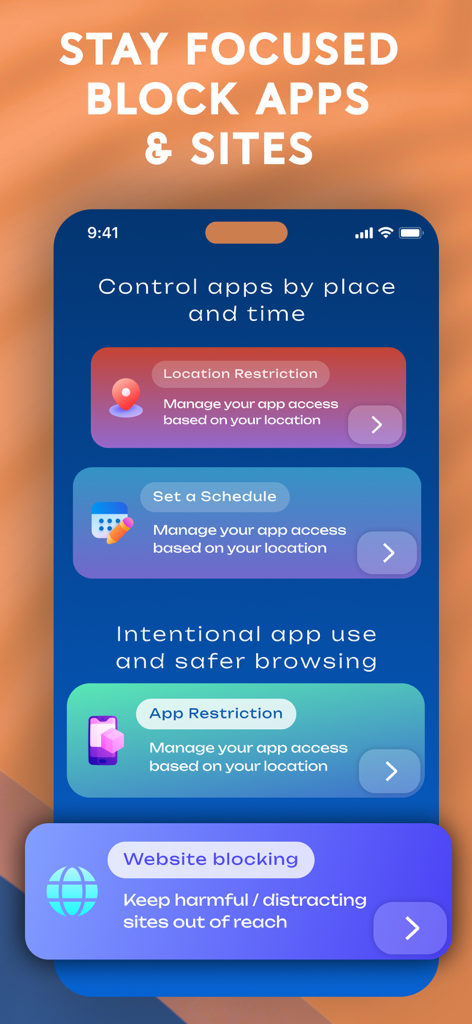
Screen Time Blocker app interface showing location and schedule based restriction options
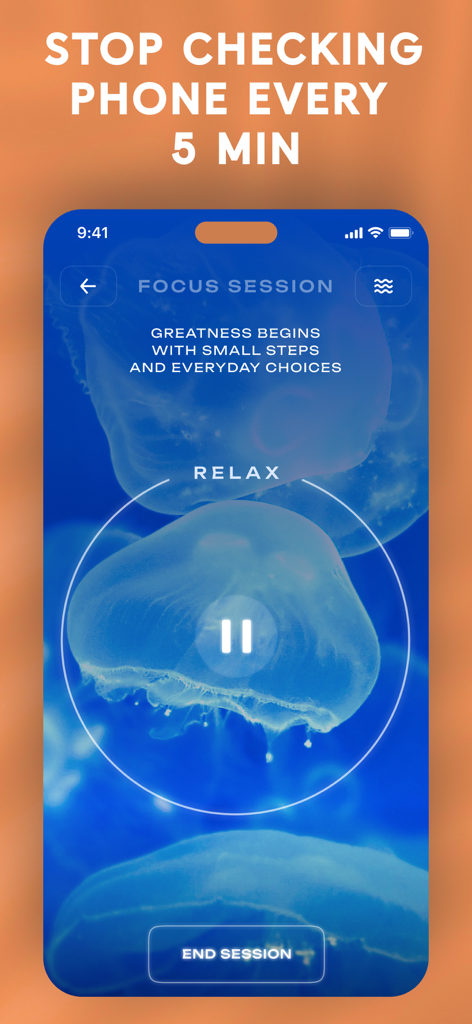
Focus session screen of the Screen Time Blocker app with a jellyfish background and motivational quote for digital detox.
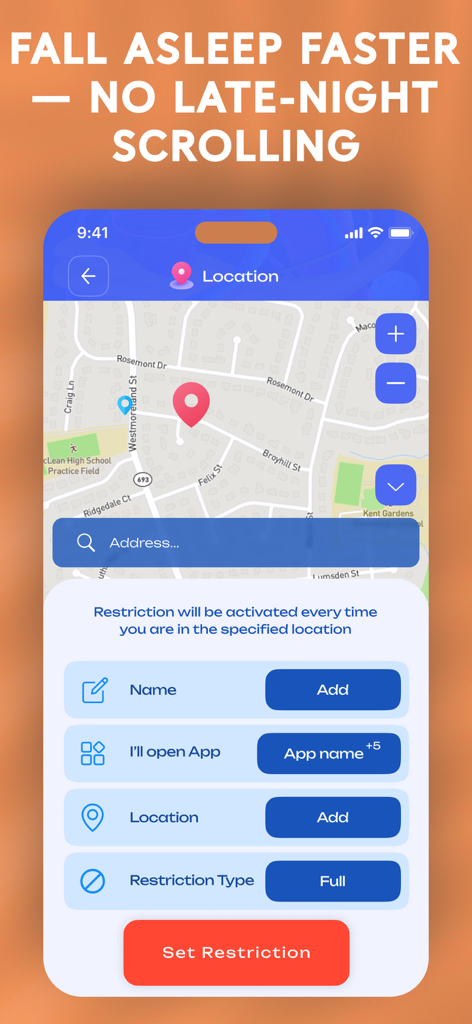
Screen Time Blocker app interface for setting location-based app restrictions to improve sleep
Description
Download
More Like This
Top-ranked apps in the same category

Strava: Run, Bike, Walk
Strava Inc.

Flo Cycle & Period Tracker
FLO HEALTH UK LIMITED

AI Calorie Tracker by Yazio
YAZIO GmbH

MyFitnessPal: Calorie Counter
MyFitnessPal, Inc.

Mi Fitness (Xiaomi Wear Lite)
Beijing Xiaomi Co., Ltd

美柚 - 经期·备孕·怀孕·育儿&亲友版
Xiamen Meet You Co., Ltd.

Cal AI - Calorie Tracker
Viral Development LLC

Yuka - Food & Cosmetic Scanner
Yuca

BitePal: Food Tracker Pet
REFACE LITHUANIA UAB
This page is not an official page of the app or its developer, but an independent editorial publication created for informational and commentary purposes. Unless expressly stated otherwise, neither the app nor its developer is affiliated with, endorsed by, sponsored by, authorized by, or otherwise officially connected with MWM, Apple, Google Play, the app publisher, or the app's developer, and nothing on this page implies that the app was developed using MWM's services. Any trademarks, logos, screenshots, and other content remain the property of their respective owners.