ScreenKit - App Icons & Widget

ScreenKit - App Icons & Widget


Download on App Store
Logo of ScreenKit - App Icons & Widget

ScreenKit - Aesthetic Home Screen Makeover

Join 10 million users and transform your iPhone with stunning icons, widgets, and wallpapers in one click. No Shortcuts app needed—just effortless style for your digital identity.

Publisher

TWINSTAR CREATIVES PTY LTD

Category

Graphics & Design

Downloads

16M+

User Rating

3.9/5

Total Ratings

83K+

Locales

1

Design Your Vibe

Discover the interface used by 16M+ users.
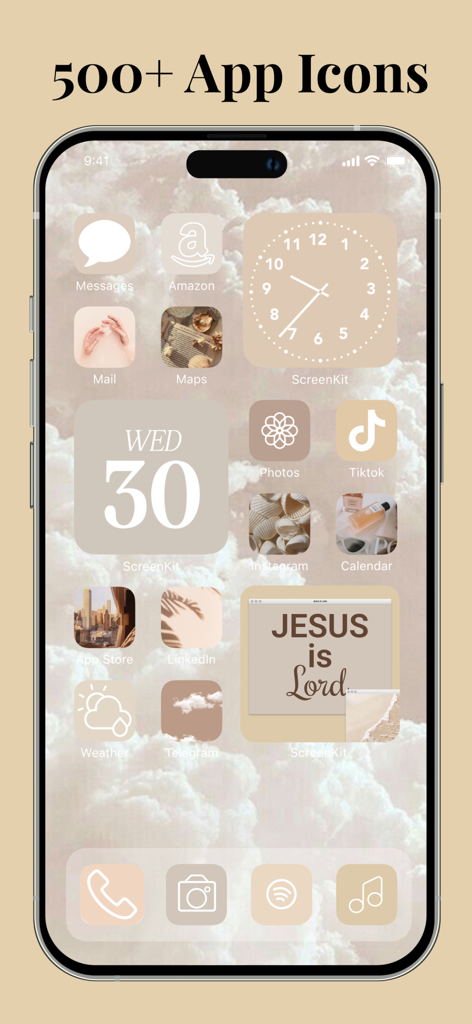
iPhone showing a customized home screen with a beige aesthetic theme including custom icons and widgets

iPhone showing a customized home screen with a beige aesthetic theme including custom icons and widgets

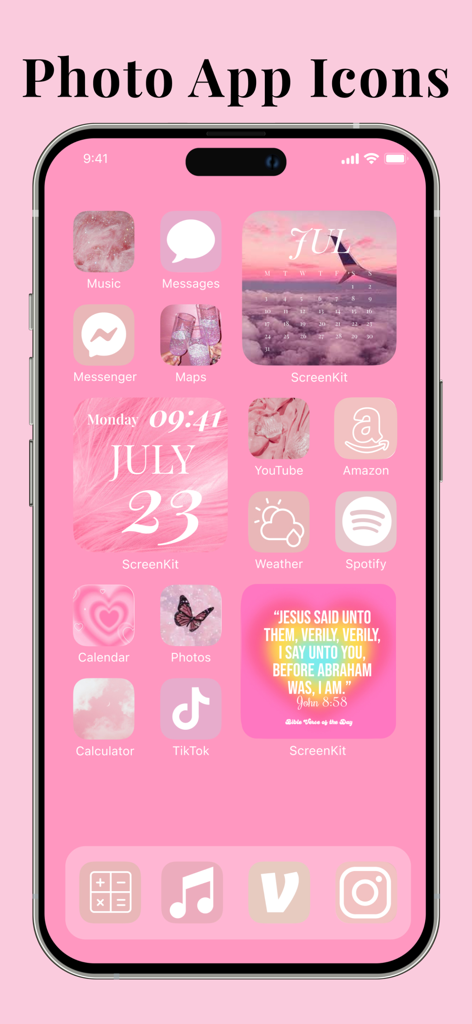
A pink aesthetic iPhone home screen customized with ScreenKit featuring stylized photo app icons and widgets

A pink aesthetic iPhone home screen customized with ScreenKit featuring stylized photo app icons and widgets

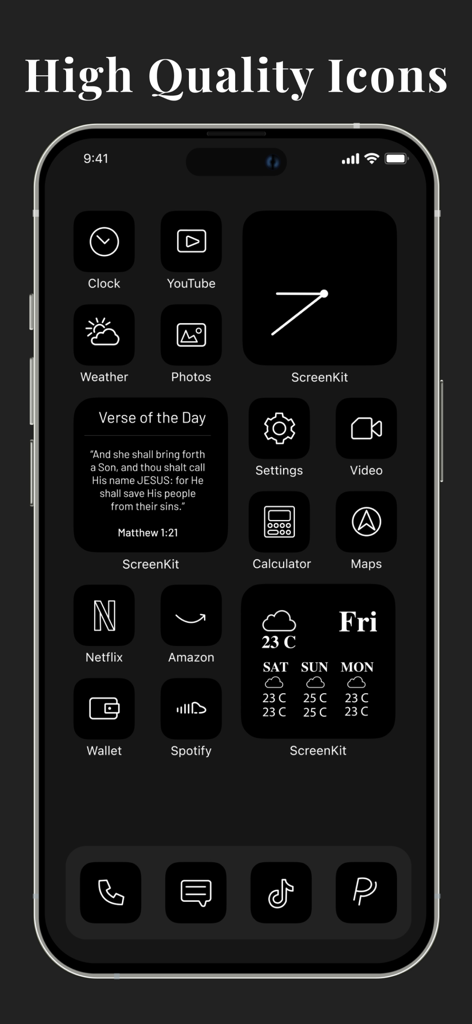
iPhone home screen with minimalist dark aesthetic icons and widgets

iPhone home screen with minimalist dark aesthetic icons and widgets

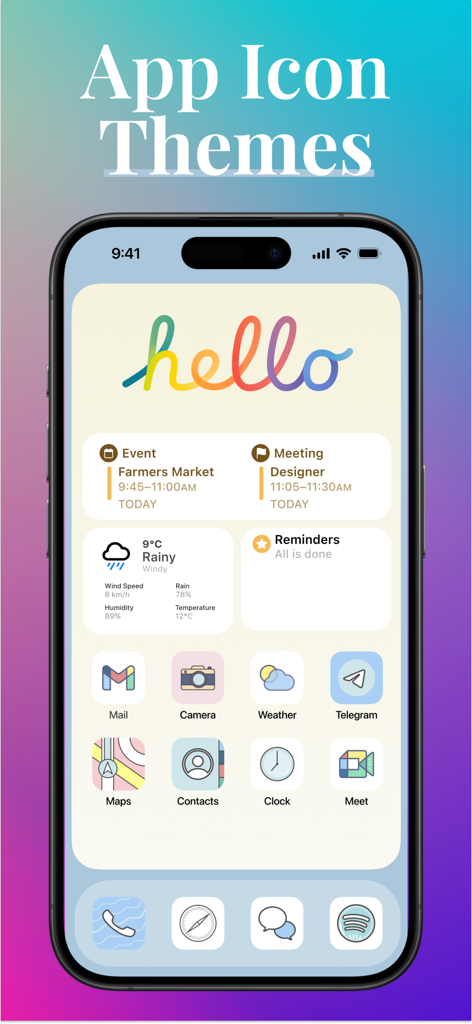
Aesthetic iPhone home screen featuring custom pastel app icons and colorful widgets

Aesthetic iPhone home screen featuring custom pastel app icons and colorful widgets

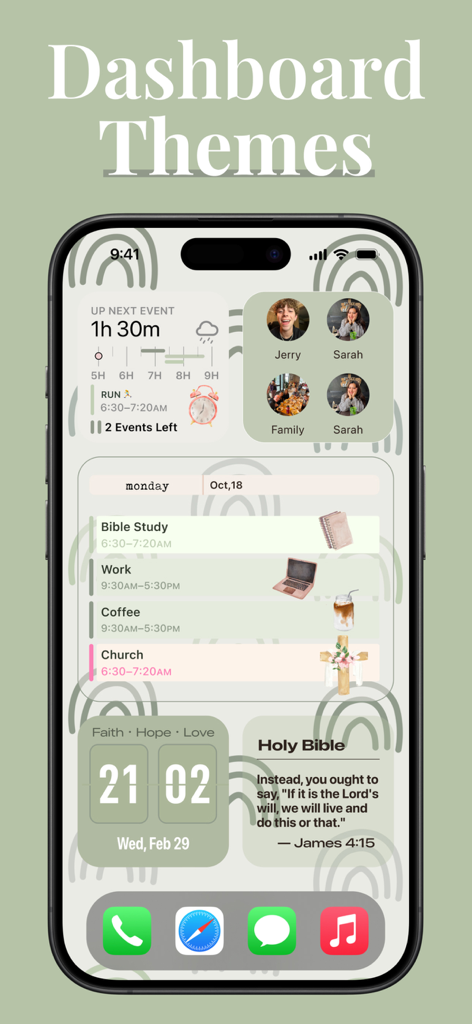
A sage green aesthetic iPhone home screen theme from ScreenKit featuring Bible study widgets and a personal schedule.

A sage green aesthetic iPhone home screen theme from ScreenKit featuring Bible study widgets and a personal schedule.

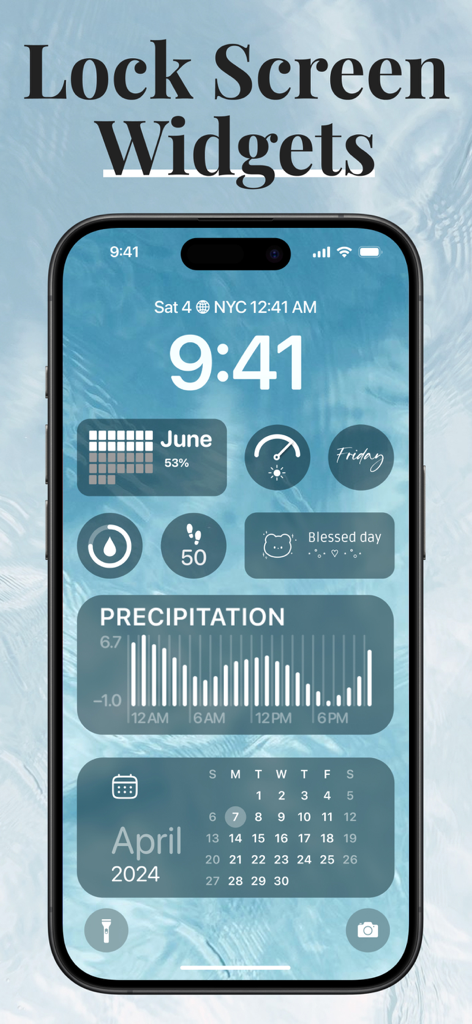
Customized aesthetic iPhone lock screen with blue widgets for calendar and activity tracking

Customized aesthetic iPhone lock screen with blue widgets for calendar and activity tracking

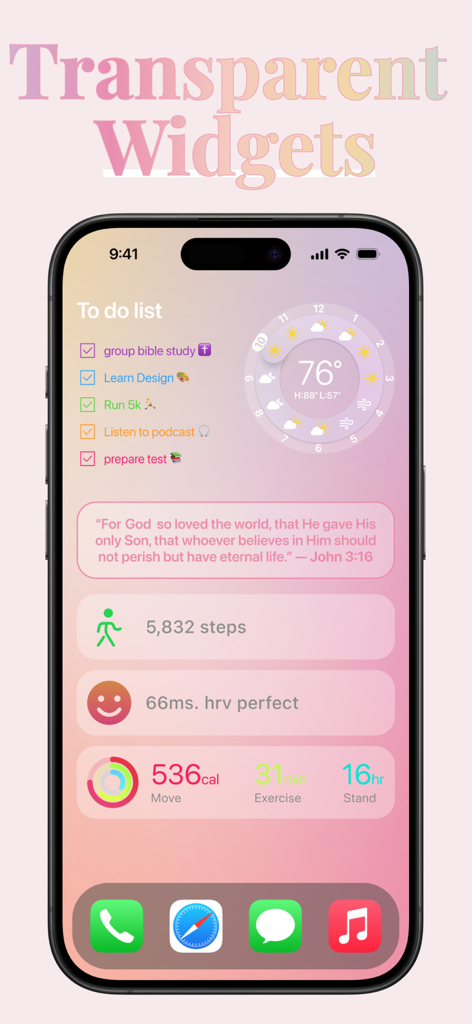
Aesthetic transparent widgets for iPhone home screen customization

Aesthetic transparent widgets for iPhone home screen customization

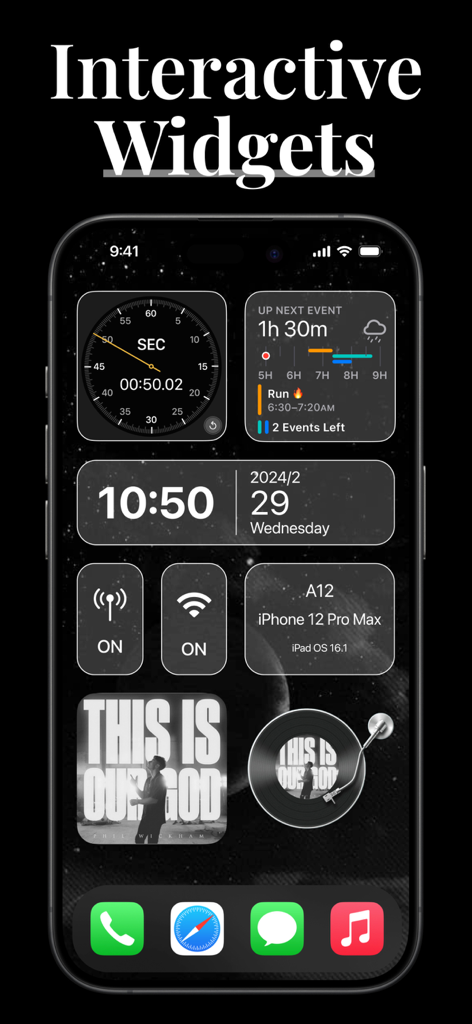
iPhone screen showing interactive widgets for time weather and music in a dark theme

iPhone screen showing interactive widgets for time weather and music in a dark theme

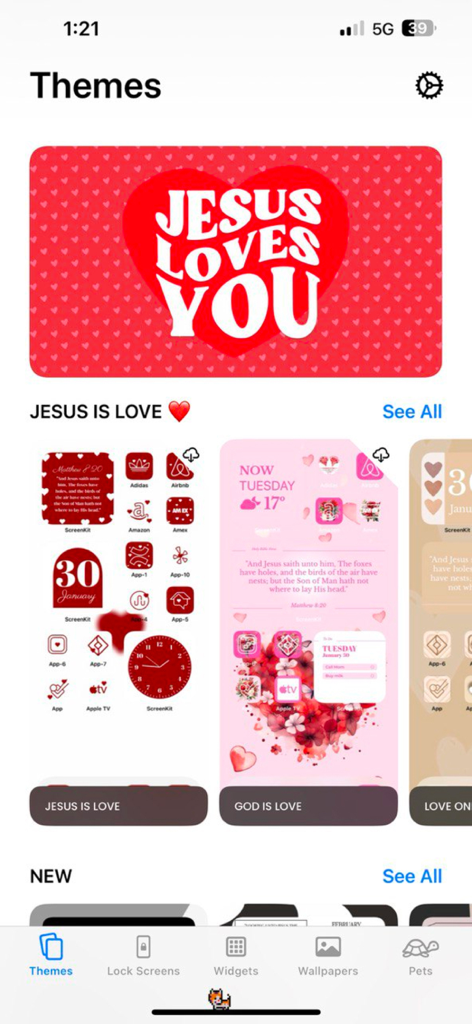
ScreenKit app interface showing Christian aesthetic home screen themes and widgets.

ScreenKit app interface showing Christian aesthetic home screen themes and widgets.

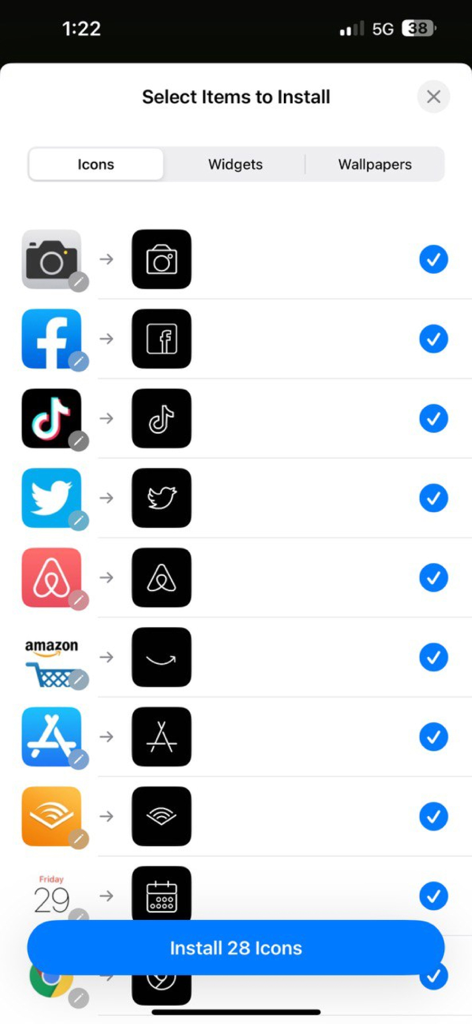
Interface of ScreenKit app showing a list of aesthetic minimalist icons ready for installation

Interface of ScreenKit app showing a list of aesthetic minimalist icons ready for installation

Unleash Your Personal Aesthetic

The tools that make this app stand out, trusted by 16M+ users.

Instant 1-Click Install

Stop wasting time with the 'Shortcuts' app. Install high-quality icon packs in under 2 minutes with our seamless, automated setup.

🖼️

Pro-Level Widget Maker

Design custom weather, calendar, and motivation widgets that perfectly match your vibe using our easy-to-edit templates.

5,000+ Designer Icons

Whether you are in your 'Clean Girl', 'Neon', or 'Pastel' era, browse thousands of icons and matching wallpapers for a total makeover.

About the app

Everything you need to know about ScreenKit - App Icons & Widget.

Description

Loved by 10 Million happy users, ScreenKit app is the #1 choice to customize your iPhone & iPad homescreen & lockscreen with aesthetic themes, app icons & widgets! It’s a must-download if you want to go from the boring standard theme to an aesthetic iPhone makeover. Super easy to use without any other app needed. No wonder ScreenKit has over 40,000+ 5-star reviews. It’s a crowd pleaser! Key Features: APP ICON CHANGER Inside ScreenKit, you’ll find hundreds of app icon packs including minimalist, classic, neon, abstract, pastel, glitter, sports, scrapbook, nature, gold, retro and much more. All our app icons are carefully created to provide high-quality graphics for our users. Install all the app icons at once. It only takes 2-3 minutes to install a theme. WIDGETS AND WIDGET MAKER Whether you want to add all-ready made widgets or create a widget from scratch using our templates, it’s all possible in ScreenKit. Explore our collection of Weather, Date, Clock, Calendar, Bible, Motivation, Battery, Countdown and Photo Widgets. There are 1000’s of widgets in every aesthetic. Enter the widget customisation mode to easily change the style of text, background, appearance, colors, decorations & much more. THEMES AND THEME MAKER Choose from our ready made iPhone and iPad theme templates or build your own. Every theme is fully-editable to fit your style and make your device stand out. Themes are compatible with iOS 14, iOS 15, iOS 16 and iOS 17. AESTHETIC WALLPAPERS Browse our huge collection of high-quality wallpapers. Themes come with matching wallpapers for users to choose from. NO SHORTCUTS NEEDED ScreenKit works without needing to use Shortcuts by Apple to change your app icons and themes! Pay-once and unlock exclusive app icons and widgets: - Get access to exclusive app icon kits and themes by upgrading to our one-time lifetime upgrade fee of $9.99USD. Seriously, this is a great offer. What are you waiting for?! Download the ScreenKit app! Subscription options: - You can subscribe to unlimited access for pro features including exclusive icons, all custom themes, tons of different icon styles and combinations. - ScreenKit+ offers unlimited usage and unlocks all features for $39.99 for 6 months, autorenewal. - Payment will be charged to iTunes Account at the confirmation of purchase. - Subscription automatically renews unless auto-renew is turned off at least 24-hours before the end of the current period. - Account will be charged for renewal within 24-hours prior to the end of the current period, and identify the cost of renewal. - Subscriptions may be managed by the user and auto-renewal may be turned off by going to the user’s Account Settings after purchase. - Any unused portion of a free trial period, if offered, will be forfeited when the user purchases a subscription to that content. - No cancellation of the current subscription is allowed during the active subscription period. *This price is for United States customers. Pricing may differ depending on your country and actual charges may be converted to your local currency of residence. The prices are equal to “Apple’s App Store Matrix” which determines the equivalent subscription price in USD. Instagram.com/screenkit.app TikTok: @screenkit.app Press- info.screenkit@gmail.com For more info: info.screenkit@gmail.com Links to our Terms and Privacy Policy can be found below: Terms: https://www.screenkit.xyz/terms-of-service/ Privacy Policy: https://www.screenkit.xyz/privacy-policy/ Note: All content, resources and designs contained in the ScreenKit application are the sole property of Twinstar Creatives and are protected under copyright and intellectual property laws. Any unauthorized use or breach of our copyright may result in legal consequences.

Latest Version

8.7

Size

399.7 MB

First Released

Oct 1, 2020

Ready for Your Aesthetic Era?

Join 10 million creators and give your iPhone the makeover it deserves. No shortcuts, no stress—just one-click magic to match your vibe.

Download on App Store
FAQ

Frequently Asked Questions

Everything you need to know about ScreenKit - App Icons & Widget

Can I customize my iPhone home screen with ScreenKit?

Yes, ScreenKit app allows customization of iPhone and iPad homescreens and lockscreens with aesthetic themes, app icons, and widgets. It offers both ready-made designs and tools to create custom elements.

Does ScreenKit require Apple Shortcuts for app icon changes?

No, ScreenKit works without requiring Apple Shortcuts to change your app icons and themes. This simplifies the customization process for users, making it more straightforward.

How much does ScreenKit app cost?

ScreenKit offers a one-time lifetime upgrade for $9.99 USD. Alternatively, ScreenKit+ provides unlimited access to pro features for $39.99 for 6 months, which is an auto-renewing subscription.

What types of app icons does ScreenKit offer?

ScreenKit offers hundreds of app icon packs in styles such as minimalist, classic, neon, abstract, pastel, glitter, sports, scrapbook, nature, gold, and retro. These are high-quality graphics.

Can I create custom widgets with ScreenKit?

Yes, ScreenKit allows users to create custom widgets from scratch using its templates. It also provides a wide collection of ready-made widgets like Weather, Date, Clock, and Photo Widgets.

What iOS versions are compatible with ScreenKit themes?

ScreenKit themes are compatible with iOS 14, iOS 15, iOS 16, and iOS 17. The app ensures broad support across recent iPhone and iPad operating system versions for customization.

How long does it take to install a theme in ScreenKit?

Installing a full theme, including all app icons, typically takes 2-3 minutes with ScreenKit. This ensures a quick and efficient customization process for users.

Does ScreenKit offer wallpapers?

Yes, ScreenKit provides a huge collection of high-quality aesthetic wallpapers. Themes also include matching wallpapers, allowing users to create a cohesive and personalized device look.

App information, icons, screenshots, and descriptions displayed on this page are sourced from the Apple App Store and are the property of their respective developers. Download estimates and rankings are based on MWM's proprietary models and may not reflect actual figures. This page is provided for informational and analytical purposes only.

Believe this page infringes your intellectual property? File a dispute