ScreenLogic Connect

ScreenLogic Connect

Download on App Store
Logo of ScreenLogic Connect

ScreenLogic Connect: Total Control of Your Pool and Spa, Anywhere, Anytime

Experience the ultimate in smart home luxury. Seamlessly manage temperatures, lighting, and equipment from your iPhone, Apple Watch, or Alexa—so your oasis is always ready when you are.

Download on App Store

Publisher

Pentair Water Pool and Spa, Inc

Category

Lifestyle

Downloads

0

User Rating

2.2/5

Total Ratings

0

Locales

2

Your Oasis, Managed

Discover the interface used by 0 users.
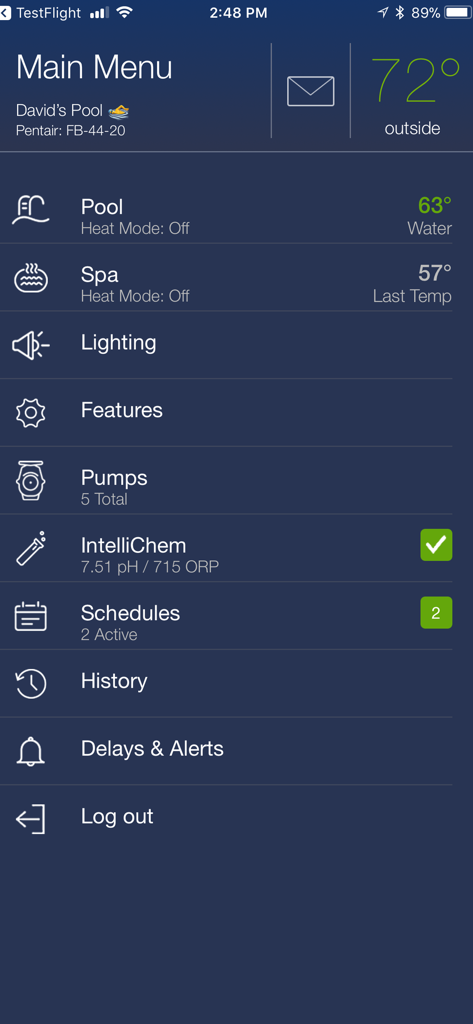
The main menu of the ScreenLogic Connect app showing pool and spa temperature controls lighting pumps and scheduling features

The main menu of the ScreenLogic Connect app showing pool and spa temperature controls lighting pumps and scheduling features

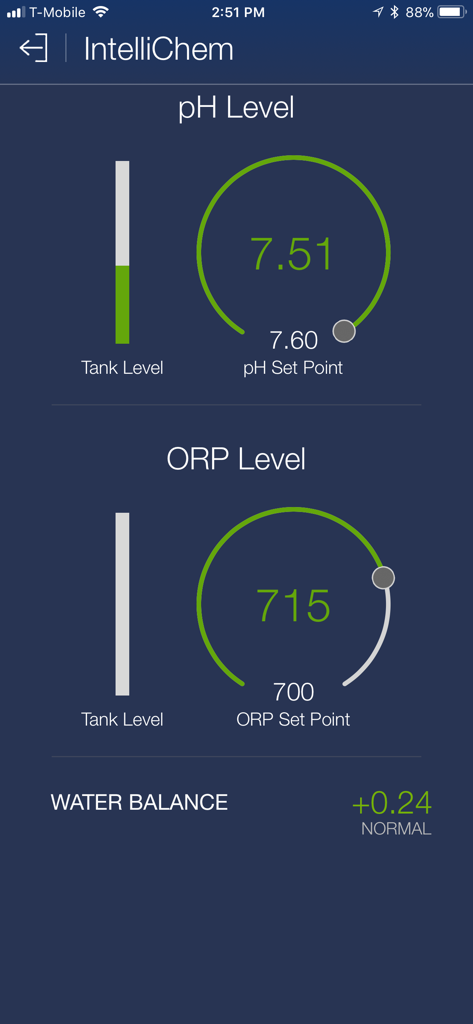
Interface showing pool water chemistry including pH level, ORP level and overall water balance in the ScreenLogic Connect app

Interface showing pool water chemistry including pH level, ORP level and overall water balance in the ScreenLogic Connect app

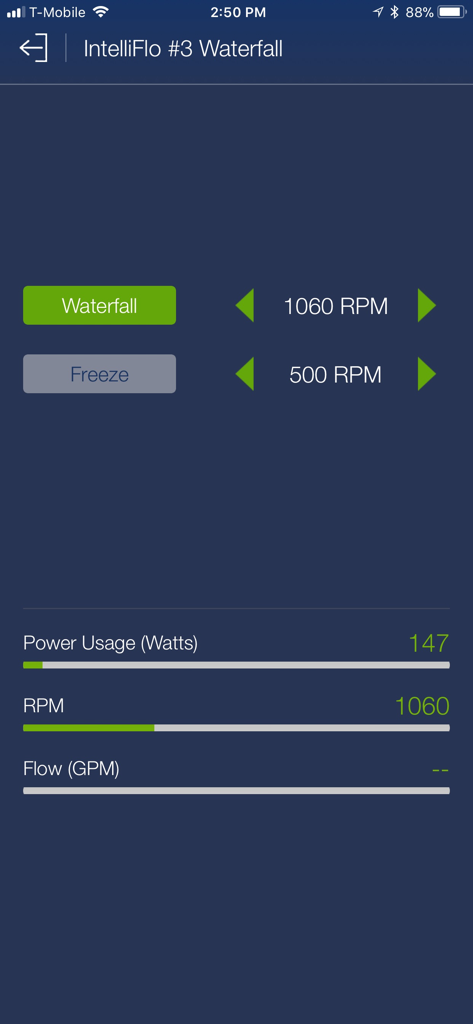
ScreenLogic Connect app interface for managing IntelliFlo pump settings for a pool waterfall feature

ScreenLogic Connect app interface for managing IntelliFlo pump settings for a pool waterfall feature

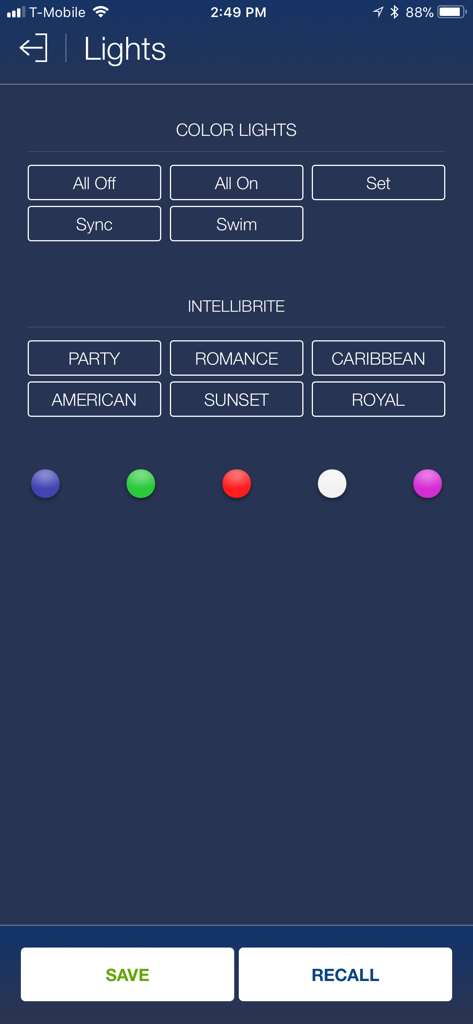
Control screen for pool and spa lighting colors and themes in the ScreenLogic Connect app

Control screen for pool and spa lighting colors and themes in the ScreenLogic Connect app

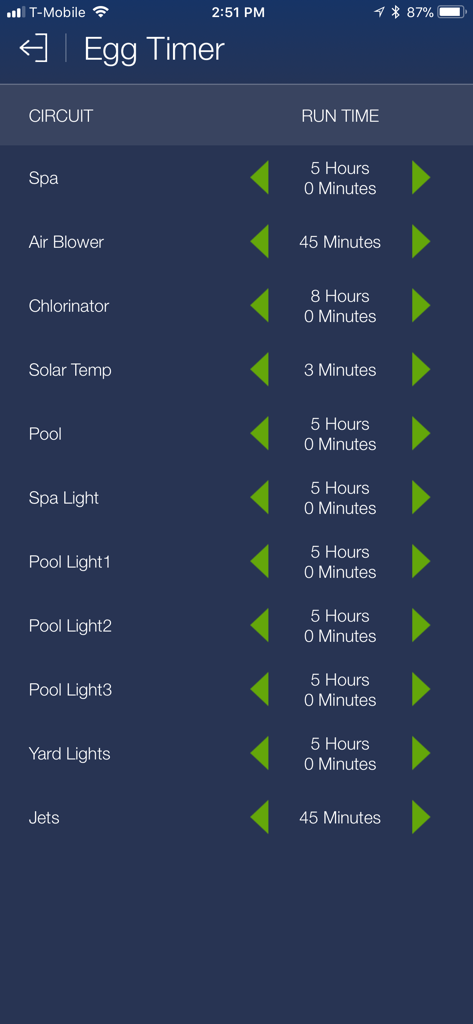
ScreenLogic Connect app interface displaying the Egg Timer screen with run time settings for spa, pool, and lighting circuits.

ScreenLogic Connect app interface displaying the Egg Timer screen with run time settings for spa, pool, and lighting circuits.

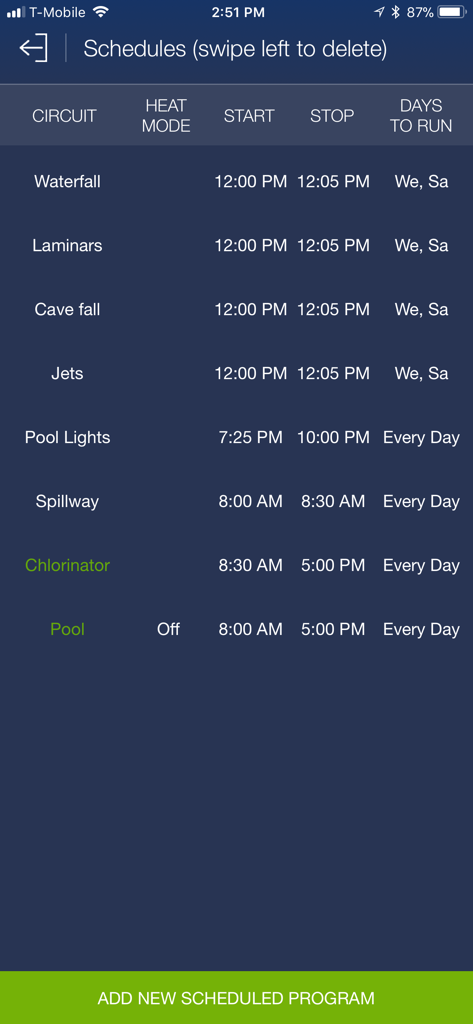
Interface for managing pool and spa equipment schedules in the ScreenLogic Connect app.

Interface for managing pool and spa equipment schedules in the ScreenLogic Connect app.

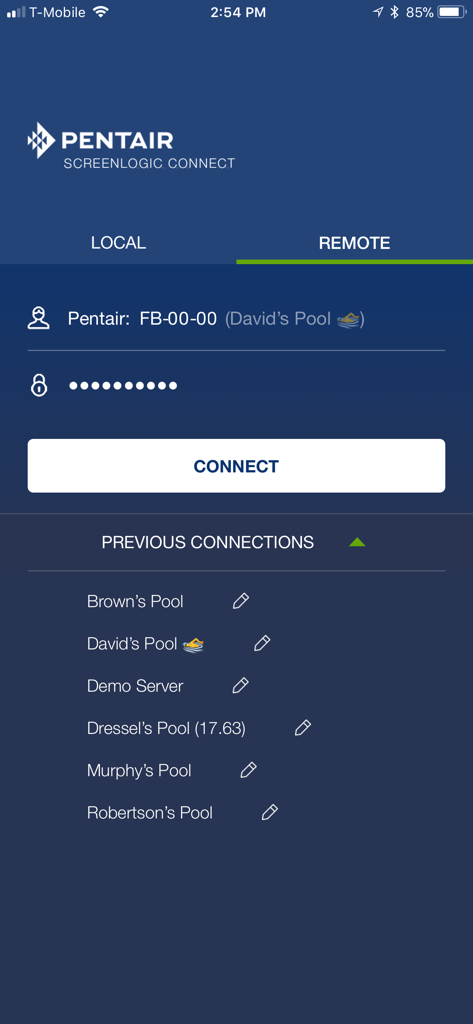
Remote login screen of the Pentair ScreenLogic Connect pool control app

Remote login screen of the Pentair ScreenLogic Connect pool control app

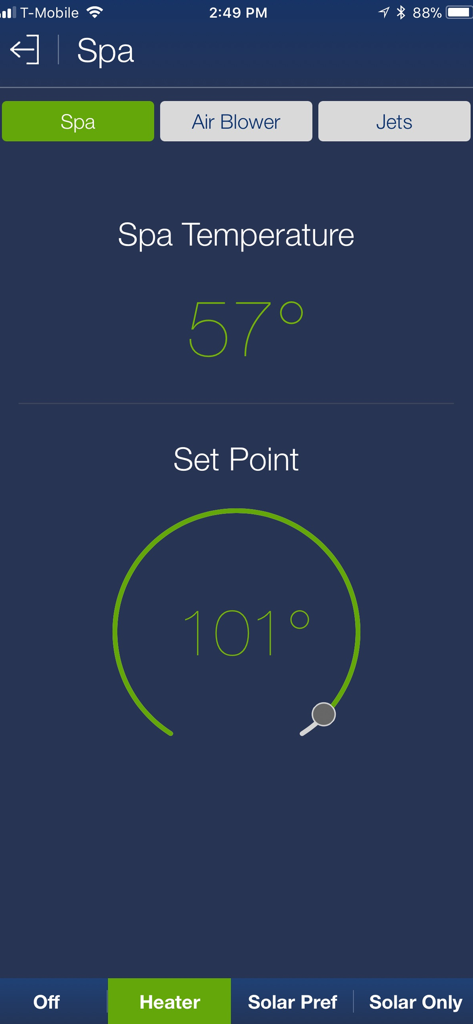
ScreenLogic Connect app spa control screen displaying current temperature and heater set point

ScreenLogic Connect app spa control screen displaying current temperature and heater set point

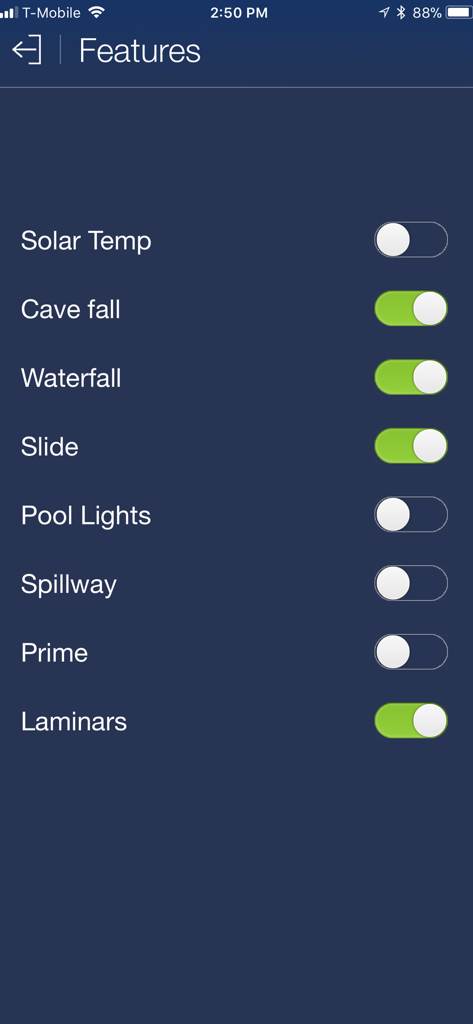
ScreenLogic Connect app features menu with toggles for waterfall slide and pool lighting

ScreenLogic Connect app features menu with toggles for waterfall slide and pool lighting

Complete Control Over Your Oasis

The tools that make this app stand out, trusted by 0 users.

🌍

Global Remote Access

Monitor and adjust your pool and spa settings from across the street or across the globe via local Wi-Fi or cellular data.

Wrist-Based Management

The dedicated Apple Watch app lets you toggle lights and check temperatures instantly without ever needing to reach for your phone.

🌡️

Smart Spa Preparation

Activate your spa heater remotely so the water is at your perfect temperature the very moment you arrive home from the office.

About the app

Everything you need to know about ScreenLogic Connect.

Description

Pentair's ScreenLogic Connect is a convenient interface for your pool and spa, designed specifically for the iPhone, iPod touch, iPad and Apple Watch. You can now also use our Alexa Skill to control your EasyTouch or IntelliTouch system. Control your pool and spa from a local Wi-Fi network, or control remotely over the Internet. Download this free app and check out the new interface on our live demo! Pentair customers with IntelliTouch, EasyTouch, and EasyTouch PL4/PSL4 pool/spa control systems that want to use their iPhone/iPad/iPod touch or Echo devices must purchase the ScreenLogic interface kit (PN 522104) available from your local pool equipment retailer. Please make sure to download and apply the latest protocol adapter firmware (version 736). Please visit www.pentairpool.com and navigate to Support \ Tools \ Software to download the update utility.

Latest Version

7.8

Size

37.3 MB

First Released

Jun 21, 2013

Take Total Command of Your Oasis

Seamlessly control your Pentair pool and spa from your iPhone, iPad, or Apple Watch. Join thousands of homeowners who enjoy the luxury of a perfectly managed smart-home environment.

Download on App Store

App information, icons, screenshots, and descriptions displayed on this page are sourced from the Apple App Store and are the property of their respective developers. Download estimates and rankings are based on MWM's proprietary models and may not reflect actual figures. This page is provided for informational and analytical purposes only.

Believe this page infringes your intellectual property? File a dispute