
This page is not an official page of the app or its developer, but an independent editorial publication created for informational and commentary purposes. Unless expressly stated otherwise, neither the app nor its developer is affiliated with, endorsed by, sponsored by, authorized by, or otherwise officially connected with MWM, Apple, Google Play, the app publisher, or the app's developer, and nothing on this page implies that the app was developed using MWM's services. Any trademarks, logos, screenshots, and other content remain the property of their respective owners.


Secret video recorder - NoCam
Capture videos and photos silently with a completely black screen and subtle vibration feedback. Your invisible insurance policy for documenting interactions safely and privately.
Downloads
49K+User Rating
Total Ratings
2K+Publisher
Category
UtilitiesLocales
15Latest Version
1.7Size
9.1 MBFirst Released
Mar 13, 2025Document Safely and Discreetly
NoCam provides the ultimate stealth toolkit for the vigilant urbanite, allowing you to capture evidence and protect yourself without drawing attention.
Total Stealth Interface
Record behind a completely black screen or custom wallpaper. Capture crucial moments without the 'red light' effect that triggers confrontation.
Silent Tactile Feedback
Know exactly when your recording starts and stops through subtle vibrations, so you never have to look at your screen in high-friction environments.
Frequently Asked Questions
Everything you need to know about Secret video recorder - NoCam
What is NoCam?
NoCam is a discrete recording application that allows users to capture photos and videos with a completely black screen or custom backgrounds. It offers features like dual capture, zoom, and flash controls for hidden recording.
Can NoCam record video discreetly?
Yes, NoCam provides a completely black recording screen with no visible interface elements for stealth mode recording. It can also record while the phone appears locked or with custom background images.
Does NoCam save recordings to the cloud?
No, NoCam does not save recordings to the cloud. All recordings and photos are saved directly to your device's gallery, ensuring user privacy and no data collection.
What premium features does NoCam offer?
NoCam Premium unlocks exclusive features including high-quality video recording and the ability to use custom colors or beautiful wallpapers as recording backgrounds.
Can I switch cameras while using NoCam?
Yes, NoCam allows users to switch between the front and back cameras with ease. This control is accessible within the app's settings.
How does NoCam indicate that it is recording?
NoCam provides subtle vibration feedback to confirm the recording status without visual indicators. This ensures discreet operation while keeping the user informed.
Does NoCam have a secret photo library?
Yes, NoCam features a Personal, Hidden, and Secure Library, also referred to as a Secret Album. Only the user can access this library, potentially using Face ID or a password.
Is it legal to use NoCam for discreet recording?
NoCam is intended for legitimate use cases such as personal security or discreet documentation where camera use might be distracting. Users must respect privacy laws and regulations in their region.
Can NoCam record when the phone screen is locked?
Yes, NoCam can record while the phone appears to be locked. This feature allows for discreet recording without drawing attention to the device's active camera function.
How do I control recording in NoCam?
NoCam features intuitive controls. Users simply tap the screen to start or stop recording. A long press on the screen returns the user to the app settings.
The following screenshots and description are sourced directly from the app's official store listing and are the property of the app developer.
App Store
Screenshots
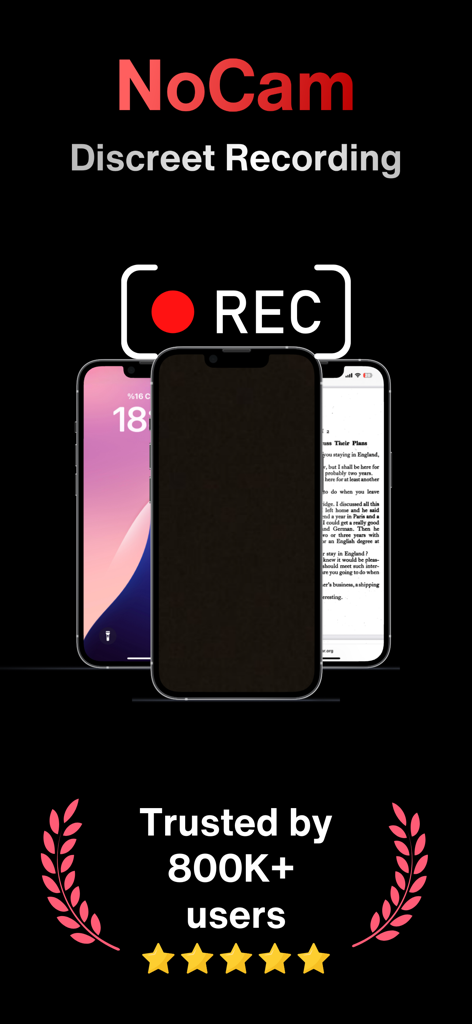
NoCam secret video recorder app with stealth mode and user trust badge
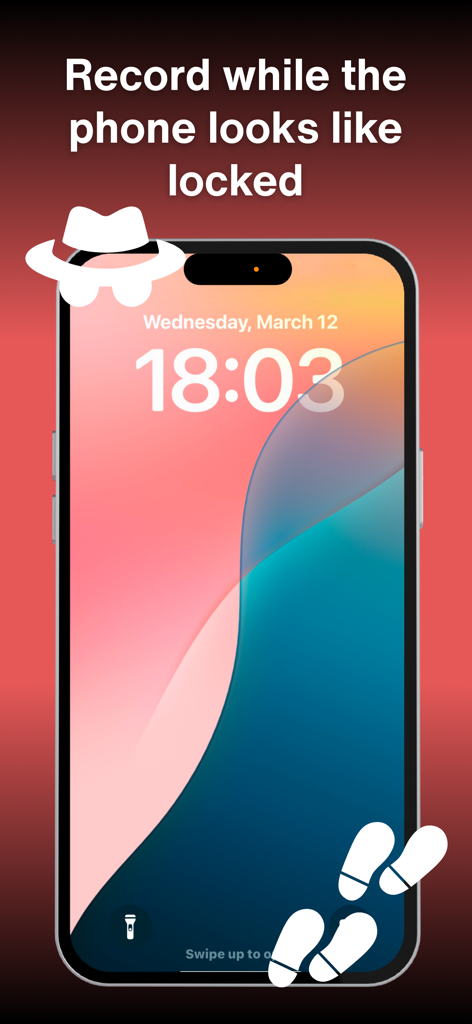
Smartphone showing a fake lock screen for discreet video recording
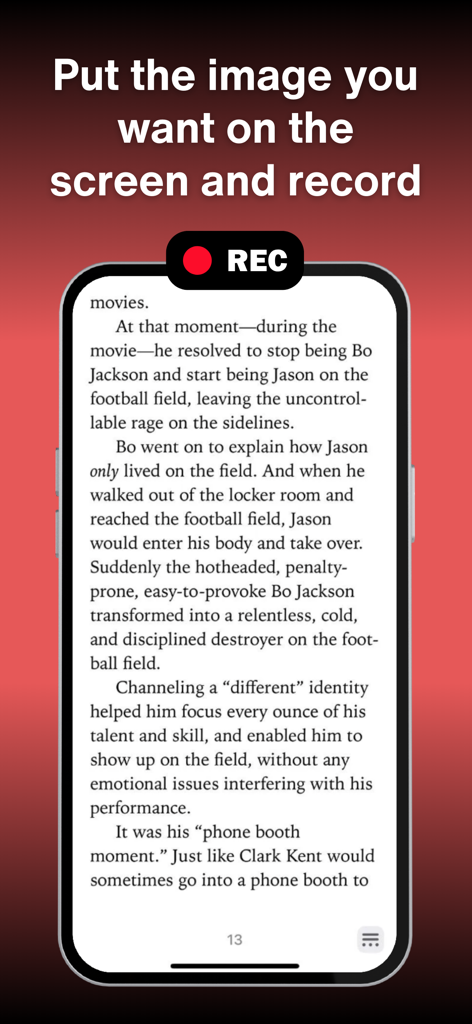
Smartphone displaying an ebook screen while recording video discreetly
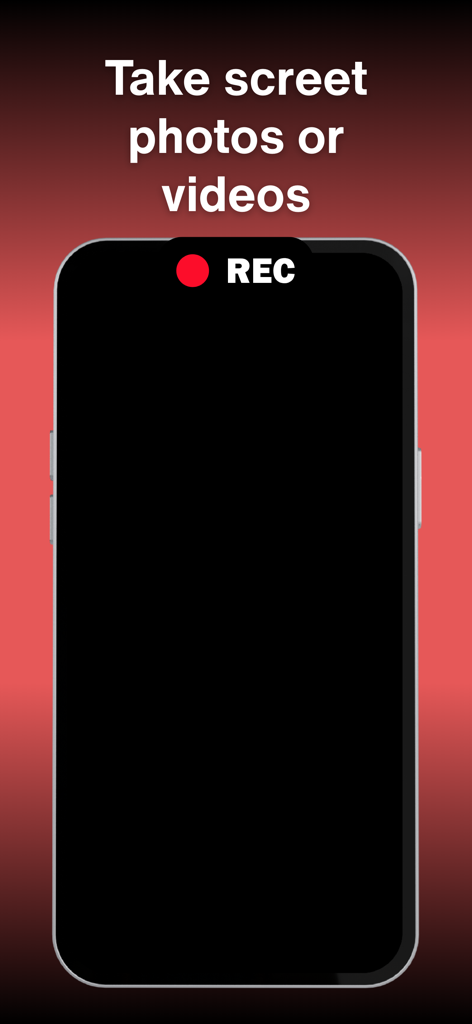
A smartphone interface showing a black screen with a red REC indicator for discreet video and photo capture.
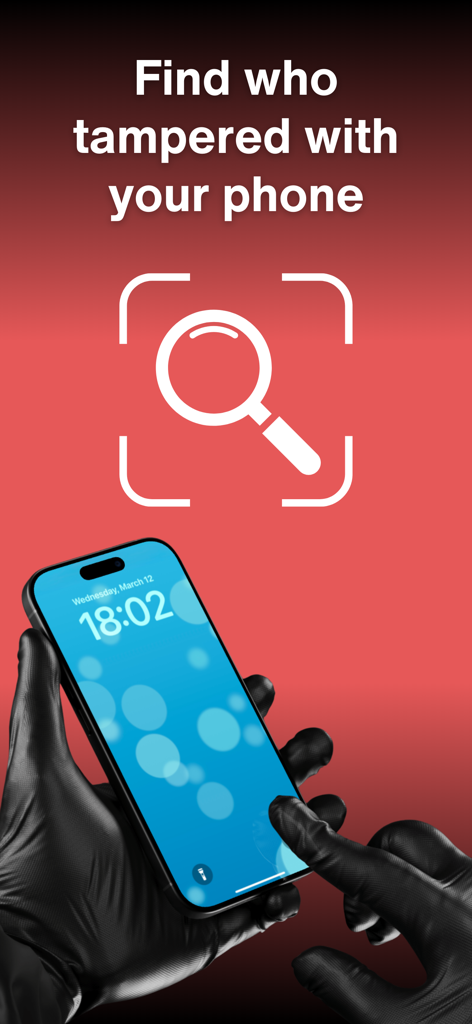
Gloved hands touching a smartphone screen with text find who tampered with your phone
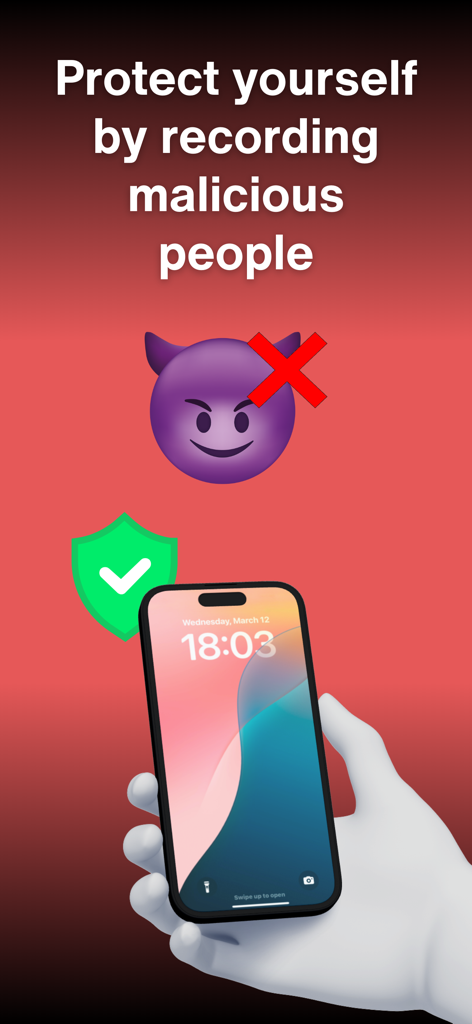
A hand holding a smartphone with text about protecting yourself by recording malicious people using the NoCam app
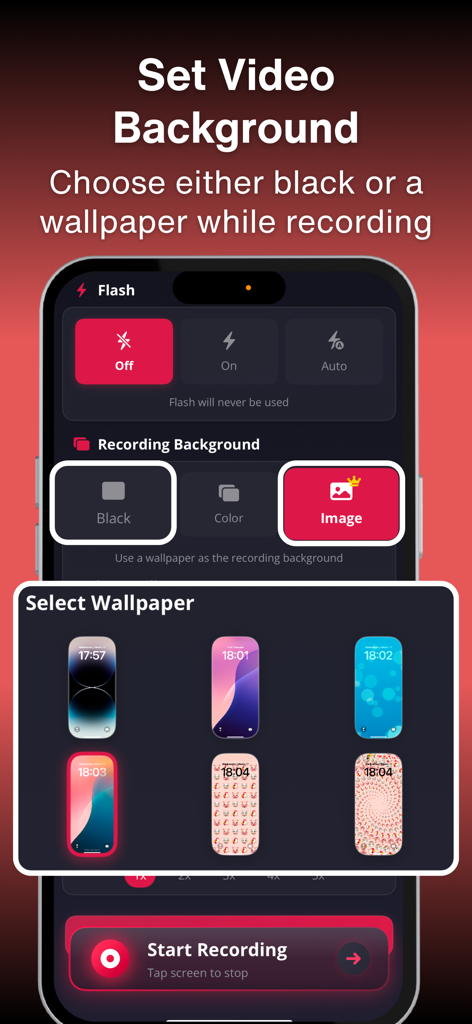
Choosing a custom wallpaper background for stealth video recording in the NoCam app
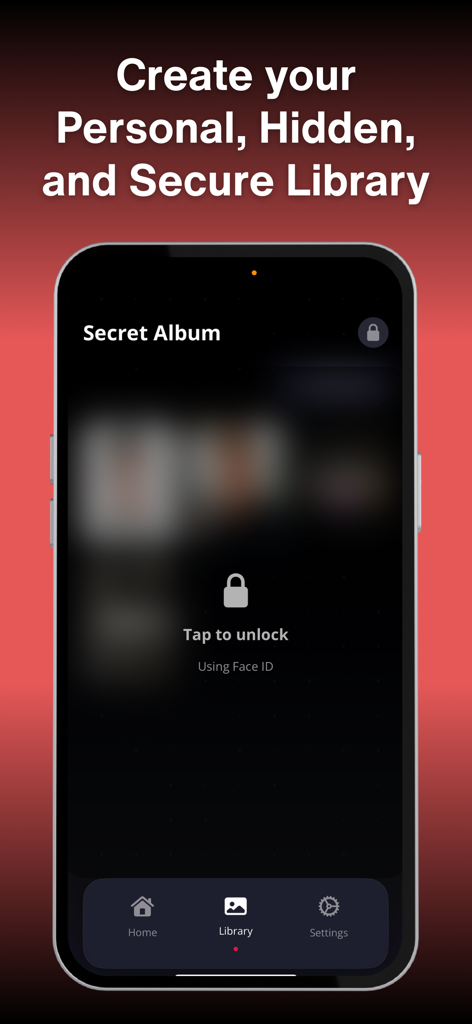
A secure hidden video library interface with Face ID unlock feature
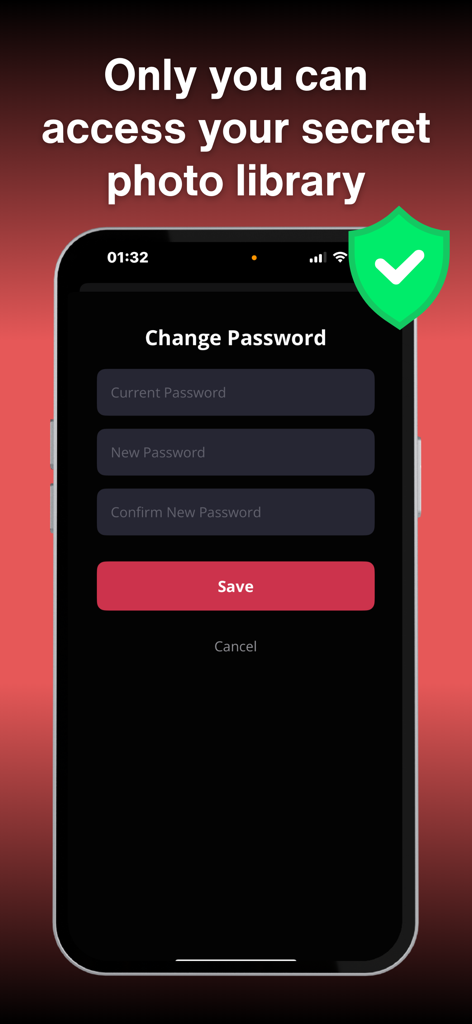
Interface for setting a password to protect the secret photo library in the NoCam app
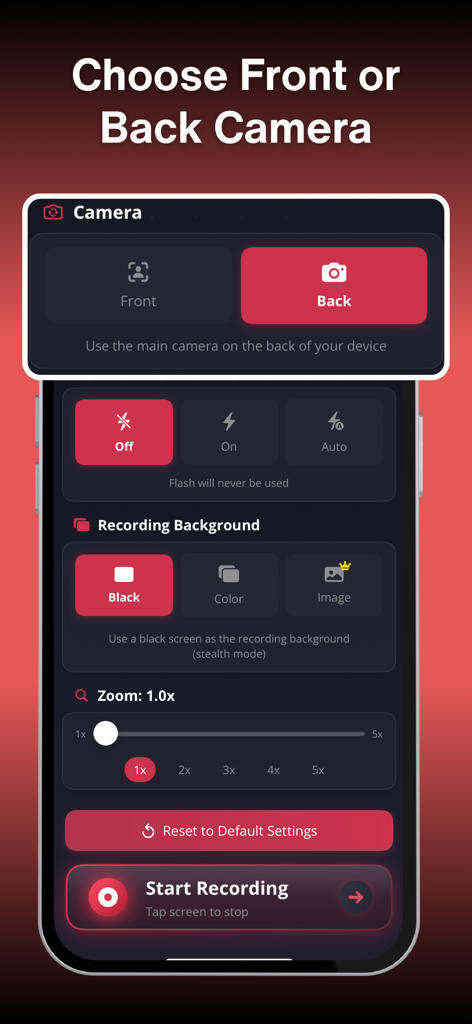
Settings screen of the NoCam app showing camera selection flash controls and stealth background options
Description
Download
More Like This
Apps with similar features and user experience


This page is not an official page of the app or its developer, but an independent editorial publication created for informational and commentary purposes. Unless expressly stated otherwise, neither the app nor its developer is affiliated with, endorsed by, sponsored by, authorized by, or otherwise officially connected with MWM, Apple, Google Play, the app publisher, or the app's developer, and nothing on this page implies that the app was developed using MWM's services. Any trademarks, logos, screenshots, and other content remain the property of their respective owners.