
This page is not an official page of the app or its developer, but an independent editorial publication created for informational and commentary purposes. Unless expressly stated otherwise, neither the app nor its developer is affiliated with, endorsed by, sponsored by, authorized by, or otherwise officially connected with MWM, Apple, Google Play, the app publisher, or the app's developer, and nothing on this page implies that the app was developed using MWM's services. Any trademarks, logos, screenshots, and other content remain the property of their respective owners.


Security Camera - Smart Home
Your smart home isn't smart if it's vulnerable; this app hands you the keys to digital dominance.
Downloads
100k+User Rating
Total Ratings
987Publisher
Category
LifestyleLocales
1Latest Version
2.1Size
82.8 MBFirst Released
Dec 5, 2024An evaluation of key functionalities for modern smart home management and security.
Security Camera - Smart Home: Feature Analysis
Comprehensive Network Security Scanning
The app provides in-depth analysis of the home network, automatically detecting devices and conducting detailed risk assessments to ensure safety.
Real-time Threat Detection & Alerts
It promptly alerts users to abnormalities or potential threats identified on the network, enabling quick action to safeguard network security.
Network Camera Discovery & Management
This tool automatically scans for network cameras, assisting users in efficiently managing and utilizing their home security camera systems.
In-App FAQ & User Support
It offers a comprehensive FAQ section, providing detailed answers to questions about device connectivity and network security, enhancing user understanding and problem-solving.
Wireless Printer Connectivity
The app quickly identifies and connects to printers within the network, allowing users to perform wireless printing easily without complex setup processes.
Smart TV Device Identification
It allows users to swiftly identify TV devices connected to their home network, simplifying device oversight.
Frequently Asked Questions
Everything you need to know about Security Camera - Smart Home
What is the Security Camera - Smart Home app?
The Security Camera - Smart Home app, also called Camera Finder, is an intelligent tool for home network security and smart device management. It scans for network devices, assesses risks, and helps control smart devices.
Does Security Camera - Smart Home scan for network devices?
Yes, the Security Camera - Smart Home app features robust network security scanning. It automatically detects all devices on your home network and performs detailed risk assessments to safeguard network security.
Can Security Camera - Smart Home find my printers?
Yes, Security Camera - Smart Home quickly identifies and connects to printers within your network. This enables easy wireless printing without complex setup processes, making home office tasks simpler.
How does Security Camera - Smart Home help with security cameras?
Security Camera - Smart Home supports automatic scanning of network cameras. It assists users in managing and utilizing their home security systems effectively, identifying potential vulnerabilities.
What smart devices can Security Camera - Smart Home identify?
Security Camera - Smart Home identifies printers, network cameras, and TV devices connected to your home network. It provides comprehensive management for these smart devices, enhancing your smart living experience.
Does Security Camera - Smart Home offer a free trial?
Yes, Security Camera - Smart Home offers free trials. A year-long subscription includes a 14-day free trial, and monthly subscriptions come with a 7-day free trial.
How do I cancel the Security Camera - Smart Home free trial?
You can cancel the Security Camera - Smart Home free trial without charge within 24 hours before the trial period ends. Ensure cancellation occurs before this deadline to avoid charges.
Can I turn off auto-renewal for my Security Camera - Smart Home subscription?
Yes, auto-renewal for Security Camera - Smart Home subscriptions can be turned off. You must disable it anytime before 24 hours prior to the end of your current subscription period.
Where can I find help for Security Camera - Smart Home app issues?
The Security Camera - Smart Home app includes a comprehensive FAQ section for user assistance regarding connectivity or security. For further support, the store description provides a support link.
Is it possible to cancel an active Security Camera - Smart Home subscription?
No, you cannot cancel your Security Camera - Smart Home subscription during its active period. Subscription management, including turning off auto-renewal, is available via your Account Settings.
The following screenshots and description are sourced directly from the app's official store listing and are the property of the app developer.
App Store
Screenshots
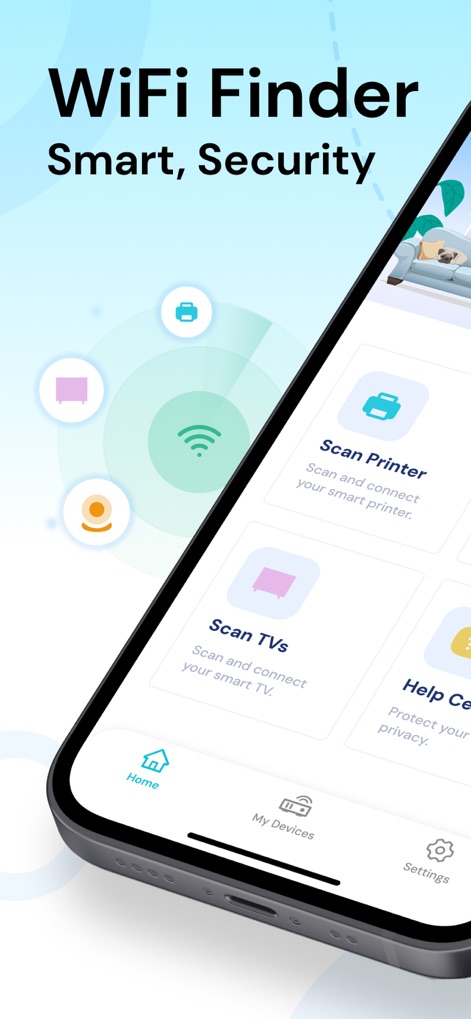
See how the app's central Wi-Fi scanning visualization and distinct 'Scan Printer' and 'Scan TVs' options simplify smart home management.
Smart Device Management
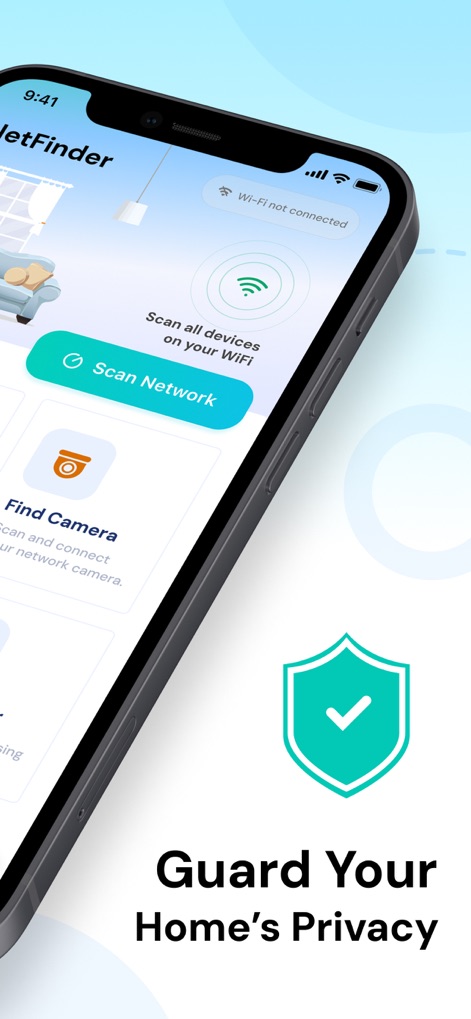
Discover the robust 'Scan Network' feature and how the prominent shield icon reinforces the app's commitment to 'Guard Your Home's Privacy'.
Network Security Scan
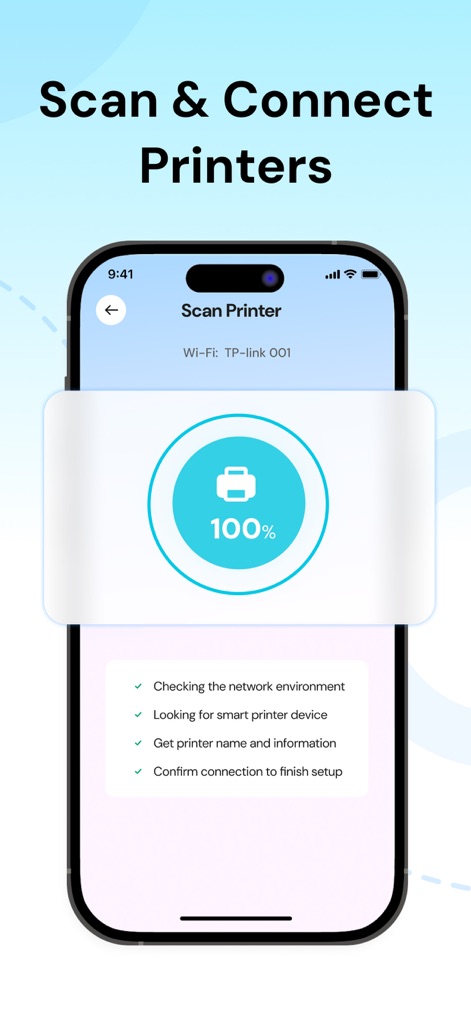
Witness the app's streamlined printer connection process, showcased by the 100% progress indicator and the clear step-by-step setup checklist.
Effortless Printer Setup
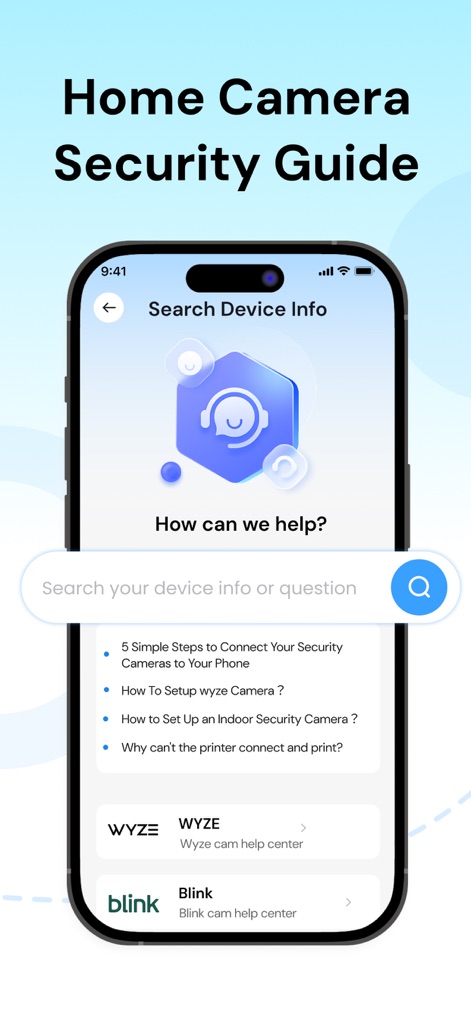
Explore the app's comprehensive help center, featuring an interactive search bar for common queries and categorized support for brands like WYZE and Blink.
Comprehensive Help Center
Description
Download
More Like This
Apps with similar features and user experience





This page is not an official page of the app or its developer, but an independent editorial publication created for informational and commentary purposes. Unless expressly stated otherwise, neither the app nor its developer is affiliated with, endorsed by, sponsored by, authorized by, or otherwise officially connected with MWM, Apple, Google Play, the app publisher, or the app's developer, and nothing on this page implies that the app was developed using MWM's services. Any trademarks, logos, screenshots, and other content remain the property of their respective owners.