
This page is not an official page of the app or its developer, but an independent editorial publication created for informational and commentary purposes. Unless expressly stated otherwise, neither the app nor its developer is affiliated with, endorsed by, sponsored by, authorized by, or otherwise officially connected with MWM, Apple, Google Play, the app publisher, or the app's developer, and nothing on this page implies that the app was developed using MWM's services. Any trademarks, logos, screenshots, and other content remain the property of their respective owners.

Sesame, Open Sesame
Ditch the keys and embrace total freedom with biometrics, NFC, and Apple Watch integration. Built for the tech-forward user who values transparency, customization, and frictionless access.
Downloads
690K+User Rating
Total Ratings
1K+Publisher
Category
LifestyleLocales
4Latest Version
3.0.128Size
27.6 MBFirst Released
Jan 26, 2021Unlock the Future of Your Home
Experience a liberating, keyless lifestyle with the most versatile smart lock app designed for tech enthusiasts and modern renters.
Limitless Ways to Enter
Forget physical keys. Use Face ID, Palm Vein recognition, or your Apple Watch to step into your home effortlessly and securely.
Open Source, Infinite Power
Take control with our open SDK on GitHub. Built for developers to create custom smart home automations and verify security protocols.
Frequently Asked Questions
Everything you need to know about Sesame, Open Sesame
What devices are compatible with the Sesame, Open Sesame app?
The Sesame, Open Sesame app works exclusively with Sesame3, Sesame4, and Sesame5 series devices. Users of older Sesame or Sesame mini models need to download a different application.
How can I unlock my door using the Sesame app?
The Sesame app supports multiple unlocking methods including face recognition, Palm Vein recognition, fingerprints, SUICA, FeliCa, MIFARE employee cards, custom NFC, secret numbers, and direct app control for a keyless experience.
Can I share access to my Sesame smart lock with others?
Yes, the Sesame app allows easy key sharing. Users can grant access to family and friends by scanning a QR code directly within the app, with full management control over permissions.
Does the Sesame app provide a record of who accessed my door?
Yes, the Sesame app tracks and manages access history. It sends real-time notifications for key usage and maintains a detailed record of who accessed your door and at what specific time.
Is the core technology of the Sesame app open source?
Yes, the core Bluetooth library for the Sesame app is entirely open source. It is available on GitHub, providing a reference for integrating with various AI technologies and other projects.
How can users provide feedback or report issues for the Sesame app?
Users can join the Sesame Beta program via TestFlight to provide immediate feedback and report issues. This grants direct access to the engineering team, accelerating product development and problem resolution.
Does the Sesame app display battery levels for connected smart locks?
Yes, the Sesame app displays the battery level of connected Sesame devices. The app's interface provides a clear, at-a-glance overview of both the battery status and the current lock state.
The following screenshots and description are sourced directly from the app's official store listing and are the property of the app developer.
App Store
Screenshots
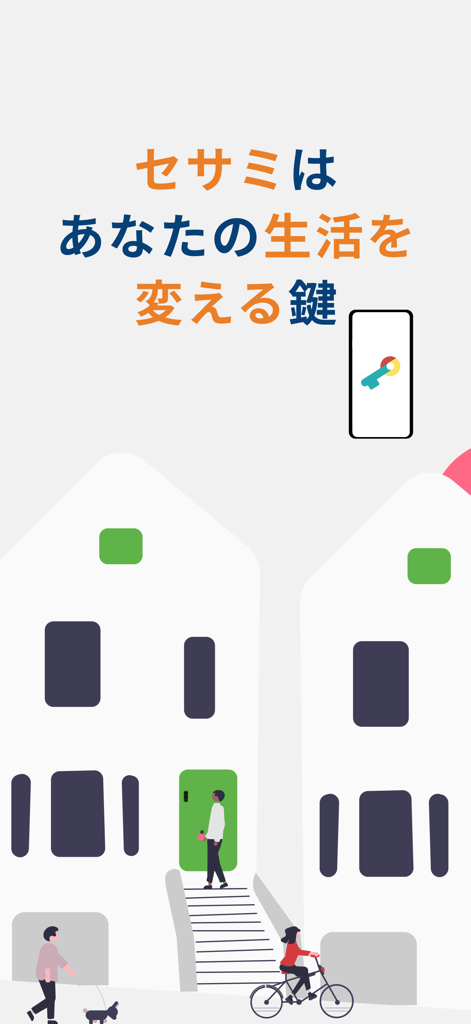
Illustration of people in an urban setting using the Sesame app for smart home access
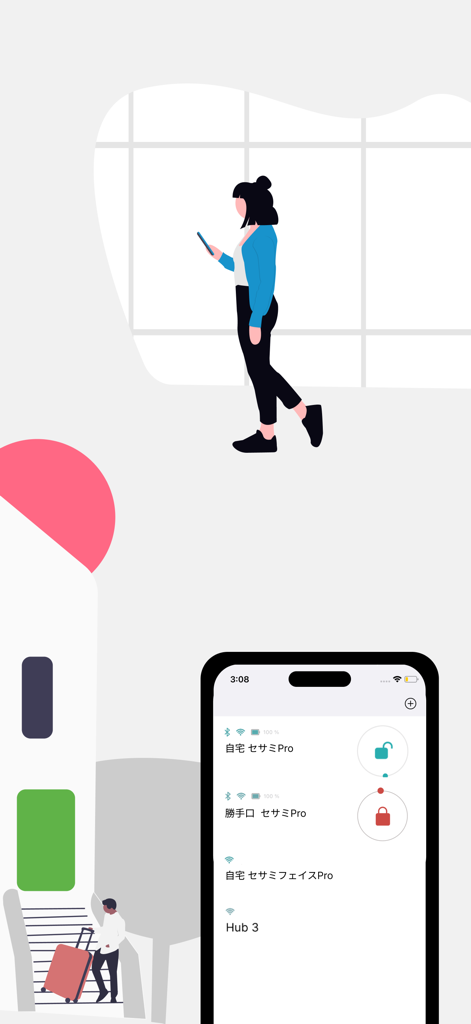
Smartphone showing the Sesame smart lock app dashboard with a list of devices and lock status icons
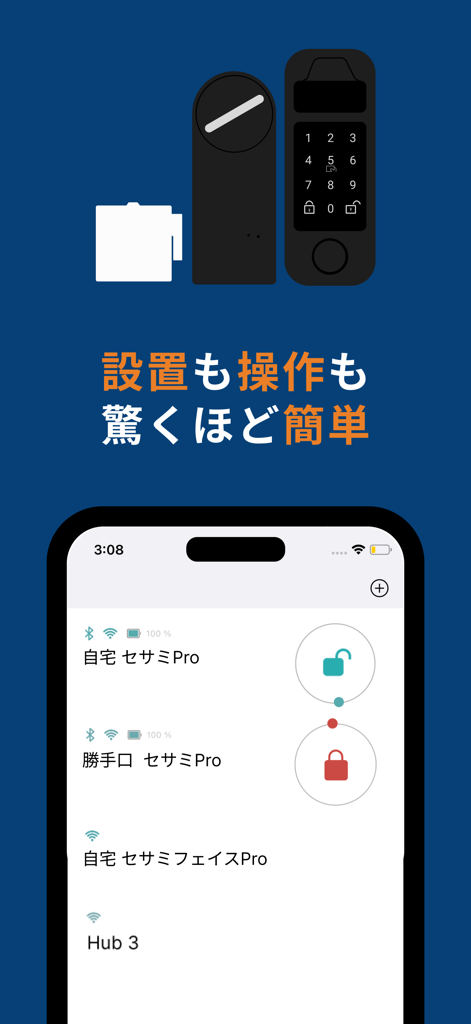
Sesame app interface for managing and controlling multiple smart home locks
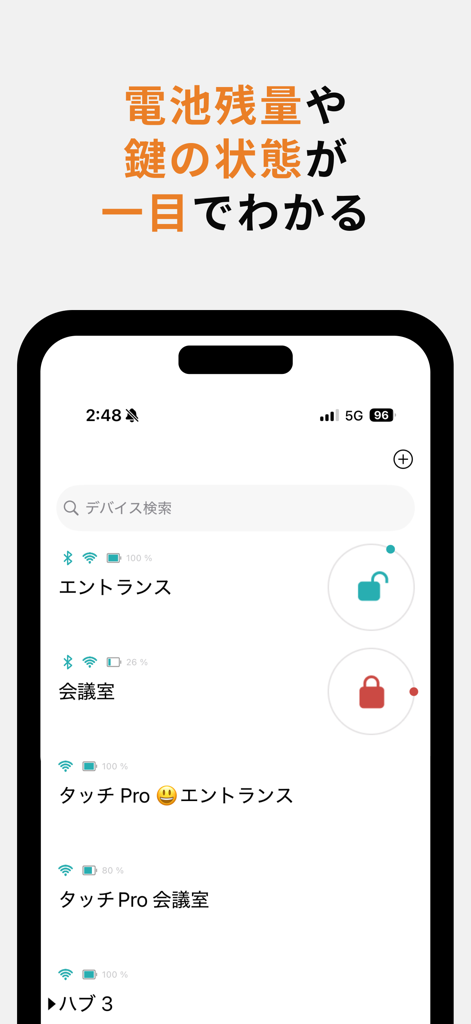
Interface of the Sesame app showing a list of smart locks with their battery levels and current lock status.
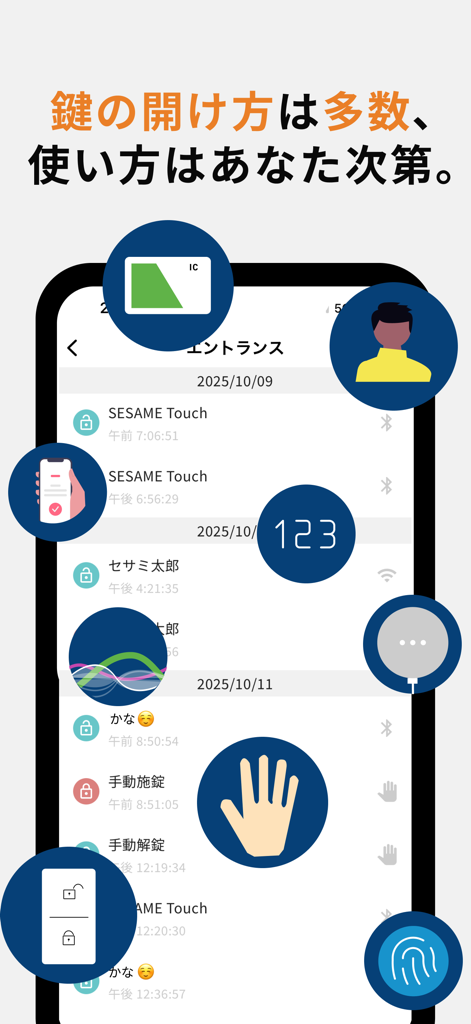
Sesame smart lock app interface with history log and multiple unlocking options.
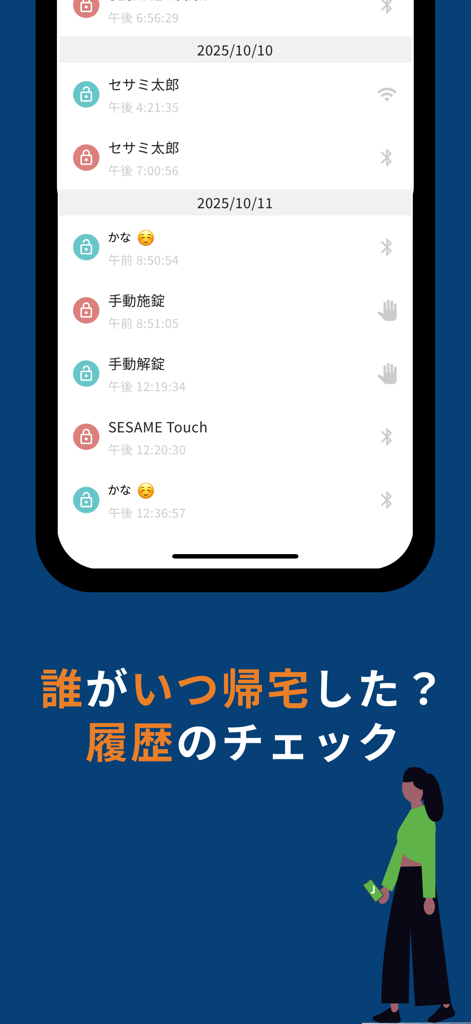
A smartphone screen displaying a chronological history of door lock and unlock events with user names and timestamps from the Sesame app
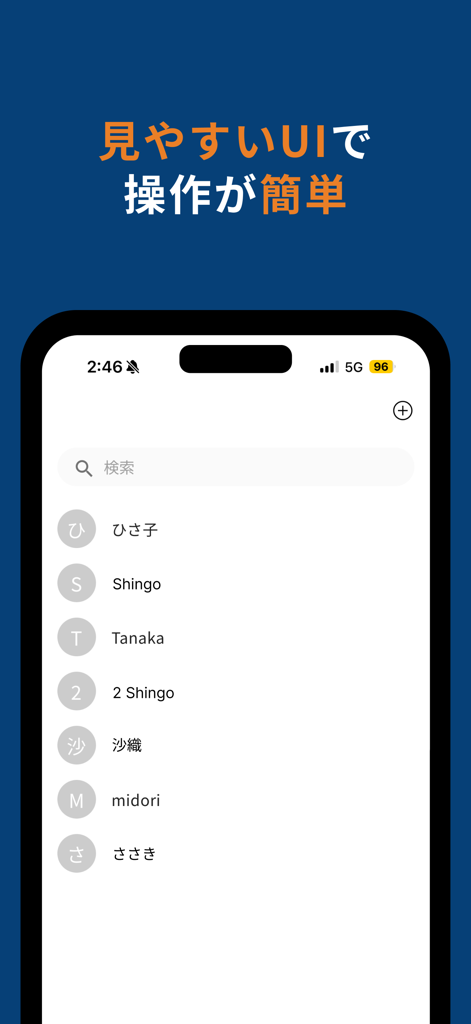
User interface of the Sesame app displaying a searchable list of contacts with shared digital key access
Description
Download
More Like This
Apps with similar features and user experience

myQ Garage & Access Control
The Chamberlain Group, Inc.

Schlage Home
Schlage Lock Company, LLC

Yale Access
August Home, Inc.

Kwikset
ASSA ABLOY AMERICAS RESIDENTIAL INC.

Aladdin Connect
Overhead Door Corporation

August Home
August Home, Inc.

Public Storage
Public Storage
Luxer One
Luxer Corporation

Nuki Smart Lock
Nuki Home Solutions GmbH
This page is not an official page of the app or its developer, but an independent editorial publication created for informational and commentary purposes. Unless expressly stated otherwise, neither the app nor its developer is affiliated with, endorsed by, sponsored by, authorized by, or otherwise officially connected with MWM, Apple, Google Play, the app publisher, or the app's developer, and nothing on this page implies that the app was developed using MWM's services. Any trademarks, logos, screenshots, and other content remain the property of their respective owners.