Sign In App Visitor Management
Download on App Store

This page is not an official page of the app or its developer, but an independent editorial publication created for informational and commentary purposes. Unless expressly stated otherwise, neither the app nor its developer is affiliated with, endorsed by, sponsored by, authorized by, or otherwise officially connected with MWM, Apple, Google Play, the app publisher, or the app's developer, and nothing on this page implies that the app was developed using MWM's services. Any trademarks, logos, screenshots, and other content remain the property of their respective owners.


Logo of Sign In App Visitor Management
Download on App Store

Sign In App Visitor Management

Ditch the paper logbook for a professional, contactless iPad solution. Streamline your front desk with automated notifications, delivery tracking, and global compliance to protect your brand and your people.

Key Figures

Downloads

31K+

User Rating

4.4/5

Total Ratings

0

Publisher

Sign In App Limited

Category

Business

Locales

31

Latest Version

4.5.7

Size

138.2 MB

First Released

Jun 15, 2017
Features

Modernize Your Front Desk Operations

Streamline visitor management and enhance workplace security with a professional, all-in-one digital solution designed for the modern office.

Make a Lasting First Impression

Replace outdated paper logs with a sleek, branded iPad experience that showcases your company's professionalism from the moment guests walk in.

Safety and Compliance Automated

Protect your business by digitizing NDAs, health screenings, and evacuation lists, ensuring you meet CCPA/GDPR requirements effortlessly.

The following screenshots and description are sourced directly from the app's official store listing and are the property of the app developer.

App Store

Screenshots
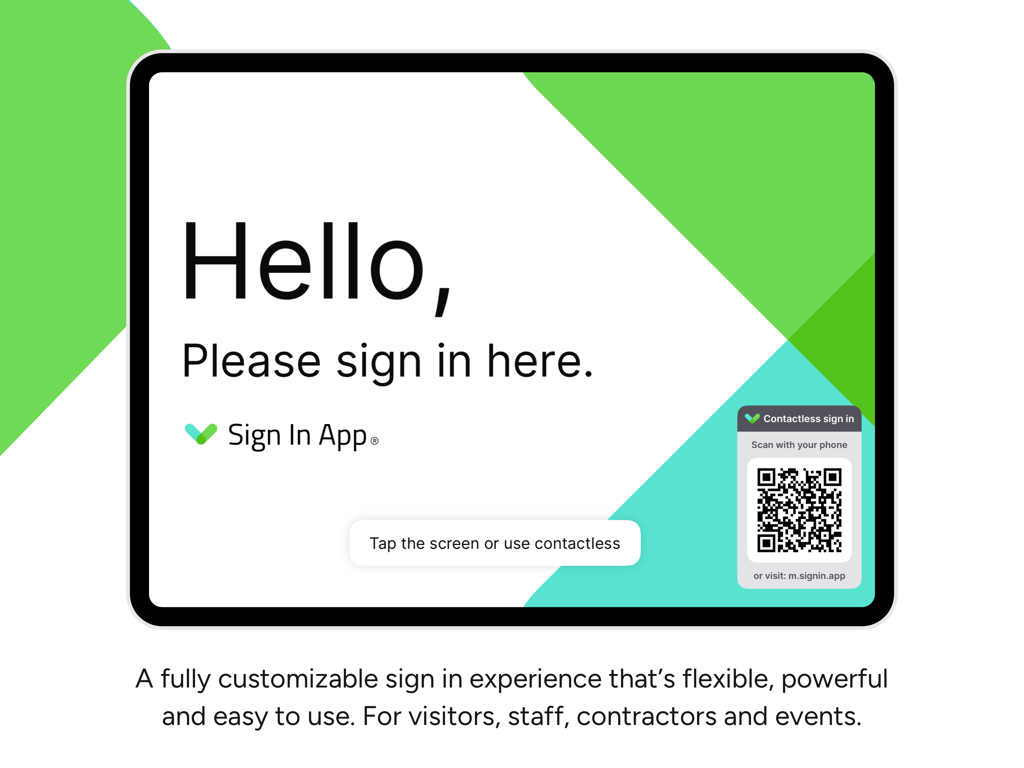
Sign In App Visitor Management - Sign In App visitor management interface on an iPad featuring a welcome screen and a QR code for contactless sign-in.
Sign In App visitor management interface on an iPad featuring a welcome screen and a QR code for contactless sign-in.

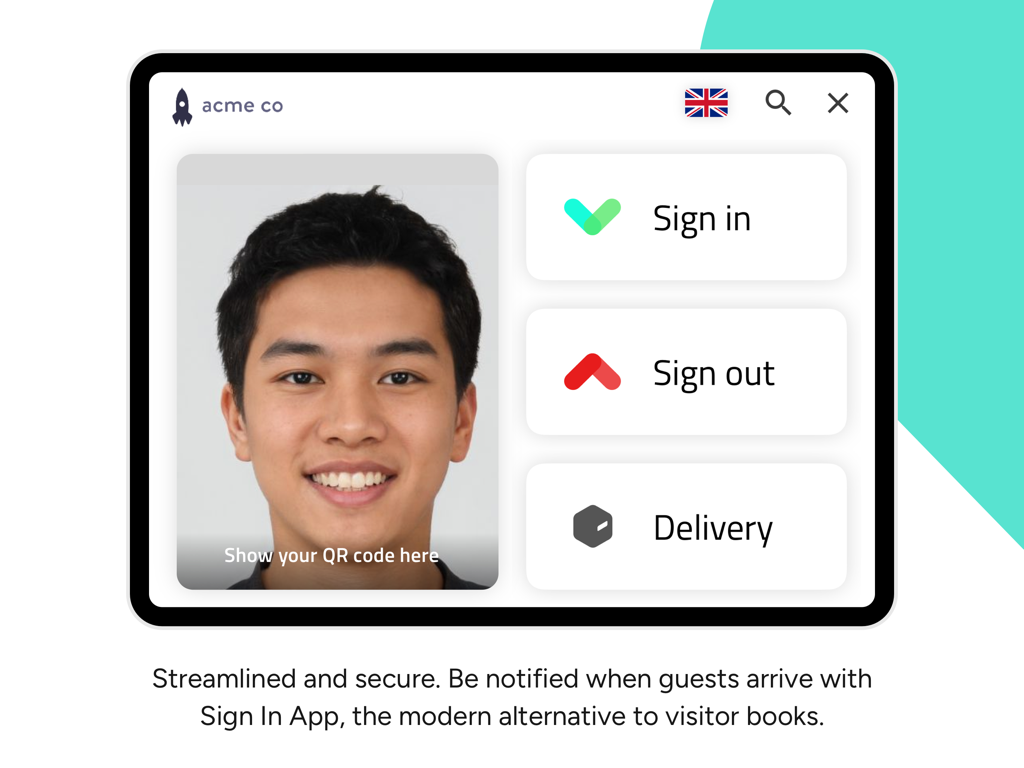
Sign In App Visitor Management - Digital visitor management interface on an iPad showing sign in, sign out, and delivery options for an office reception.
Digital visitor management interface on an iPad showing sign in, sign out, and delivery options for an office reception.

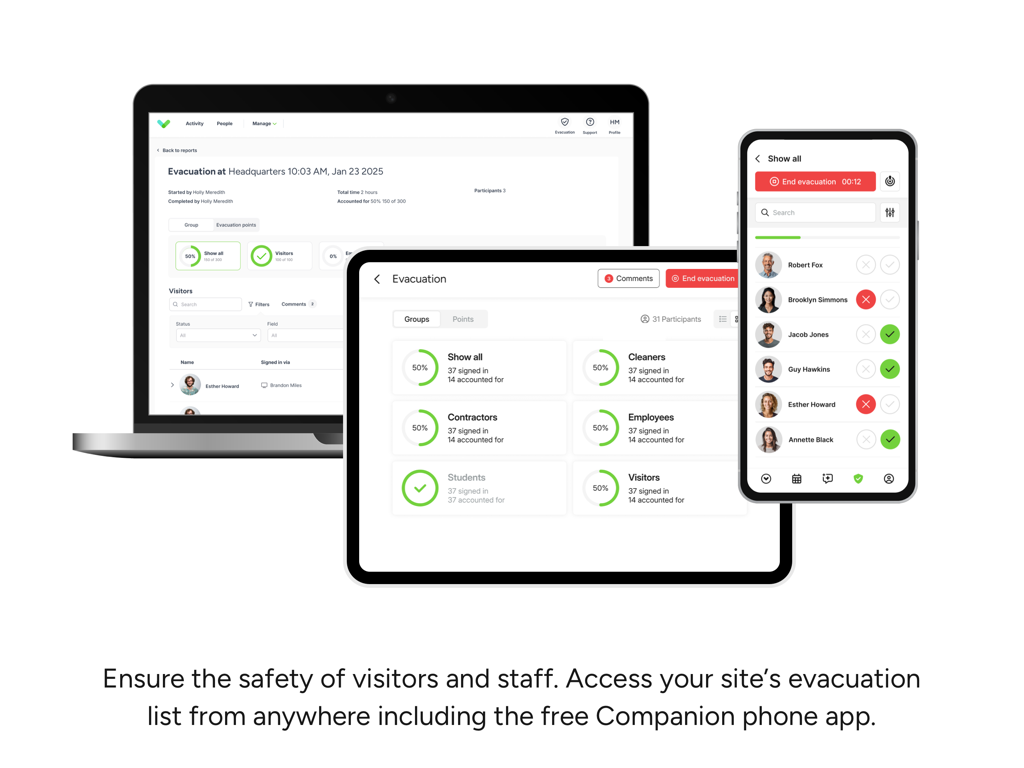
Sign In App Visitor Management - Sign In App evacuation list interface displayed across a laptop, tablet, and smartphone
Sign In App evacuation list interface displayed across a laptop, tablet, and smartphone

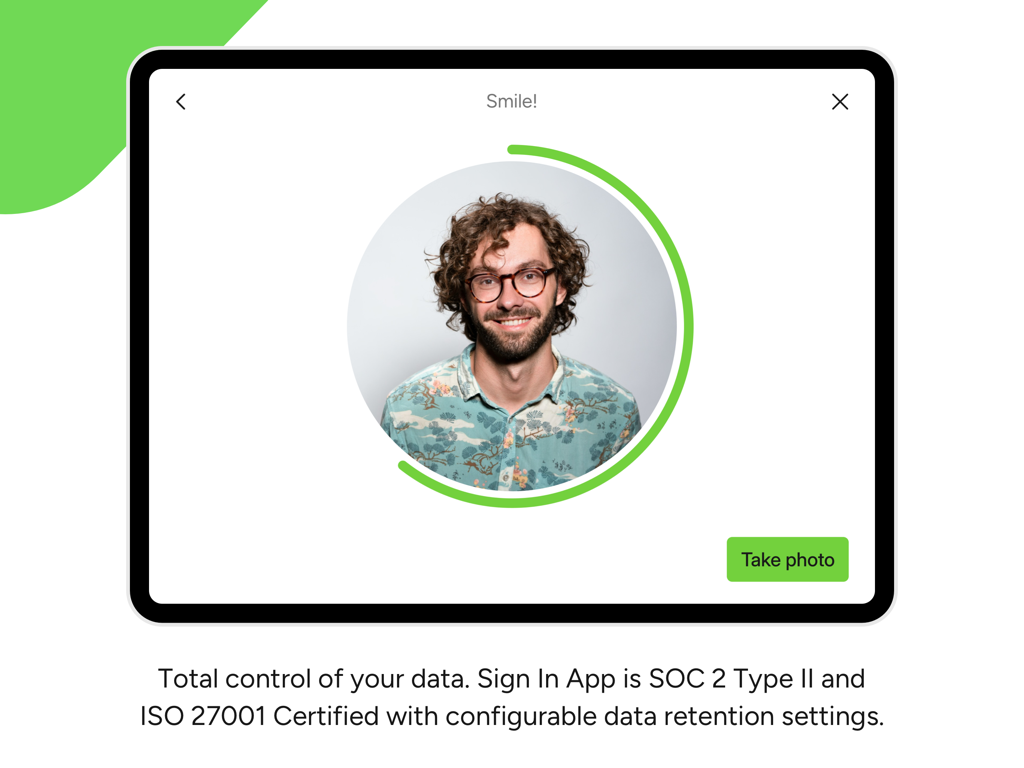
Sign In App Visitor Management - Sign In App on iPad showing visitor photo identification for secure office access
Sign In App on iPad showing visitor photo identification for secure office access

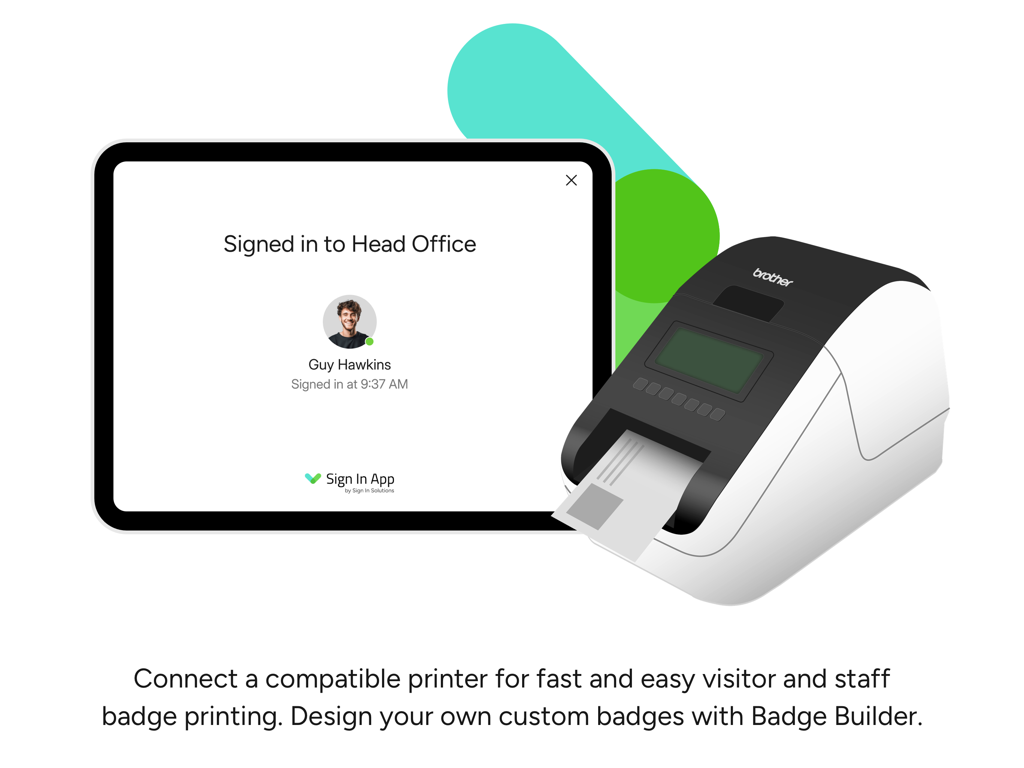
Sign In App Visitor Management - iPad running Sign In App next to a label printer for visitor badges.
iPad running Sign In App next to a label printer for visitor badges.

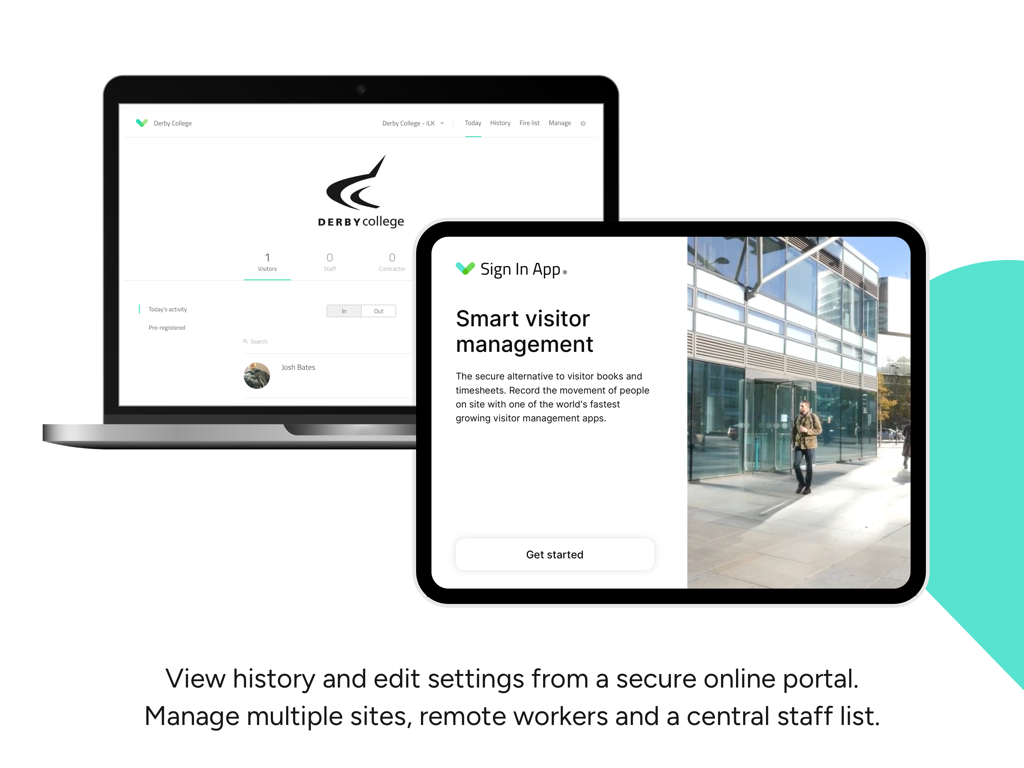
Sign In App Visitor Management - Laptop and tablet displaying the Sign In App visitor management portal and sign in interface.
Laptop and tablet displaying the Sign In App visitor management portal and sign in interface.

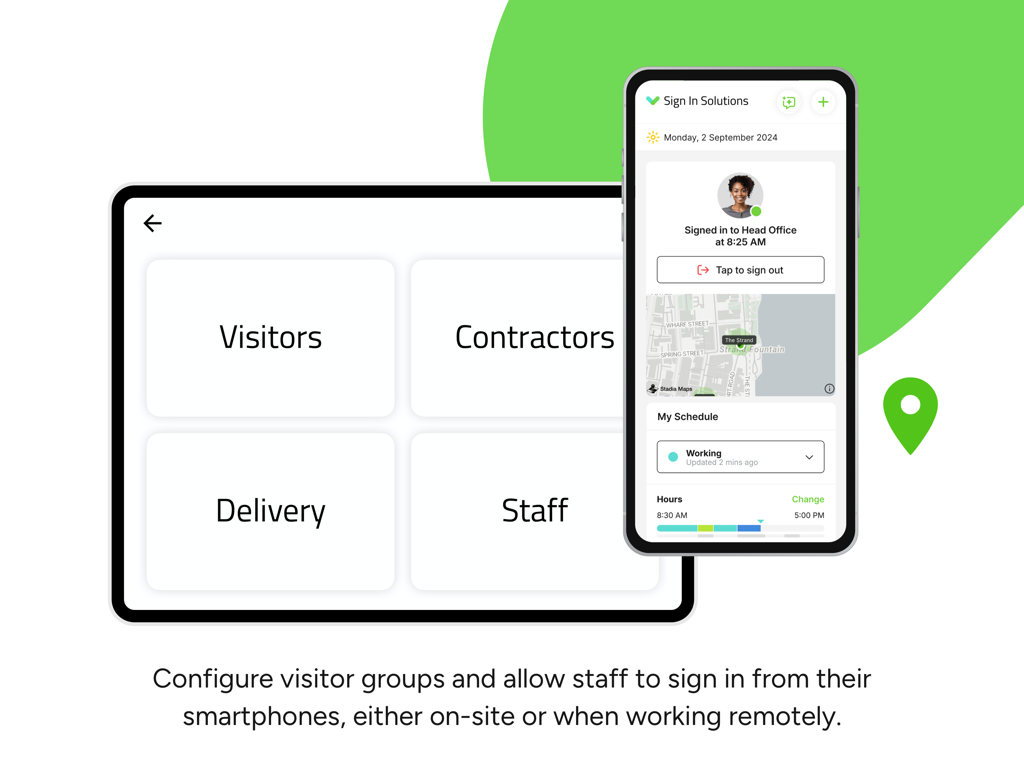
Sign In App Visitor Management - Sign In App interface on tablet and smartphone showing visitor groups and mobile staff sign-in.
Sign In App interface on tablet and smartphone showing visitor groups and mobile staff sign-in.

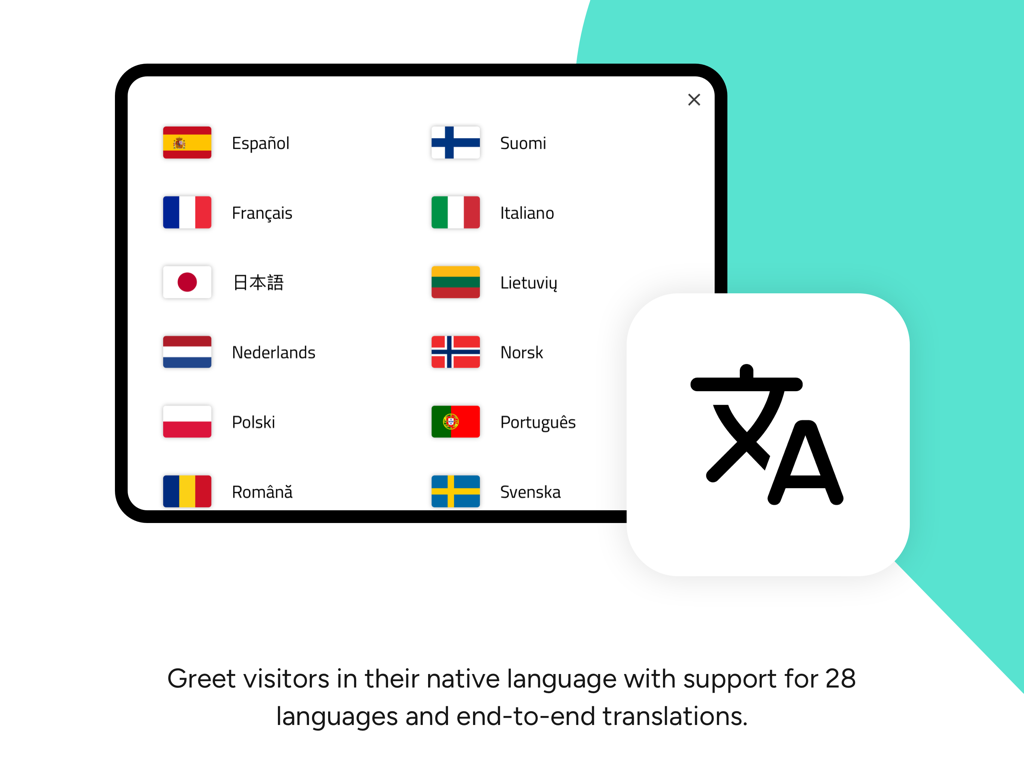
Sign In App Visitor Management - iPad screen displaying multiple language options with flags for visitor sign-in on the Sign In App.
iPad screen displaying multiple language options with flags for visitor sign-in on the Sign In App.

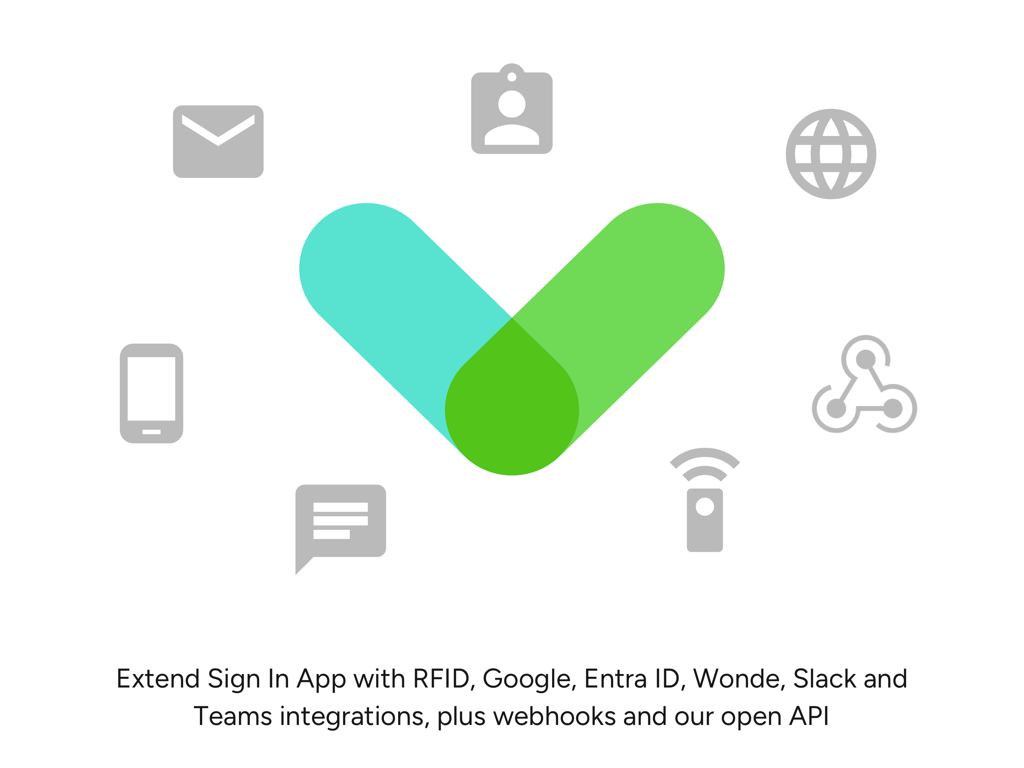
Sign In App Visitor Management - Sign In App logo surrounded by icons representing integrations with RFID, Slack, Teams, and Google.

Sign In App logo surrounded by icons representing integrations with RFID, Slack, Teams, and Google.

Description

Transform your reception or lobby with Sign In App smart visitor management. Start signing in visitors or staff within seconds of downloading with a highly customisable visitor management solution suitable for all industries. **Standout features** > Contactless - allow visitors to sign in via their personal smartphone > Branding - make your brand stand out through pictures or video > Pre-register guests - great first impressions > Fire/evacuation list - keep your visitors and staff safe > Policies and NDAs - stay protected and meet regulatory requirements > Video/picture messages - ask guests to watch or view your key information > Notifications - never miss a guest again > QR Codes - quick check-in and out > Events - manage large meetings and trade shows > Deliveries - streamline your reception and mailroom > Staff sign in - keep staff safe > Questionnaires - make sure you get the answers you need > Companion app - manage your site from your pocket > Remote & mobile sign in - monitor flexible and remote working > Visitor photos - visual identification > Languages - multilingual support > Online portal - manage your site through a single management portal > Custom badges - select or create bespoke ID badges > Multiple sites - manage global offices in a single portal > Privacy - leading infrastructure and data protection > Integrations - connect to leading software > Multi-tenancy - management for buildings with more than one company > Sign In App Tap - RFID door access reader Visually stand out - looking professional is important to any organisation. Sign In App allows you to use dynamic content, including images, presentations and videos to brand the sign in experience and communicate key information. Manage the visitor experience your way. We give you the tools to enable you to ask what you want to who you want. Create bespoke visitor groups - it’s simple to get the information and agreements you require for individuals visiting your site. Securely stored, centrally managed data allows you to have total control on what you store, where you store it and for how long. Whether you have a single or global location, Sign In App allows you to securely store your information. We are GDPR and CCPA compliant and hold the ISO:27001 certification. Great for staff too - keep staff safe while onsite in the event of an emergency. Staff can sign in at their home location or at any regional office if you have multiple. Our mobile and remote sign in feature can be perfect to help monitor or enable remote working policies. Get connected - Sign In App supports the ability to connect with some of our everyday workplace software. These include G Suite, Office365, Slack and Salesforce. We also work with Webhooks and have an open API; giving you the ability to create tools and reporting unique to you. Delivering in all areas - Sign In App Deliveries is perfect for those busy reception, lobbies and mailrooms. It’s now simple to streamline the process of signing for and notifying the receiver that a package has arrived for them. Take a look at the Sign In App website: https://signinapp.com/ Follow Sign In App on Twitter: https://twitter.com/signinapp Find Sign In App on Facebook: https://www.facebook.com/signinapp/ Sign In App on LinkedIn: https://www.linkedin.com/company/18055237/admin/ Privacy policy: https://signinapp.com/privacy-policy Terms & Conditions: https://signinapp.com/terms About Sign In App Sign In App is an established, easy to use visitor management system. Sign In App is one of the fastest growing visitor management solutions and available in over 150 countries. It’s a cloud-based visitor management solution and allows you to manage all visitors types to your organisation. How to get started: Download the app and enter your Sign In App authorisation code. This will install your API key and connect your device to your account. App settings are controlled via the Sign In App portal.

Download

Download on App Store

This page is not an official page of the app or its developer, but an independent editorial publication created for informational and commentary purposes. Unless expressly stated otherwise, neither the app nor its developer is affiliated with, endorsed by, sponsored by, authorized by, or otherwise officially connected with MWM, Apple, Google Play, the app publisher, or the app's developer, and nothing on this page implies that the app was developed using MWM's services. Any trademarks, logos, screenshots, and other content remain the property of their respective owners.








