SIMiONIC G1000 NXi

SIMiONIC G1000 NXi

Download on App Store
Logo of SIMiONIC G1000 NXi

SIMiONIC G1000 NXi: Professional Grade Avionics for the Ultimate Home Cockpit

Bridge the gap between simulation and reality. Transform your iPad into a high-fidelity PFD and MFD system to master complex procedures with seamless MSFS, X-Plane, and P3D integration.

Publisher

晨 李

Category

Utilities

Downloads

12K+

User Rating

4.0/5

Total Ratings

0

Locales

1

The Glass Cockpit Experience

Discover the interface used by 12K+ users.
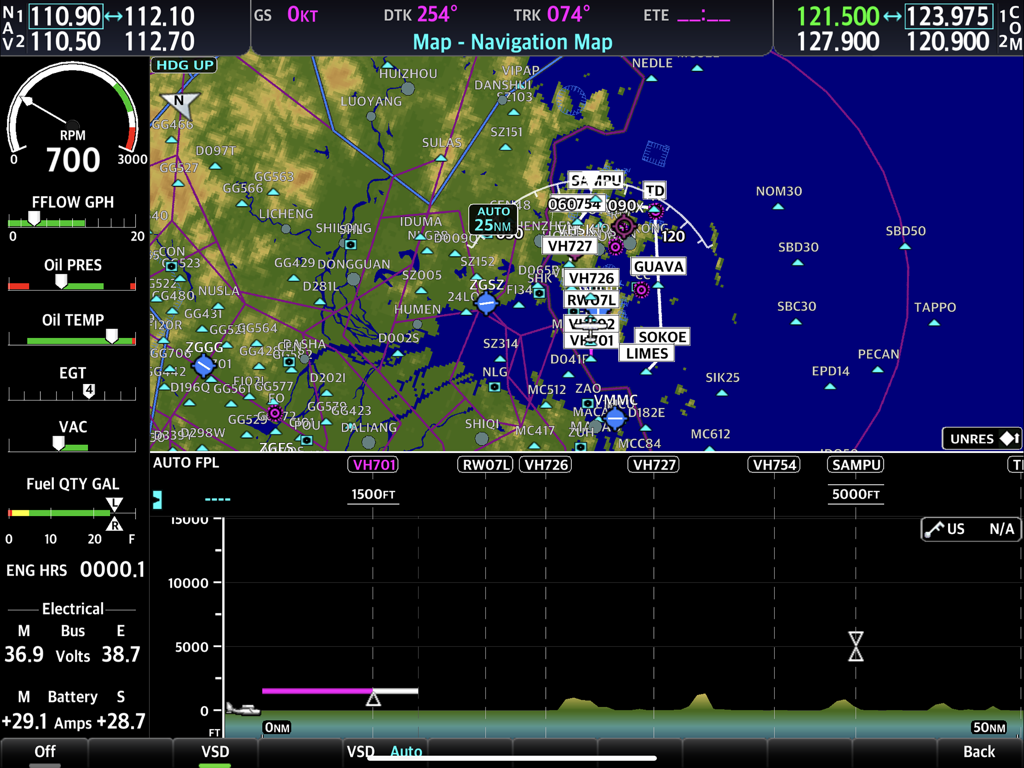
SIMiONIC G1000 NXi Multi Function Display showing navigation map and engine gauges

SIMiONIC G1000 NXi Multi Function Display showing navigation map and engine gauges

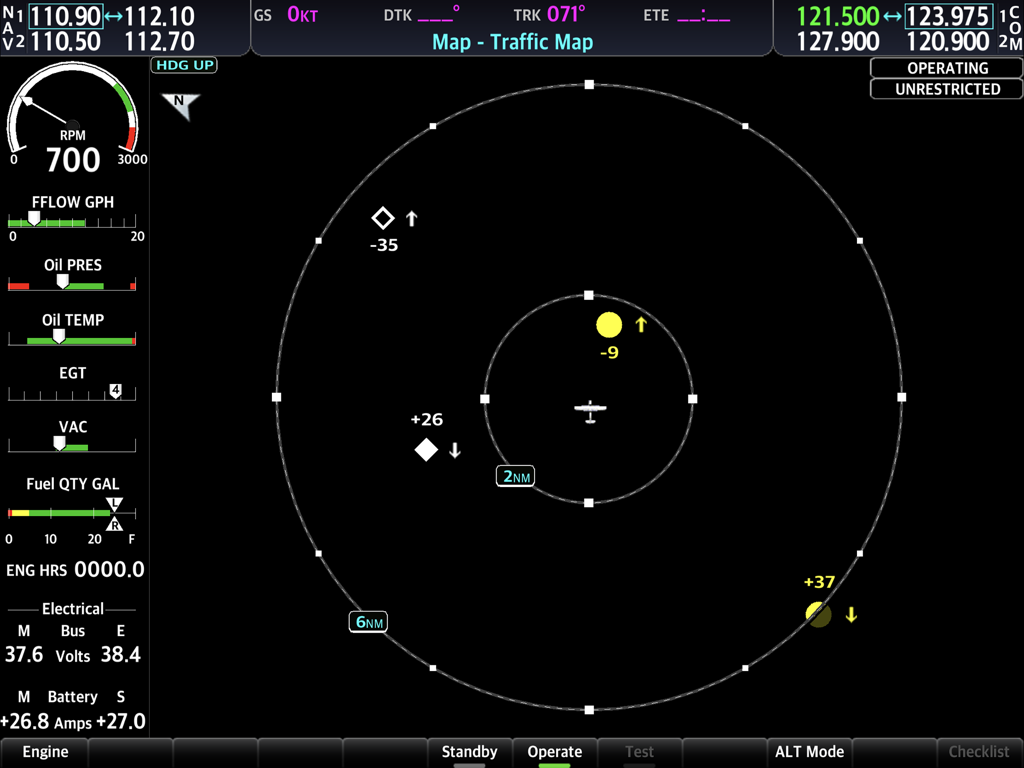
SIMiONIC G1000 NXi flight simulator interface showing the traffic map with aircraft positions and engine instruments data.

SIMiONIC G1000 NXi flight simulator interface showing the traffic map with aircraft positions and engine instruments data.

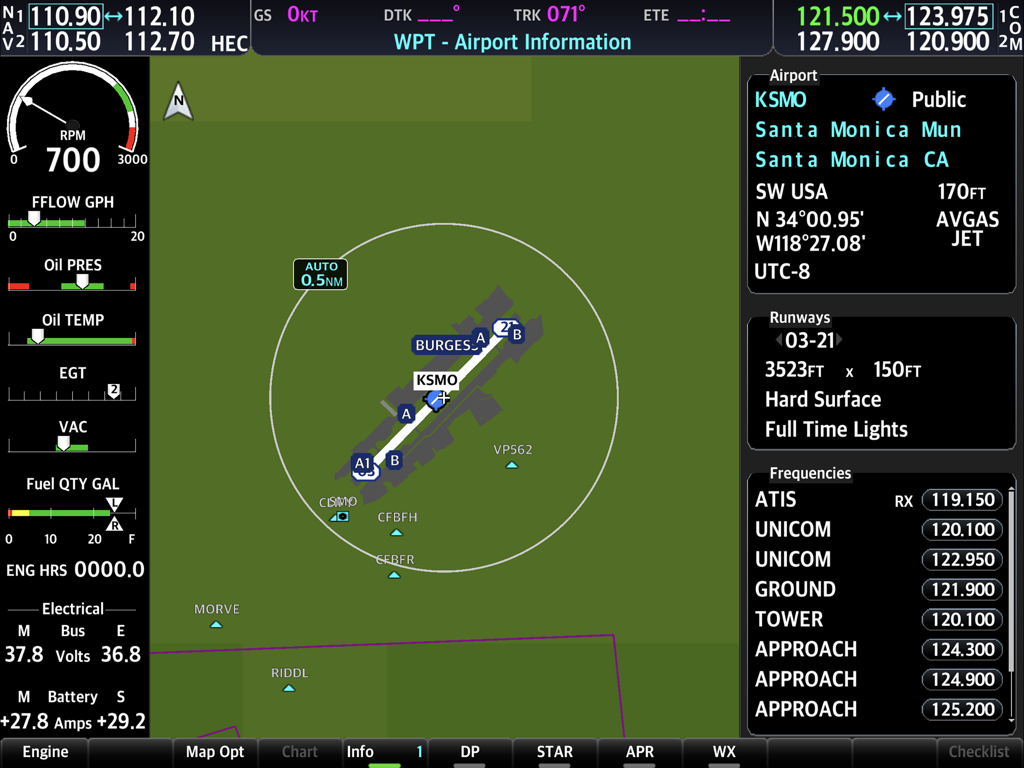
Simionic G1000 NXi interface displaying Santa Monica airport information and engine diagnostics

Simionic G1000 NXi interface displaying Santa Monica airport information and engine diagnostics

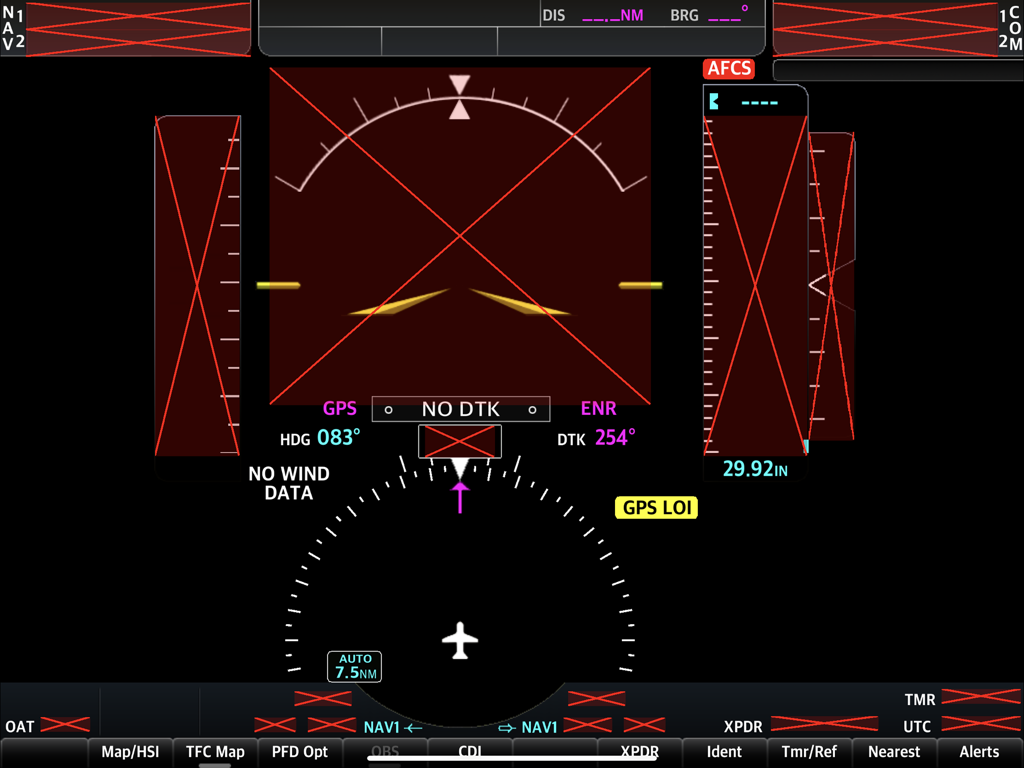
SIMiONIC G1000 NXi Primary Flight Display with system failure flags and flight instruments

SIMiONIC G1000 NXi Primary Flight Display with system failure flags and flight instruments

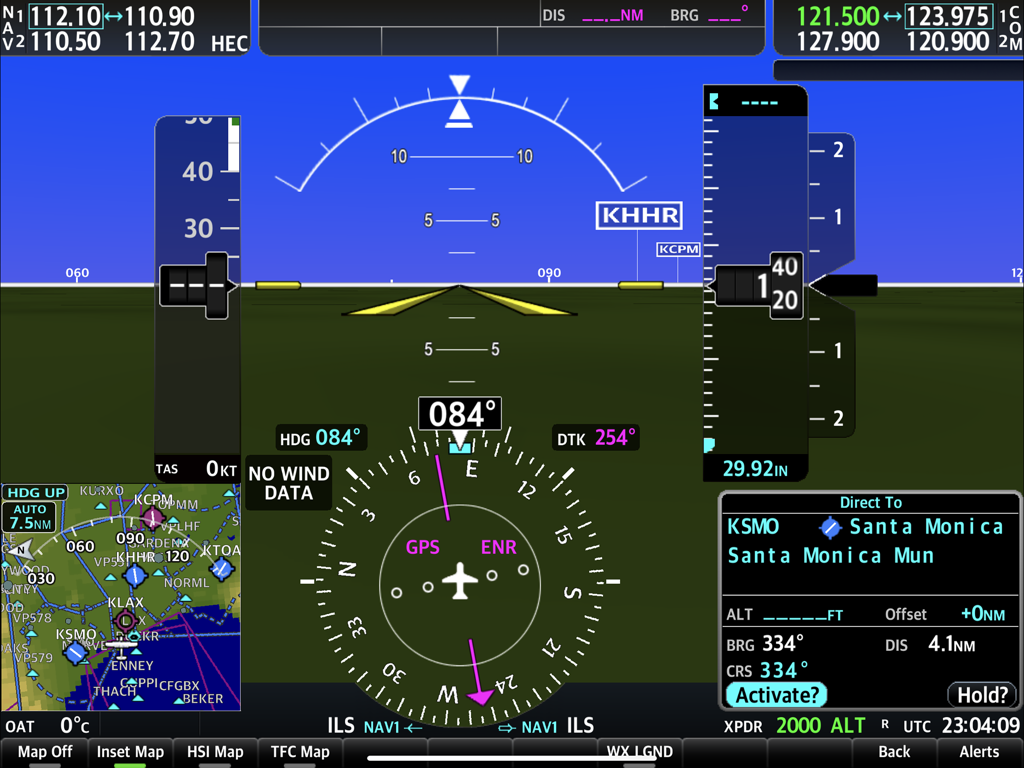
Primary Flight Display of SIMiONIC G1000 NXi flight simulation app

Primary Flight Display of SIMiONIC G1000 NXi flight simulation app

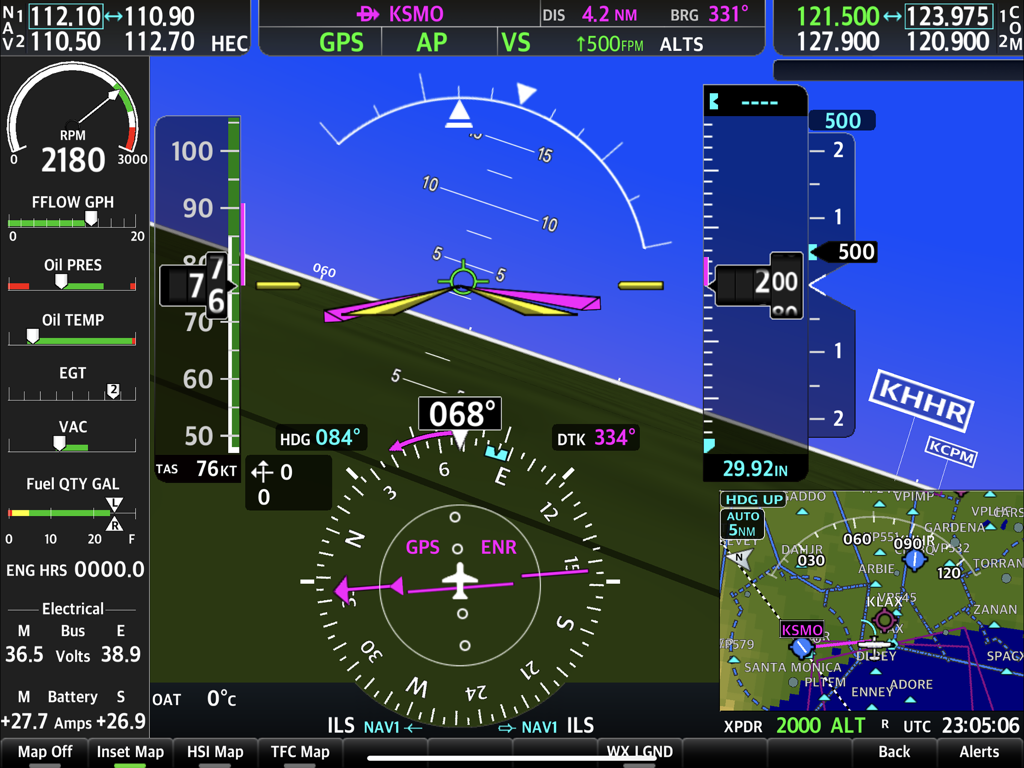
SIMiONIC G1000 NXi Primary Flight Display interface showing flight instruments and navigation window

SIMiONIC G1000 NXi Primary Flight Display interface showing flight instruments and navigation window

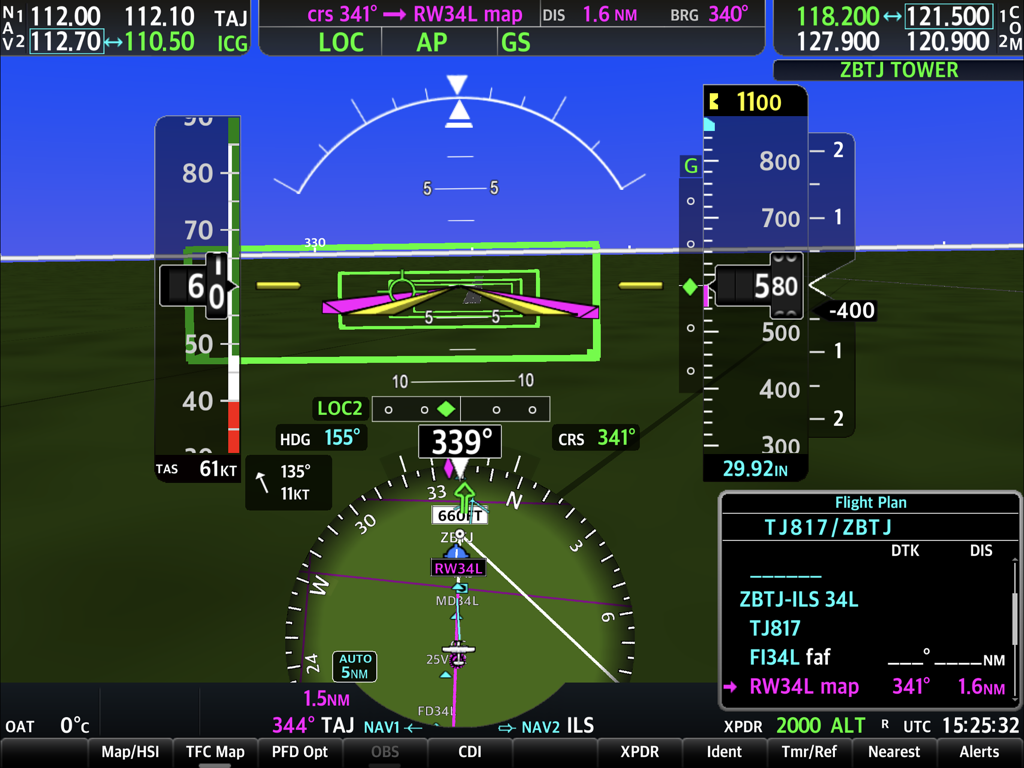
Detailed Primary Flight Display PFD interface of the SIMiONIC G1000 NXi flight simulator app showing flight instruments and navigation data

Detailed Primary Flight Display PFD interface of the SIMiONIC G1000 NXi flight simulator app showing flight instruments and navigation data

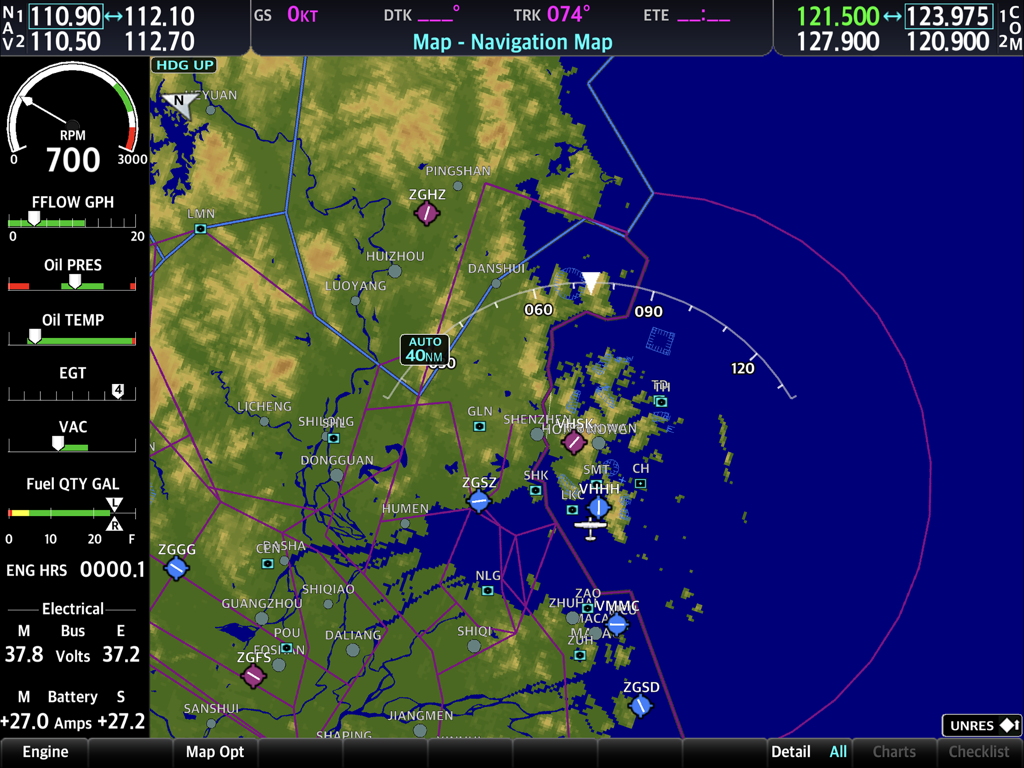
Interface of the SIMiONIC G1000 NXi app displaying a navigation map with topographic details and engine monitoring gauges.

Interface of the SIMiONIC G1000 NXi app displaying a navigation map with topographic details and engine monitoring gauges.

SIMiONIC G1000 NXi Multi-Function Display interface showing the navigation map and engine monitoring system

SIMiONIC G1000 NXi Multi-Function Display interface showing the navigation map and engine monitoring system

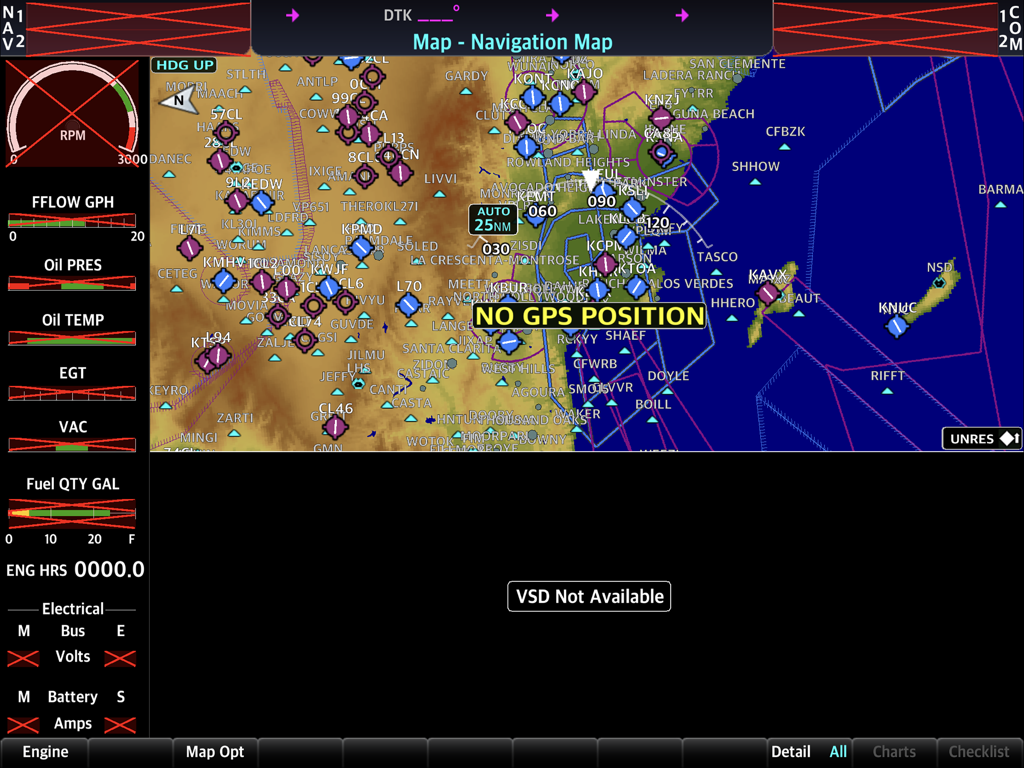
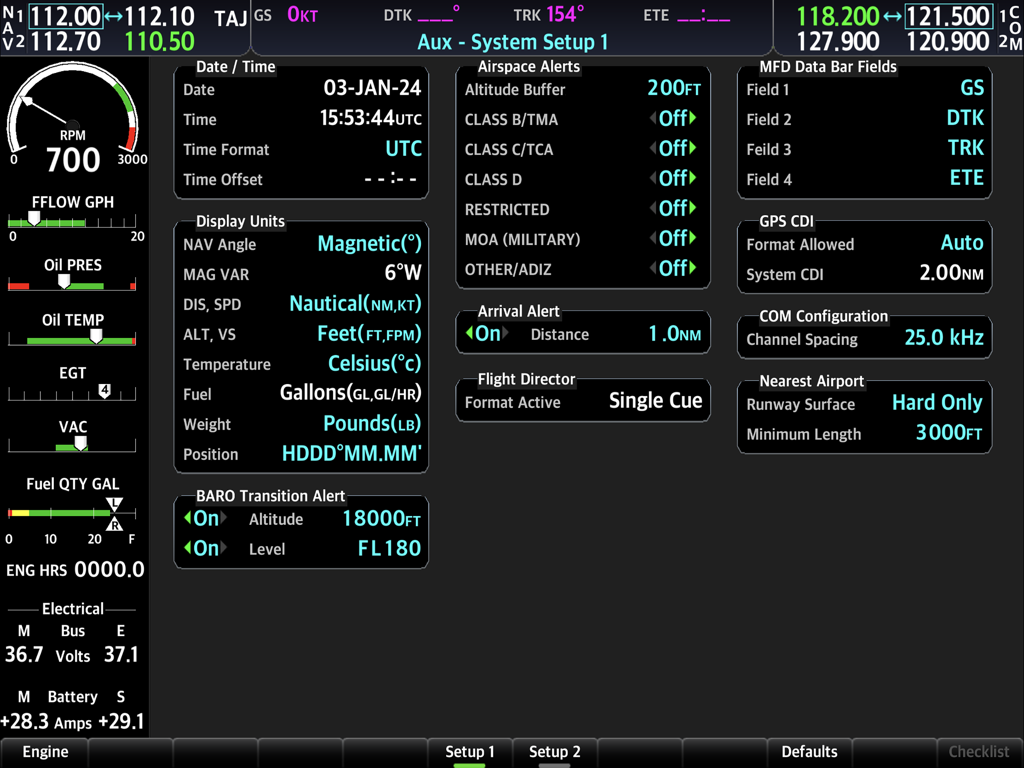
Auxiliary system setup screen of SIMiONIC G1000 NXi flight simulator app showing avionics configuration and engine data.

Auxiliary system setup screen of SIMiONIC G1000 NXi flight simulator app showing avionics configuration and engine data.

The Gold Standard for Avionics Simulation

The tools that make this app stand out, trusted by 12K+ users.

✈️

Ultra-Realistic PFD & MFD

Experience high-fidelity simulation of flight instruments, navigation systems, and engine management with nav data updated every cycle.

🔗

Seamless Simulator Integration

Connect directly to MSFS, X-Plane, or P3D via Wi-Fi to transform your iPad into a dedicated touch-controlled avionics suite.

🧠

Build Real Muscle Memory

Master complex flight plan management and emergency procedures at home to save hundreds of dollars in real-world training costs.

About the app

Everything you need to know about SIMiONIC G1000 NXi.

Description

Disclaimer: -Simionic and the seller are not affiliated with Garmin, -The app is not provided, approved, endorsed, or otherwise supported by Garmin. This app simulates Garmin's G1000 NXi which is an integrated avionics system used on many of the small aircrafts in general aviation. Both PFD and MFD are included in this single app and are simulated in high details including flight instruments, navigation system, avionics, flight plan management, radio communication system and other sub systems. Navigation database is updated within the app every cycle. To have the most realistic experience, it's recommended that users run the app in PFD mode and MFD mode on 2 iPads respectively and get them connected through Wi-Fi network. Users can either practice the operations of the G1000 NXi system on this app solely or connect the app to a desktop flight simulator to get an immersive flight simulation experience. Supported flight simulators are X-Plane, MSFS, FSX, P3D. Please go to our website (www.simionic.net) to download the program or plugin needed to connect the app to a flight simulator. There 5 aircraft profiles built-in, which are Cessna 172R, 172S, 182T, 206 and Beechcraft Baron G58. An in-app-purchase item is provided for users who want to build their own aircraft profile. Aircraft type supported in customization are single/twin piston engine aircrafts with 4 or 6 cylinders, with or without FADEC system; single/twin turbo prop aircrafts; single/twin jets. Not necessary, but if you are satisfied with the app, you can check out our hardware G1000 bezel and audio panel on our online shop (www.simionic.net/wordpress/shop) which will give you the realistic feelings with real buttons and knobs to help build the muscle memory of the operations.

Latest Version

1.3.4

Size

1.9 GB

First Released

Apr 19, 2024

Take Command of Your Virtual Cockpit

Download the most realistic G1000 NXi simulation today and bridge the gap between your iPad and the flight deck.

Download on App Store

App information, icons, screenshots, and descriptions displayed on this page are sourced from the Apple App Store and are the property of their respective developers. Download estimates and rankings are based on MWM's proprietary models and may not reflect actual figures. This page is provided for informational and analytical purposes only.

Believe this page infringes your intellectual property? File a dispute