Simplex Spelling Phonics CVC
Download on App Store

This page is not an official page of the app or its developer, but an independent editorial publication created for informational and commentary purposes. Unless expressly stated otherwise, neither the app nor its developer is affiliated with, endorsed by, sponsored by, authorized by, or otherwise officially connected with MWM, Apple, Google Play, the app publisher, or the app's developer, and nothing on this page implies that the app was developed using MWM's services. Any trademarks, logos, screenshots, and other content remain the property of their respective owners.

Logo of Simplex Spelling Phonics CVC
Download on App Store

Simplex Spelling Phonics CVC

The ad-free, classroom-ready spelling coach that masters 300+ CVC words through a unique reverse-phonics approach trusted by proactive parents and educators.

Key Figures

Downloads

0

User Rating

3.9/5

Total Ratings

0

Publisher

Pyxwise Software Inc.

Category

Education

Locales

1

Latest Version

3.0.0

Size

153.3 MB

First Released

Nov 20, 2013
Features

Empower Early Readers with Proven Phonics

Designed for Kindergarten success, our research-based approach helps children master 300+ CVC words through interactive, distraction-free learning.

Science of Reading Aligned

Master blending and segmenting with a unique 'reverse phonics' method that meets US Common Core standards for foundational literacy.

Pure Learning, Zero Ads

Experience total peace of mind with a COPPA-compliant environment featuring no third-party ads, no data sharing, and no hidden purchases.

The following screenshots and description are sourced directly from the app's official store listing and are the property of the app developer.

App Store

Screenshots
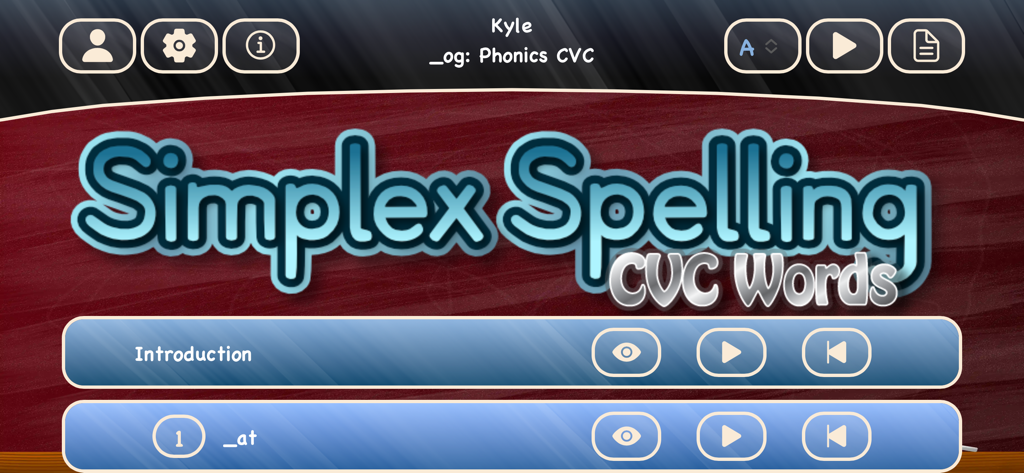
Simplex Spelling Phonics CVC - Main menu of the Simplex Spelling Phonics CVC educational app showing lesson options and user settings
Main menu of the Simplex Spelling Phonics CVC educational app showing lesson options and user settings

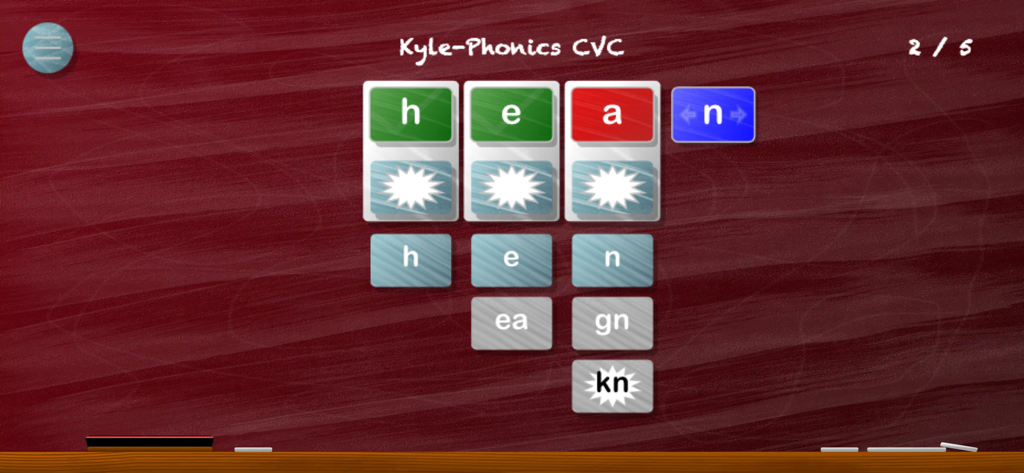
Simplex Spelling Phonics CVC - The Simplex Spelling Phonics CVC app interface showing a word building exercise for the word hen with phonetic hints and letter tiles.
The Simplex Spelling Phonics CVC app interface showing a word building exercise for the word hen with phonetic hints and letter tiles.

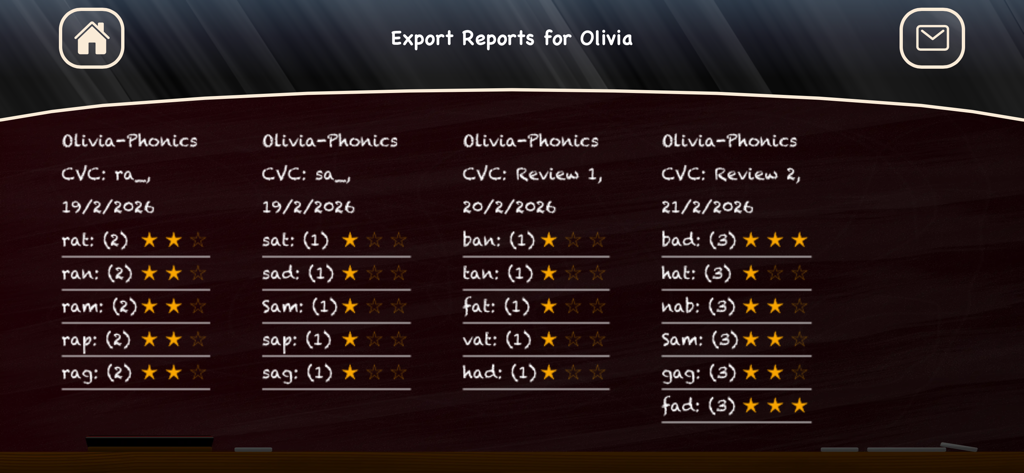
Simplex Spelling Phonics CVC - A student progress report screen in the Simplex Spelling Phonics CVC app showing a list of practiced words and star ratings.
A student progress report screen in the Simplex Spelling Phonics CVC app showing a list of practiced words and star ratings.

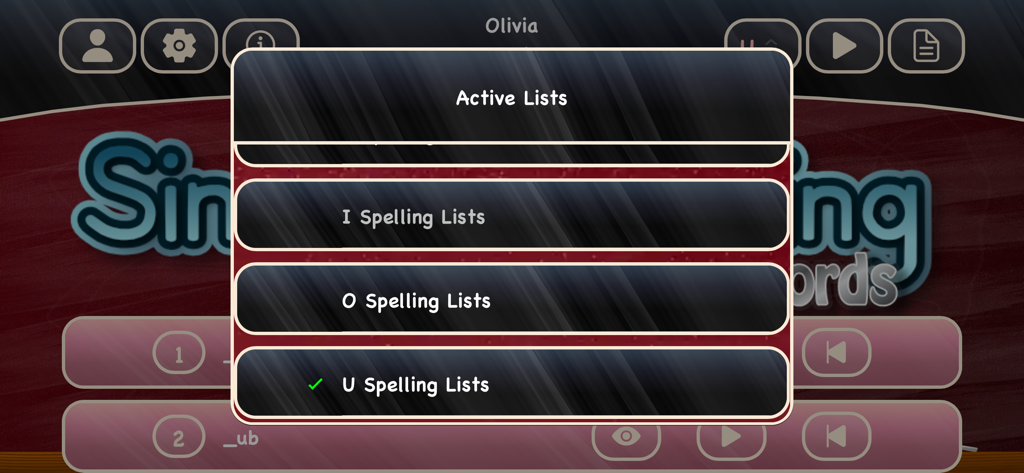
Simplex Spelling Phonics CVC - A menu in the Simplex Spelling Phonics CVC app showing active spelling lists for different vowels like I, O, and U.
A menu in the Simplex Spelling Phonics CVC app showing active spelling lists for different vowels like I, O, and U.

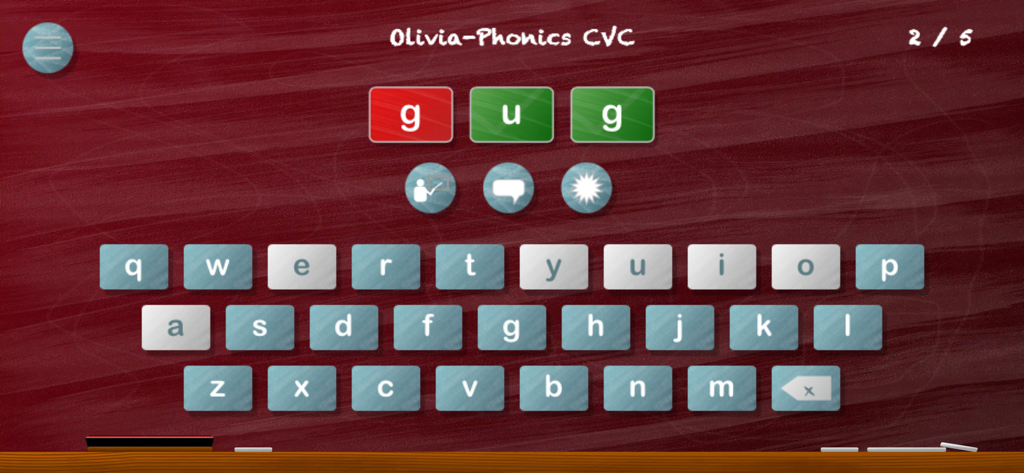
Simplex Spelling Phonics CVC - A spelling exercise screen from the Simplex Spelling Phonics CVC app featuring a chalkboard background and digital keyboard
A spelling exercise screen from the Simplex Spelling Phonics CVC app featuring a chalkboard background and digital keyboard

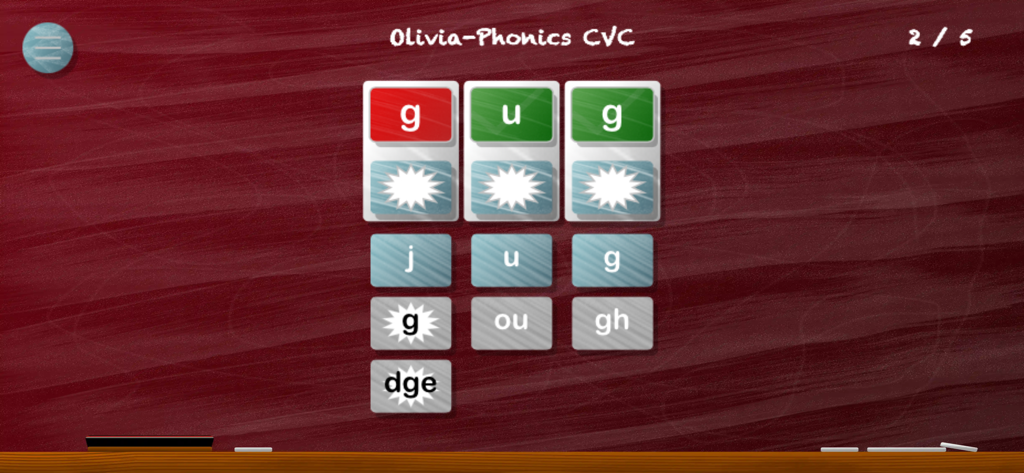
Simplex Spelling Phonics CVC - A child learning to spell CVC words using letter tiles in the Simplex Spelling Phonics app
A child learning to spell CVC words using letter tiles in the Simplex Spelling Phonics app

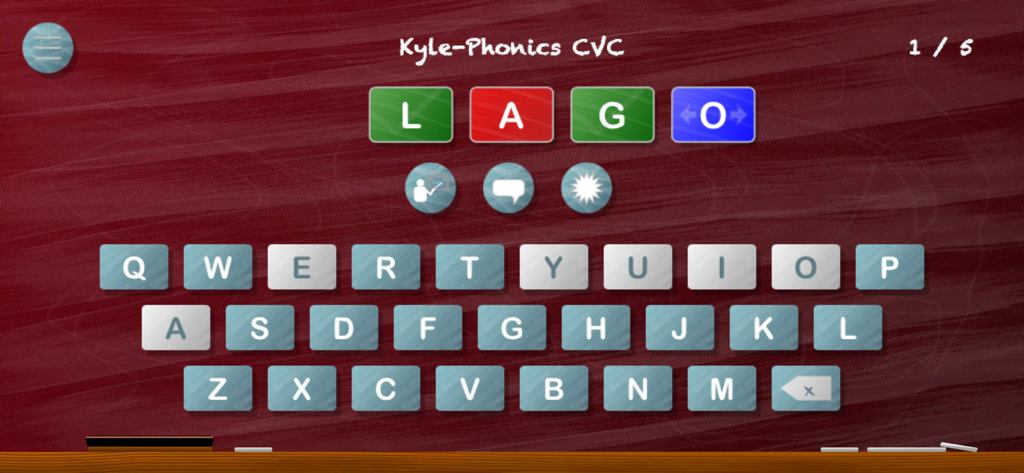
Simplex Spelling Phonics CVC - Interface of the Simplex Spelling Phonics CVC app showing a spelling exercise with letter tiles and a virtual keyboard
Interface of the Simplex Spelling Phonics CVC app showing a spelling exercise with letter tiles and a virtual keyboard

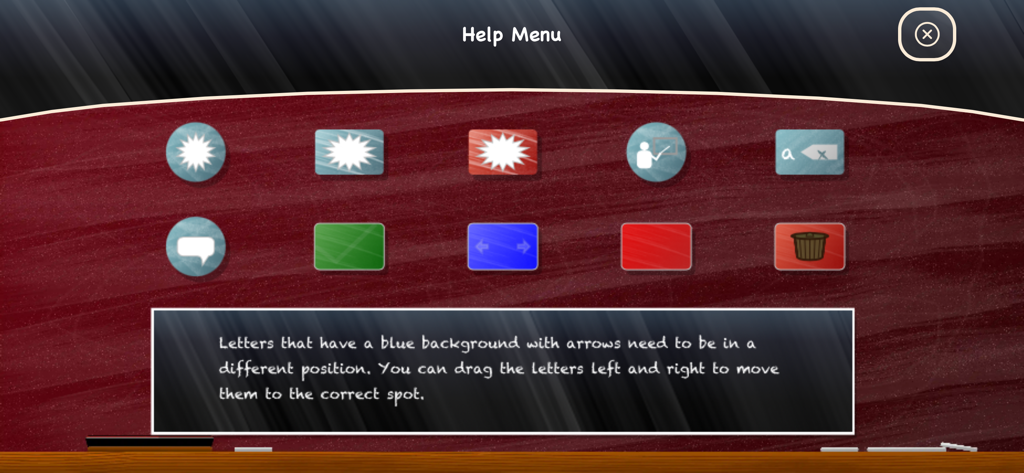
Simplex Spelling Phonics CVC - Help menu of the Simplex Spelling Phonics CVC app showing instructional icons and text about letter placement
Help menu of the Simplex Spelling Phonics CVC app showing instructional icons and text about letter placement

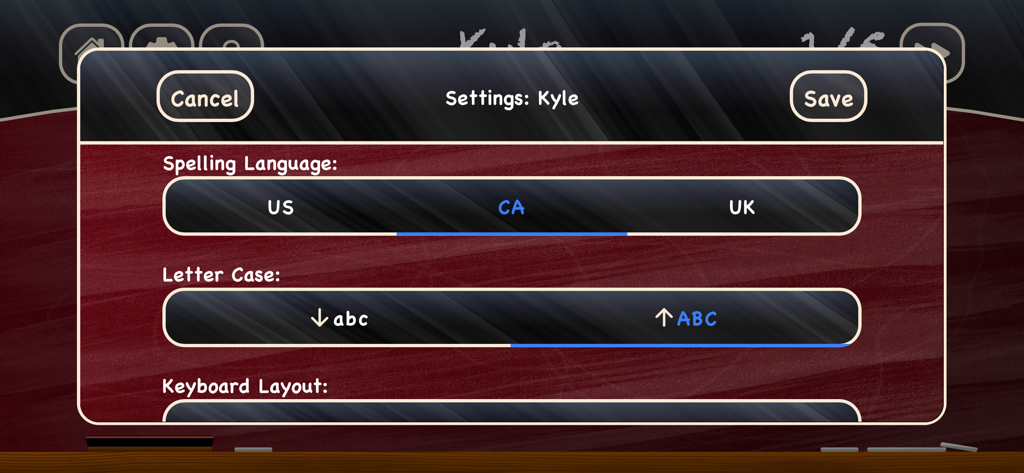
Simplex Spelling Phonics CVC - The settings menu in the Simplex Spelling Phonics CVC app showing options for spelling language letter case and keyboard layout

The settings menu in the Simplex Spelling Phonics CVC app showing options for spelling language letter case and keyboard layout

Description

- Earned a spot as one of the "Best Five Phonics Apps" by Teachers With Apps. Simplex Spelling CVC Words teaches rhyming, segmenting and blending of over 300 three letter CVC (consonant-vowel-consonant) words covering all five short vowel sounds. The concepts taught are aligned with many of the US Common Core Standards for Foundational Skills in Reading for Kindergarten. Children will learn phonics and the primary letter sounds and letter names for the alphabet while building the phonemic awareness skills that are critical for becoming a fluent speller and reader. Simplex Spelling Phonics improves English spelling and reading skills in a fun and interactive way by combining a unique “reverse phonics” approach with contextually relevant spelling rules that explain why words are spelled in a particular manner. It works like a personal spelling coach with every word. Recommended for ages 4+. Note: You can not create your own spelling lists in Simplex Spelling Phonics - Rhyming With CVC Words. Features: - Over 300 three letter CVC words covering all five short vowel sounds (e.g. cat, sat, pig, wig, log, bog, bug, rug, get, set). - Words are spoken and used in a sentence to establish context. - Introduction seamlessly leads a student through the application’s features by providing spoken information while having the student spell new words. - The keyboard can be customized to speak either the primary phoneme for each letter , or the letter's name as it is typed. - Powerful phonics hint feature sounds out each word by phonemes from left to right to aid with blending and phonemic awareness skills. - The hint feature also provides a mapping of all the possible graphemes that can represent each sound. - Word lists are organized by onsets, rhymes and medial vowels to allow students to understand and spell new words by changing only a single sound from other words in the same list. - Contextually relevant spelling rule hints that help explain “how to spell” English words. - Unique letter by letter feedback system that provides immediate feedback. - Guaranteed success on every word. - Support for up to 40 user accounts. - Export and email student progress reports. - User stats screen that allows you to see words that have been mastered and words that require further practice. - Remembers each user’s position and progress. - Supports both upper and lower case letters. - Supports both alphabetic and QWERTY keyboard layouts. - Supports both US, UK and Canadian English spelling. Privacy Disclosure: - Does not contain 3rd party ads - Does not share any data - Does not contain In-App purchases - Contains child protected links to "email the developer questions" and developer's website for additional information, support and teaching tips. COPPA Compliant https://pyxwise.com/privacy-policy/

Download

Download on App Store

This page is not an official page of the app or its developer, but an independent editorial publication created for informational and commentary purposes. Unless expressly stated otherwise, neither the app nor its developer is affiliated with, endorsed by, sponsored by, authorized by, or otherwise officially connected with MWM, Apple, Google Play, the app publisher, or the app's developer, and nothing on this page implies that the app was developed using MWM's services. Any trademarks, logos, screenshots, and other content remain the property of their respective owners.