
This page is not an official page of the app or its developer, but an independent editorial publication created for informational and commentary purposes. Unless expressly stated otherwise, neither the app nor its developer is affiliated with, endorsed by, sponsored by, authorized by, or otherwise officially connected with MWM, Apple, Google Play, the app publisher, or the app's developer, and nothing on this page implies that the app was developed using MWM's services. Any trademarks, logos, screenshots, and other content remain the property of their respective owners.

Sketch 3D
The ultimate mobile workstation for makers and digital artists. Sculpt complex models with intuitive multi-touch gestures, animate with skeleton structures, and export pro-grade STL files for 3D printing—all from your iPad or iPhone.
Downloads
533K+User Rating
Total Ratings
1K+Publisher
Category
Graphics & DesignLocales
4Latest Version
1.54Size
187.6 MBFirst Released
Aug 22, 2015Professional 3D Design in the Palm of Your Hand
Bridge the gap between mobile sketching and professional production. Sketch 3D brings desktop-class modeling, animation, and face capture tools to your iPhone and iPad, designed specifically for the next generation of creators.
Touch-First Precision Modeling
Forget complex keyboard shortcuts. Use intuitive multi-touch gestures to extrude, bevel, and loop cut. Professional geometry tools like subdivision surfaces and quad-face editing are now as simple as a swipe.
Optimized for 3D Printing
Move from digital concept to physical reality in minutes. Export high-quality STL and OBJ files directly to your 3D printer, making it the perfect companion for makers, engineers, and DIY hobbyists.
The following screenshots and description are sourced directly from the app's official store listing and are the property of the app developer.
App Store
Screenshots
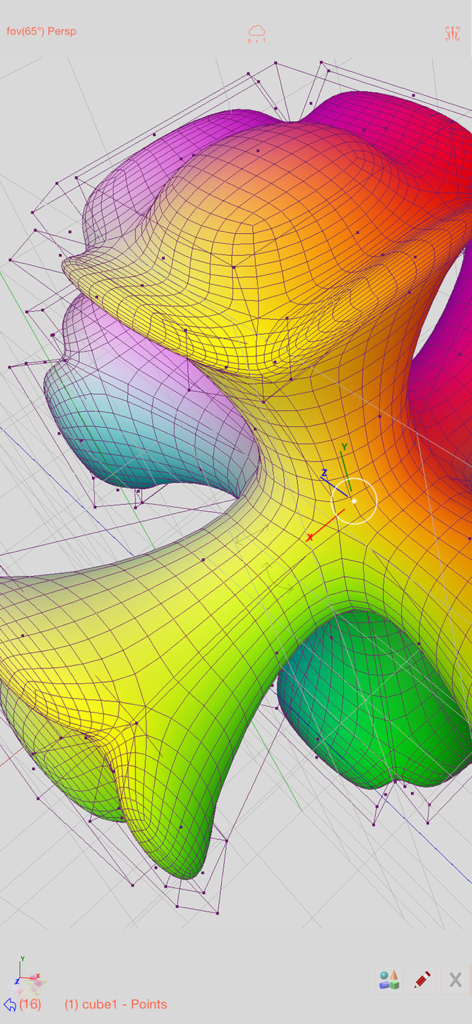
A colorful organic 3D mesh model being edited with wireframe and vertex points in the Sketch 3D app
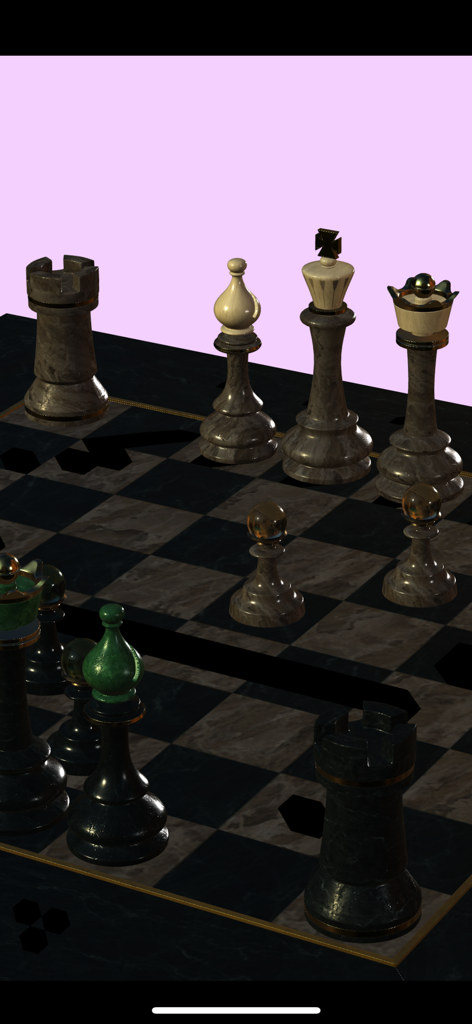
A 3D chess set with marble textures rendered in Sketch 3D
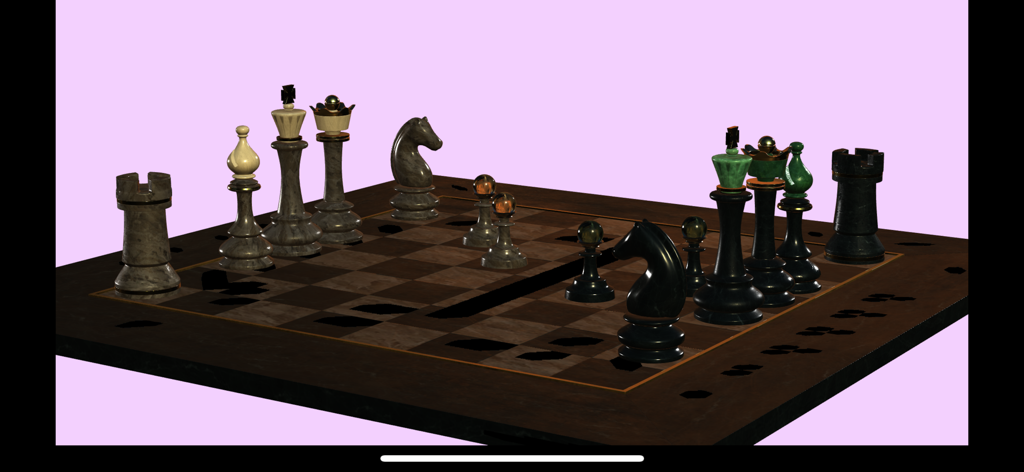
A realistic 3D chess set rendered in the Sketch 3D app
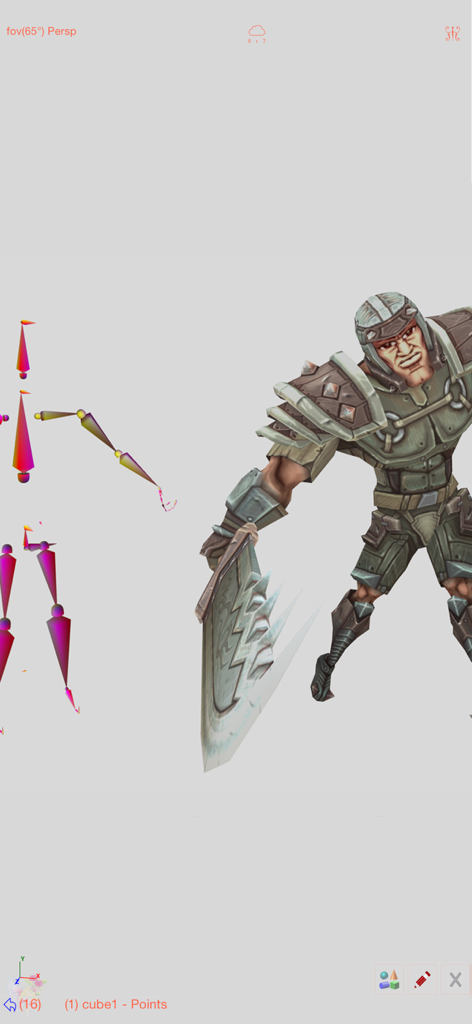
A 3D warrior character with a visible skeletal rigging structure for animation.
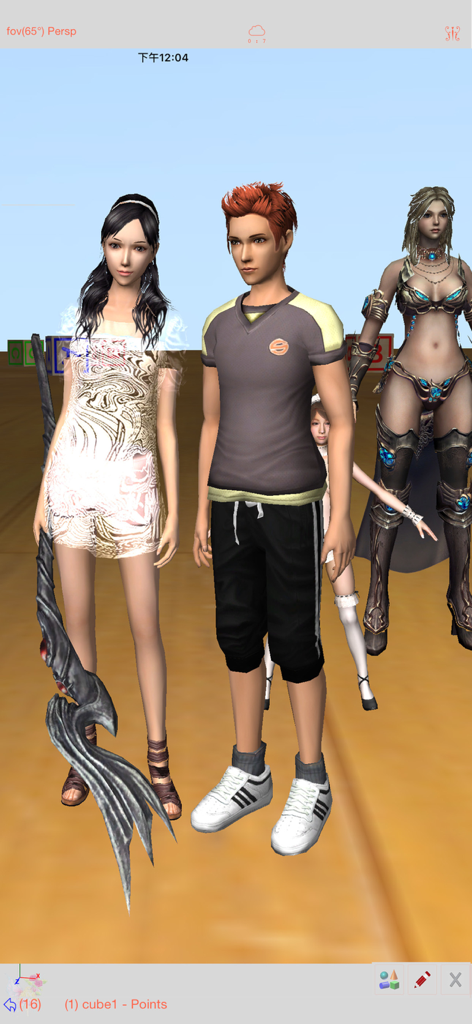
Several detailed 3D character models displayed within the Sketch 3D app interface
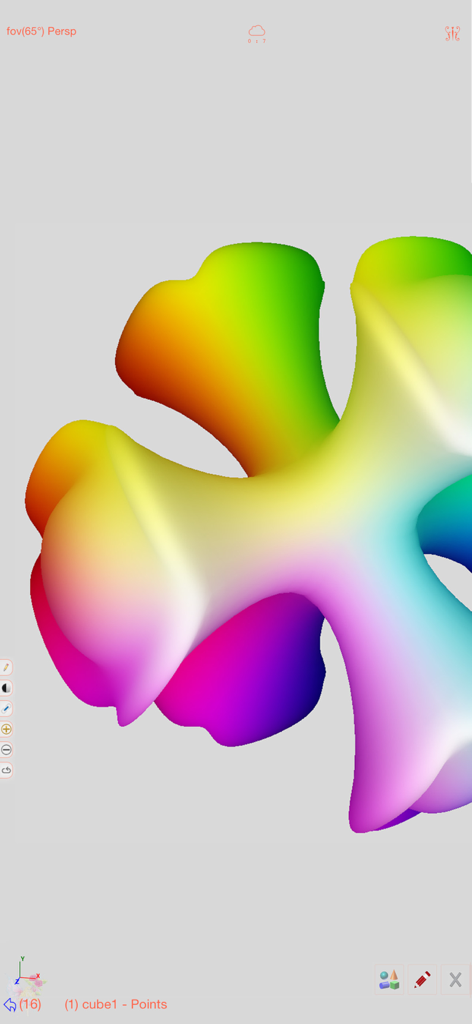
A smooth 3D shape with a vibrant rainbow vertex color gradient in the Sketch 3D mobile editing interface
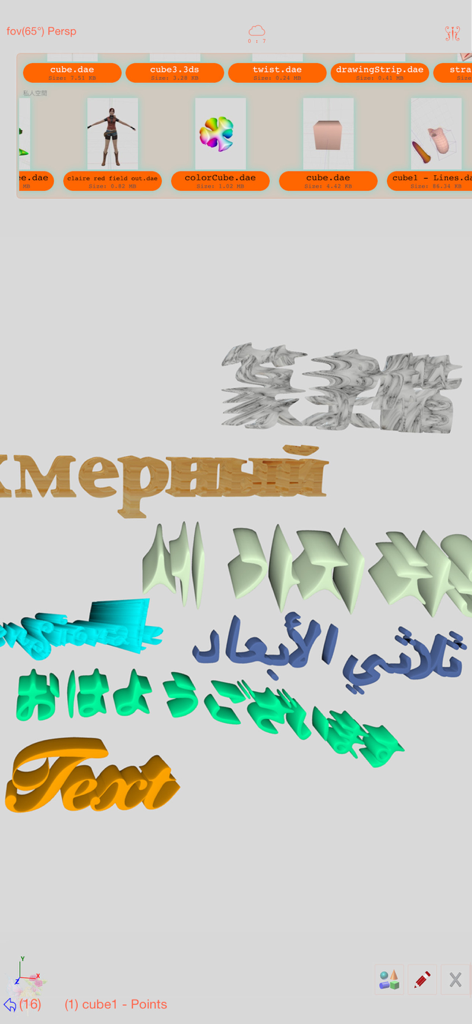
Interface of Sketch 3D app showing 3D text generation in multiple languages with a file selection menu
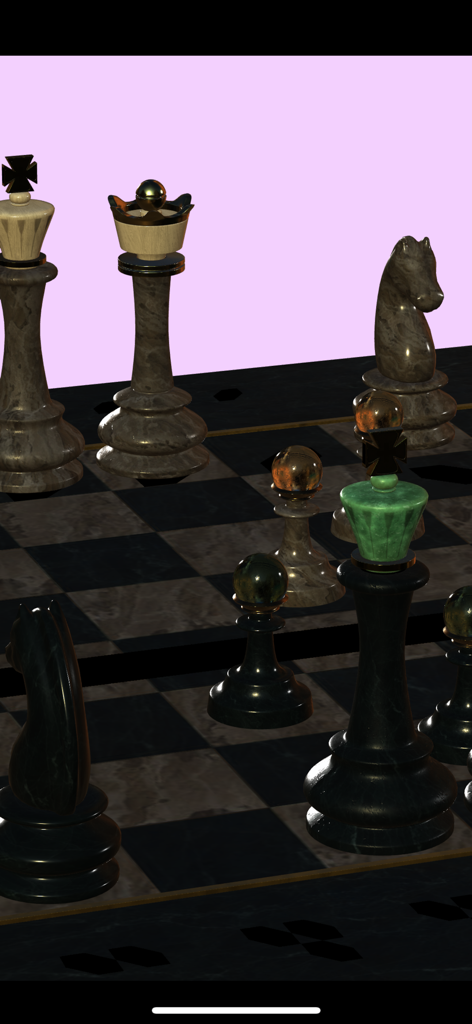
Realistic 3D chess set render with marble textures created in Sketch 3D
Description
Download
More Like This
Top-ranked apps in the same category

Kling AI: AI Image&Video Maker
LOHAS GAMES PTE. LTD.

iScreen - Widgets & Wallpaper
Xiamen ShenZhuo Information Technology Co., Ltd.

Dreamina AI: Image&Video Maker
BYTEDANCE PTE. LTD.

Home AI - AI Interior Design
HUBX YAZILIM HIZMETLERI ANONIM SIRKETI

ibis Paint X
ibis inc.

ThemeKit: Widget & Icon Themes
Woohoo Tech. Ltd.

Sketchbook®
Sketchbook, Inc.

Colorful Widget- Widget&Themes
Guangzhou ZHIFENG Information Technology Co.,Ltd.

ReRoom AI: Interior Design
GM UniverseApps Limited
This page is not an official page of the app or its developer, but an independent editorial publication created for informational and commentary purposes. Unless expressly stated otherwise, neither the app nor its developer is affiliated with, endorsed by, sponsored by, authorized by, or otherwise officially connected with MWM, Apple, Google Play, the app publisher, or the app's developer, and nothing on this page implies that the app was developed using MWM's services. Any trademarks, logos, screenshots, and other content remain the property of their respective owners.