
This page is not an official page of the app or its developer, but an independent editorial publication created for informational and commentary purposes. Unless expressly stated otherwise, neither the app nor its developer is affiliated with, endorsed by, sponsored by, authorized by, or otherwise officially connected with MWM, Apple, Google Play, the app publisher, or the app's developer, and nothing on this page implies that the app was developed using MWM's services. Any trademarks, logos, screenshots, and other content remain the property of their respective owners.


Sky Studio
The ultimate creative companion to write sheet music, practice complex songs, and share your musical soul with the Sky: Children of the Light community.
Downloads
643K+User Rating
Total Ratings
1K+Publisher
Category
MusicLocales
1Latest Version
2.4.7Size
80.2 MBFirst Released
Jul 16, 2020Master the Melodies of the Light
The ultimate creative companion for Sky musicians to compose, practice, and share beautiful music with the world.
Compose Your Masterpieces
Create and edit complex sheet music with a double-layer system, metronome, and intuitive grid tools designed for mobile creators.
Practice Like a Virtuoso
Perfect your timing in practice mode by repeating sections, adjusting tempo, and hiding keys to build muscle memory before your big performance.
The following screenshots and description are sourced directly from the app's official store listing and are the property of the app developer.
App Store
Screenshots
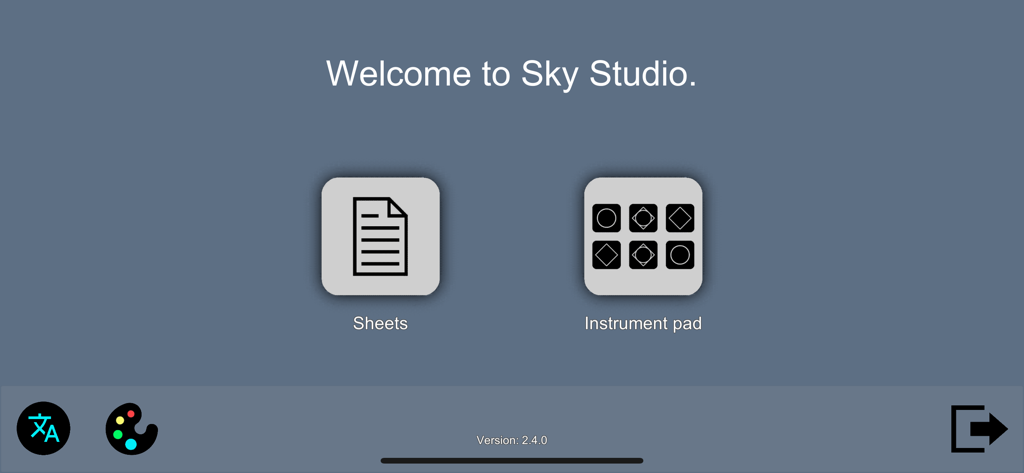
Sky Studio app welcome screen showing Sheets and Instrument pad icons
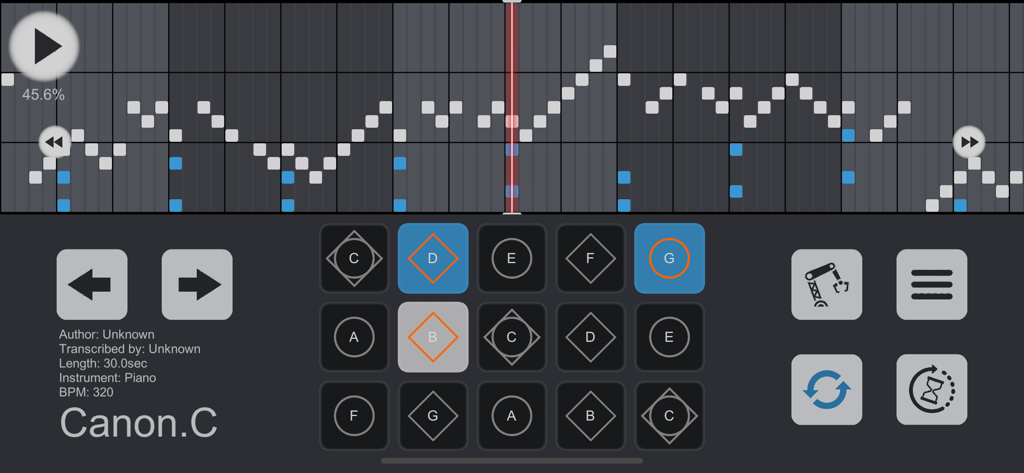
Sky Studio practice mode interface showing a scrolling timeline of notes for Canon in C and a grid of musical keys.
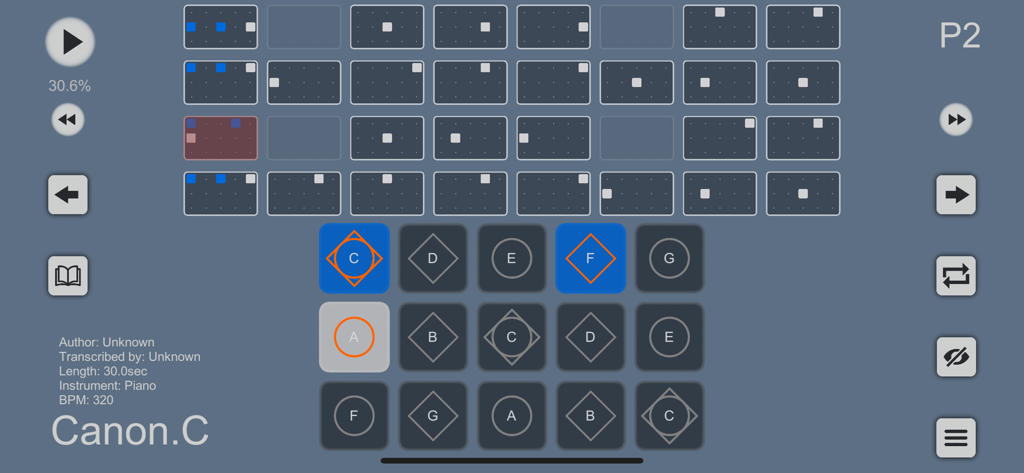
Sky Studio app practice mode interface showing sheet music for Canon in C with a fifteen-key musical instrument pad.
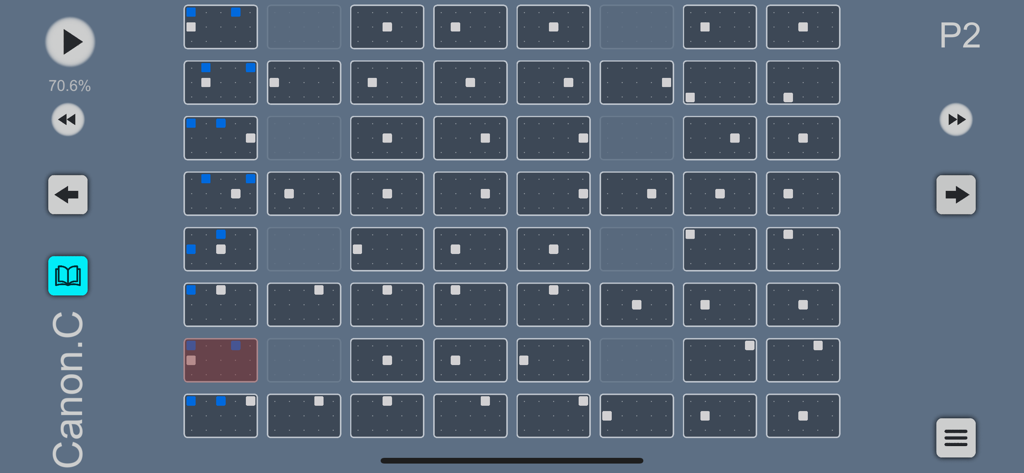
A grid based music composition interface in Sky Studio for practicing game music
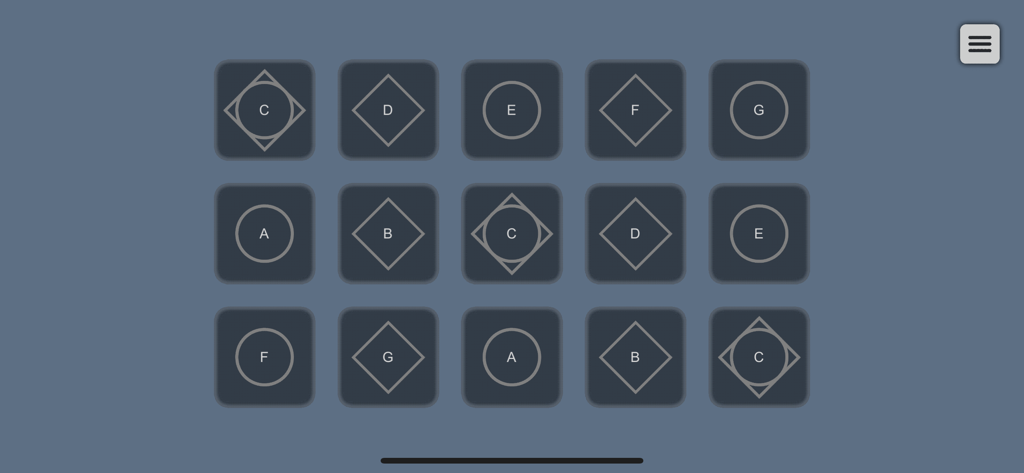
Sky Studio instrument pad mode interface with a fifteen button musical grid
Description
Download
More Like This
Apps with similar features and user experience

This page is not an official page of the app or its developer, but an independent editorial publication created for informational and commentary purposes. Unless expressly stated otherwise, neither the app nor its developer is affiliated with, endorsed by, sponsored by, authorized by, or otherwise officially connected with MWM, Apple, Google Play, the app publisher, or the app's developer, and nothing on this page implies that the app was developed using MWM's services. Any trademarks, logos, screenshots, and other content remain the property of their respective owners.