
This page is not an official page of the app or its developer, but an independent editorial publication created for informational and commentary purposes. Unless expressly stated otherwise, neither the app nor its developer is affiliated with, endorsed by, sponsored by, authorized by, or otherwise officially connected with MWM, Apple, Google Play, the app publisher, or the app's developer, and nothing on this page implies that the app was developed using MWM's services. Any trademarks, logos, screenshots, and other content remain the property of their respective owners.


Skymera - 3D Map Studio
Turn any location into a professional 3D flyover animation. Design custom flight paths with smooth camera movements to elevate your travel reels, real estate listings, and social stories in seconds.
Downloads
1K+User Rating
Total Ratings
0Publisher
Category
Photo & VideoLocales
13Latest Version
12Size
60.4 MBFirst Released
Jun 6, 2025Create Stunning Cinematic Flyovers
Transform any location into a professional 3D map video. Capture drone-like perspectives and tell your story from the sky with intuitive, pro-level tools.
Pro-Level Camera Control
Set up to 10 waypoints with custom angles, height, and speed for smooth camera movements that look like they were shot by a professional pilot.
Hyper-Realistic 3D Styles
Switch between Satellite, Hybrid, and Standard modes to find the perfect aesthetic for your real estate listings, travel vlogs, or outdoor adventures.
The following screenshots and description are sourced directly from the app's official store listing and are the property of the app developer.
App Store
Screenshots
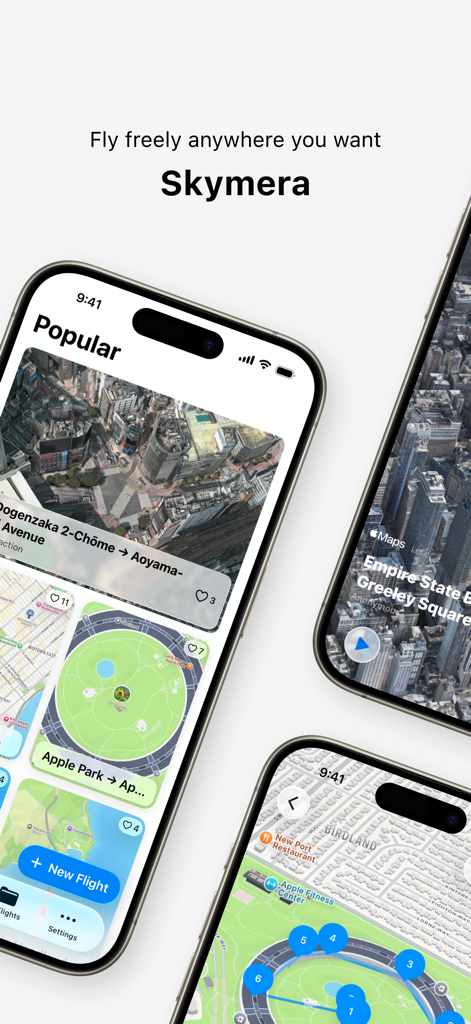
Interface of Skymera 3D Map Studio app showing cinematic flyover routes and popular map locations on mobile devices
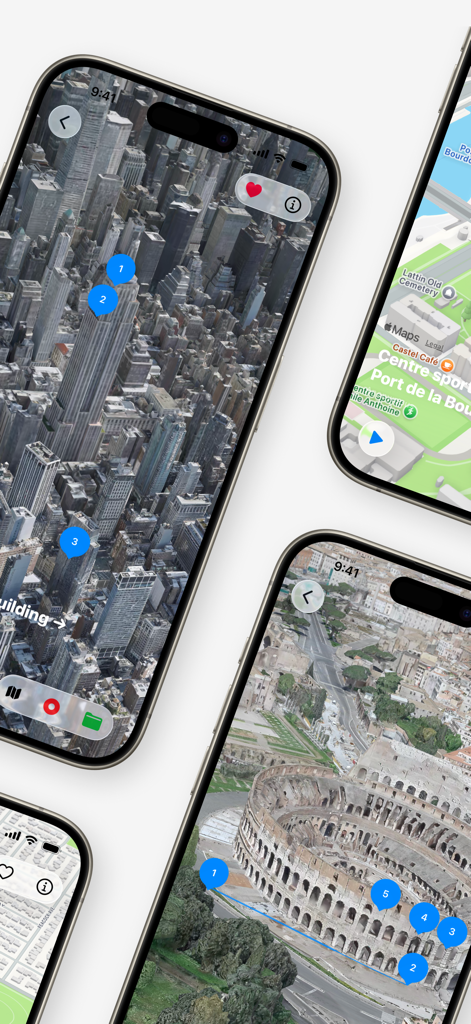
Skymera app screenshots showing cinematic 3D map flyover routes with pins over New York and Rome
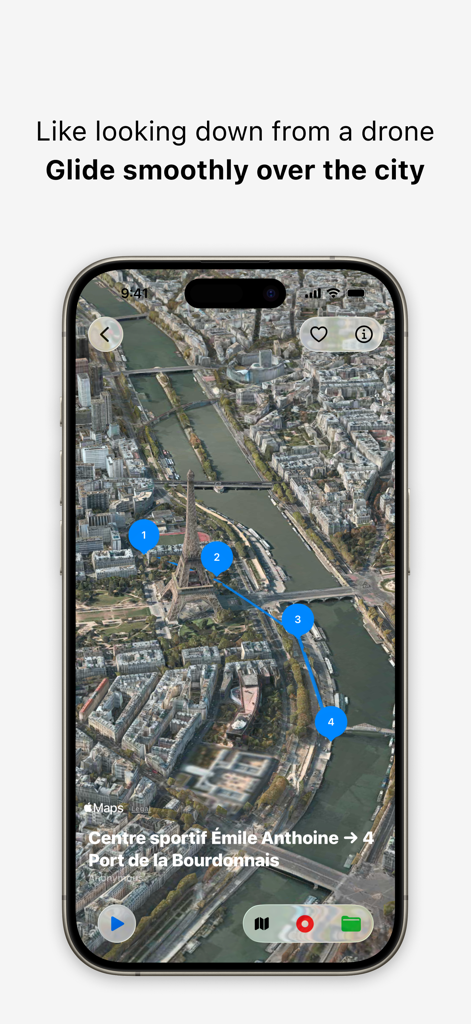
iPhone interface showing a 3D satellite map of Paris with a drone flight path in the Skymera app
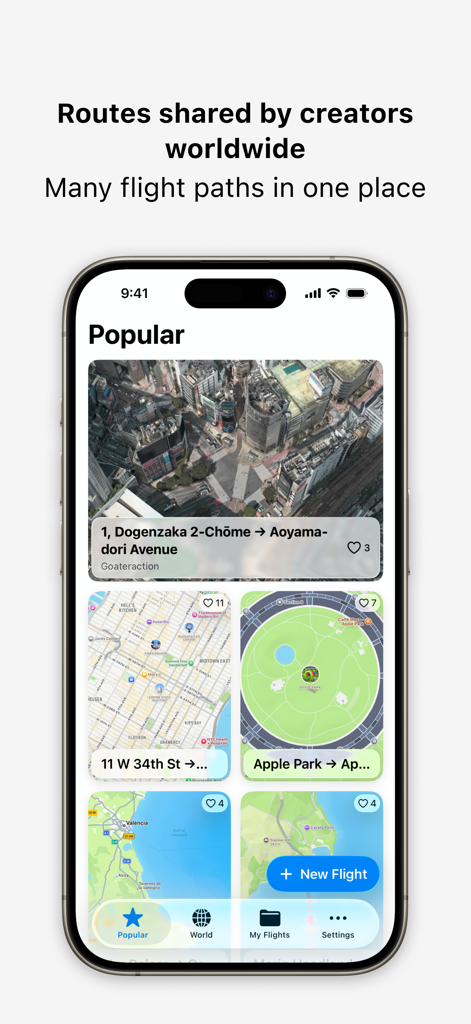
Skymera app screen showcasing popular 3D flight paths shared by creators worldwide
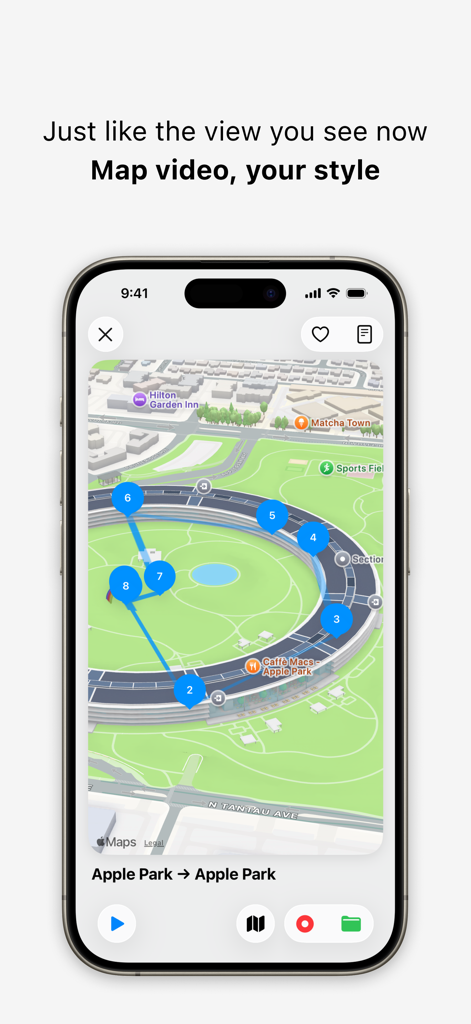
Skymera app interface showing a custom 3D map flyover route around Apple Park
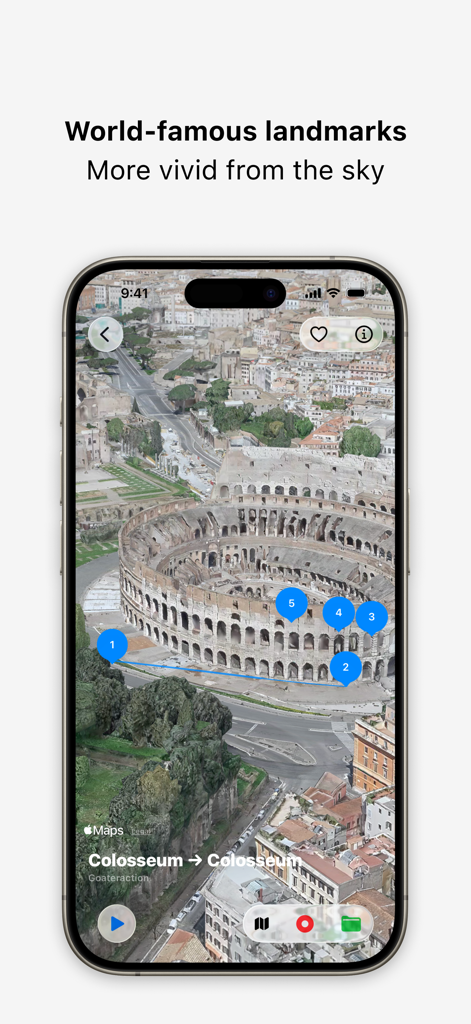
A 3D satellite view and flight route over the Colosseum in Rome within the Skymera app
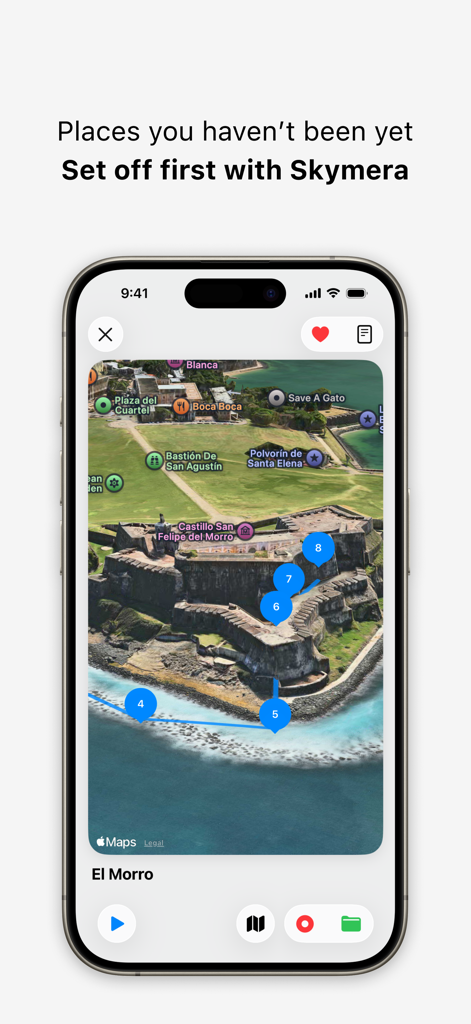
A 3D satellite map view of El Morro castle with a numbered flight route in the Skymera app
Description
Download
More Like This
Top-ranked apps in the same category

Uber - Request a ride
Uber Technologies, Inc.

Airbnb
Airbnb, Inc.

铁路12306
ACADEMY OF RAILWAY SCIENCES CO., ltd.

Booking.com: Hotels & Travel
Booking.com B.V.

Grab: Taxi Ride, Food Delivery
GRABTAXI HOLDINGS PTE. LTD.

Trip.com: Book Flights, Hotels
Trip.com Travel Singapore Pte. Ltd.

DiDi China: Ride Hailing
Didi Chuxing (Beijing) Network Platform Technology Co., Ltd

去哪儿旅行-订酒店机票火车票
Beijing Qunar Information Technology Company Limit

Bolt: Request a Ride
BOLT TECHNOLOGY OU
This page is not an official page of the app or its developer, but an independent editorial publication created for informational and commentary purposes. Unless expressly stated otherwise, neither the app nor its developer is affiliated with, endorsed by, sponsored by, authorized by, or otherwise officially connected with MWM, Apple, Google Play, the app publisher, or the app's developer, and nothing on this page implies that the app was developed using MWM's services. Any trademarks, logos, screenshots, and other content remain the property of their respective owners.