
This page is not an official page of the app or its developer, but an independent editorial publication created for informational and commentary purposes. Unless expressly stated otherwise, neither the app nor its developer is affiliated with, endorsed by, sponsored by, authorized by, or otherwise officially connected with MWM, Apple, Google Play, the app publisher, or the app's developer, and nothing on this page implies that the app was developed using MWM's services. Any trademarks, logos, screenshots, and other content remain the property of their respective owners.


Skywork
Your ideas, instantly tangible. The app offers a shortcut to content creation, freeing users from the digital grind.
Downloads
100k+User Rating
Total Ratings
6Publisher
Category
ProductivityLocales
12Latest Version
5.1.3Size
131.1 MBFirst Released
Jul 8, 2025A comprehensive analysis of Skywork's core features designed to enhance professional and creative workflows.
Skywork: An AI-Powered Productivity Ecosystem
AI Videos
This tool enables users to generate high-quality videos from simple prompts, speeding up their creative workflow and boosting content output.
AI Slides
The app allows users to generate professional presentations with one click, automatically optimizing layouts and structures, and enabling slide-by-slide editing or regeneration.
AI Podcast
The app allows users to create scripts and podcasts with a single command, facilitating the effortless building of an AI-powered podcast channel.
AI Image
The app allows users to quickly create high-quality visual images that accurately present both text and creative content.
VoiceNote
This tool extracts key information in real time and automatically converts recordings into structured summaries, ideal for meetings, interviews, and personal notes.
AI Documents
It enables users to easily create well-structured, logically organized documents or research reports, with options to rewrite, expand, or polish paragraphs.
AI Sheets
This tool automatically organizes data and tables, generating clear, easy-to-read data views that significantly improve analysis efficiency.
AI Chat
It supports web search and personalized Q&A modes, delivering efficient and intelligent answers through conversational interaction within specified knowledge scopes.
Frequently Asked Questions
Everything you need to know about Skywork
What is Skywork?
Skywork is an app featuring a VoiceNote Agent that transforms voice, photos, and notes into organized summaries. It also offers MCP connection, creative visual generation, and a personal knowledge base.
Does Skywork offer a free version?
Yes, Skywork offers a free version where base models are available for use. Users can upgrade to Plus for unlimited access to all features.
How does Skywork's VoiceNote Agent work?
Skywork's VoiceNote Agent extracts key information in real-time. It automatically converts recordings into structured summaries for meetings, interviews, or personal notes. Users add photos, written notes, and sketches during recording.
Can I connect my personal data sources to Skywork?
Yes, Skywork's MCP Connector seamlessly integrates with personal data sources like Google Calendar, Outlook Calendar, and Notion. This provides more accurate and context-aware results.
What kind of creative visuals can Skywork generate?
Skywork generates high-quality visuals and videos from sketches or uploaded images. Users can turn ideas into reality with one tap and preview full-size results in real-time.
What happens to my data when using Skywork's MCP Connector?
Skywork ensures your data is fully encrypted and completely under your control when using the MCP Connector. This provides security and user autonomy over personal information.
Can Skywork export generated content in different formats?
Yes, Skywork allows users to export generated content in multiple formats for easy sharing and flexible use. Supported formats include PPTX, PDF, HTML, and GS.
What types of outputs does Skywork generate from a single recording?
From one recording, Skywork instantly generates multiple outputs. These include summary documents, infographics, mind maps, and full transcripts.
Where can I find Skywork's Privacy Policy?
Skywork's User Privacy Policy is available at the provided URL: https://static-s3.skyworkcdn.com/fe/skywork-site-assets/html/agreement/web-20251205/privacyPolicy.html.
Does Skywork allow adding notes and photos during recording?
Yes, Skywork's VoiceNote Agent allows users to add photos, written notes, and sketches directly during recording. Everything remains organized and easy to review.
The following screenshots and description are sourced directly from the app's official store listing and are the property of the app developer.
App Store
Screenshots
Discover the core interface and the foundational promise of "AI workspace agents" for comprehensive productivity.
Workspace Foundation
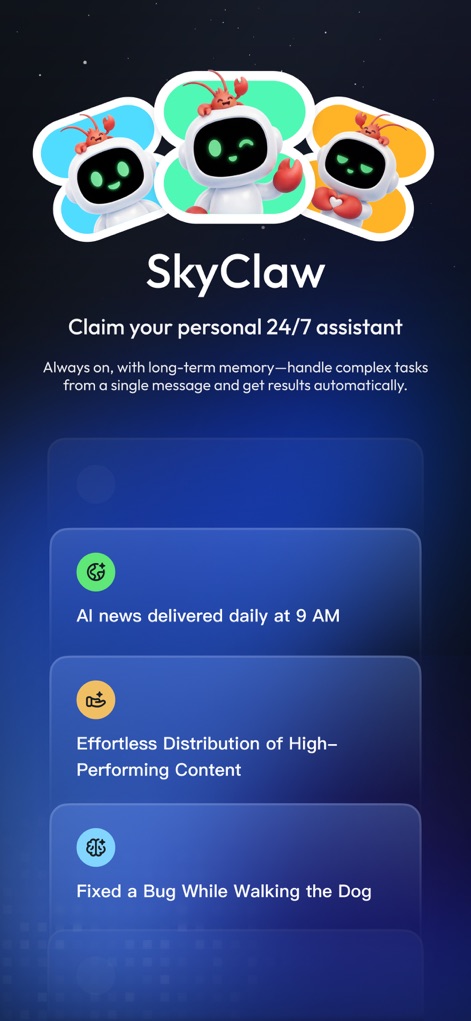
Explore SkyClaw, the personal 24/7 assistant, showcasing its intuitive conversational interface and diverse task examples.
Intelligent Assistant Unveiled
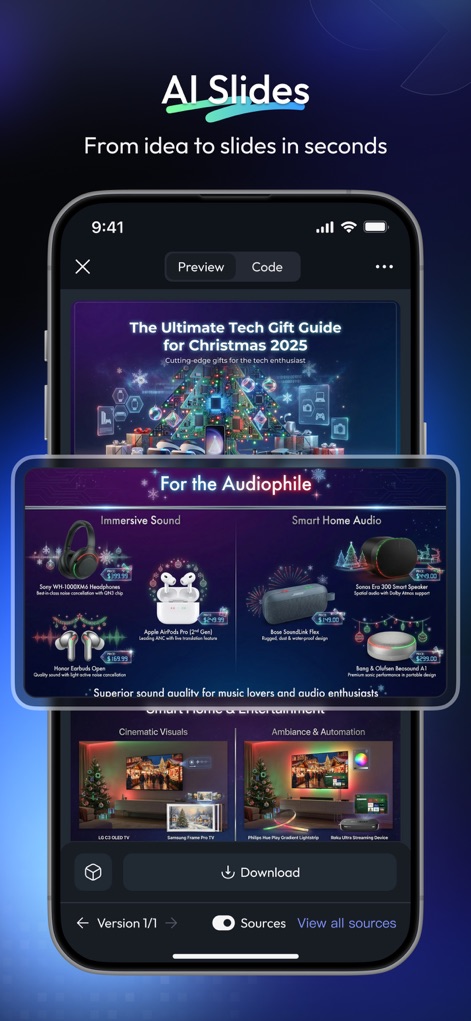
Witness the "AI Slides" functionality in action, demonstrating automatic layout optimization and content generation for professional presentations.
Dynamic Presentation Creation
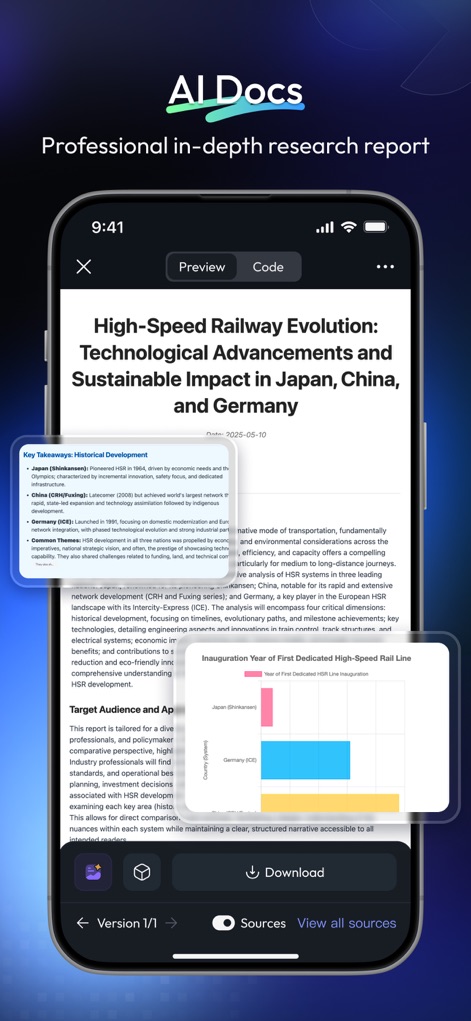
Observe how "AI Docs" crafts well-structured research reports, complete with logically organized paragraphs and clear data insights.
Structured Document Generation

See "AI Sheets" transform raw data into clear, readable tables and generate insightful visual summaries like bar charts.
Effortless Data Organization
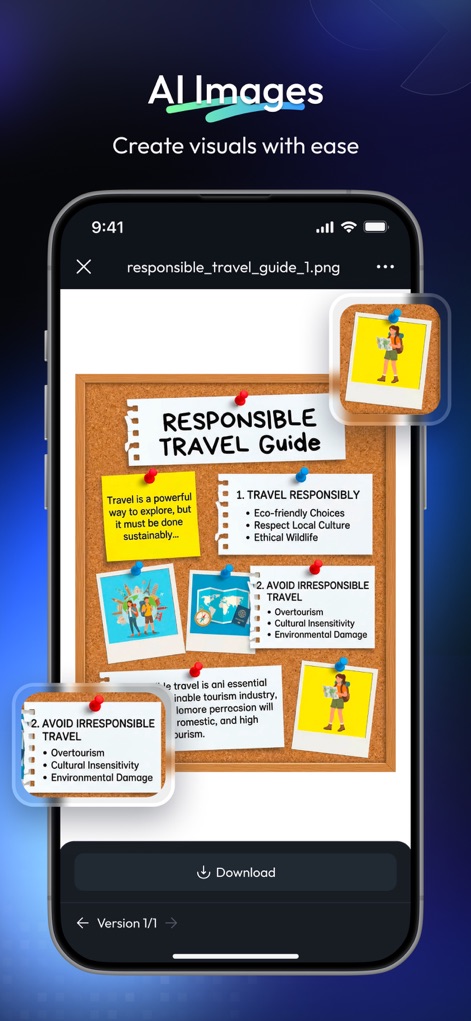
Discover the "AI Images" feature, capable of generating high-quality visual content and presenting textual information creatively.
Creative Visual Production
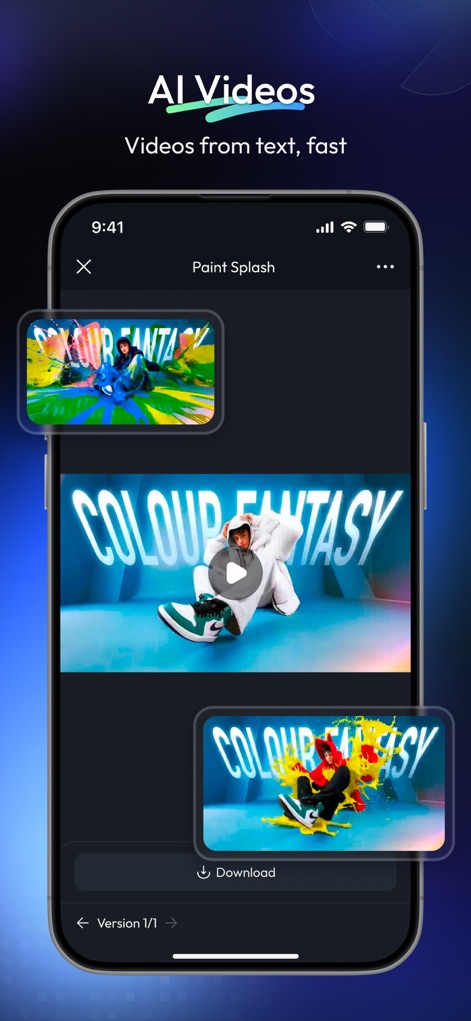
Experience "AI Videos" generating dynamic visual content from simple prompts, showcasing rapid creative workflow and multiple video snippets.
Rapid Video Production
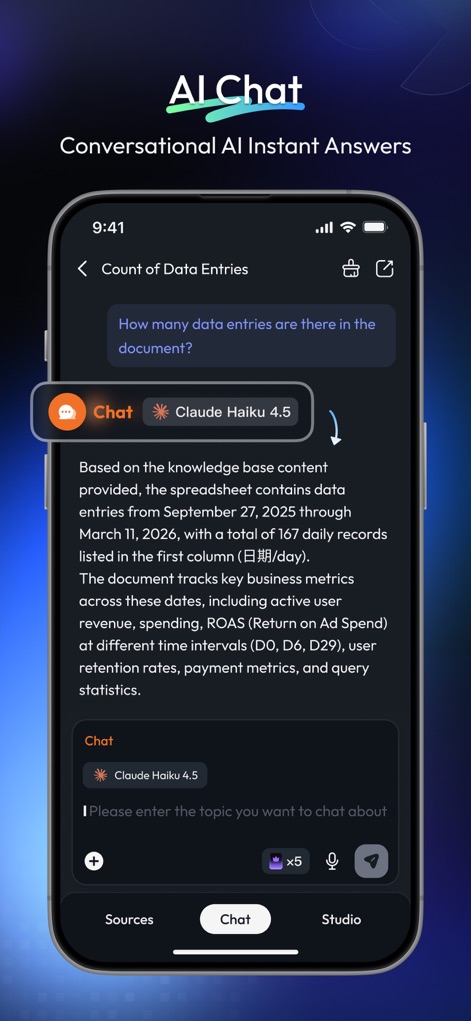
Examine the "AI Chat" functionality, providing intelligent, context-aware answers and supporting personalized Q&A modes.
Conversational AI Insights
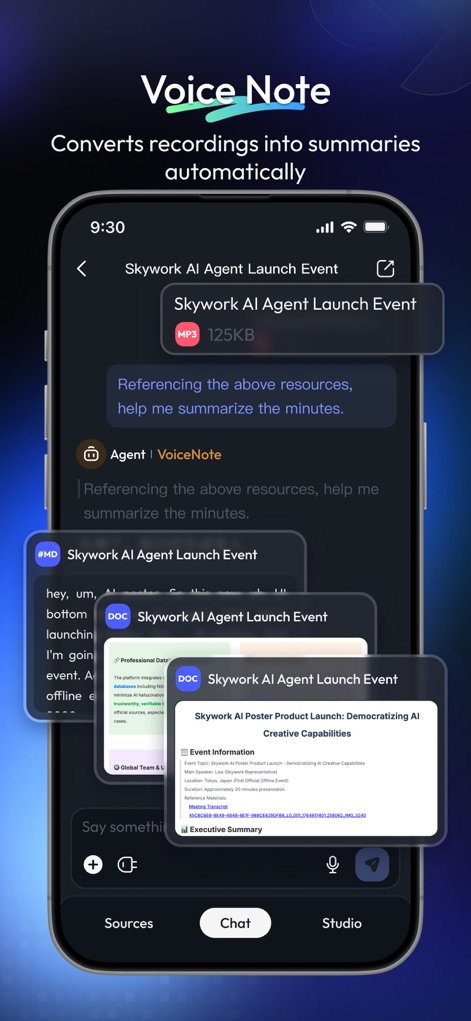
Uncover "VoiceNote" extracting key information from recordings and automatically converting audio into structured summaries and documents.
Smart Audio Transcription
Description
Download
More Like This
Apps with similar features and user experience






This page is not an official page of the app or its developer, but an independent editorial publication created for informational and commentary purposes. Unless expressly stated otherwise, neither the app nor its developer is affiliated with, endorsed by, sponsored by, authorized by, or otherwise officially connected with MWM, Apple, Google Play, the app publisher, or the app's developer, and nothing on this page implies that the app was developed using MWM's services. Any trademarks, logos, screenshots, and other content remain the property of their respective owners.