SlideShow Maker Photo to Video

SlideShow Maker Photo to Video


Download on App Store
Logo of SlideShow Maker Photo to Video

SlideShow Maker Photo to Video: Turn Your Favorite Memories into Unforgettable Movies

From family birthdays to dream vacations, create professional-quality slideshows in minutes. Add music, transitions, and heart to every story you share with friends and family.

Publisher

Mosaic S.r.l.

Category

Photo & Video

Downloads

23M+

User Rating

4.2/5

Total Ratings

243K+

Locales

12

Memories in Motion

Discover the interface used by 23M+ users.
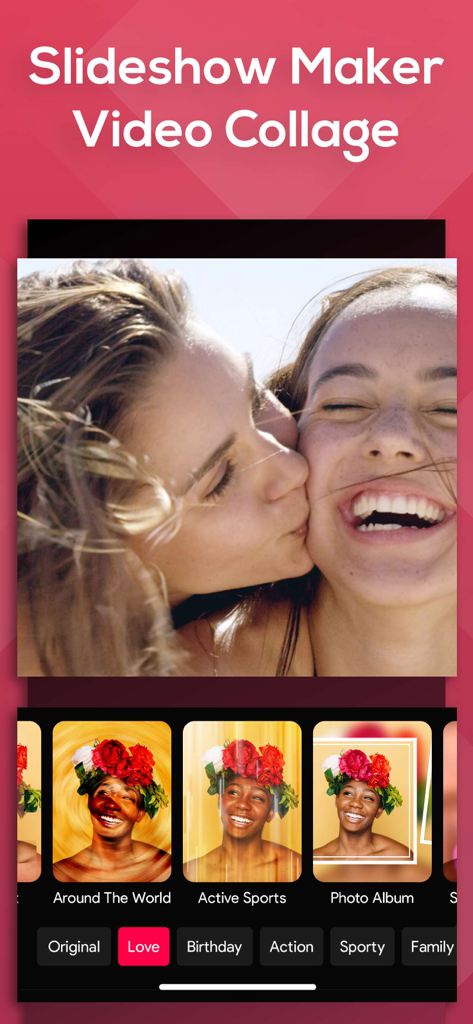
Slideshow Maker app interface displaying video collage editing with mood filters and photo effects.

Slideshow Maker app interface displaying video collage editing with mood filters and photo effects.

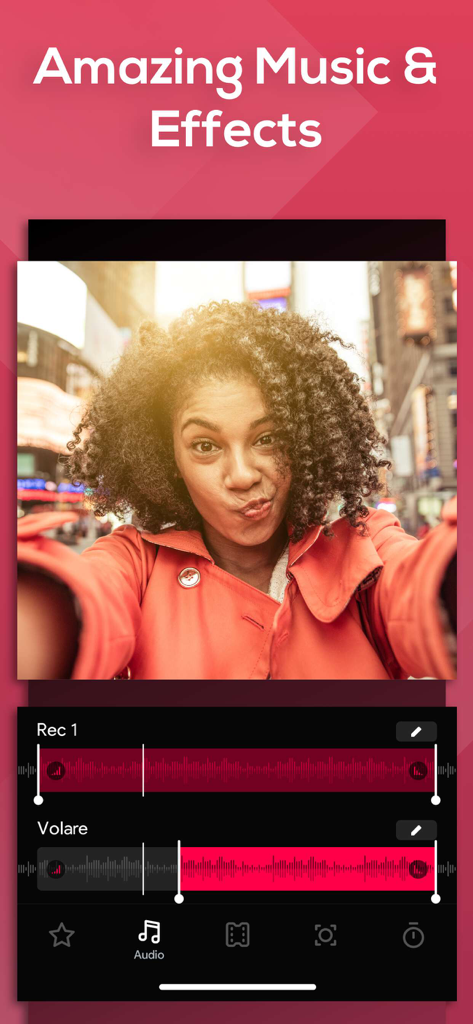
App screen showing audio waveform tracks and music editing tools for creating photo slideshows with the headline Amazing Music and Effects.

App screen showing audio waveform tracks and music editing tools for creating photo slideshows with the headline Amazing Music and Effects.

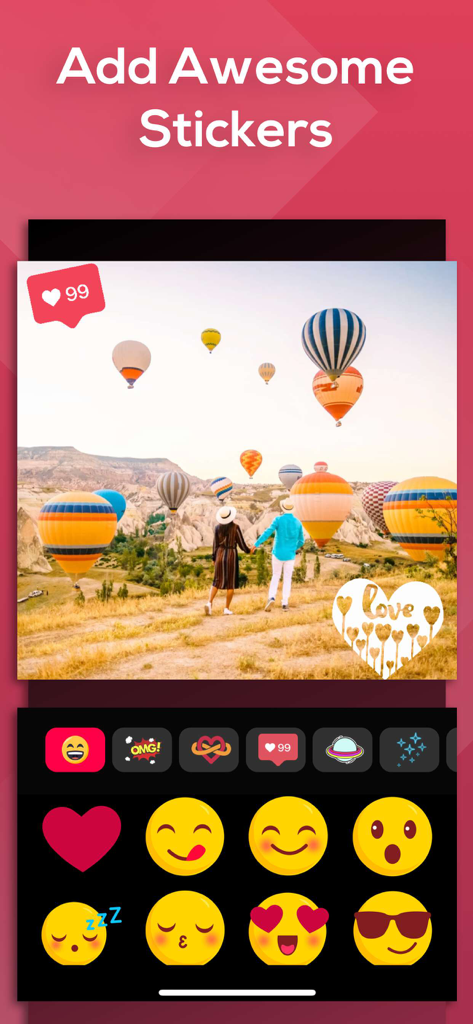
A photo editing interface showing a travel picture with hot air balloons and a sticker selection menu featuring emojis and heart icons.

A photo editing interface showing a travel picture with hot air balloons and a sticker selection menu featuring emojis and heart icons.

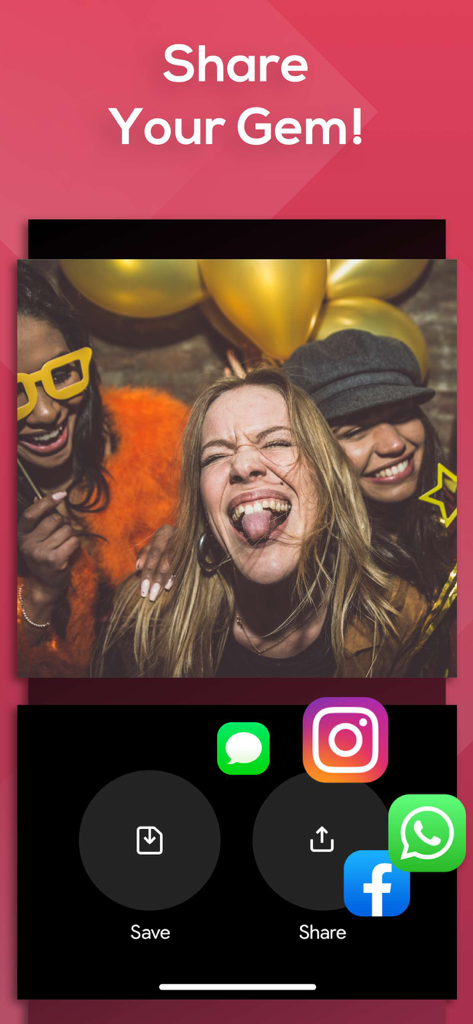
SlideShow Maker app interface showing social media sharing options like Instagram, Facebook, and WhatsApp

SlideShow Maker app interface showing social media sharing options like Instagram, Facebook, and WhatsApp

Celebrate Every Milestone with Ease

The tools that make this app stand out, trusted by 23M+ users.

Instant Storytelling

Pick your media and apply a 'Mood' to transform your camera roll into a polished movie in seconds. No video editing experience needed.

🎨

Emotional Themes

Select from curated Family, Vintage, or Birthday collections to perfectly capture the sentiment and heart of your special occasion.

📤

Ready to Share

Export directly to Instagram, Facebook, or YouTube with optimized ratios, making it effortless to share memories with your social circle.

About the app

Everything you need to know about SlideShow Maker Photo to Video.

Description

Create slideshows with SlideShow Movie Maker using your photos & videos from your camera roll and add on top of that your own music! Make your own slideshow in just a few taps choosing from a great mood collection - from adventure to vintage, birthday or family, find your own style! Add photo, video, and music to your movie creation and share it with friends and family. Creating a slideshow with SlideShow Movie Maker is quick: 1) Pick your photos and videos 2) Select moods, filters, and transitions 3) Choose your favorite music from our gallery or your own songs and recordings 4) Select the slideshow's length, ratio, and trim videos 5) Finalize your slideshow with text & stickers 6) Save it to your camera roll and share it on Facebook, Instagram or Youtube SUBSCRIPTION INFO: Subscribe to take advantage of the features described above. •Subscription length: Weekly •Your payment will be charged to your iTunes Account as soon as you confirm your purchase. •You can manage your subscriptions and turn off auto-renewal from your Account Settings after the purchase. •Your subscription will renew automatically, unless you turn off auto-renew at least 24 hours before the end of the current period. •The cost of renewal will be charged to your account in the 24 hours prior to the end of the current period. •When canceling a subscription, your subscription will stay active until the end of the period. Auto-renewal will be disabled, but the current subscription will not be refunded. •Any unused portion of a free trial period, if offered, will be forfeited when purchasing a subscription. Terms of service: https://support.bendingspoons.com/tos?app=552341639 Privacy policy: https://bendingspoons.com/privacy.html?app=924826256 Have a feature request you would like to see in a future version of the app? Do not hesitate to contact us at slideshow@bendingspoons.com Disclaimer: You will be required to sign up for an auto-renewable In-App Purchase before you are able to access the app. Have fun!

Latest Version

5.6.44

Size

145.3 MB

First Released

Feb 17, 2015

Start Creating Your Story Today

Join over 23 million people who turn life's best moments into stunning musical slideshows. From birthdays to vacations, make your memories unforgettable in just a few taps.

Download on App Store
FAQ

Frequently Asked Questions

Everything you need to know about SlideShow Maker Photo to Video

How to create a slideshow with SlideShow Maker Photo to Video?

To create a slideshow with SlideShow Maker Photo to Video, pick photos and videos, select moods, filters, and transitions. Then, choose music, set length and ratio, add text and stickers, and finalize.

What features does SlideShow Maker Photo to Video offer?

SlideShow Maker Photo to Video offers slideshow creation from photos and videos, music integration, moods, filters, transitions, text, and stickers. It includes video trimming, length adjustment, and sharing options.

Can I add my own music to slideshows in SlideShow Maker Photo to Video?

Yes, SlideShow Maker Photo to Video allows users to add their own songs and recordings from their device, in addition to selecting music from the app's gallery.

How can I share slideshows created with SlideShow Maker Photo to Video?

You can share slideshows created with SlideShow Maker Photo to Video by saving them to your camera roll or directly sharing them on Facebook, Instagram, or YouTube.

Is SlideShow Maker Photo to Video a free app?

No, SlideShow Maker Photo to Video requires users to sign up for an auto-renewable In-App Purchase to access the app's features.

What is the subscription length for SlideShow Maker Photo to Video?

The subscription length for SlideShow Maker Photo to Video is weekly. This detail is specified in the subscription information section.

How do I manage or cancel my SlideShow Maker Photo to Video subscription?

You can manage your SlideShow Maker Photo to Video subscription and turn off auto-renewal from your Account Settings after purchase. Auto-renewal must be off 24 hours before the period ends.

Can SlideShow Maker Photo to Video add stickers to slideshows?

Yes, SlideShow Maker Photo to Video allows users to finalize their slideshows by adding various stickers.

App information, icons, screenshots, and descriptions displayed on this page are sourced from the Apple App Store and are the property of their respective developers. Download estimates and rankings are based on MWM's proprietary models and may not reflect actual figures. This page is provided for informational and analytical purposes only.

Believe this page infringes your intellectual property? File a dispute