
This page is not an official page of the app or its developer, but an independent editorial publication created for informational and commentary purposes. Unless expressly stated otherwise, neither the app nor its developer is affiliated with, endorsed by, sponsored by, authorized by, or otherwise officially connected with MWM, Apple, Google Play, the app publisher, or the app's developer, and nothing on this page implies that the app was developed using MWM's services. Any trademarks, logos, screenshots, and other content remain the property of their respective owners.


Smart Book
Bridge the gap to fluency. Read original texts without the friction of manual lookups using one-click translations and paragraph-level context.
Downloads
201K+User Rating
Total Ratings
300Publisher
Category
BooksLocales
16Latest Version
2.34Size
85.3 MBFirst Released
May 29, 2019Master Literature, Not Just Lessons
Bridge the gap between basic fluency and literary mastery. Smart Book helps you read foreign stories with the nuance and flow of a native speaker.
Uninterrupted Reading Flow
Translate unfamiliar words with a single tap. Stay fully immersed in your book without the friction of switching to a dictionary app.
Deep Contextual Insight
Toggle the author's original translation for any paragraph to instantly grasp complex metaphors, idioms, and cultural nuances.
The following screenshots and description are sourced directly from the app's official store listing and are the property of the app developer.
App Store
Screenshots
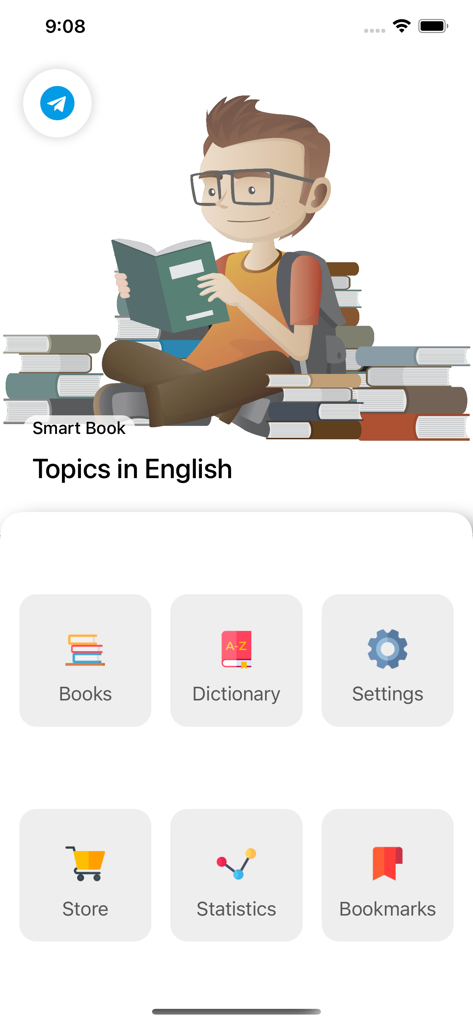
Smart Book app home screen with navigation icons for books dictionary settings store statistics and bookmarks
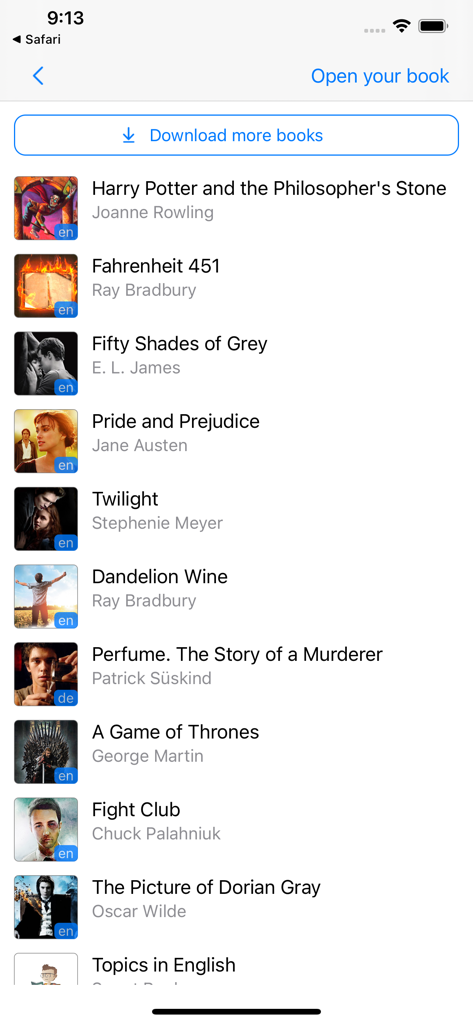
Smart Book app library interface showing a list of books with titles and cover images
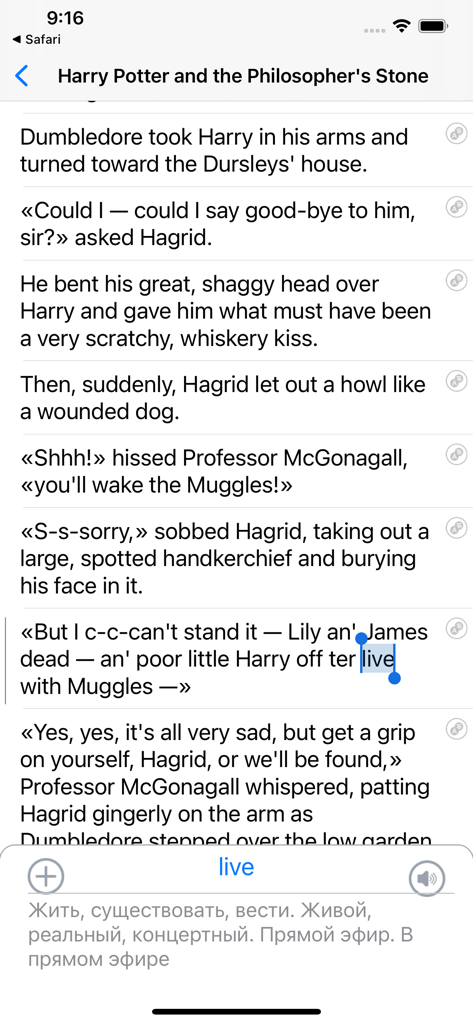
Smart Book app interface showing an English ebook with a Russian word translation popup.
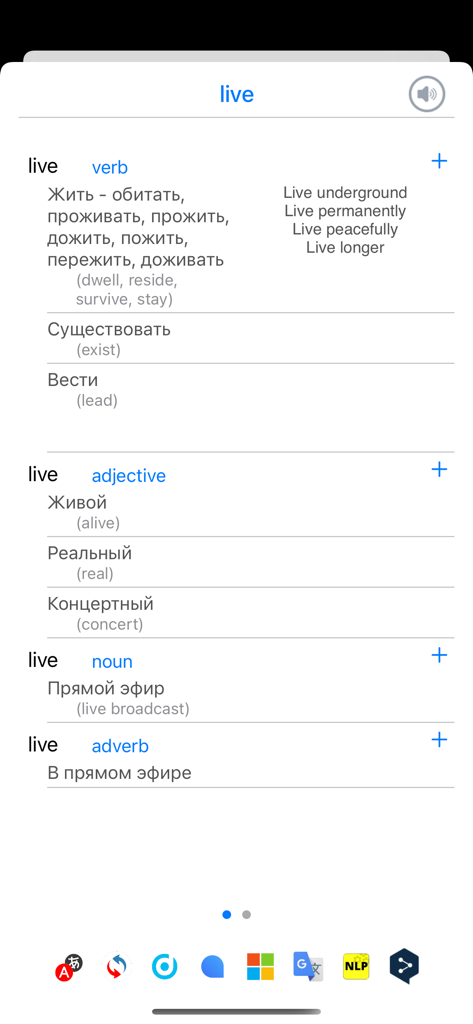
Dictionary view in the Smart Book app showing multiple translations and grammatical categories for the word live
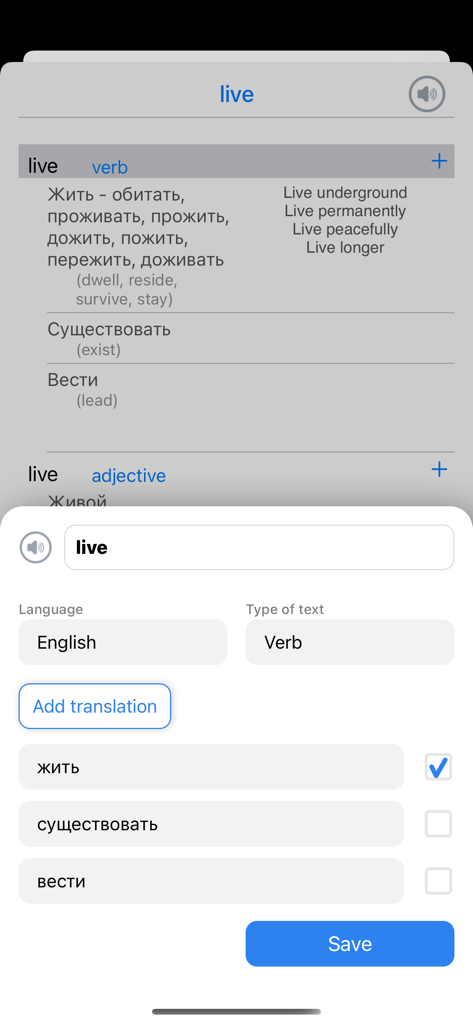
Smart Book app interface showing the translation and dictionary definitions for the word live
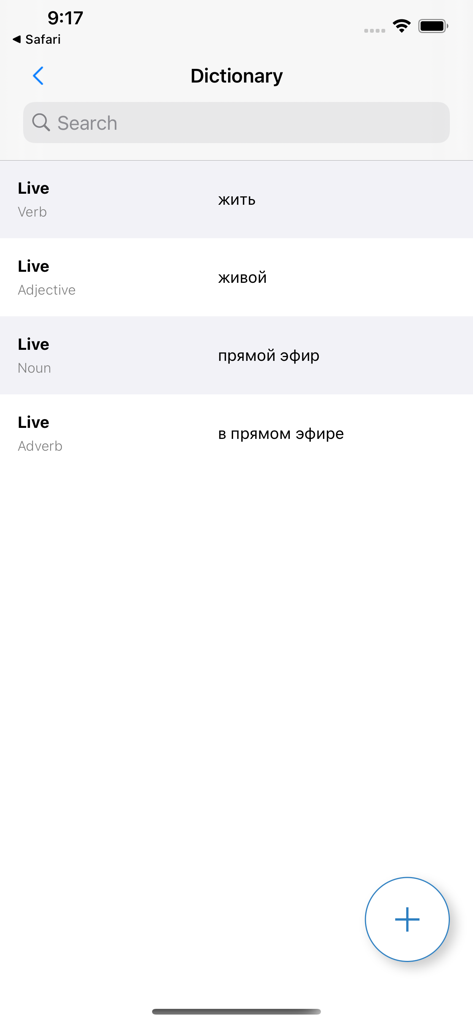
Dictionary screen of the Smart Book app showing English to Russian word translations
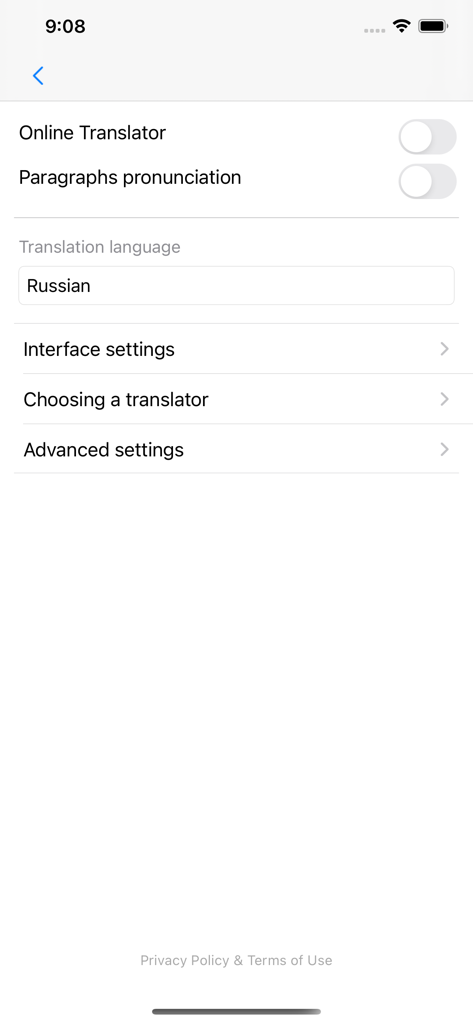
Settings screen of the Smart Book app showing translation and pronunciation configuration options
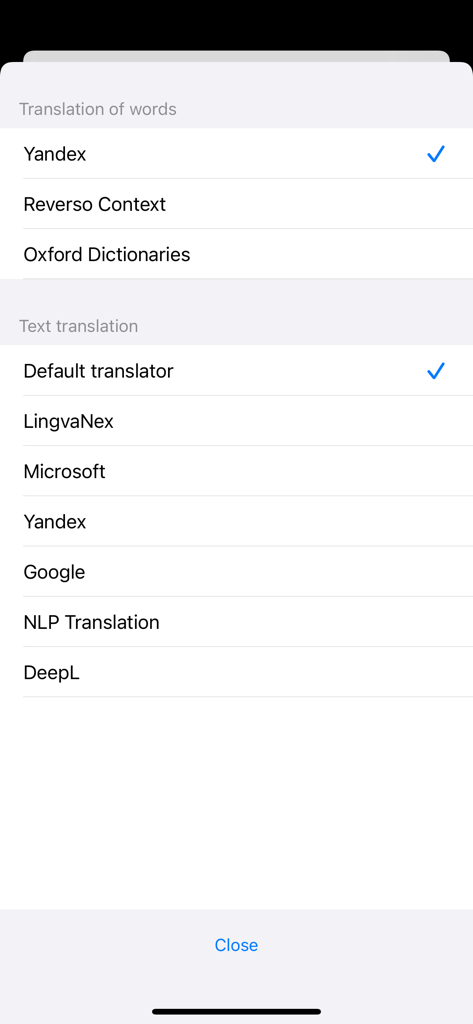
Translation settings menu showing options for word and text translation services like Google and DeepL
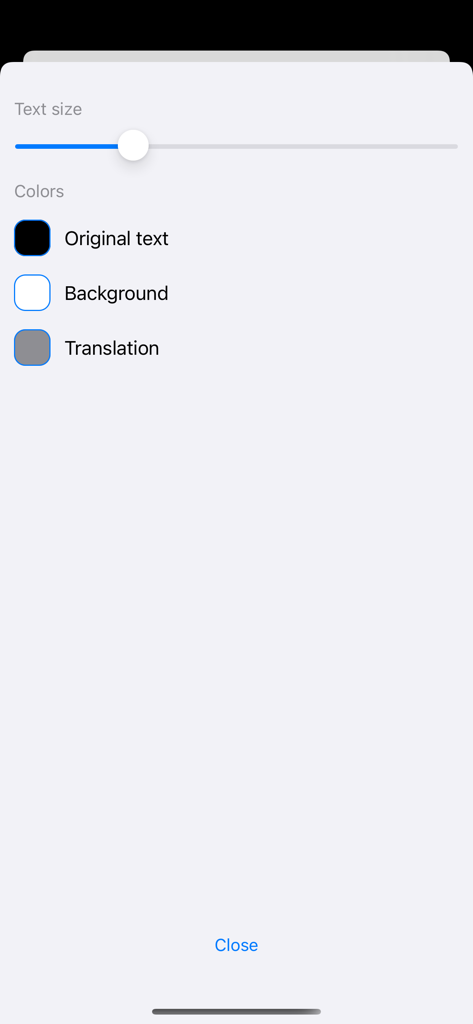
Customization menu in Smart Book app for adjusting text size and color themes.
Description
Download
More Like This
Apps with similar features and user experience

不背单词-真实语境学英语单词
Beijing Is-Cool Technology Co., Ltd

每日英语听力-每天更新的英语泛听资源库
QianYan Network

Cake - Learn English & Korean
Cake Company Limited

Miraa - AI transcribe & shadow
Myoland, Inc.

ListenLeap – Learn English
INSPIRED AI PTE. LTD.

Pollykann - Ultra Media Player
亮富 罗

Singit: Learn English & Music
SINGIT TLV LTD

扇贝阅读- 全球热文、英文原版书轻松读
Nanjing Beiwan Information & Tech Ltd.

LingoClip
Elasthink S.L.
This page is not an official page of the app or its developer, but an independent editorial publication created for informational and commentary purposes. Unless expressly stated otherwise, neither the app nor its developer is affiliated with, endorsed by, sponsored by, authorized by, or otherwise officially connected with MWM, Apple, Google Play, the app publisher, or the app's developer, and nothing on this page implies that the app was developed using MWM's services. Any trademarks, logos, screenshots, and other content remain the property of their respective owners.