
This page is not an official page of the app or its developer, but an independent editorial publication created for informational and commentary purposes. Unless expressly stated otherwise, neither the app nor its developer is affiliated with, endorsed by, sponsored by, authorized by, or otherwise officially connected with MWM, Apple, Google Play, the app publisher, or the app's developer, and nothing on this page implies that the app was developed using MWM's services. Any trademarks, logos, screenshots, and other content remain the property of their respective owners.


Smart Music Card
Instantly unlock ultra-HD music, exclusive high-res artist galleries, and custom instrumental controls with a simple NFC tap.
Downloads
458K+User Rating
Total Ratings
600Publisher
Category
MusicLocales
3Latest Version
1.0.48Size
52.3 MBFirst Released
Sep 13, 2022Unlock the Ultimate Fan Experience
Transform your physical collection into a high-definition digital universe. Tap your Smart Music Card to access exclusive content and professional-grade audio tools tailored for the modern collector.
Instant NFC Activation
No more searching for tracks. Just tap your card to your phone to unlock your album instantly and own your music forever in one seamless experience.
Exclusive HD Gallery
Go beyond the music with ultra-high-definition photos and videos. Access high-res artist content and exclusive visuals that aren't available on streaming platforms.
Frequently Asked Questions
Everything you need to know about Smart Music Card
How do I use the Smart Music Card app?
To use the Smart Music Card app, install it, open the app, and then tag your physical Smart Music Card to your smart device's NFC location. The album information then transfers.
What content does the Smart Music Card app offer?
The Smart Music Card app offers ultra-high-quality music, ultra-high-definition videos including music videos, and high-definition photos of various artists.
Can I listen to instrumental versions of music with Smart Music Card?
Yes, the Smart Music Card app features an instrumental function. You can adjust the singer's voice volume or listen to instrumental-only tracks if desired.
Does the Smart Music Card app support high-quality video playback?
Yes, the Smart Music Card app allows you to enjoy ultra-high-definition videos, including a variety of music videos, directly within the application.
How can I access photos within the Smart Music Card app?
The Smart Music Card app provides a gallery feature where you can enjoy high-definition photos of various artists. Navigate to the 'Photo' tab to view them.
Do I own the content permanently with Smart Music Card?
Yes, once installed, the Smart Music Card allows you to enjoy the content forever with a single installation.
The following screenshots and description are sourced directly from the app's official store listing and are the property of the app developer.
App Store
Screenshots
Introductory screen for the Smart Music Card app with the slogan A smart way to enjoy the album and an NFC icon.
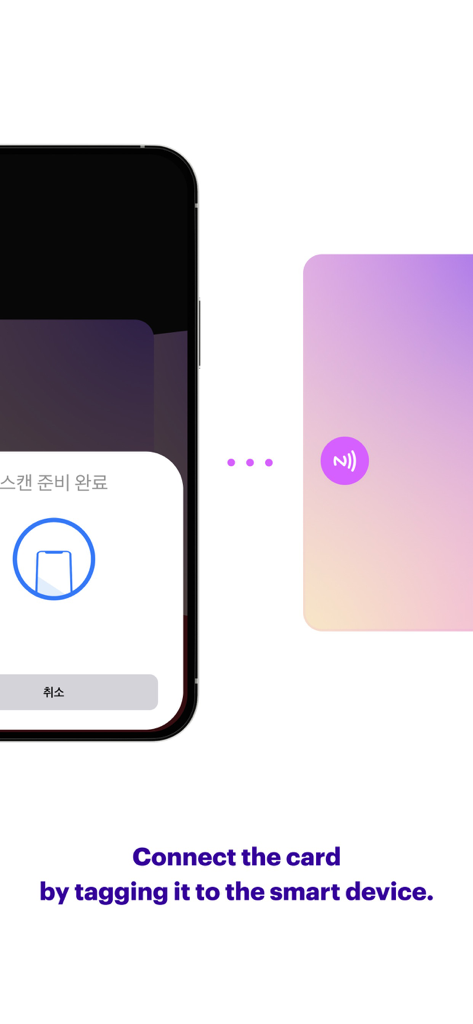
A smartphone screen showing an NFC scan prompt next to a physical Smart Music Card for digital album activation.
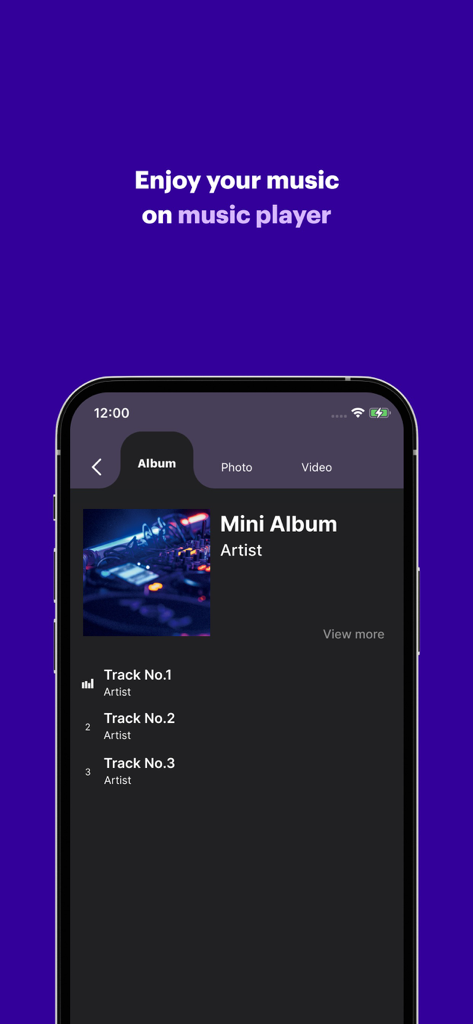
Smart Music Card app music player showing an album tracklist.
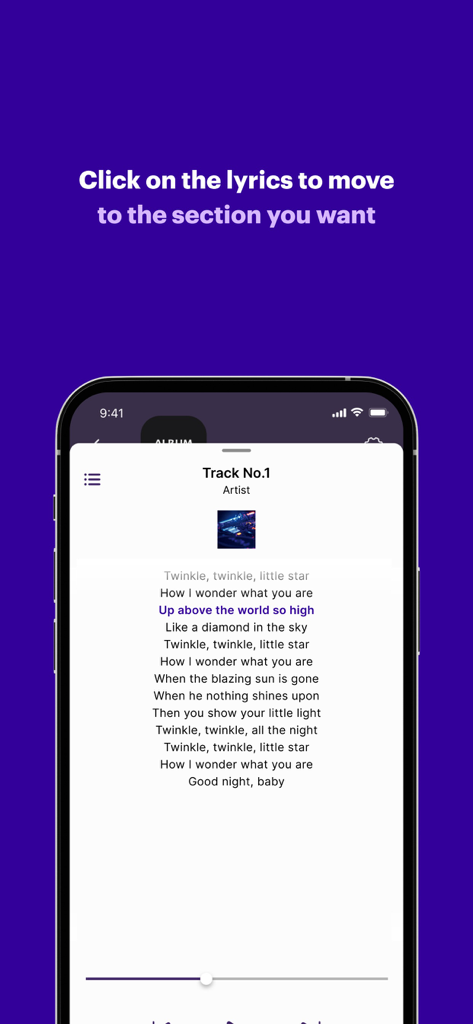
Smart Music Card app displaying song lyrics with interactive navigation feature
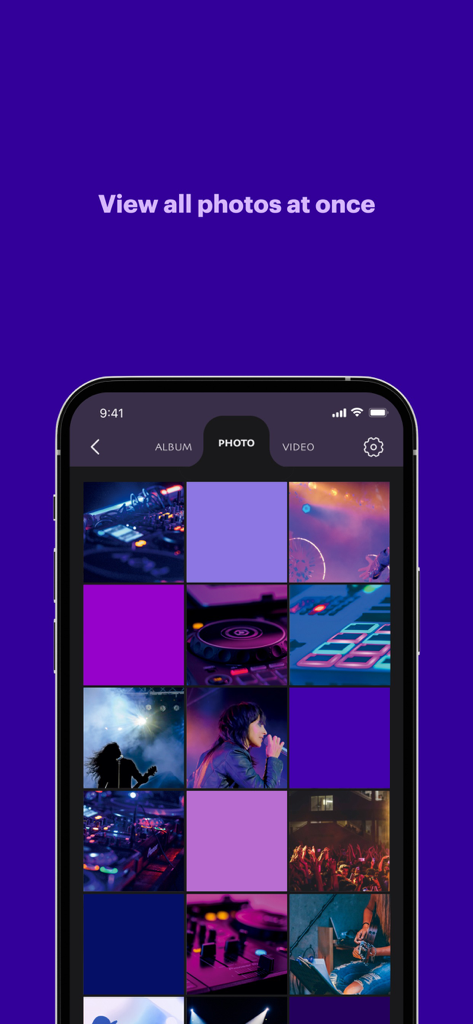
Photo gallery grid in the Smart Music Card app showing high definition artist images
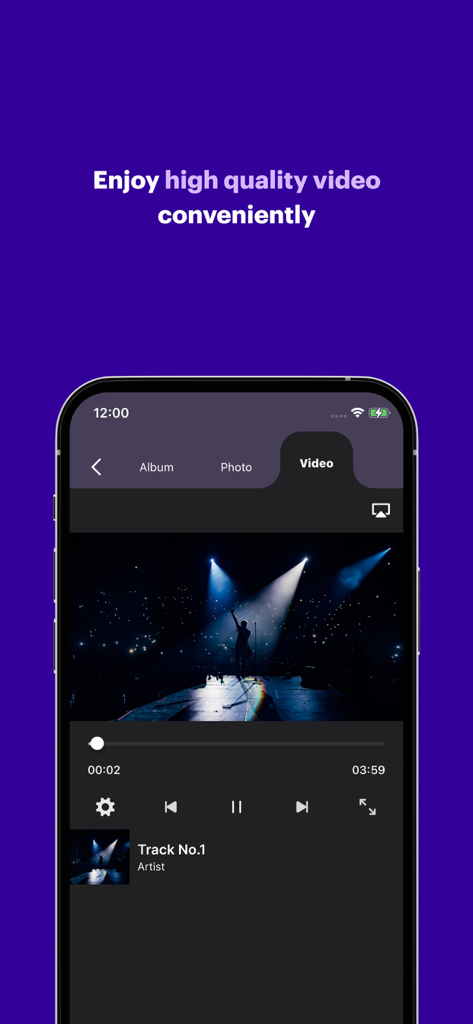
Video player interface in the Smart Music Card app playing high-definition concert footage.
Description
Download
More Like This
Apps with similar features and user experience







This page is not an official page of the app or its developer, but an independent editorial publication created for informational and commentary purposes. Unless expressly stated otherwise, neither the app nor its developer is affiliated with, endorsed by, sponsored by, authorized by, or otherwise officially connected with MWM, Apple, Google Play, the app publisher, or the app's developer, and nothing on this page implies that the app was developed using MWM's services. Any trademarks, logos, screenshots, and other content remain the property of their respective owners.