
This page is not an official page of the app or its developer, but an independent editorial publication created for informational and commentary purposes. Unless expressly stated otherwise, neither the app nor its developer is affiliated with, endorsed by, sponsored by, authorized by, or otherwise officially connected with MWM, Apple, Google Play, the app publisher, or the app's developer, and nothing on this page implies that the app was developed using MWM's services. Any trademarks, logos, screenshots, and other content remain the property of their respective owners.

Smart Noter - AI Note Taker
Stop wasting hours on manual note-taking. Our AI transcribes, summarizes, and extracts to-do lists from your meetings, lectures, and documents so you can focus on what matters most.
Downloads
756K+User Rating
Total Ratings
4K+Publisher
Category
ProductivityLocales
15Latest Version
2.2.2Size
226.9 MBFirst Released
Jan 7, 2025Work Smarter, Not Harder
Transform every meeting, lecture, and document into structured, actionable insights with the power of AI.
Live Transcription & Speaker ID
Capture every word with high-precision transcription that identifies who said what, so you can stay fully present in the conversation.
Interactive AI Chat
Don't waste time scrolling. Query your notes like a personal assistant to find answers, extract details, or generate instant summaries.
Frequently Asked Questions
Everything you need to know about Smart Noter - AI Note Taker
What is Smart Noter - AI Note Taker?
Smart Noter is an AI-powered app that transforms recordings, lectures, and documents into structured, actionable insights. It helps professionals and students efficiently capture and organize information.
Can Smart Noter transcribe and summarize content from recordings?
Yes, Smart Noter transcribes conversations or lectures in real time, including speaker identification. It also generates concise summaries from various content types.
Does Smart Noter support transcription and translation in multiple languages?
Yes, Smart Noter supports transcription and translation in multiple languages with unparalleled accuracy. Users can select from options like English, Spanish, French, German, Japanese, and Italian.
How does Smart Noter - AI Note Taker boost user productivity?
Smart Noter boosts productivity by automatically generating to-do lists, summaries, and action points directly from your notes. This helps users stay on top of tasks efficiently.
Can users interactively chat with their notes in Smart Noter?
Yes, Smart Noter allows users to interactively chat with their notes. You can ask questions, generate summaries, and extract key points effortlessly from your captured information.
What types of content can Smart Noter summarize?
Smart Noter can summarize various types of content, including videos, PDFs, audio files, and documents (.doc, .txt, .mov, .mp3). It provides concise summaries quickly.
Does Smart Noter allow sharing notes with other collaboration platforms?
Yes, Smart Noter allows users to export notes in multiple formats and share them seamlessly on platforms such as Slack, Notion, Google Docs, Google Drive, LinkedIn, Skype, and WhatsApp.
Does Smart Noter integrate with calendar applications?
Yes, Smart Noter connects with popular calendar applications like Outlook, Google Calendar, Microsoft Teams, and Zoom. This allows for easier management and recording of scheduled events.
Where are the Terms & Conditions for Smart Noter located?
The Terms & Conditions for Smart Noter are available on the official website at https://static.smartnoter.ai/terms.html. This link provides important legal information regarding app usage.
Can I sync my Smart Noter notes across different devices?
Yes, Smart Noter supports syncing notes across multiple devices. This ensures users can access their organized notes anytime and anywhere, whether on phone or desktop.
Who is Smart Noter - AI Note Taker designed for?
Smart Noter is designed for professionals, students, and anyone valuing their time. It caters to users needing efficient ways to organize and act upon recorded information.
The following screenshots and description are sourced directly from the app's official store listing and are the property of the app developer.
App Store
Screenshots
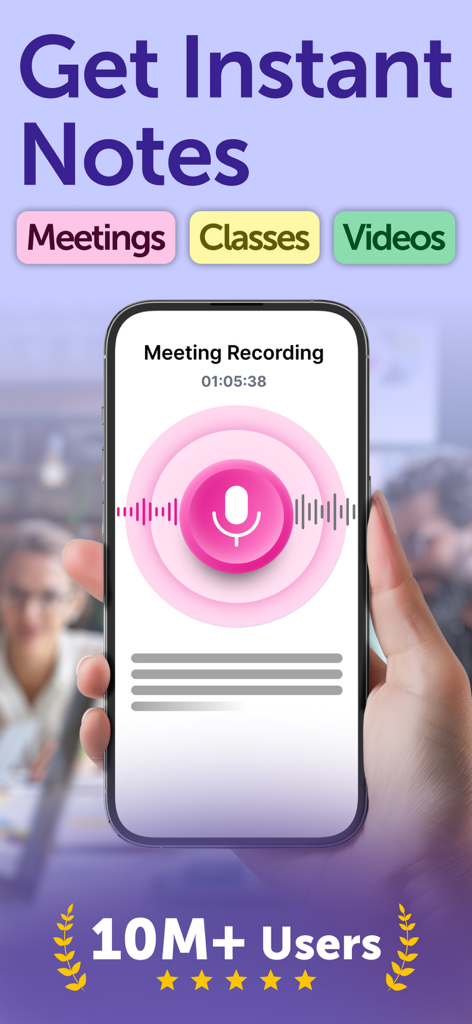
Smart Noter app interface showing a voice recording screen for meetings, classes, and videos with social proof of ten million users.
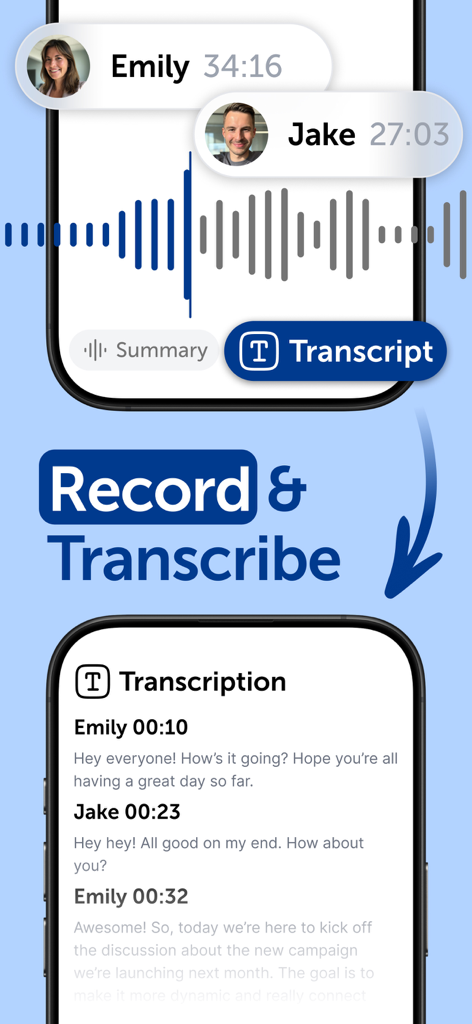
Smart Noter app interface displaying a voice recording session and its automated text transcription with speaker identification
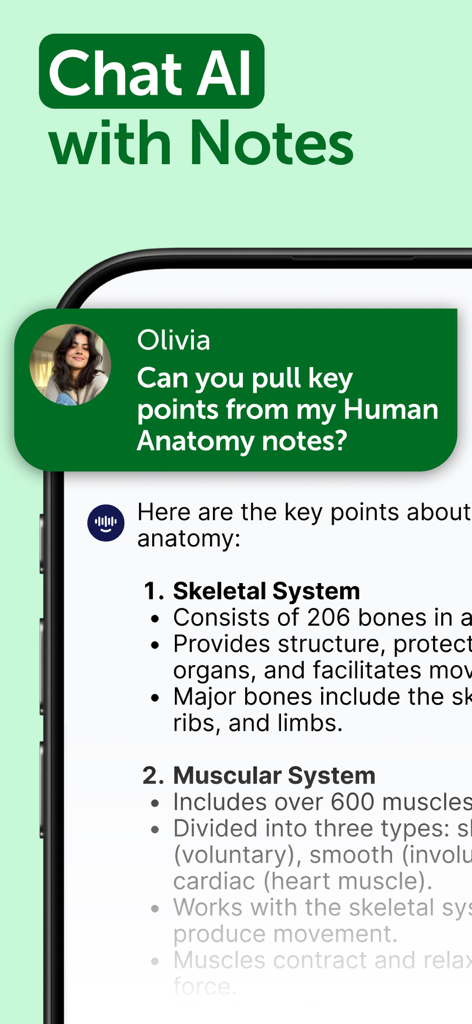
Smart Noter app interface showing AI chat feature summarizing human anatomy notes
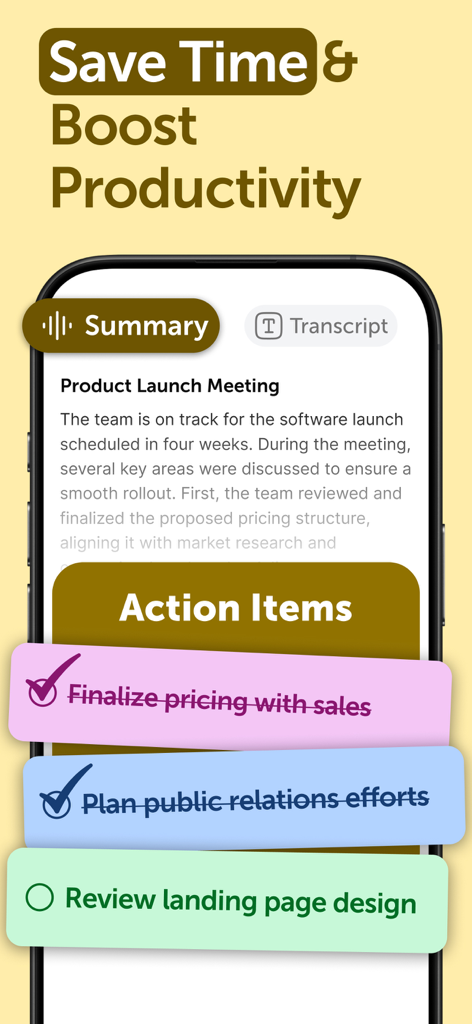
Smart Noter app interface showing a meeting summary and automated action items checklist
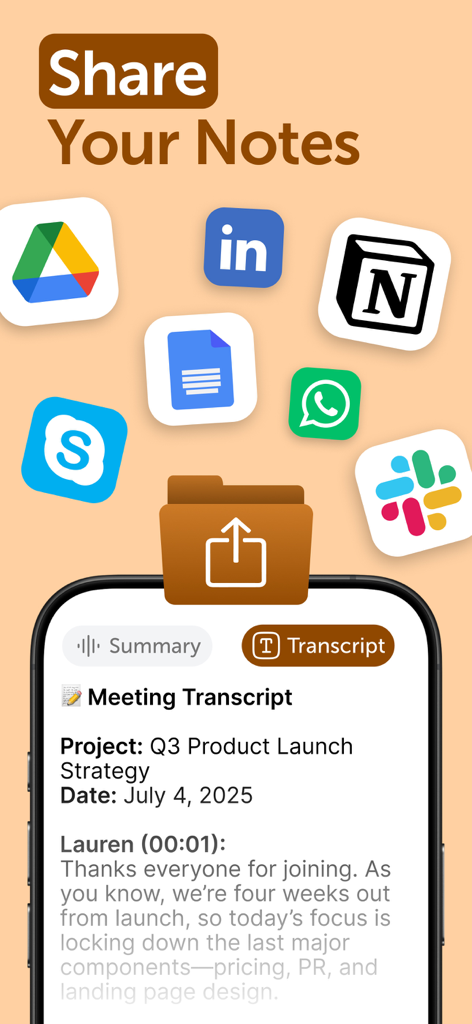
Smart Noter app interface showing a meeting transcript with icons for sharing to Slack Notion and Google Drive
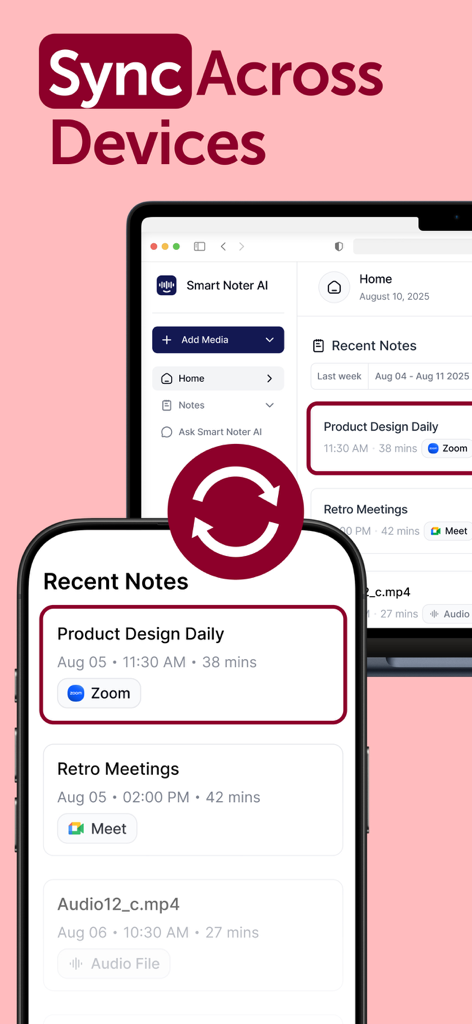
Smart Noter app interface showing seamless note synchronization between a mobile phone and a computer screen
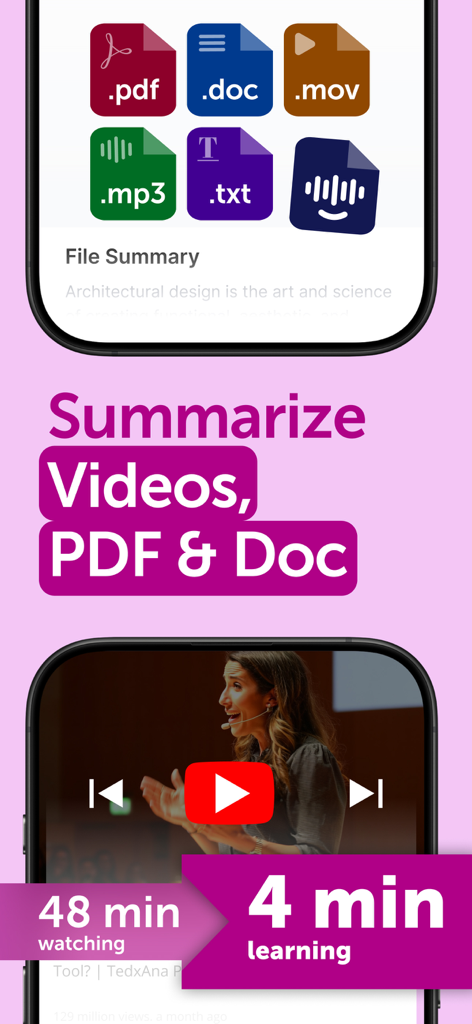
Smart Noter app interface showing AI summarization of videos and documents to reduce learning time from 48 minutes to 4 minutes.
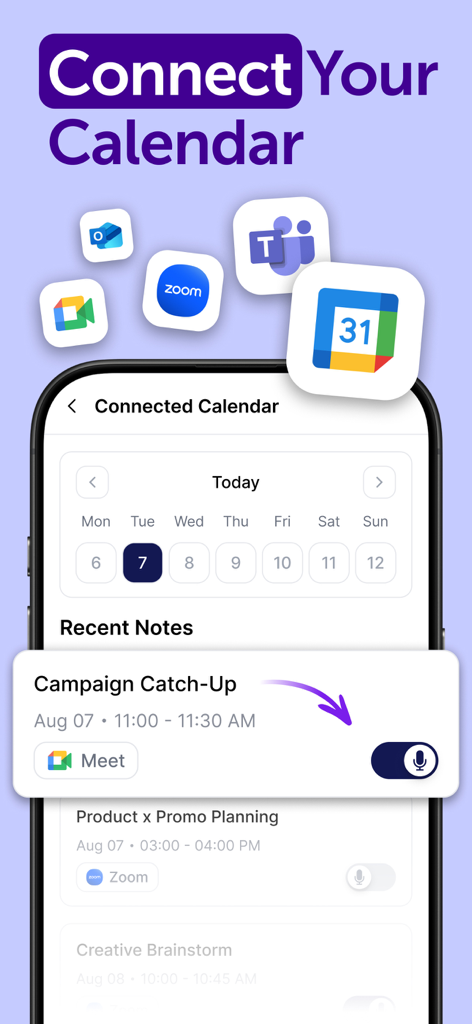
Smart Noter app screen showing calendar integration with Zoom and Google Meet
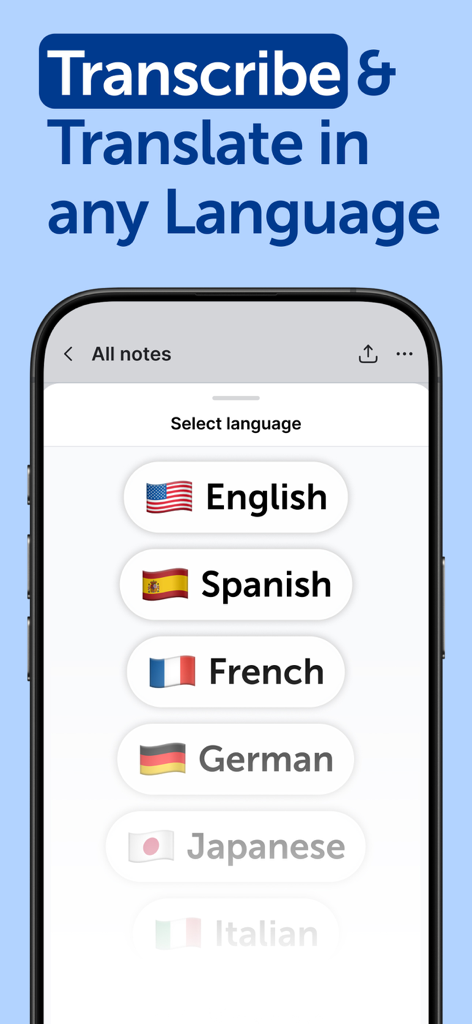
Smart Noter app interface showing a list of languages for transcription and translation including English, Spanish, and French
Smart Noter AI Note Taker app promotion screen with text Never Take Notes Again and Great for the ADHD
Description
Download
More Like This
Apps with similar features and user experience

Plaud: AI Note Taker
PLAUD LLC

Notee: AI Note Taker
GM UniverseApps Limited

클로바노트 - 음성 그 이상의 기록
NAVER Corp.

录音专家-专业录音转文字助手
Chongqing Yeyuegua Technology Co., Ltd

听脑AI - 实时录音转文字总结助手
Shanghai Xiuyu Network Technology Co., Ltd

Granola - AI Meeting Notes
Granola inc

Transkriptor - Speech to Text
Textintel FZE

Minutes: AI Meeting Note Taker
Minutes AI, LLC

Fireflies: AI notetaker
FIREFLIES.AI CORP.
This page is not an official page of the app or its developer, but an independent editorial publication created for informational and commentary purposes. Unless expressly stated otherwise, neither the app nor its developer is affiliated with, endorsed by, sponsored by, authorized by, or otherwise officially connected with MWM, Apple, Google Play, the app publisher, or the app's developer, and nothing on this page implies that the app was developed using MWM's services. Any trademarks, logos, screenshots, and other content remain the property of their respective owners.