
Smart TV Remote for Samsung

Stop hunting for lost remotes and struggling with slow D-pads. Turn your iPhone into a powerful, intuitive controller with a lightning-fast keyboard and one-tap access to all your favorite streaming apps.
Publisher
Category
UtilitiesDownloads
6M+User Rating
Total Ratings
46K+Locales
1Discover the interface used by 6M+ users.
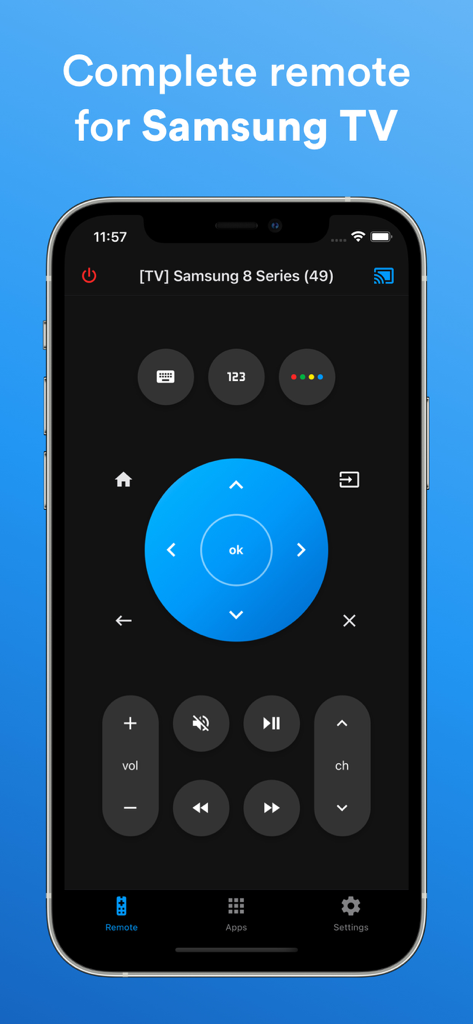
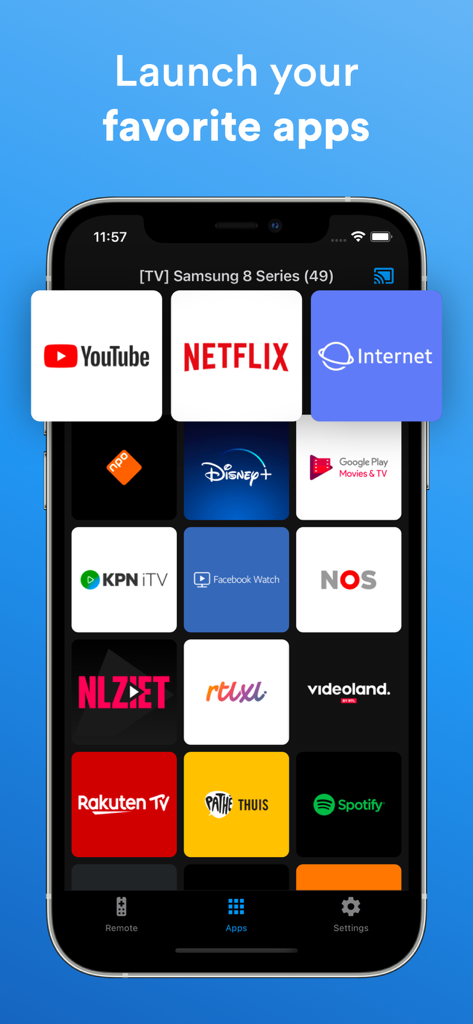
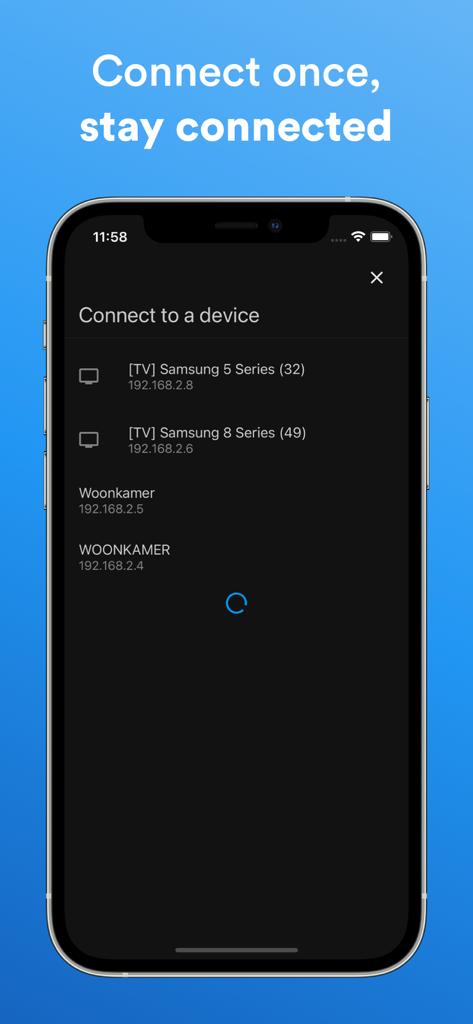
The tools that make this app stand out, trusted by 6M+ users.
Skip the slow on-screen keyboard. Use your iPhone to type movie titles, passwords, and search queries in an instant.
Instantly open Netflix, YouTube, and your favorite streaming services without scrolling through complex TV menus.
The app automatically detects your Samsung Smart TV for a seamless, lag-free connection every time you sit down to watch.
Insights from user reviews.
Sentiment Score
Summary
This app receives mixed but largely negative feedback from users. Many appreciate its overall performance, ease of use, and good design, with some specifically praising its automatic connection feature and compatibility with Samsung TVs, alongside the option to remove ads. However, a significant number of complaints revolve around frequent and unreliable connectivity, often requiring a physical TV remote for initial setup or reconnection after disconnections. Users also express frustration with aggressive subscription models, unexpected charges post-trial, a paywall for basic functions, and intrusive advertisements that sometimes include unsettling background music.
Common Themes
Everything you need to know about Smart TV Remote for Samsung.
Description
Latest Version
1.7.11
Size
53.4 MB
First Released
Mar 12, 2021
Join 6 million+ users who turned their iPhone into the ultimate Samsung command center. Get the fast keyboard, instant connection, and total control you've been waiting for.
Everything you need to know about Smart TV Remote for Samsung
Yes, the Smart TV Remote for Samsung app supports Samsung TV models from 2016 and newer. This ensures compatibility for a wide range of devices.
The Smart TV Remote for Samsung app offers an intuitive remote control, auto-detection of smart TVs on the same Wi-Fi network, the ability to launch favorite apps, and a fast keyboard.
Yes, the Smart TV Remote for Samsung app allows users to launch and control their favorite applications directly from their iPhone, mirroring the TV's app interface.
The Smart TV Remote for Samsung app automatically detects smart TVs on the same Wi-Fi network. It connects once and remembers the TV for future use, ensuring a persistent connection.
Yes, the Smart TV Remote for Samsung app has a privacy policy. It is accessible via the provided link: https://www.companjenapps.com/privacy-policy/.
Apps with similar features and user experience

ROKU INC

To Ngoc Mai

Apps Venture Inc.

Hangzhou Yingshitong Technology Co., Ltd.

Nemo Apps LLC

Mihai Turlea

clement gasner

CEMAL CAGLAR KIRICI

Anh Ngo
App information, icons, screenshots, and descriptions displayed on this page are sourced from the Apple App Store and are the property of their respective developers. Download estimates and rankings are based on MWM's proprietary models and may not reflect actual figures. This page is provided for informational and analytical purposes only.
Believe this page infringes your intellectual property? File a dispute