
This page is not an official page of the app or its developer, but an independent editorial publication created for informational and commentary purposes. Unless expressly stated otherwise, neither the app nor its developer is affiliated with, endorsed by, sponsored by, authorized by, or otherwise officially connected with MWM, Apple, Google Play, the app publisher, or the app's developer, and nothing on this page implies that the app was developed using MWM's services. Any trademarks, logos, screenshots, and other content remain the property of their respective owners.


Snap & Translate - Triplens
Foreign text and unknown objects typically halt progress. The app delivers instant visual translation, empowering users to grasp any scene without hesitation.
Downloads
12.5M+User Rating
Total Ratings
160.6KPublisher
Category
UtilitiesLocales
33Latest Version
2.2.6Size
171.3 MBFirst Released
Feb 13, 2019Key Features of Triplens: Enhancing Global Mobility
An analytical overview of Triplens' core functionalities and their impact on international travelers and digital nomads.
Live Text Translation via Camera
The app provides immediate translation of text from documents or signs by scanning them with the camera, facilitating understanding of written information.
Instant Object Translation via Camera
The app allows users to instantly translate unknown objects by simply taking a photo, bridging language gaps for real-world items.
Broad Language Support
The app supports translation into and from a wide range of languages, catering to diverse linguistic needs of international travelers.
Audio Pronunciation of Translations
It offers audio pronunciation for translated words and phrases, assisting users in speaking foreign languages correctly and confidently.
Rapid Translation Processing
It provides rapid translation capabilities, allowing users to quickly process and understand information without significant delays.
Text Translation from Photo Gallery
This tool facilitates the translation of text from images stored in a user's gallery, allowing for convenient access to previously captured information.
Frequently Asked Questions
Everything you need to know about Snap & Translate - Triplens
What is Triplens and what does it do?
Triplens, also known as Snap & Translate, is an application that improves travel experiences by translating unfamiliar objects and text using photo capture. It functions as a comprehensive language assistant.
How does Triplens translate objects using its object mode?
Triplens' Object mode allows users to take a photo or upload an image from their gallery. The app recognizes the object, translates its name into the chosen language, and provides pronunciation.
Can Triplens translate text from documents or images?
Yes, Triplens offers a Text mode. Users can take a photo of a document or upload one from their gallery. The app scans and translates pages of text into a target language.
How many languages does the Triplens app support for translation?
The Triplens app supports translation for over 50 languages. Users can easily select their desired target language within the application for all translation modes.
Is there a premium version available for Triplens?
Yes, Triplens offers a premium version called Triplens Premium. It allows users to remove limits encountered in the standard version, especially for longer travel durations.
How do I subscribe to Triplens Premium and what is the cost?
Triplens Premium is available via in-app purchases. The cost is charged to your iTunes account and varies by country. Users see the exact fee before completing the purchase.
Does Triplens Premium offer a free trial period?
Yes, a free trial period may be offered with Triplens Premium subscriptions. This depends on the specific payment plan selected by the user during the purchase process.
How can I cancel my Triplens Premium subscription?
Users can cancel automatic subscription renewal for Triplens Premium from their iTunes account settings. This must be done at least 24 hours before the current subscription expires.
Where can I find the Privacy Policy for the Triplens app?
The official Privacy Policy for the Triplens app is accessible via the link provided in the store description: https://triplens-af.kitabilgiapps.com/pages/privacy.
Can I share translated content from Triplens in PDF format?
Yes, Triplens allows users to share translated text. The app provides functionality to export and share translated content specifically in PDF format.
The following screenshots and description are sourced directly from the app's official store listing and are the property of the app developer.
App Store
Screenshots
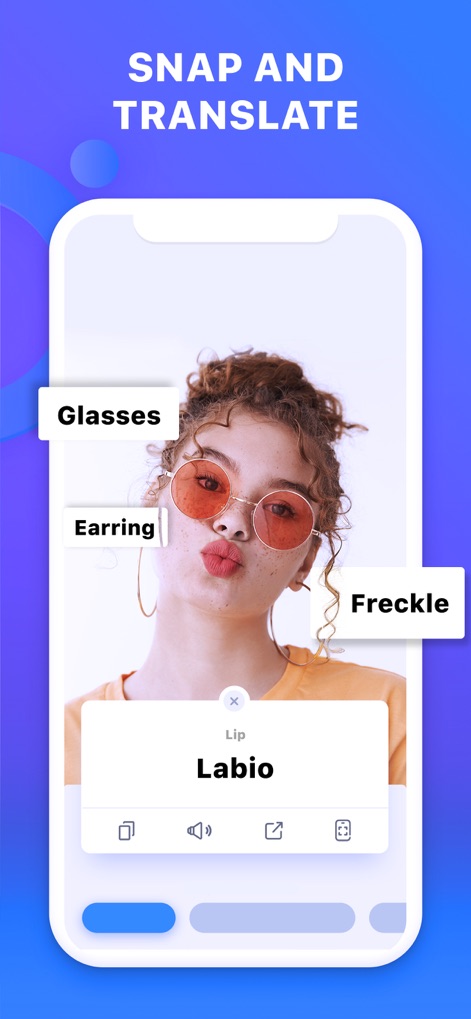
Object Identification
See how the app accurately labels visible items like "Glasses" and "Earring" and provides instant translations with pronunciation for "Lip".
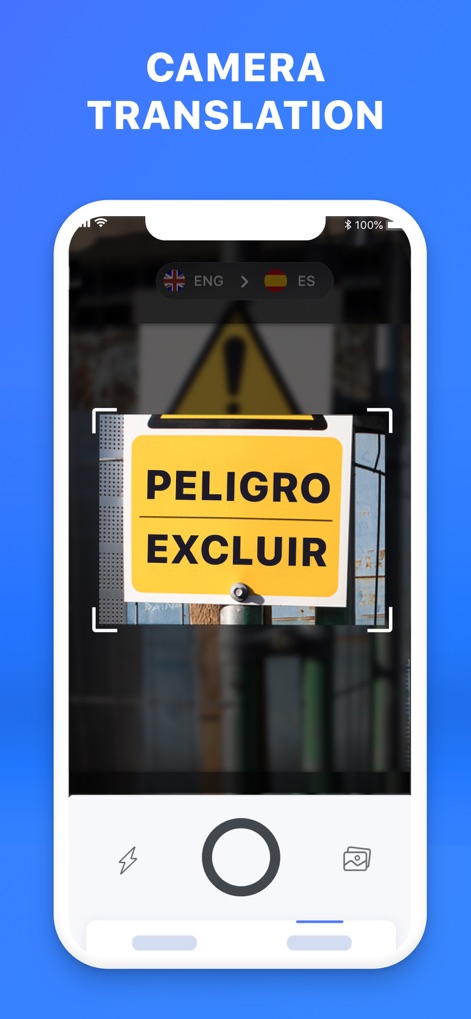
Real-time Translation
This tool offers on-the-fly text translation, instantly converting signs like "PELIGRO EXCLUIR" from one language to another for clear understanding.
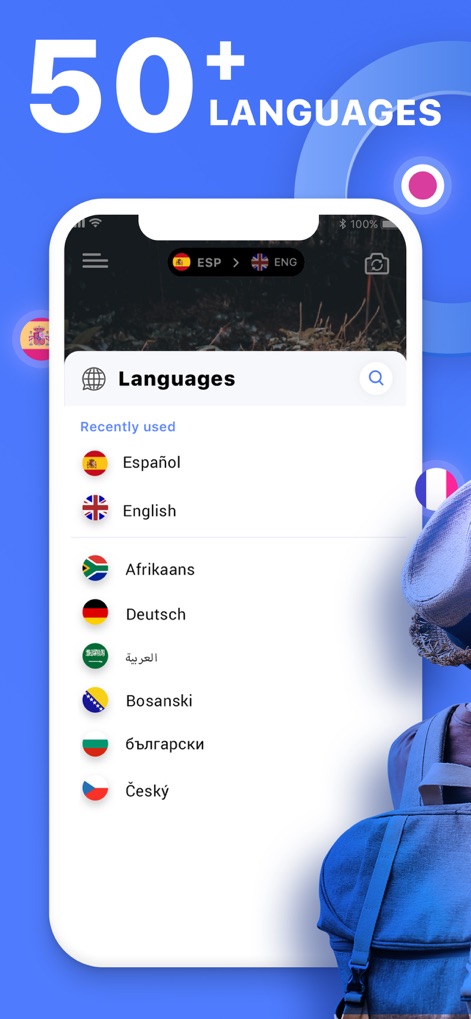
Extensive Language Support
Users can effortlessly select from an impressive list of "50+ Languages", clearly displayed with country flags, to find their desired translation pairs.

Snap Objects Easily
The app allows users to easily capture images of objects like the Eiffel Tower, with an intuitive camera interface, for instant object recognition and translation.
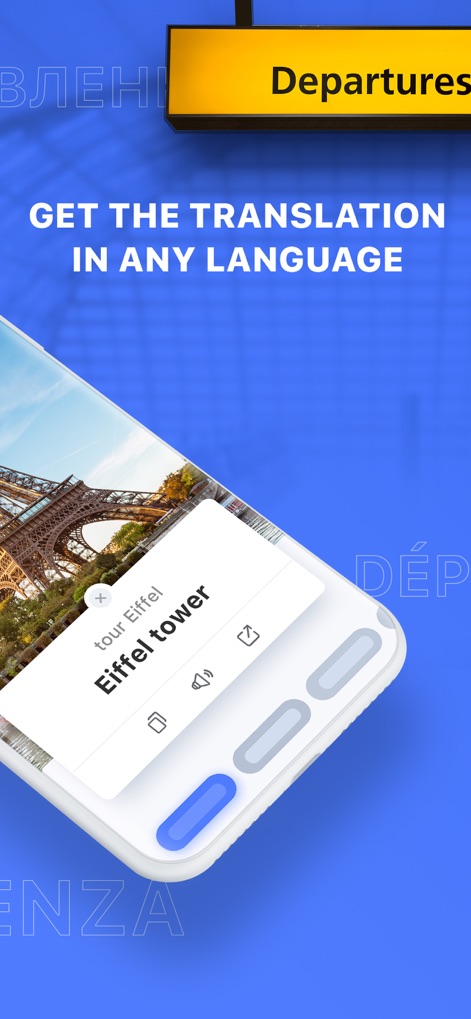
Instant Object Translation
After snapping, the app provides immediate object identification, displaying "Eiffel tower" with options to hear pronunciation and share the translation.
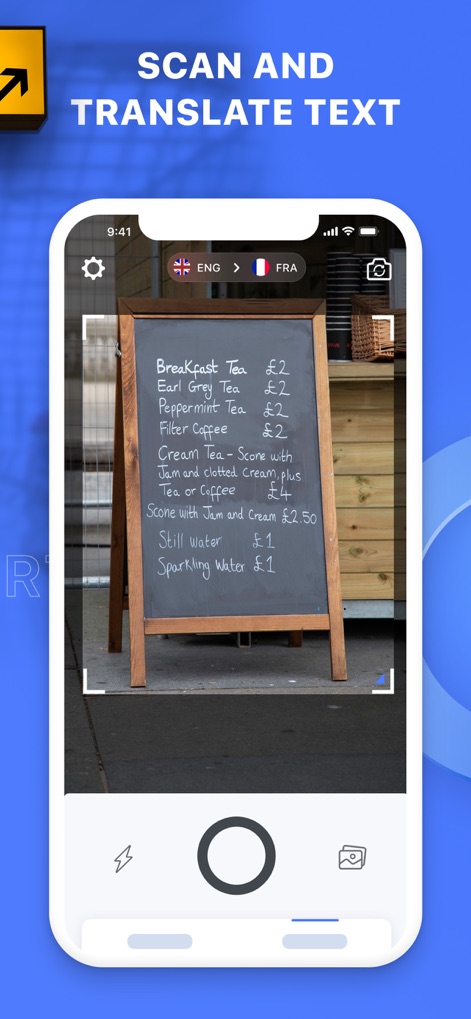
Scan Any Text
This tool enables scanning of written materials, such as a "Breakfast Tea" menu, with the camera interface showing "ENG > FRA" language selection for quick text translation.
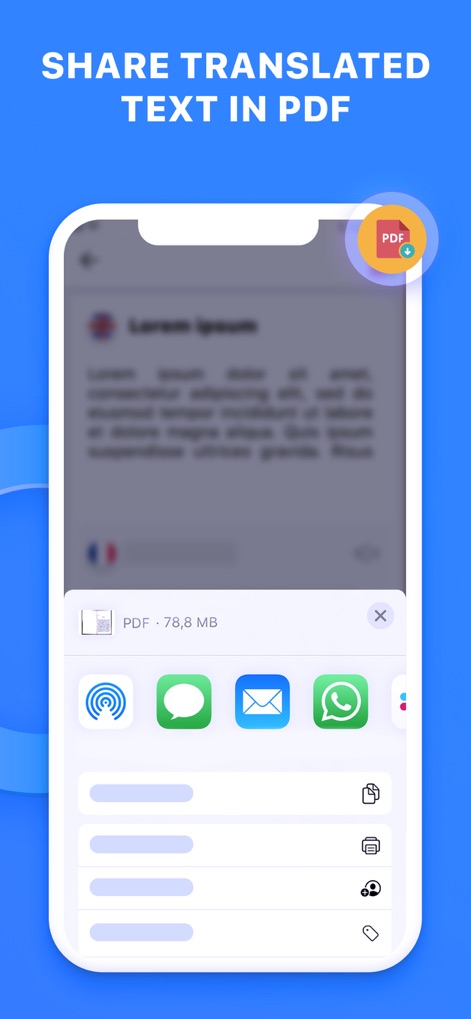
Share Translated Documents
The app facilitates sharing translated content, allowing users to conveniently export and distribute documents as a "PDF · 78,8 MB" file via various platforms like "WhatsApp" or "Mail".
Description
Download
More Like This
Apps with similar features and user experience

DeepL Translate
DeepL SE

腾讯翻译君-多语言翻译
Tencent Technology (Shenzhen) Company Limited

出国翻译官- 多语言语音翻译聊天交友
Beijing Qicai Muzhi Technology Co.,Ltd.

Translate Voice:Ai Chat
TINY BOLT (HK) CO., LIMITED

GO Translate・AI Translator App
INNOVAPP LLC

翻译全能王-中文日文图片扫描翻译器
Shanghai Baowu Network Technology Co., Ltd.

translation-Global translation
Hebei jiudao network technology co., ltd

Photo Translator: Camera OCR
Son Hoang

Voice Translator : Language +
AmazinPro Technology Solutions And Training Company Limited
This page is not an official page of the app or its developer, but an independent editorial publication created for informational and commentary purposes. Unless expressly stated otherwise, neither the app nor its developer is affiliated with, endorsed by, sponsored by, authorized by, or otherwise officially connected with MWM, Apple, Google Play, the app publisher, or the app's developer, and nothing on this page implies that the app was developed using MWM's services. Any trademarks, logos, screenshots, and other content remain the property of their respective owners.