
This page is not an official page of the app or its developer, but an independent editorial publication created for informational and commentary purposes. Unless expressly stated otherwise, neither the app nor its developer is affiliated with, endorsed by, sponsored by, authorized by, or otherwise officially connected with MWM, Apple, Google Play, the app publisher, or the app's developer, and nothing on this page implies that the app was developed using MWM's services. Any trademarks, logos, screenshots, and other content remain the property of their respective owners.


SnugFit O&P 3D Scanner
Eliminate messy plaster casting with NIH-backed AI technology. Capture high-resolution 3D data for custom orthotics and prosthetics using only your iPhone or iPad—no external sensors required.
Downloads
6K+User Rating
Total Ratings
0Publisher
Category
MedicalLocales
1Latest Version
4.1.5Size
54.4 MBFirst Released
Mar 8, 2023Advanced 3D Solutions for O&P Professionals
Replace messy, time-consuming plaster casting with a medical-grade digital workflow. SnugFit O&P combines NIH-backed AI with the hardware already in your pocket to deliver precise, HIPAA-compliant results in seconds.
Hardware-Free 3D Scanning
Eliminate expensive external sensors. Use your iPhone’s TrueDepth or rear camera to capture high-resolution 3D data for FO, AFO, and prosthetics with clinical-grade accuracy.
HIPAA-Compliant Cloud Sync
Securely manage patient records, prescriptions, and 3D models in one place. One-click uploads ensure your data is ready for CAD/CAM design and manufacturing immediately.
The following screenshots and description are sourced directly from the app's official store listing and are the property of the app developer.
App Store
Screenshots
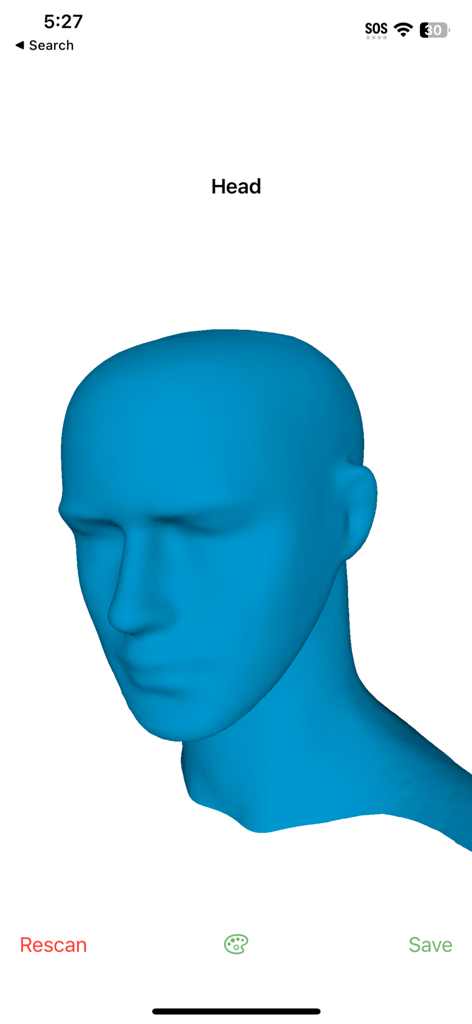
A 3D digital model of a human head in the SnugFit O&P scanner app interface.
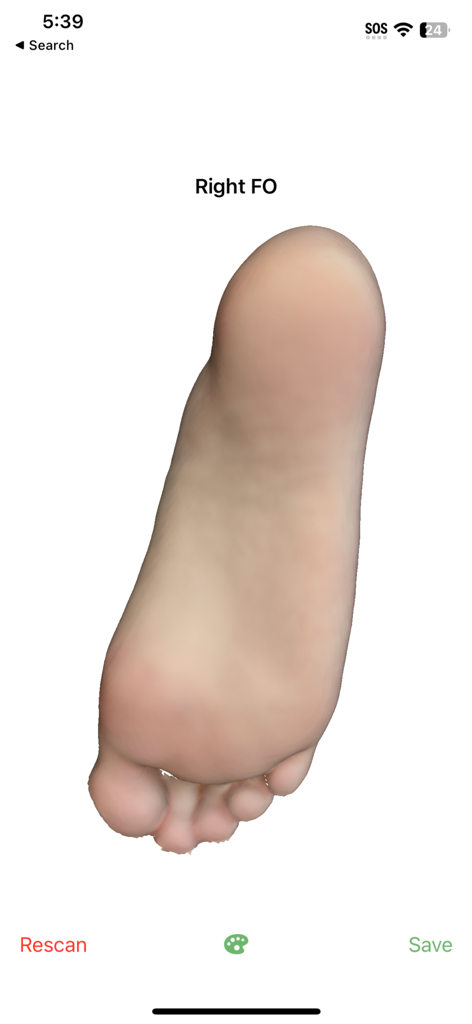
3D scan of a right foot for custom orthotics in the SnugFit O&P app
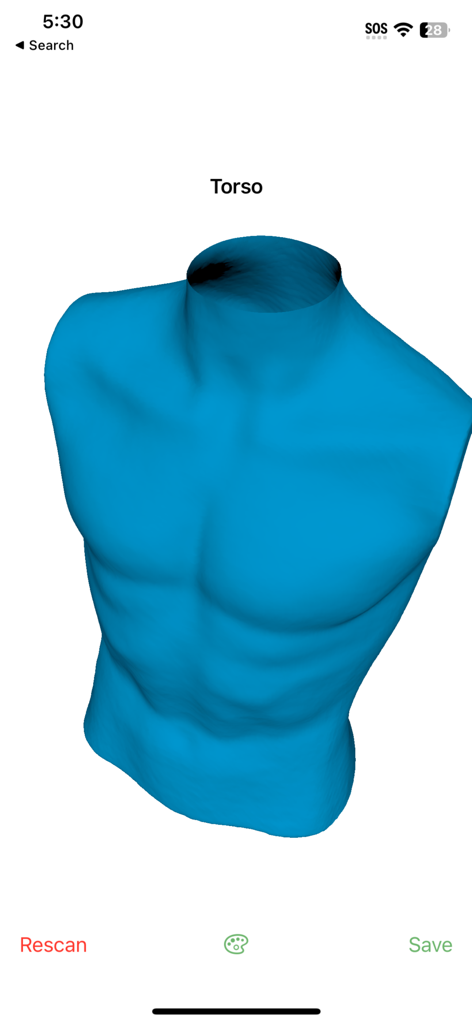
A blue 3D digital model of a human torso being processed in the SnugFit O&P scanning app.
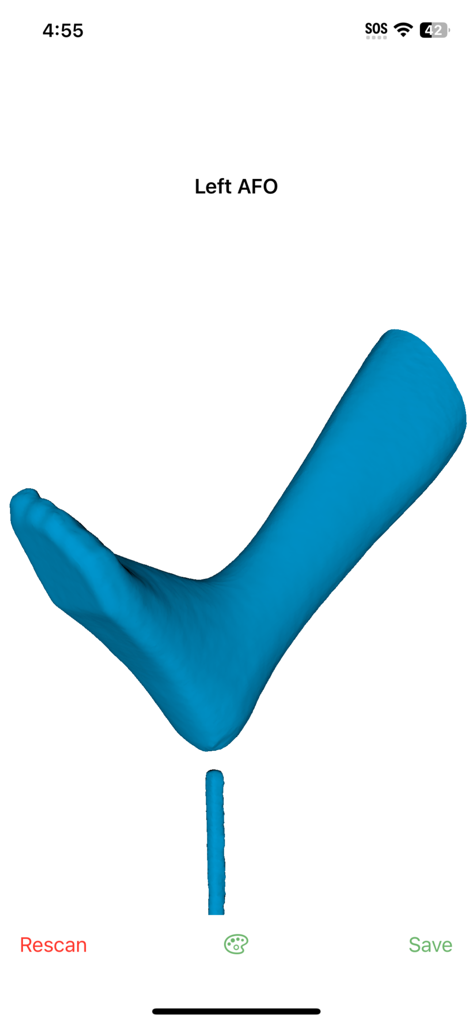
A 3D digital model of a left foot and ankle scan for a custom orthotic device in the SnugFit O&P app.
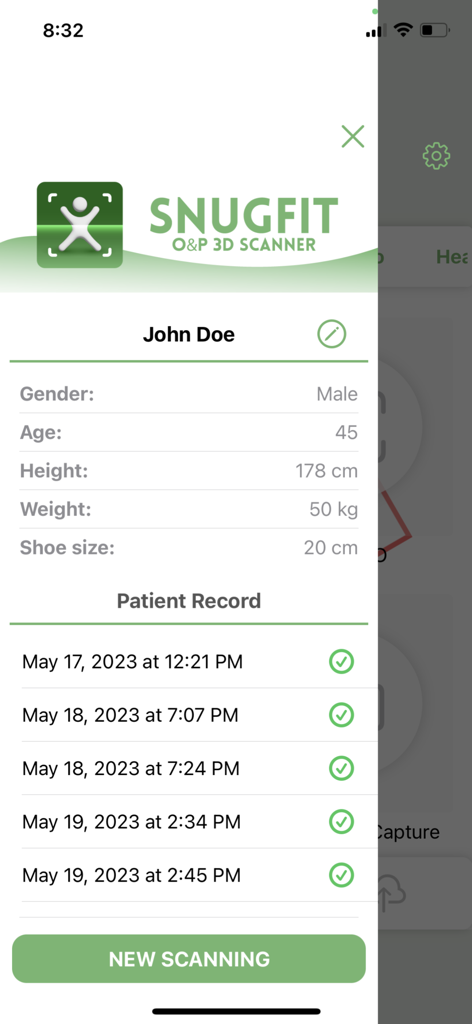
Patient profile and scan history screen within the SnugFit O&P 3D Scanner application
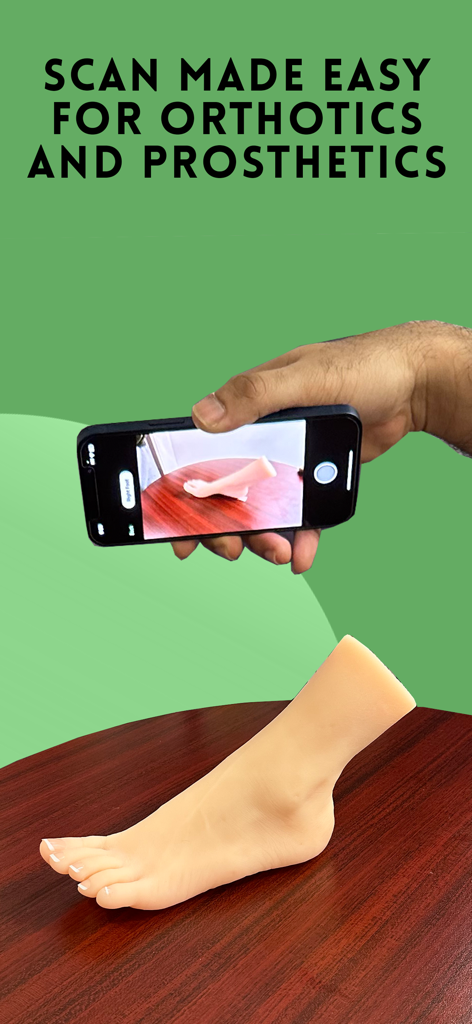
A person using an iPhone to perform a 3D scan of a prosthetic foot for orthotic and prosthetic manufacturing
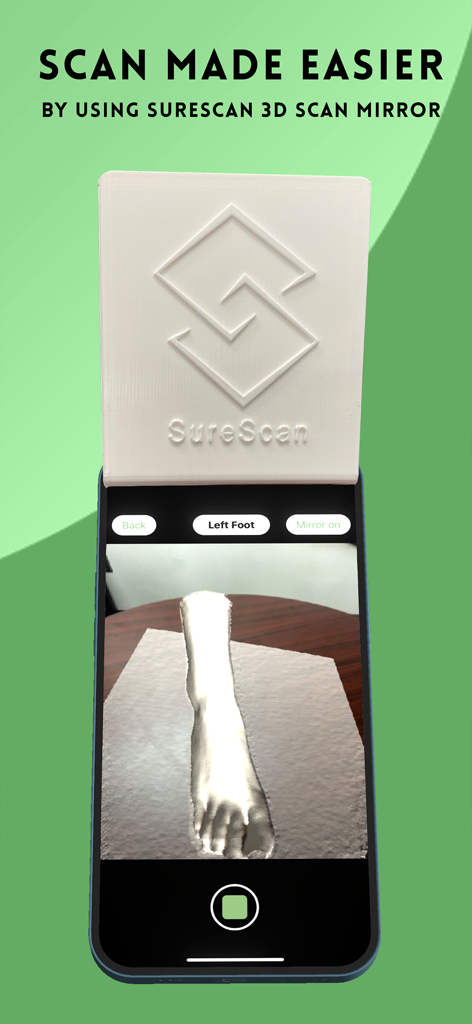
SnugFit OP 3D scanner app interface showing a foot scan using the SureScan mirror accessory
Description
Download
More Like This
Top-ranked apps in the same category

国家医保服务平台
National Healthcare Security Administration

MyChart
Epic Systems Corporation

Doctolib - Your health partner
Doctolib

Pregnancy + | Tracker App
Philips Digital UK Limited

CVS Health
CVS Pharmacy

江苏医保云
Jiangsu Healthcare Security Bureau

UnitedHealthcare
UNITED HEALTHCARE SERVICES, INC.

京东健康
BEIJING JINGDONG 360 DU E-COMMERCE LTD.

Meu SUS Digital
Servicos e Informacoes do Brasil
This page is not an official page of the app or its developer, but an independent editorial publication created for informational and commentary purposes. Unless expressly stated otherwise, neither the app nor its developer is affiliated with, endorsed by, sponsored by, authorized by, or otherwise officially connected with MWM, Apple, Google Play, the app publisher, or the app's developer, and nothing on this page implies that the app was developed using MWM's services. Any trademarks, logos, screenshots, and other content remain the property of their respective owners.