
This page is not an official page of the app or its developer, but an independent editorial publication created for informational and commentary purposes. Unless expressly stated otherwise, neither the app nor its developer is affiliated with, endorsed by, sponsored by, authorized by, or otherwise officially connected with MWM, Apple, Google Play, the app publisher, or the app's developer, and nothing on this page implies that the app was developed using MWM's services. Any trademarks, logos, screenshots, and other content remain the property of their respective owners.


SoCard: Digital Business Card
Ditch paper cards and share your professional profile instantly from your lock screen or Apple Watch. Join thousands of pros who network with zero friction and no monthly subscriptions.
Downloads
17K+User Rating
Total Ratings
500Publisher
Category
BusinessLocales
1Latest Version
2.2.2Size
40.0 MBFirst Released
Mar 10, 2020Master Your Networking
Exchange contact info in seconds with a digital business card that lives in your Apple Wallet. Fast, professional, and paperless.
Instant Wallet Sharing
Access your card from your lock screen just like a boarding pass. Share your info in seconds without even opening the app.
Frictionless Connections
Let others scan your QR code to save your full contact details, social links, and portfolio directly to their phone.
The following screenshots and description are sourced directly from the app's official store listing and are the property of the app developer.
App Store
Screenshots
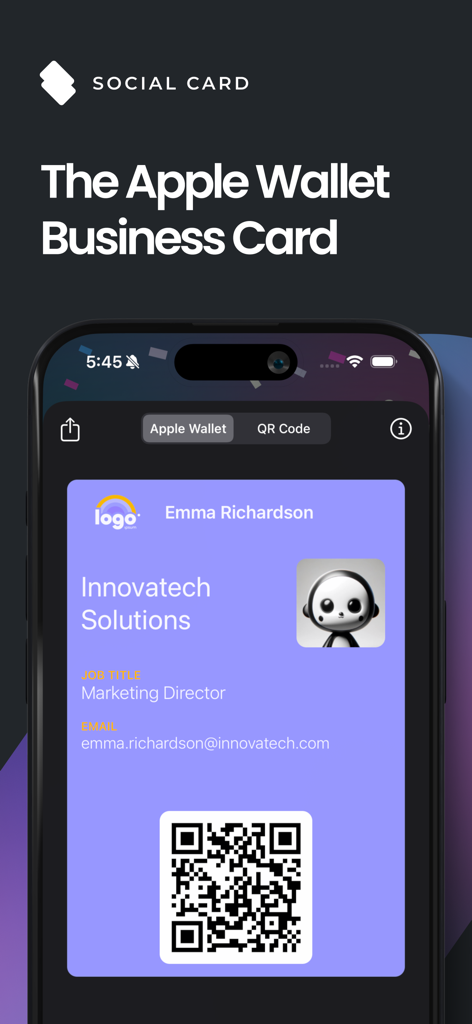
Digital business card interface on an iPhone displaying a QR code and professional contact details
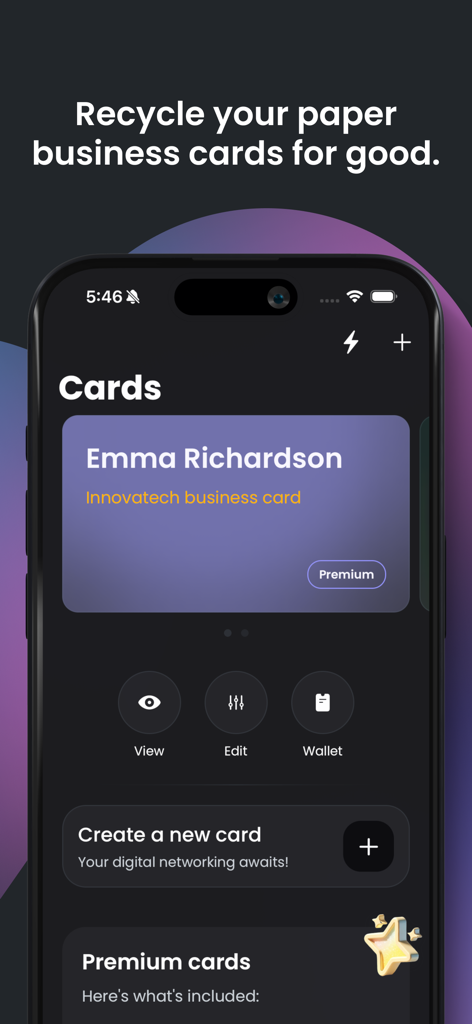
The SoCard app dashboard displaying a digital business card for Emma Richardson with options to view edit and add to Apple Wallet
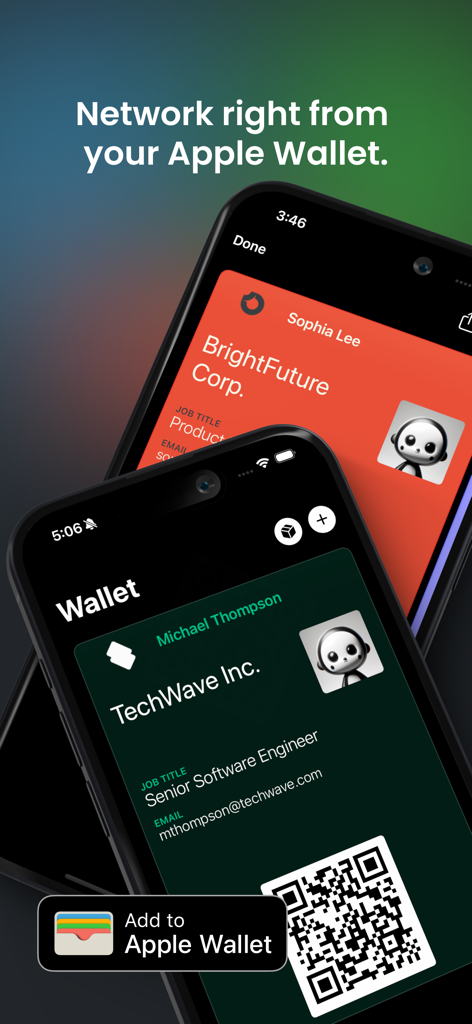
Two iPhones showing professional digital business cards stored in Apple Wallet
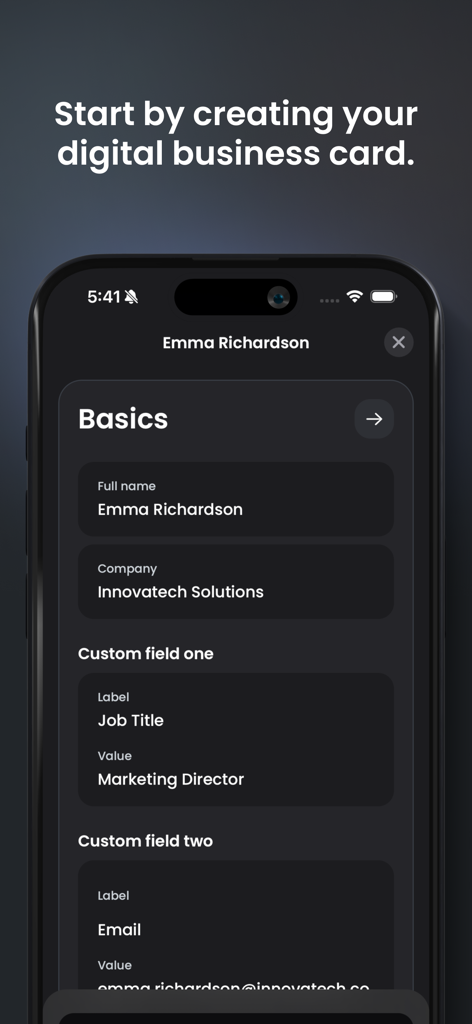
Smartphone screen showing the setup process for a digital business card in the SoCard app.
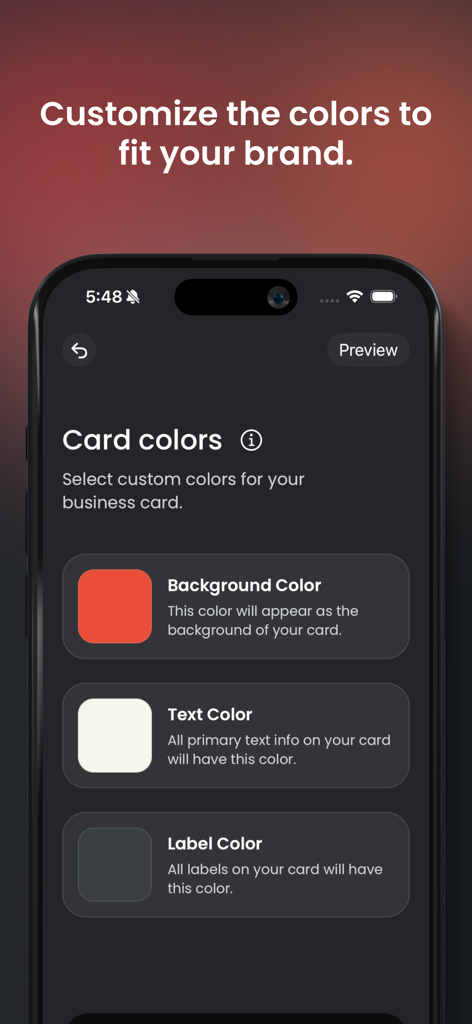
The color customization screen for a professional digital business card in the SoCard app.
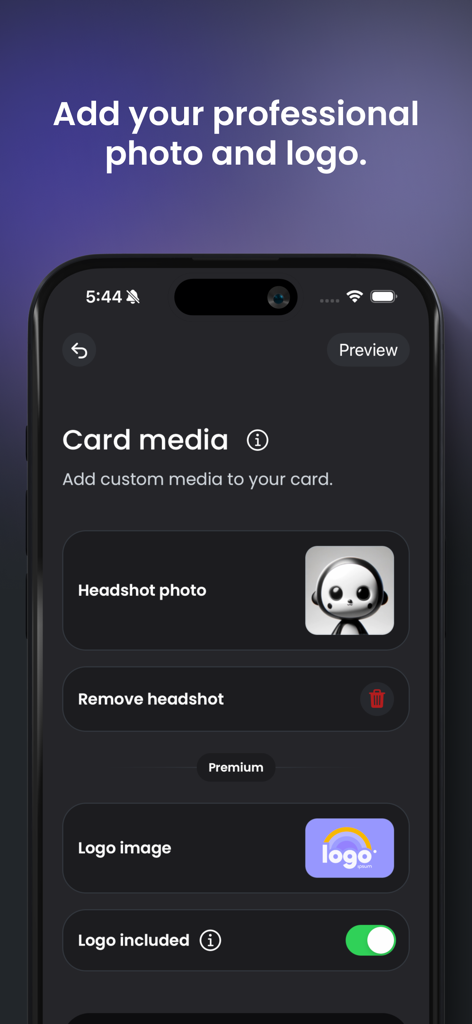
Interface for adding a headshot photo and business logo to a digital business card in SoCard
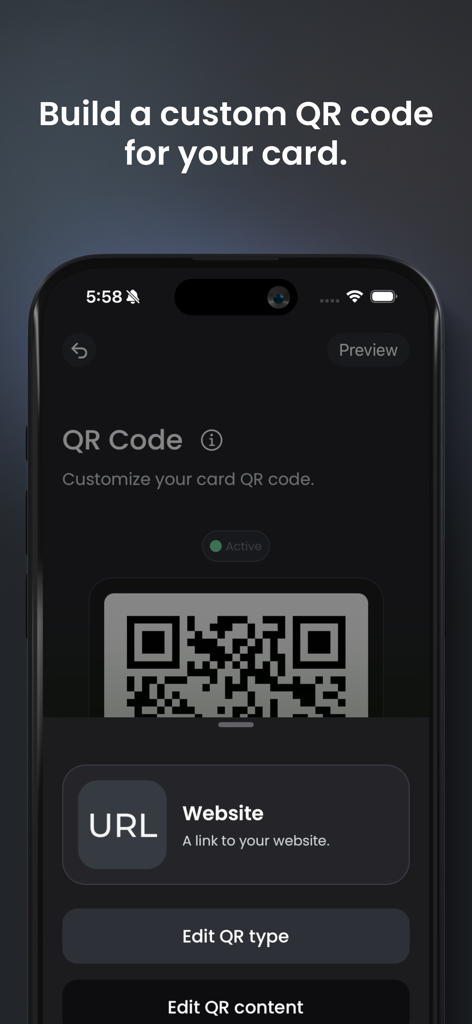
Interface of the SoCard app showing the process of building and customizing a QR code for a digital business card.
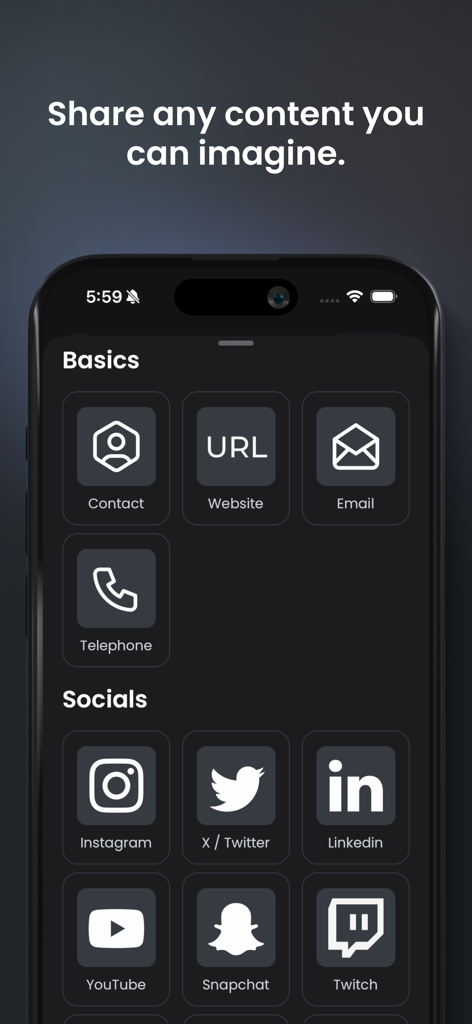
Interface of the SoCard app displaying various contact and social media link options like LinkedIn and Instagram for a digital business card.
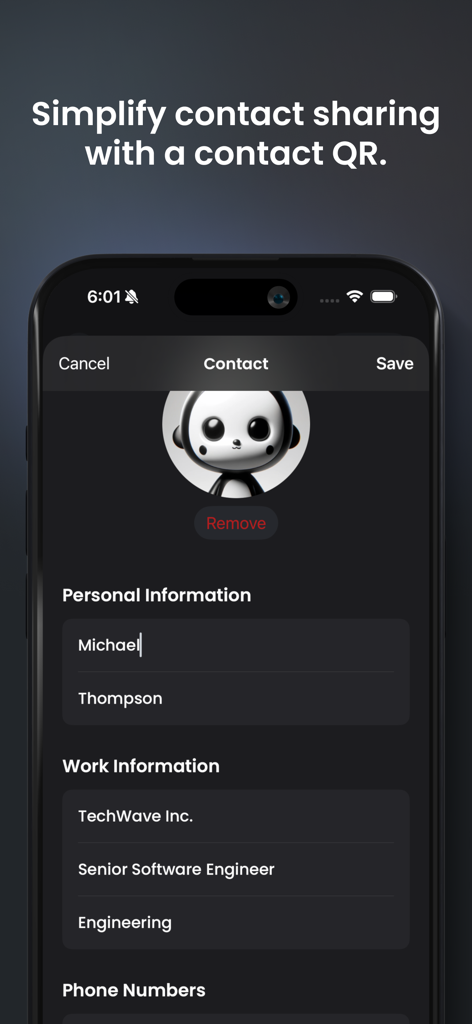
Interface for creating a digital business card profile in the SoCard app on iPhone
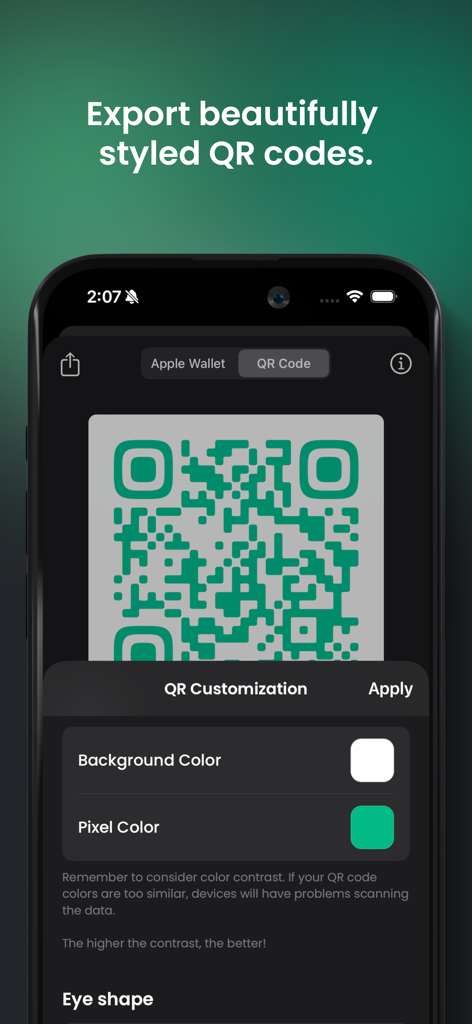
Interface of the SoCard app showing options to customize the background and pixel color of a digital business card QR code.
Description
Download
More Like This
Top-ranked apps in the same category

Microsoft Teams
Microsoft Corporation

Zoom Workplace
Zoom Communications, Inc.

WhatsApp Business
WhatsApp Inc.

Indeed Job Search
Indeed Inc.

LinkedIn: Network & Job Finder
LinkedIn Corporation

Adobe Acrobat Reader: Sign PDF
Adobe Inc.

WeCom-Work Communication&Tools
Tencent Technology (Shenzhen) Company Limited

BOSS直聘-招聘求职找工作神器
Beijing China Product Bo Farce Network Technology Co., Ltd.

DingDing - Redefine Work in AI
DingTalk Technology Co., Ltd.
This page is not an official page of the app or its developer, but an independent editorial publication created for informational and commentary purposes. Unless expressly stated otherwise, neither the app nor its developer is affiliated with, endorsed by, sponsored by, authorized by, or otherwise officially connected with MWM, Apple, Google Play, the app publisher, or the app's developer, and nothing on this page implies that the app was developed using MWM's services. Any trademarks, logos, screenshots, and other content remain the property of their respective owners.