
This page is not an official page of the app or its developer, but an independent editorial publication created for informational and commentary purposes. Unless expressly stated otherwise, neither the app nor its developer is affiliated with, endorsed by, sponsored by, authorized by, or otherwise officially connected with MWM, Apple, Google Play, the app publisher, or the app's developer, and nothing on this page implies that the app was developed using MWM's services. Any trademarks, logos, screenshots, and other content remain the property of their respective owners.


Sparkasse Business
Bridge the gap between the US and Germany. Securely manage multi-bank accounts, automate Lexware Office accounting, and receive real-time alerts on your Eurozone operations—wherever your business takes you.
Downloads
232K+User Rating
Total Ratings
9K+Publisher
Category
FinanceLocales
6Latest Version
8.0.4Size
398.1 MBFirst Released
Jun 30, 2022Master Your German Business Finances From Anywhere
The all-in-one financial cockpit designed for transatlantic entrepreneurs. Streamline your banking, accounting, and security without leaving your US home office.
Unified Multibank View
Access all your German bank accounts in one place. Monitor your total liquidity across different institutions without ever switching apps.
Automated Bookkeeping Sync
Bridge the gap between banking and taxes. Upload receipts on the go and integrate seamlessly with Lexware Office to stay audit-ready.
Frequently Asked Questions
Everything you need to know about Sparkasse Business
What is Sparkasse Business?
Sparkasse Business is an all-in-one app for business finances. It offers a financial overview, payment transactions, and integration with Lexware Office accounting, aiming to save users time.
Can I manage accounts from different banks with Sparkasse Business?
Yes, Sparkasse Business offers multibank capability. Users access their company accounts from Sparkasse and other banks within the app for a comprehensive overview.
How does Sparkasse Business help with accounting?
Sparkasse Business prepares accounting by allowing direct upload of receipts. It connects to Lexware Office, enabling users to link their Sparkasse business accounts to the accounting solution.
Does Sparkasse Business allow uploading receipts?
Yes, Sparkasse Business allows users to upload receipts directly within the app. This feature helps avoid paper stacks and streamlines bookkeeping tasks for businesses.
Is there an incognito mode available in Sparkasse Business?
Yes, Sparkasse Business provides an optional incognito mode. This mode protects the display of company accounts, enhancing user privacy within the application.
What is the Kontowecker feature in Sparkasse Business?
The Kontowecker (account alarm) in Sparkasse Business informs users about account movements around the clock. It offers balance alarms for daily updates and limit alarms for threshold alerts.
How secure is the Sparkasse Business app for mobile banking?
Sparkasse Business ensures high security through encrypted data storage and communication via certified interfaces. Access is protected by a password, Touch ID/Face ID, and an autolock function.
What are the requirements to use Sparkasse Business?
Users require online banking with standard functions from a German Sparkasse or Online-Banking Business. The app supports TAN procedures such as chipTAN (manual, QR, comfort) and pushTAN.
Does using certain features in Sparkasse Business incur costs?
Yes, individual functions within Sparkasse Business can cause costs at the user's banking institution. These charges may be passed on to the user.
Can I manage investments with Sparkasse Business?
Yes, Sparkasse Business allows direct access to the S-Invest app. Users can switch to S-Invest from within the app to conduct securities transactions and manage investments.
Does Sparkasse Business support Dark Mode?
Yes, Sparkasse Business supports Dark Mode. This visual option enhances user experience by providing a darker color scheme for the application interface.
Can I perform payment transactions using Sparkasse Business?
Yes, Sparkasse Business facilitates mobile payment transactions. Users can manage financial transfers and carry out banking tasks conveniently at any time.
The following screenshots and description are sourced directly from the app's official store listing and are the property of the app developer.
App Store
Screenshots
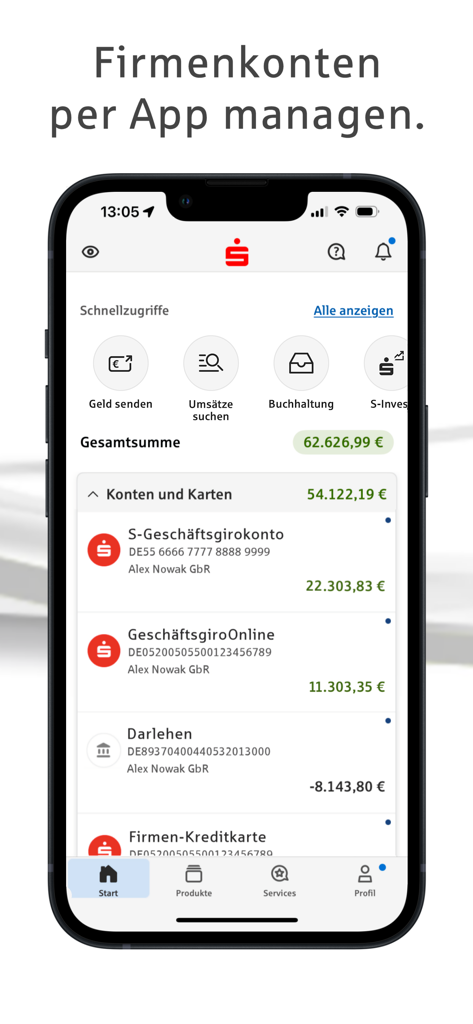
Dashboard of the Sparkasse Business mobile app showing business account balances and financial tools
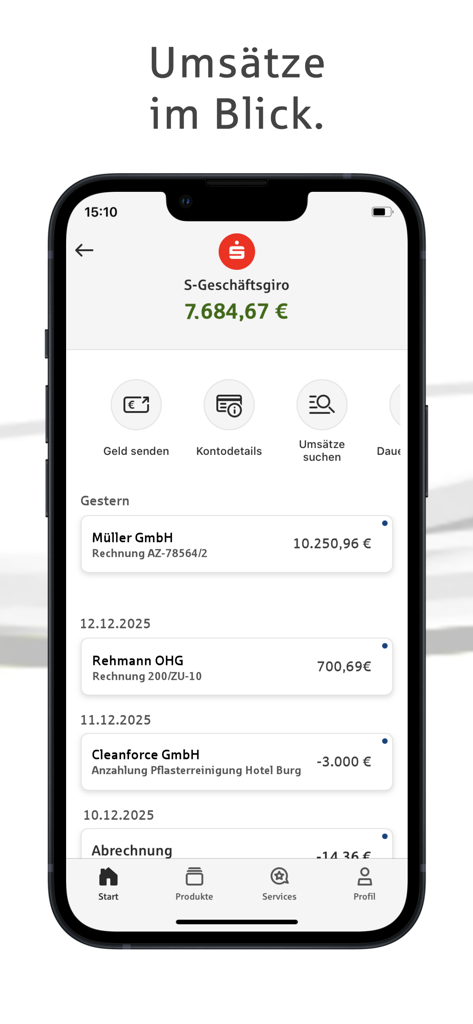
Sparkasse Business app interface showing business account balance and transaction history
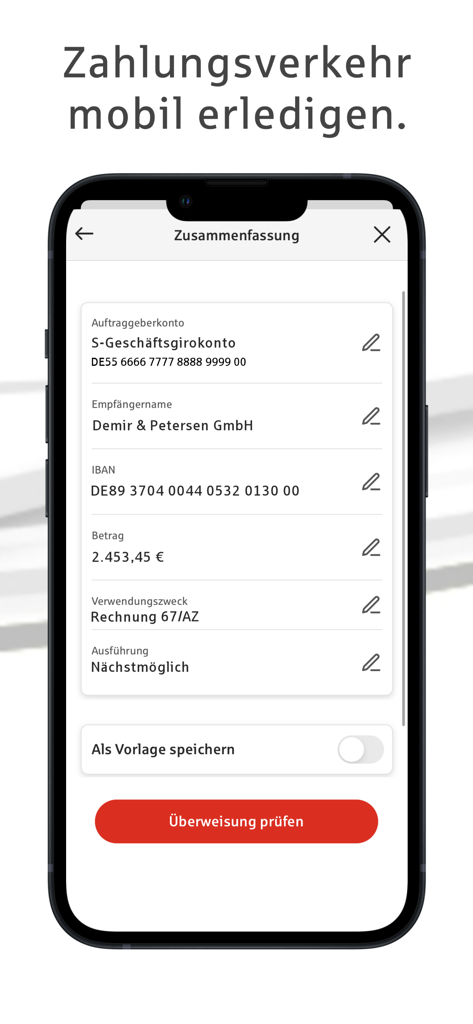
Mobile interface of Sparkasse Business app showing a detailed business bank transfer summary
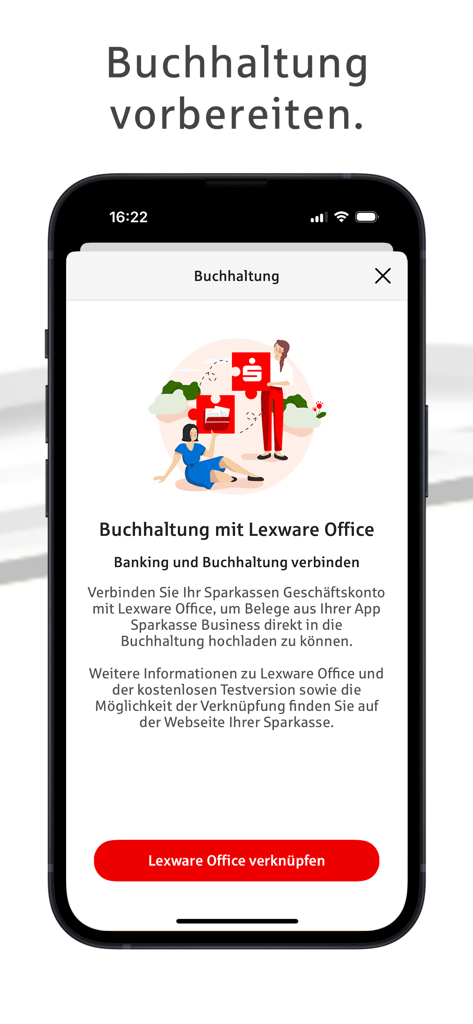
A smartphone screen from the Sparkasse Business app promoting the integration of banking with Lexware Office accounting software.
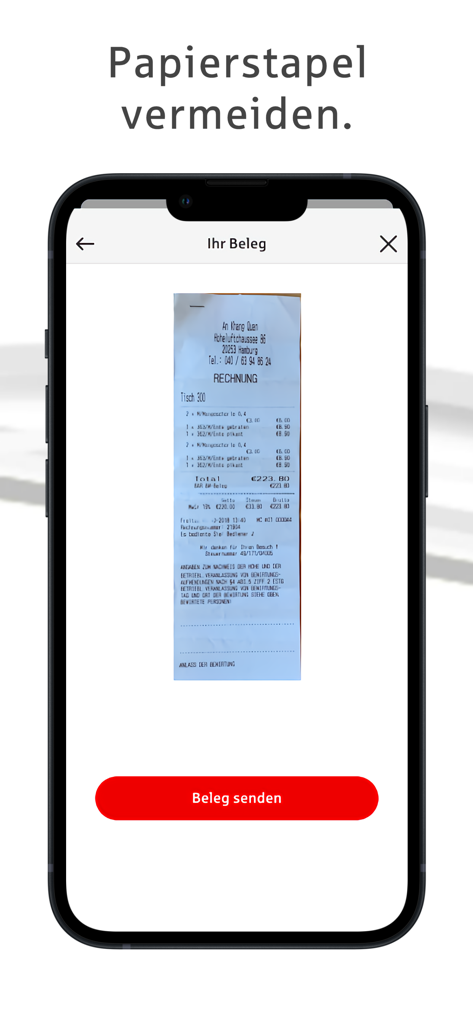
Interface of the Sparkasse Business app showing a scanned receipt for digital accounting and expense management
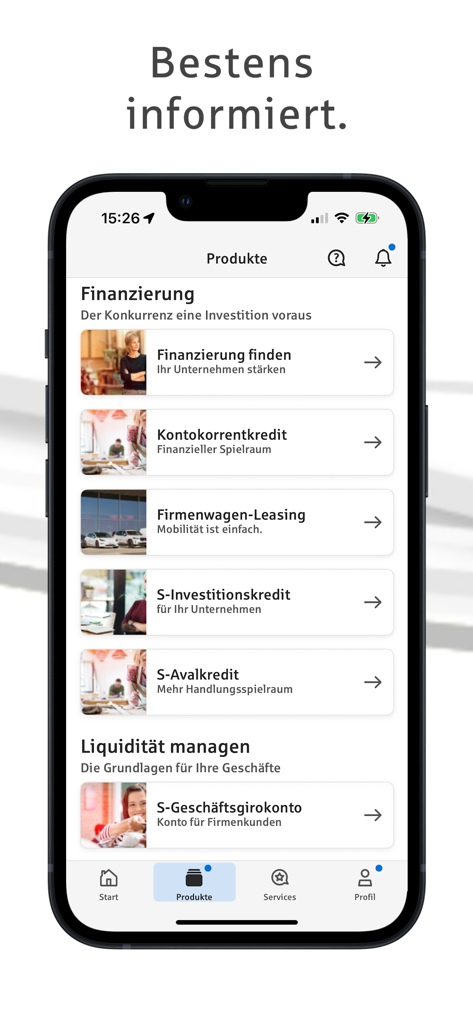
Sparkasse Business mobile app screen showing various business financing and liquidity management products
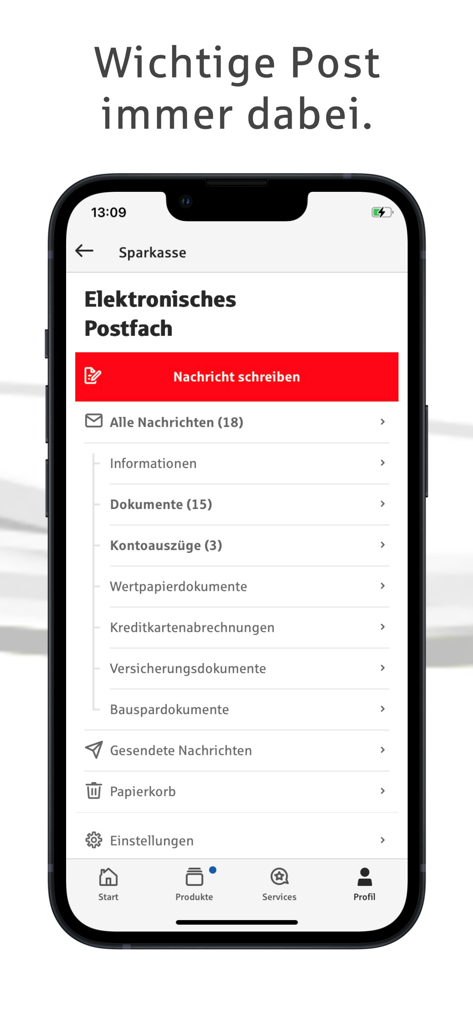
Electronic mailbox interface of the Sparkasse Business app showing document and message categories on a smartphone screen.
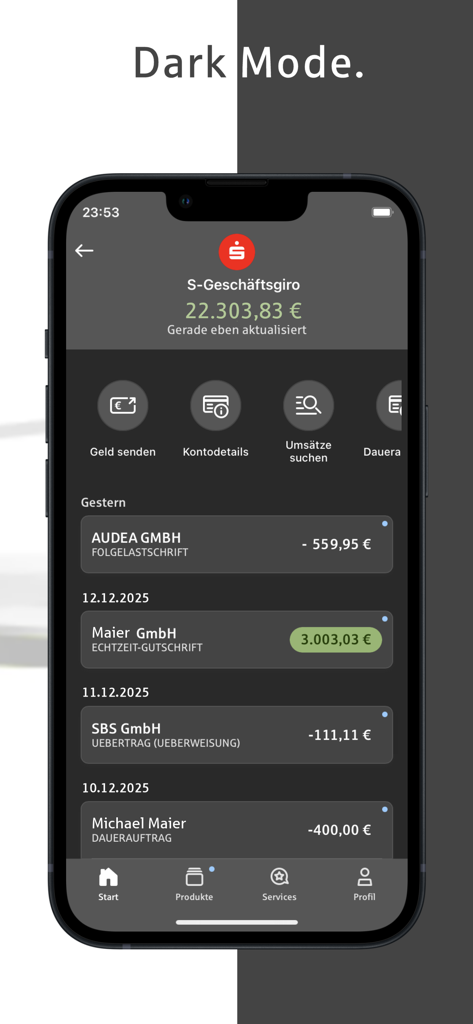
Sparkasse Business mobile banking app displaying account balance and transaction history in dark mode.
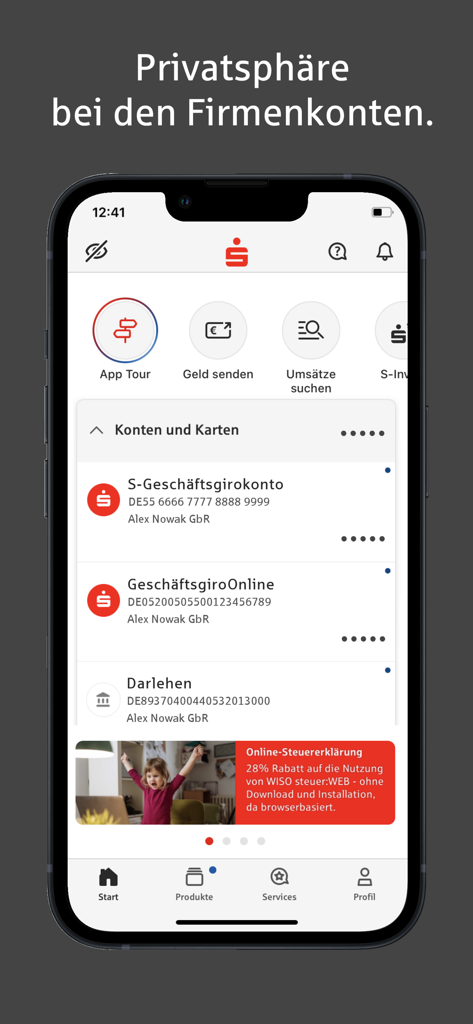
Interface of the Sparkasse Business app showing multiple business accounts and privacy features on an iPhone.
Description
Download
More Like This
Apps with similar features and user experience
BTG Pactual Empresas: Conta PJ
Banco BTG Pactual S.A.
Santander Empresas
Banco Santander Brasil SA

Mercury | Bank Differently
Mercury Technologies, Inc.
Itaú Empresas: Conta PJ
Banco Itau S.A.
BIDV Direct
BANK FOR INVESTMENT AND DEVELOPMENT OF VIETNAM

Finom • Business Account
PNL Fintech BV

Techcombank Business
VIETNAM TECHNOLOGICAL AND COMMERCIAL JOINT STOCK BANK
Ozon Банк для бизнеса
OZON MARKETPLEIS KAZAKHSTAN, TOO

Privat24 for business
PrivatBank
This page is not an official page of the app or its developer, but an independent editorial publication created for informational and commentary purposes. Unless expressly stated otherwise, neither the app nor its developer is affiliated with, endorsed by, sponsored by, authorized by, or otherwise officially connected with MWM, Apple, Google Play, the app publisher, or the app's developer, and nothing on this page implies that the app was developed using MWM's services. Any trademarks, logos, screenshots, and other content remain the property of their respective owners.