
This page is not an official page of the app or its developer, but an independent editorial publication created for informational and commentary purposes. Unless expressly stated otherwise, neither the app nor its developer is affiliated with, endorsed by, sponsored by, authorized by, or otherwise officially connected with MWM, Apple, Google Play, the app publisher, or the app's developer, and nothing on this page implies that the app was developed using MWM's services. Any trademarks, logos, screenshots, and other content remain the property of their respective owners.

Speech To Text: AI Note Taker
Capture every brilliant thought without typing a word. Experience high-accuracy AI dictation that syncs across your Apple devices and fits your personal style with customizable themes.
Downloads
110K+User Rating
Total Ratings
200Publisher
Category
ProductivityLocales
9Latest Version
4.1.5Size
19.3 MBFirst Released
Sep 15, 2016Transform Your Voice Into Results
Maximize your productivity with AI-driven speech recognition designed for your busy, on-the-go lifestyle. Capture ideas, sync across devices, and personalize your experience.
Capture Ideas Instantly
Our high-accuracy AI engine turns your spoken thoughts into text in real-time, eliminating the bottleneck of a small mobile keyboard while you're on the move.
Work Across All Your Devices
With full iCloud synchronization, your notes travel with you from iPhone to iPad, ensuring your best ideas are always ready for editing and sharing.
The following screenshots and description are sourced directly from the app's official store listing and are the property of the app developer.
App Store
Screenshots
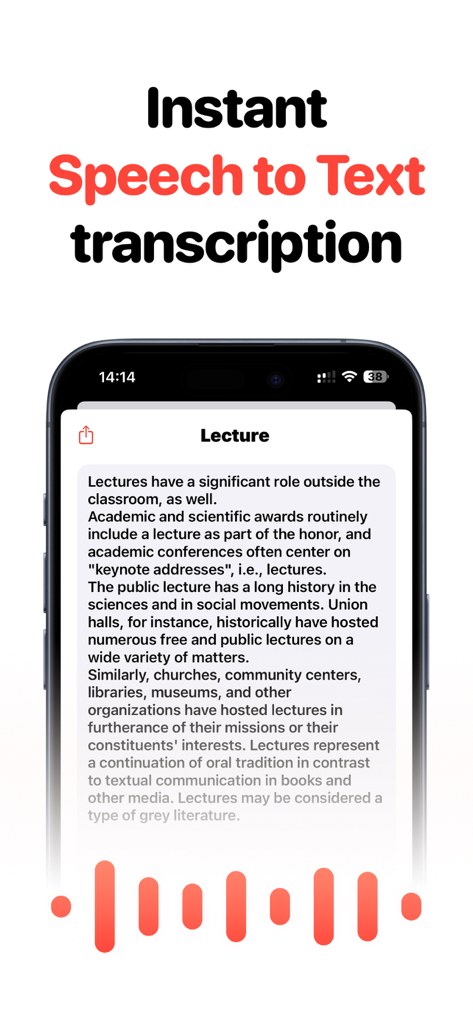
Smartphone screen showing instant speech to text transcription of a lecture with a red audio waveform
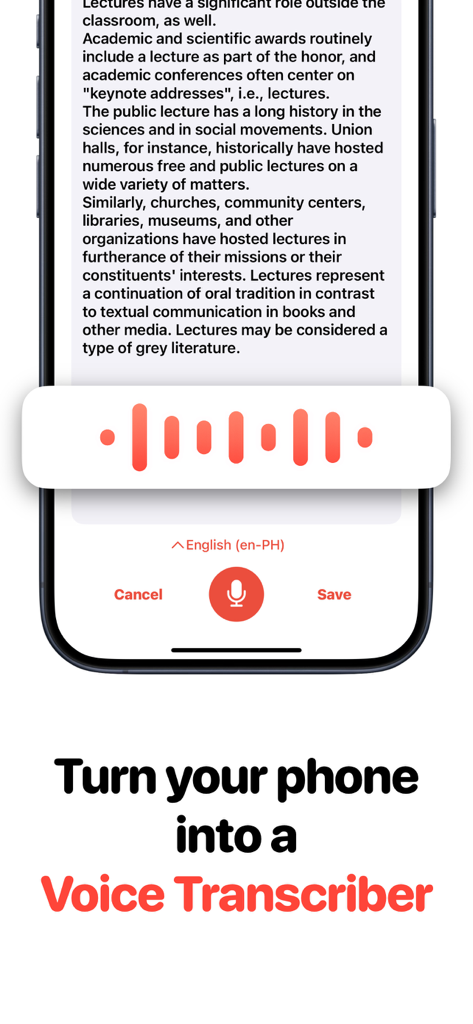
A smartphone screen showing the Speech To Text AI Note Taker app interface with a voice recording wave and transcribed text
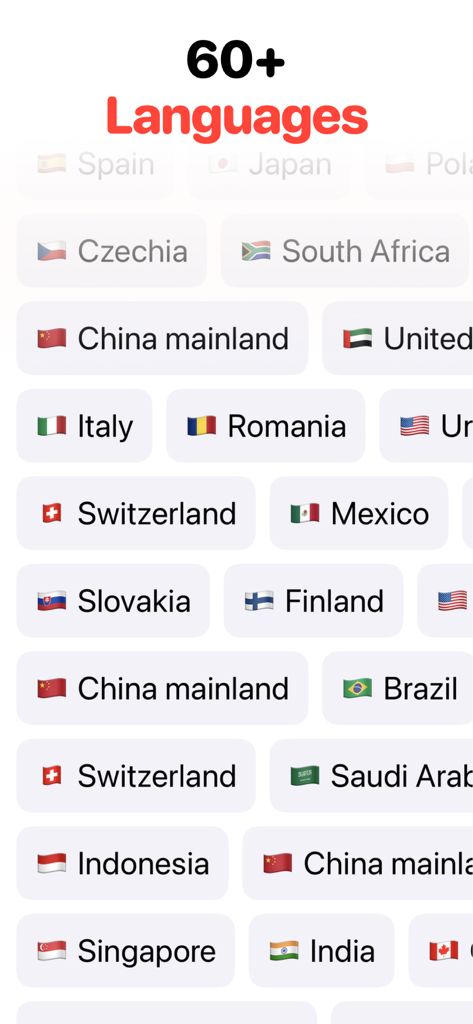
List of more than 60 languages supported by the AI Note Taker app
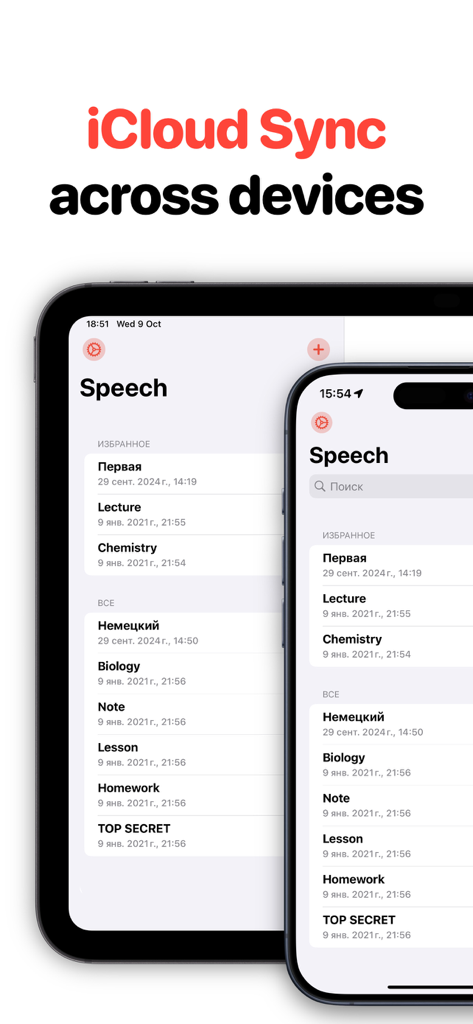
Speech To Text AI Note Taker app interface showing notes synchronized across iPhone and iPad via iCloud Sync
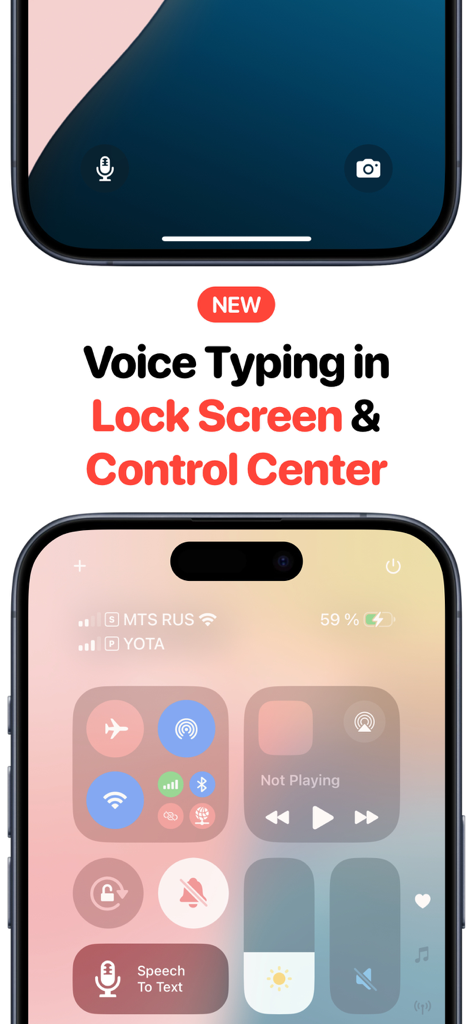
Speech To Text app shortcut on iPhone lock screen and control center
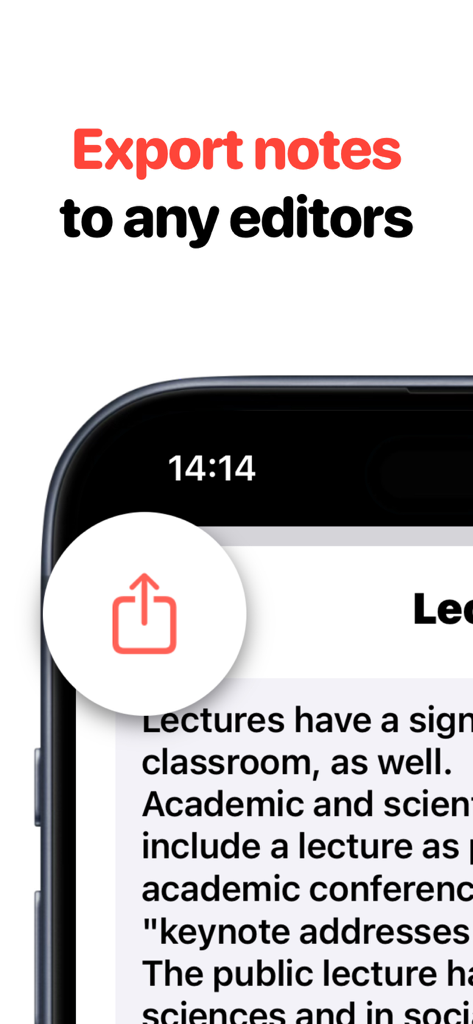
A mobile screen showing the export notes to any editors feature for the AI Note Taker app
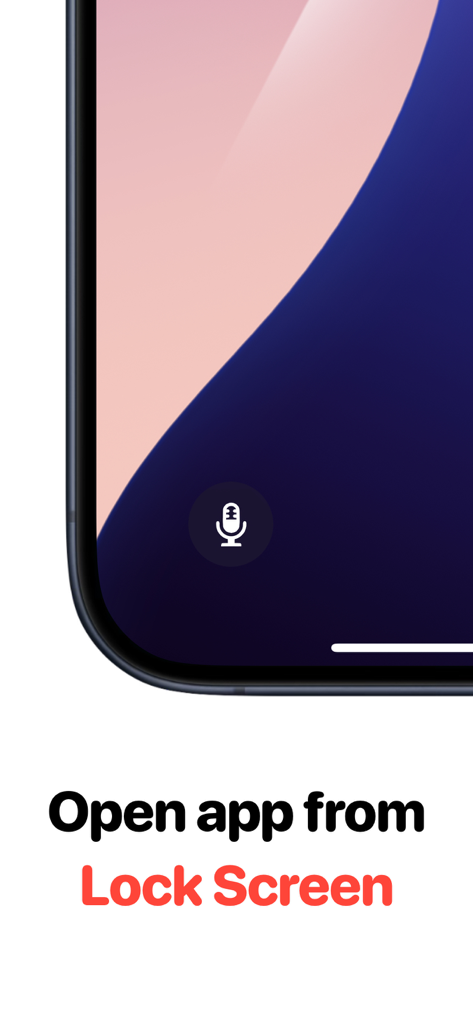
IPhone lock screen showing a quick access microphone shortcut for the AI Note Taker app.
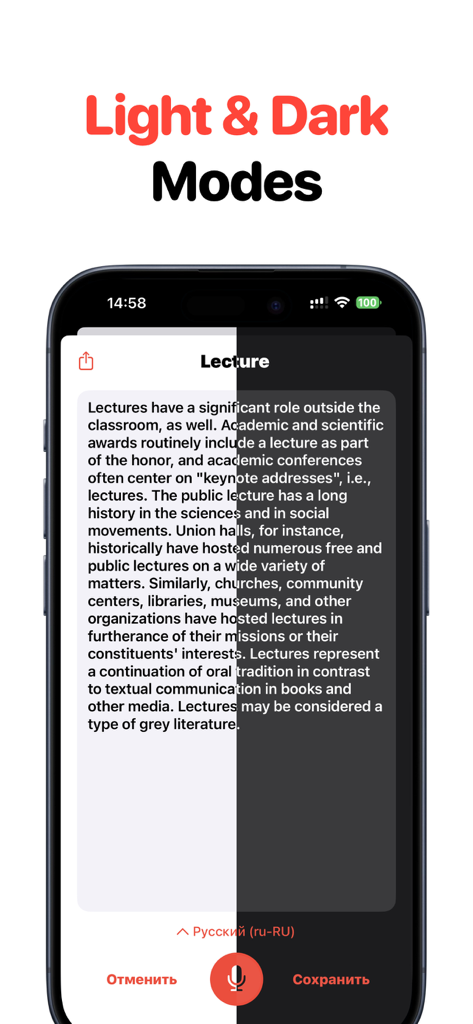
Comparison of light and dark display modes in the AI Note Taker app interface
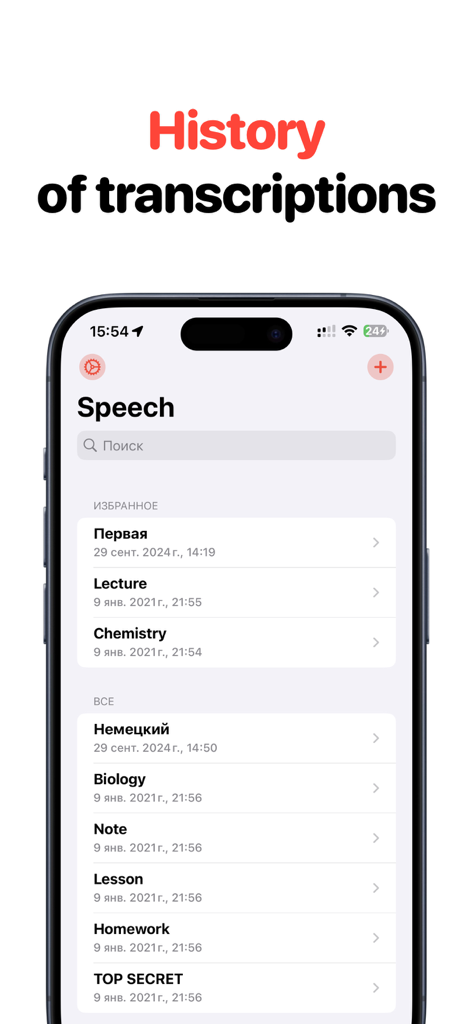
A screenshot of the Speech To Text app showing a list of saved transcriptions organized by categories like Favorites and All Notes.
Description
Download
More Like This
Apps with similar features and user experience

Freed - AI Scribe & Assistant
Freed Inc

Wispr Flow: AI Voice Keyboard
Wispr AI INC

Mugen Transcribe: Voice Notes
Haruki Kurosawa

Voice Dictation Pro
Quanticapps

Voice Assist Pro
Quanticapps Ltd

Voice Dictation for Pages
Quanticapps

Dragon Anywhere
Nuance Communications
QuickVoice2Text Email (PRO Recorder)
nFinity Inc

Whisper Memos - Speech to text
Median Tech, s.r.o.
This page is not an official page of the app or its developer, but an independent editorial publication created for informational and commentary purposes. Unless expressly stated otherwise, neither the app nor its developer is affiliated with, endorsed by, sponsored by, authorized by, or otherwise officially connected with MWM, Apple, Google Play, the app publisher, or the app's developer, and nothing on this page implies that the app was developed using MWM's services. Any trademarks, logos, screenshots, and other content remain the property of their respective owners.