
This page is not an official page of the app or its developer, but an independent editorial publication created for informational and commentary purposes. Unless expressly stated otherwise, neither the app nor its developer is affiliated with, endorsed by, sponsored by, authorized by, or otherwise officially connected with MWM, Apple, Google Play, the app publisher, or the app's developer, and nothing on this page implies that the app was developed using MWM's services. Any trademarks, logos, screenshots, and other content remain the property of their respective owners.

Speed Cameras Radar
Get real-time alerts for police traps, speed cams, and traffic hazards. Seamlessly integrate with your favorite navigation apps and protect your license with the most reliable crowd-sourced radar map.
Downloads
1M+User Rating
Total Ratings
50K+Publisher
Category
NavigationLocales
29Latest Version
1.47Size
32.3 MBFirst Released
Dec 22, 2015Drive With Total Peace of Mind
Navigate smarter with real-time alerts on speed cameras, police traps, and hazards. Protect your driving record and avoid unexpected fines with our community-powered radar.
Real-Time Community Alerts
Stay ahead of the curve with instant notifications on police traps, red-light cameras, and mobile speed zones reported by a global network of drivers.
Seamless Background Integration
Use our radar alongside Google Maps or Waze. Receive discreet alerts even when your phone is locked or while using other navigation apps.
Frequently Asked Questions
Everything you need to know about Speed Cameras Radar
What does the Speed Cameras Radar app do?
The Speed Cameras Radar app detects speed cameras, police traps, radars, and traffic light cameras. It provides real-time notifications and displays them on a map during navigation.
Does Speed Cameras Radar notify users of police traps?
Yes, the Speed Cameras Radar app notifies users about police traps. It also reports traffic, police, and crashes based on real-time user contributions.
Can I use Speed Cameras Radar while navigating with other apps?
Yes, the Speed Cameras Radar app integrates with external navigators. It can also run in the background using its widget feature.
How does Speed Cameras Radar alert drivers about speed limits?
The Speed Cameras Radar app includes a speedometer that provides warnings when the current speed exceeds the speed camera limit.
Which types of speed cameras does Speed Cameras Radar detect?
Speed Cameras Radar detects fixed speed cameras, mobile speed traps, traffic light cameras, and community radars. Users can select which types to display.
Can users report new speed cameras or incidents in the app?
Yes, users can report and vote on speed cameras within the Speed Cameras Radar app. They can also report police, traffic, and crash incidents.
How many countries does Speed Cameras Radar support?
Speed Cameras Radar supports 42 countries. The app provides high coverage for speed cameras across these locations.
Does Speed Cameras Radar use GPS in the background?
Yes, Speed Cameras Radar uses GPS, and its continued use in the background can significantly reduce battery life. The app functions with a widget in the background.
Where can I find the privacy policy for Speed Cameras Radar?
The privacy policy for Speed Cameras Radar is available online. Users can access it at the provided link: http://www.socialsmap.com/privacy-policy-ios.pdf.
Does Speed Cameras Radar provide real-time traffic updates?
Yes, Speed Cameras Radar provides real-time information on traffic, police, and crashes reported by other users. This helps drivers stay informed.
The following screenshots and description are sourced directly from the app's official store listing and are the property of the app developer.
App Store
Screenshots
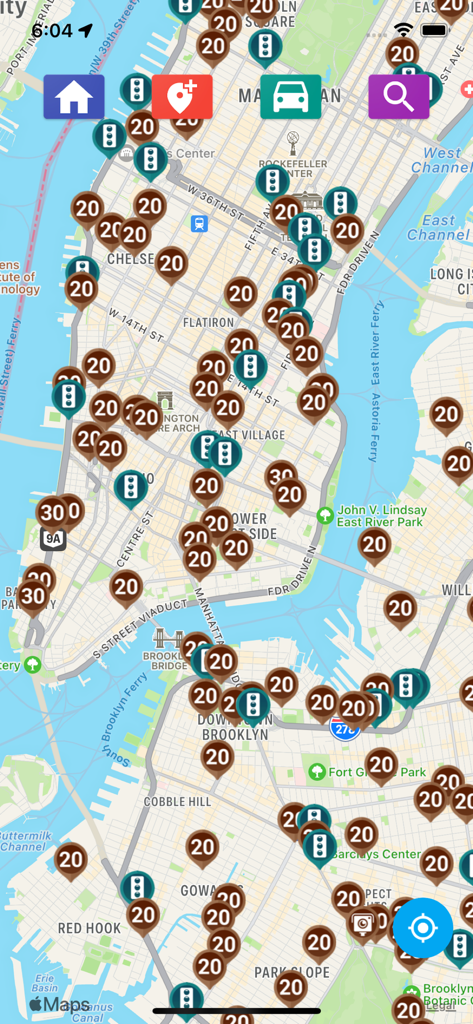
A navigation map of New York City showing real-time locations of speed cameras and traffic light sensors
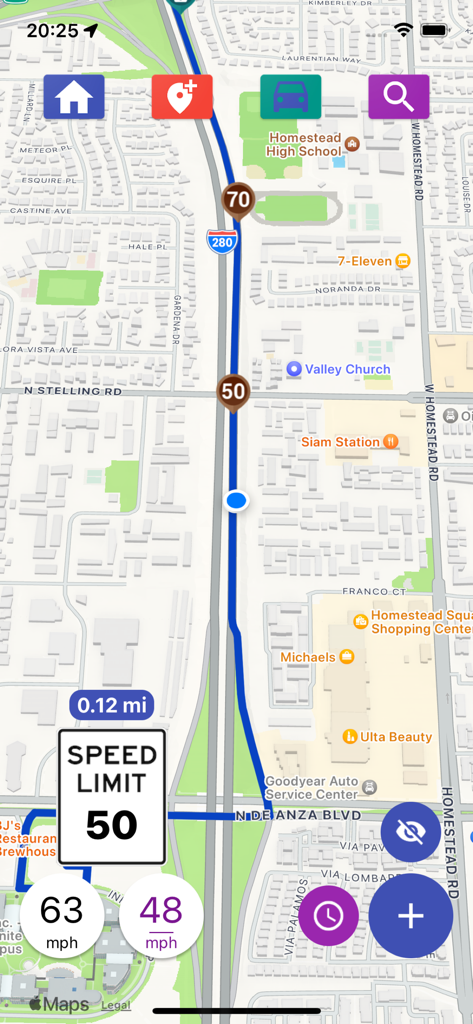
Speed Cameras Radar app showing a map with speed limit alerts and current speed tracking.
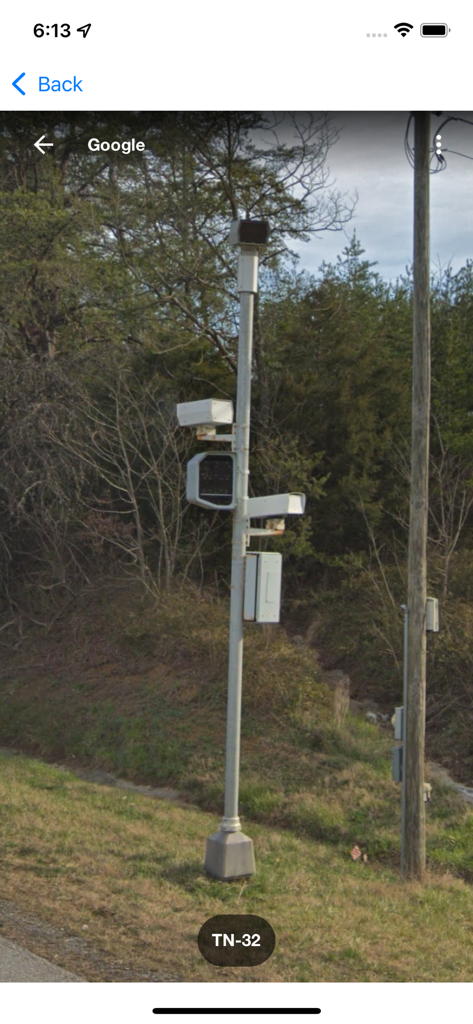
Google Street View image of a roadside pole equipped with speed cameras and traffic sensors
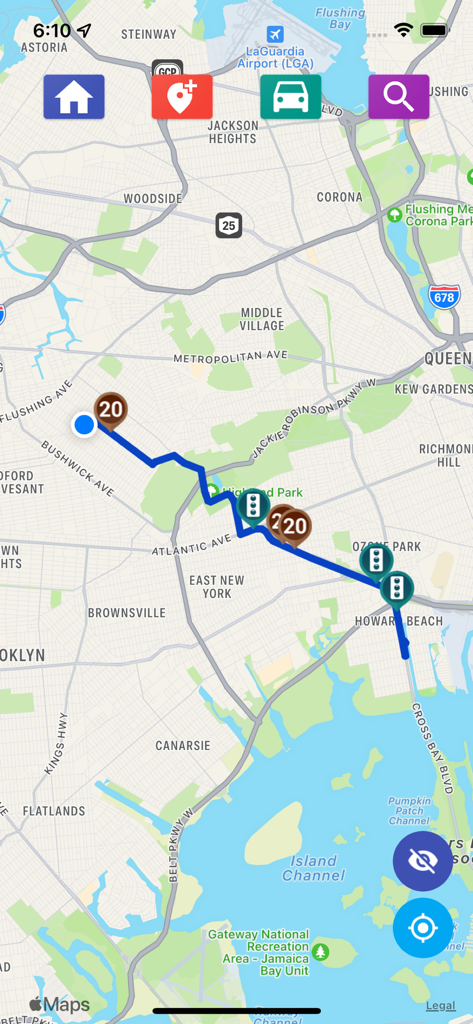
Map interface of the Speed Cameras Radar app showing a navigation route with speed and traffic light camera alerts in New York City.
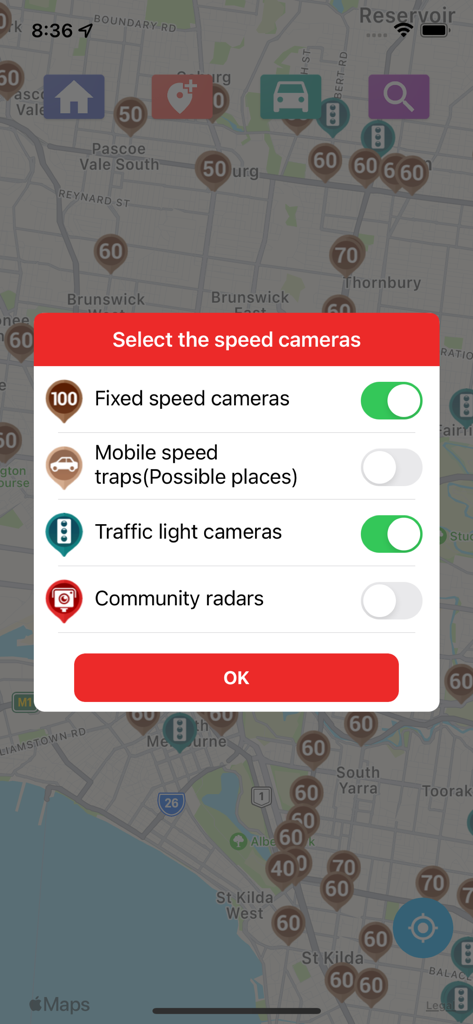
A menu in the Speed Cameras Radar app allowing users to select alerts for fixed speed cameras and traffic light cameras over a map.
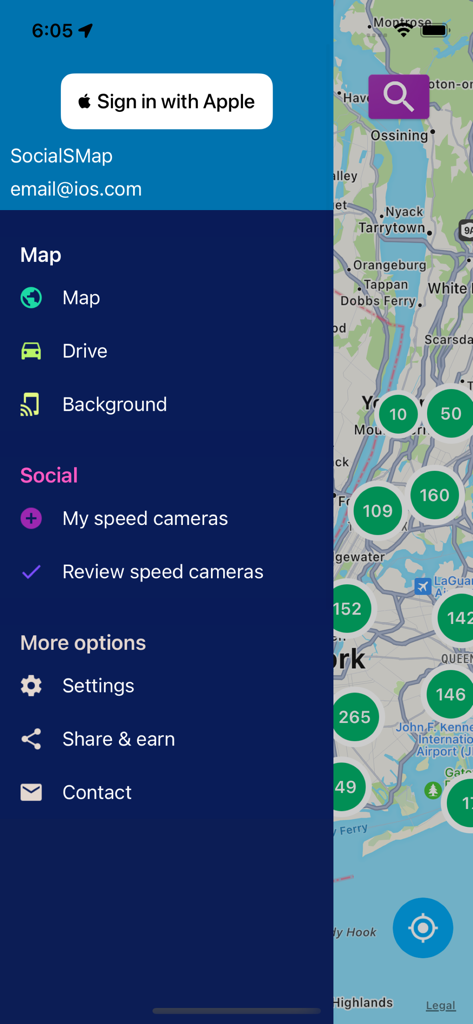
Sidebar menu of the Speed Cameras Radar app showing navigation and social features over a map of New York
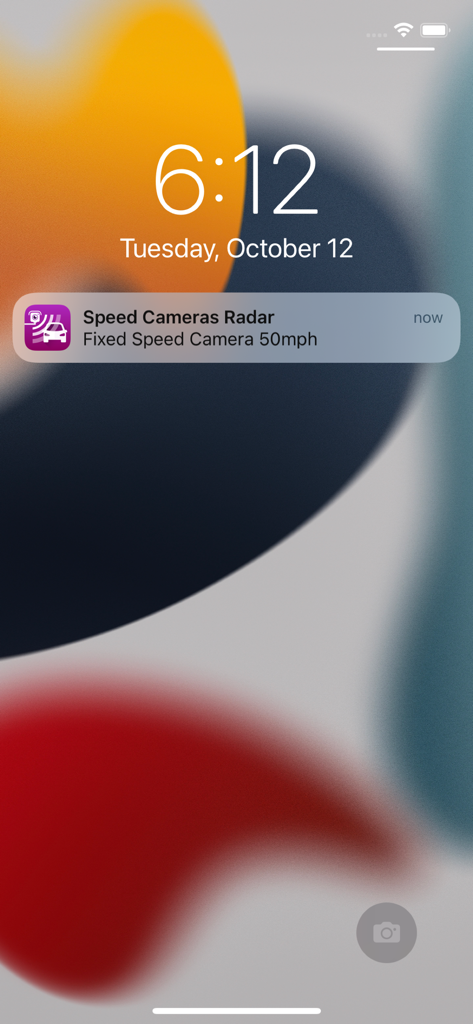
iOS lock screen displaying a real time fixed speed camera alert notification from the Speed Cameras Radar app
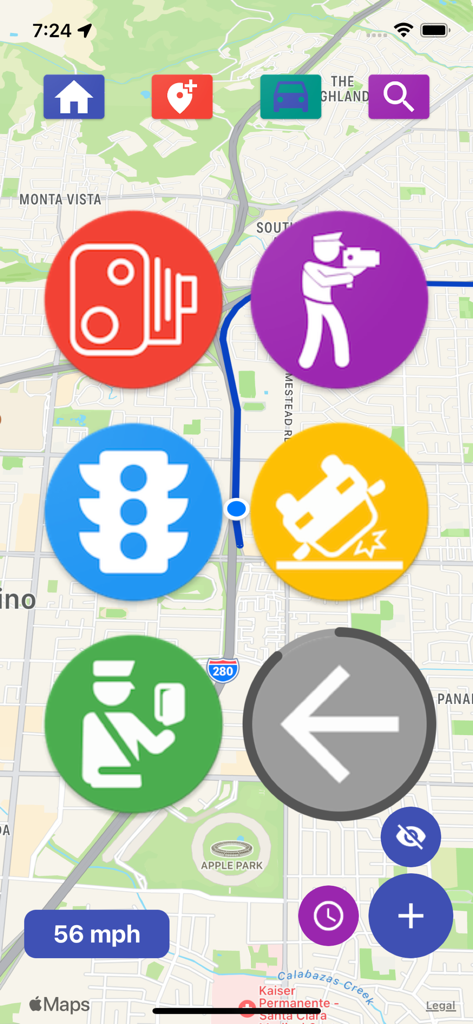
Map view displaying large icons for speed cameras, police radar, traffic lights, and road accidents.
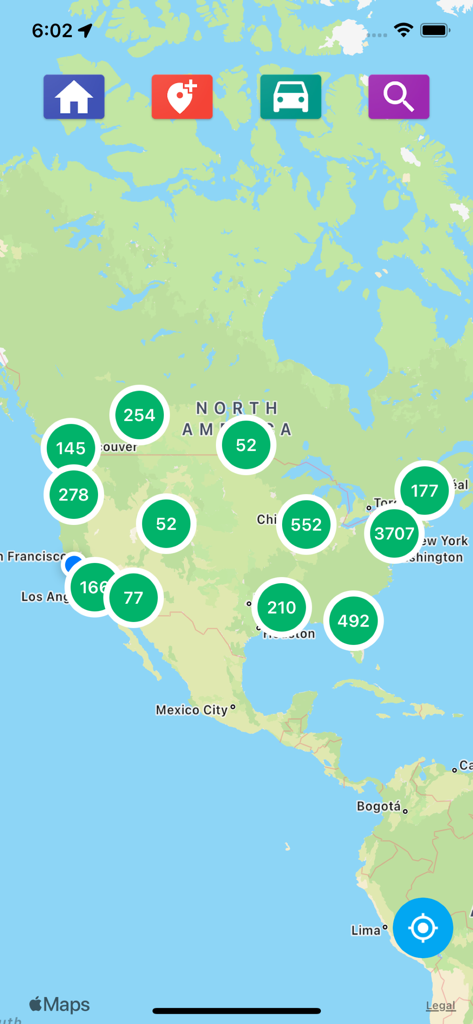
Map view showing speed camera and radar report clusters across North America
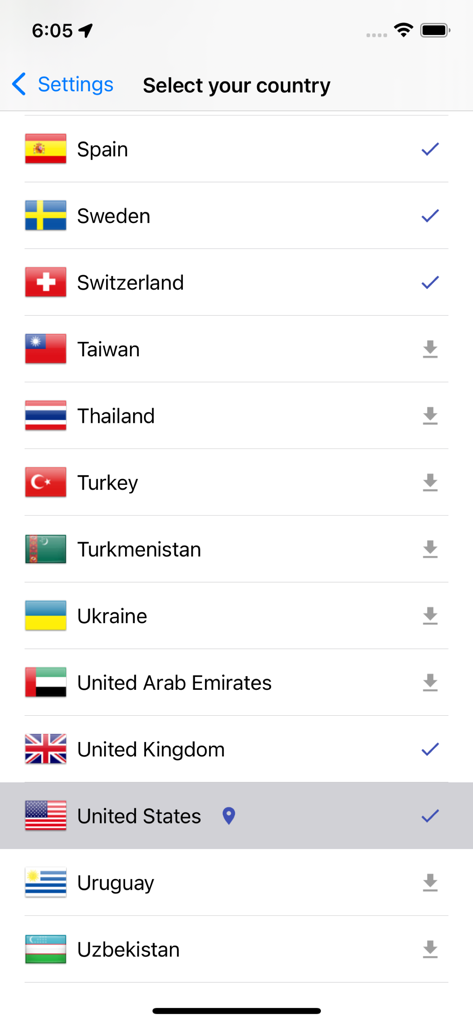
Country selection screen in the Speed Cameras Radar app showing a list of supported regions including the United States
Description
Download
More Like This
Apps with similar features and user experience

Waze Navigation & Live Traffic
waze

即時路況影像
DoItWell Application Ltd

LeisecaMaps
Alan Costa
MapXplorer: Map Radar Navigate
GOLDLAB APPLICATIONS YAZILIM VE BILISIM ANONIM SIRKETI
Radarbot: Speed Cameras | GPS
Iteration Mobile S.L

Yandex Navi – navigation, maps
DIRECT CURSUS COMPUTER SYSTEMS TRADING LLC
TomTom - Maps & Traffic
TomTom
ASFINAG
ASFINAG MAUT SERVICE GMBH
導航王 TM
KingwayTek Technology Co., Ltd.
This page is not an official page of the app or its developer, but an independent editorial publication created for informational and commentary purposes. Unless expressly stated otherwise, neither the app nor its developer is affiliated with, endorsed by, sponsored by, authorized by, or otherwise officially connected with MWM, Apple, Google Play, the app publisher, or the app's developer, and nothing on this page implies that the app was developed using MWM's services. Any trademarks, logos, screenshots, and other content remain the property of their respective owners.