Speedometer GPS Speed HUD
Download on App Store

This page is not an official page of the app or its developer, but an independent editorial publication created for informational and commentary purposes. Unless expressly stated otherwise, neither the app nor its developer is affiliated with, endorsed by, sponsored by, authorized by, or otherwise officially connected with MWM, Apple, Google Play, the app publisher, or the app's developer, and nothing on this page implies that the app was developed using MWM's services. Any trademarks, logos, screenshots, and other content remain the property of their respective owners.

Logo of Speedometer GPS Speed HUD
Download on App Store

Speedometer GPS Speed HUD

Upgrade your ride with real-time GPS precision, customizable gauge styles, and a premium Heads-Up Display for a safer, smarter driving experience day and night.

Key Figures

Downloads

200

User Rating

1.0/5

Total Ratings

0

Publisher

Fahad Mehmood

Category

Navigation

Locales

1

Latest Version

1.0

Size

37.1 MB

First Released

Jan 20, 2026
Features

Drive with Precision and Style

Transform your smartphone into a high-tech dashboard. From real-time GPS tracking to futuristic HUD projection, get the essential driving data you need in one sleek, distraction-free interface.

Stay Ticket-Free

Avoid costly speeding fines with custom speed limit alerts that notify you the second you exceed your set threshold, keeping your license safe.

Futuristic HUD Mode

Project your speed directly onto your windshield during night drives for a premium, eyes-on-the-road experience usually reserved for luxury cars.

The following screenshots and description are sourced directly from the app's official store listing and are the property of the app developer.

App Store

Screenshots
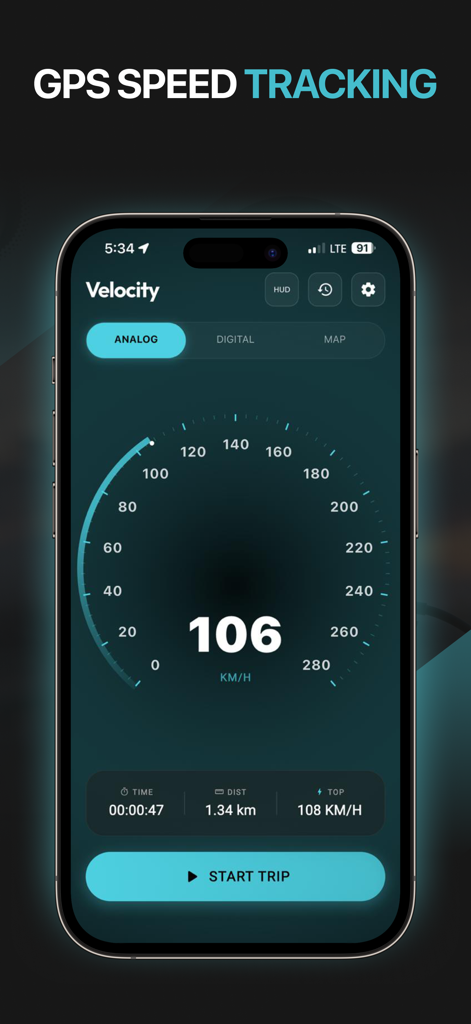
Speedometer GPS Speed HUD - iPhone screen showing the analog gauge interface of the Velocity GPS speedometer app with real-time speed tracking
iPhone screen showing the analog gauge interface of the Velocity GPS speedometer app with real-time speed tracking

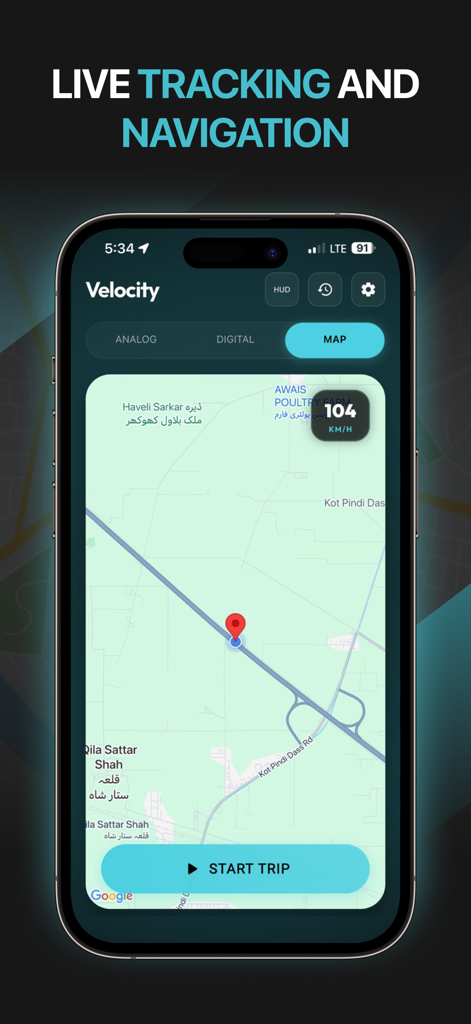
Speedometer GPS Speed HUD - Speedometer app interface showing live GPS tracking and navigation on a map with current speed.
Speedometer app interface showing live GPS tracking and navigation on a map with current speed.

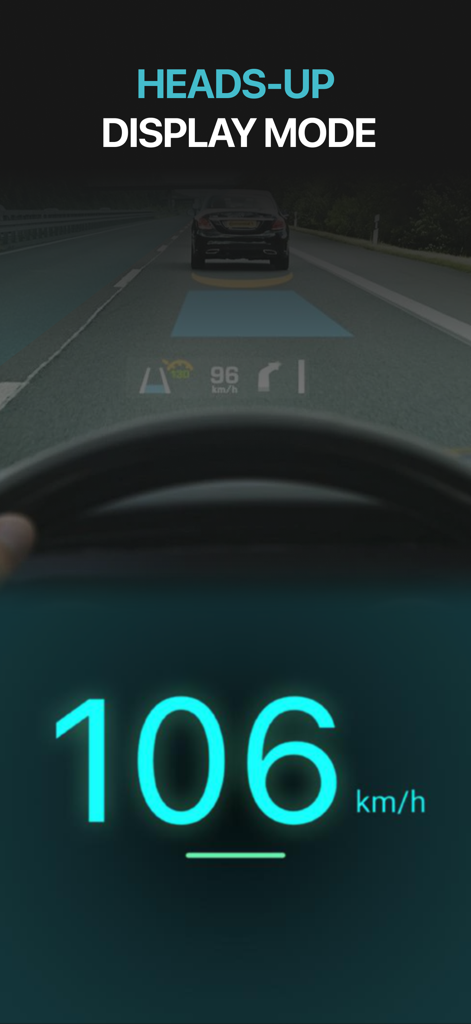
Speedometer GPS Speed HUD - Heads-up display mode of a digital GPS speedometer showing speed on a windshield
Heads-up display mode of a digital GPS speedometer showing speed on a windshield

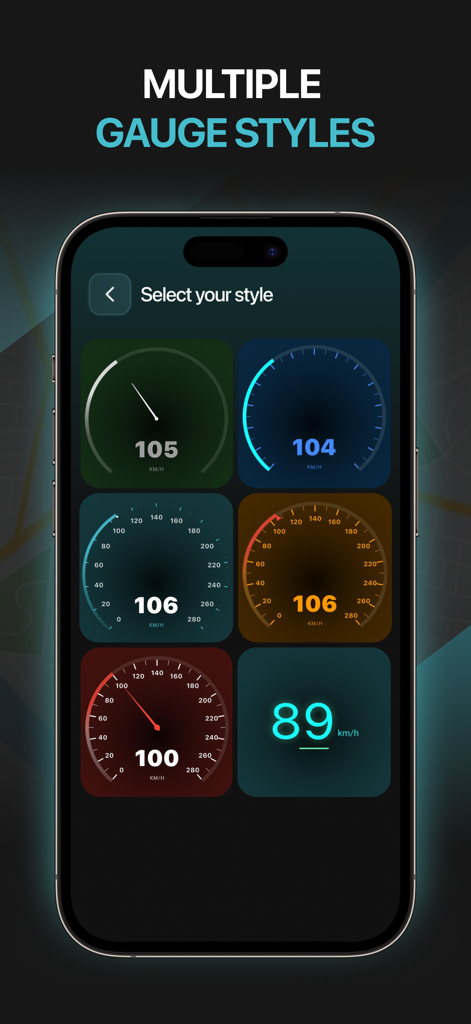
Speedometer GPS Speed HUD - A selection of six different analog and digital speedometer gauge designs in various colors like green blue orange and red.
A selection of six different analog and digital speedometer gauge designs in various colors like green blue orange and red.

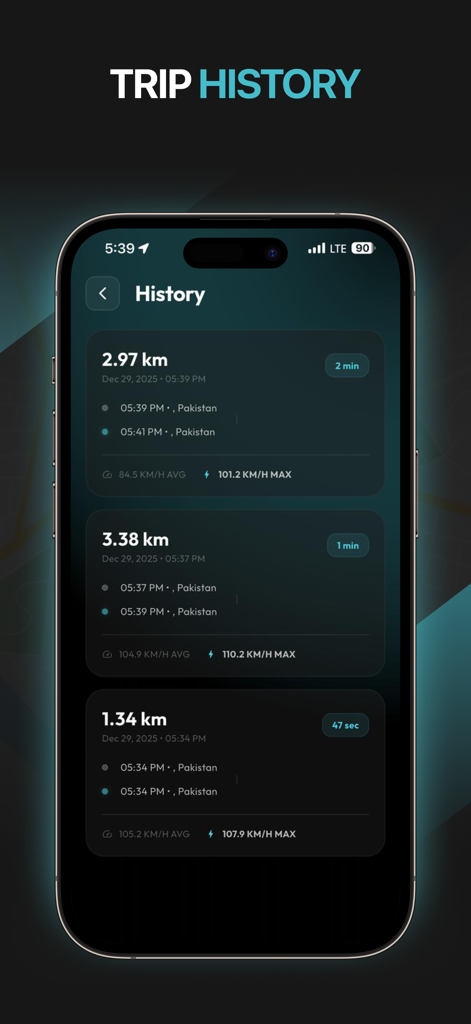
Speedometer GPS Speed HUD - Smartphone screen displaying a detailed trip history log with distance, duration, and average speed statistics.
Smartphone screen displaying a detailed trip history log with distance, duration, and average speed statistics.

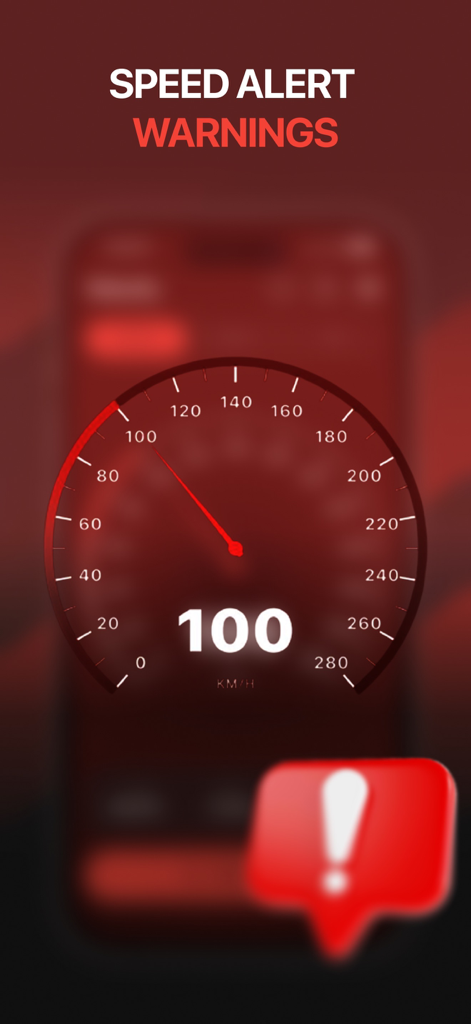
Speedometer GPS Speed HUD - A red analog speedometer interface displaying a speed alert warning

A red analog speedometer interface displaying a speed alert warning

Description

Turn your phone into a powerful and customizable GPS speedometer and odometer with multiple gauge styles, themes, HUD mode, and speed alerts. Track your real-time speed, distance, and trips using GPS data, all within a clean and easy-to-read interface designed for daily driving and travel. Whether you are commuting, traveling long distances, or riding a bike, this app provides GPS-based speed and distance information with visual customization options that suit your driving style and preferences. Key Features Real-Time GPS Speedometer Monitor your current speed live using GPS. Speed updates smoothly based on your movement. HUD (Heads-Up Display) Mode Use HUD mode to reflect speed information onto your windshield during low-light or night driving. Designed for improved visibility without requiring direct screen focus. Multiple Gauge Styles Choose from different speedometer gauge designs, including digital and analog styles, for a look that matches your preference. Custom Themes Personalize the app with multiple themes to enhance visibility and comfort in both day and night conditions. Digital Odometer Automatically track total distance traveled using GPS, making it easy to monitor daily driving and long journeys. Trip Distance Tracking Record individual trips and view distance covered for each session. Ideal for travel tracking and route monitoring. Trip tracking can continue while the app is running in the background to ensure uninterrupted distance measurement. Speed Limit Alerts Set a custom speed limit and receive alerts when you exceed the selected threshold. Helps you stay aware of your speed while driving. KM/H and MPH Support Switch easily between kilometers per hour and miles per hour based on your region or preference. Clean & Readable Interface Large numbers and clear layouts allow you to check speed quickly with minimal distraction. Optimized GPS Usage Efficient GPS tracking is designed to provide accurate results while balancing battery consumption. Ideal For • Daily driving • Road trips and long journeys • Speed monitoring • Distance and trip tracking • Cyclists and bikers • Night driving with HUD display Accuracy & Performance Speed and distance values are calculated using your device’s GPS. Accuracy depends on GPS signal strength, device hardware, and location services settings. For best results, ensure location services are enabled and a clear GPS signal is available. Important Notes • Continuous GPS usage may impact battery life depending on device and usage duration. • HUD mode is intended for assisted viewing and should be used responsibly. • Speed alerts depend on GPS accuracy. • This app is designed for informational purposes only. Always follow local traffic laws and prioritize road safety while driving. Why Choose GPS Speedometer & Odometer? This app combines accurate GPS tracking, HUD display, custom gauge styles, themes, and speed alerts into one simple and reliable tool. It focuses on essential features without unnecessary complexity, making it easy to use for everyday driving and travel.

Download

Download on App Store

This page is not an official page of the app or its developer, but an independent editorial publication created for informational and commentary purposes. Unless expressly stated otherwise, neither the app nor its developer is affiliated with, endorsed by, sponsored by, authorized by, or otherwise officially connected with MWM, Apple, Google Play, the app publisher, or the app's developer, and nothing on this page implies that the app was developed using MWM's services. Any trademarks, logos, screenshots, and other content remain the property of their respective owners.








