
This page is not an official page of the app or its developer, but an independent editorial publication created for informational and commentary purposes. Unless expressly stated otherwise, neither the app nor its developer is affiliated with, endorsed by, sponsored by, authorized by, or otherwise officially connected with MWM, Apple, Google Play, the app publisher, or the app's developer, and nothing on this page implies that the app was developed using MWM's services. Any trademarks, logos, screenshots, and other content remain the property of their respective owners.


SpeedPro Slow speed video edit
Easily create professional slow-motion or fast-motion effects with precision. Select specific segments to ramp, add your favorite music, and share directly to your feed in seconds.
Downloads
1M+User Rating
Total Ratings
139K+Publisher
Category
Photo & VideoLocales
1Latest Version
2.1.22Size
96.0 MBFirst Released
Nov 18, 2014Master Every Moment
Turn your raw footage into viral-ready content with professional speed controls, custom soundtracks, and effortless sharing.
Pro Speed Ramping
Highlight the action by slowing down or speeding up specific parts of your video for a truly cinematic effect.
Integrated Soundtracks
Keep the energy high by adding music that perfectly syncs with your new video tempo.
Frequently Asked Questions
Everything you need to know about SpeedPro Slow speed video edit
What is the SpeedPro app?
SpeedPro is a free iOS application designed to easily increase or decrease video speed, creating slow-motion or fast-motion videos on iPhone, iPod, or iPad devices.
Can I adjust video speed in the SpeedPro app?
Yes, the SpeedPro app allows users to increase or decrease video speed. Users can select a particular region of a video clip to apply speed adjustments.
Does SpeedPro app allow adding music to videos?
Yes, the SpeedPro app allows users to add music to their videos. This feature is accessible from the Adjust Speed screen.
How do I make a slow-motion video with the SpeedPro app?
To make a slow-motion video in SpeedPro, select a video clip, then drag the Video Speed controlling slider towards the left side on the Adjust Speed window.
How do I make a fast-motion video with the SpeedPro app?
To make a fast-motion video in SpeedPro, select a video clip, then drag the Video Speed controlling slider towards the right side on the Adjust Speed window.
Can SpeedPro app save videos to the camera roll?
Yes, SpeedPro app allows users to save generated video clips directly to their Camera Roll. This is a built-in sharing option.
What social media platforms does SpeedPro app support for sharing?
SpeedPro app supports sharing to Instagram, YouTube, and Viddy directly from the app. Users can also mail the video clip.
Is SpeedPro app free to download?
Yes, the SpeedPro app is free to download for iOS devices. It offers in-app purchases for premium features.
What features are included in SpeedPro Premium Subscription?
SpeedPro Premium includes professional video editing tools, unlimited access to premium video themes, filters, tools, multiple speed controls, stickers, fonts, and removes ads and watermarks.
How much does a SpeedPro Premium Subscription cost?
SpeedPro Premium Subscription plans are USD $30.99/Year with 1 Week Free Trial, USD $20.99/6 Months, and USD $6.99/Month.
Does SpeedPro Premium offer a free trial?
Yes, SpeedPro Premium offers a 1-week free trial with the annual subscription plan of USD $30.99/Year.
How can I restore in-app purchases in SpeedPro app?
To restore in-app purchases in SpeedPro, open the app, click on the Top Right to open the Premium window, then click on RESTORE to reactivate them.
Can I add effects to videos using SpeedPro app?
Yes, users can add effects to video clips using the SpeedPro app. Premium subscription provides unlimited access to premium filters and tools.
Can SpeedPro app merge video and photos?
Yes, SpeedPro app includes the functionality to merge video and photos. This allows for comprehensive content creation.
Does SpeedPro app provide video templates?
Yes, SpeedPro app offers amazing templates for video creation. Premium users get unlimited access to all premium video themes.
Does SpeedPro app support video transitions?
Yes, SpeedPro app allows users to apply super transitions to their videos, enhancing the visual flow between clips.
Can I add stickers and text overlays in SpeedPro app?
Yes, SpeedPro app enables users to add stickers and text overlays to their videos. Multiple speed controls, stickers, and fonts are available with Premium.
The following screenshots and description are sourced directly from the app's official store listing and are the property of the app developer.
App Store
Screenshots
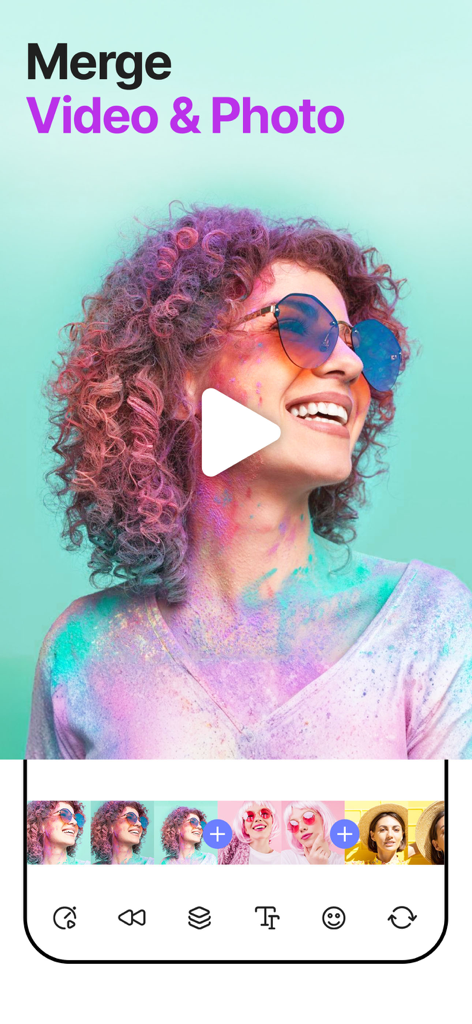
SpeedPro mobile app interface showing how to merge video and photo clips with a colorful video preview and editing timeline
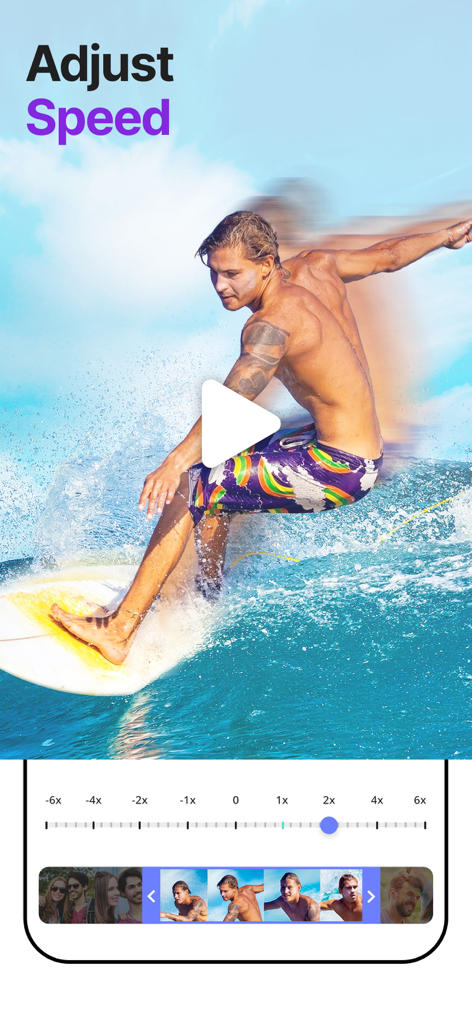
Mobile interface of SpeedPro app showing speed adjustment slider and video preview of a surfer.

SpeedPro mobile app interface for editing videos with a create your story headline and beach video preview.

SpeedPro app interface displaying trendy video marketing styles and fashion templates
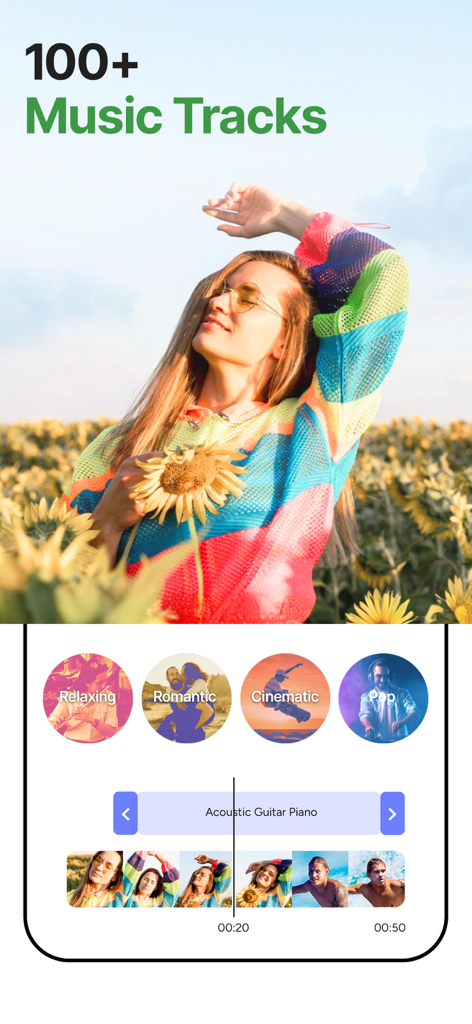
SpeedPro app interface showing a music library with over 100 tracks and genres like Relaxing and Cinematic for video editing
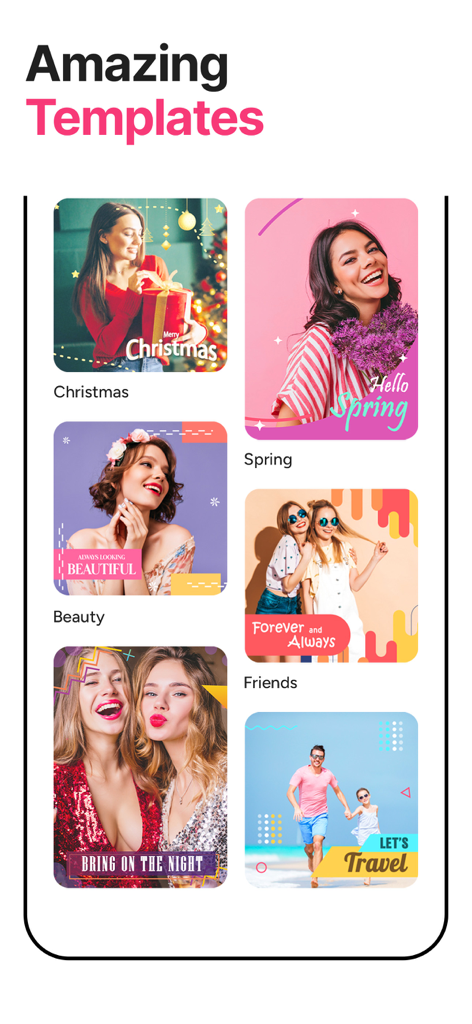
Preview of diverse video templates in SpeedPro including Christmas, Spring, and Travel themes
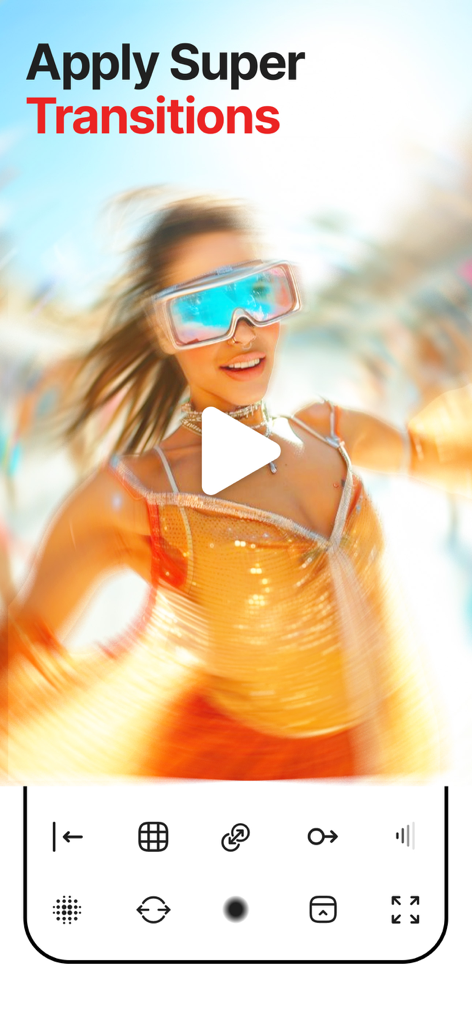
A woman with futuristic glasses shown with a motion blur transition effect in the SpeedPro video editing app
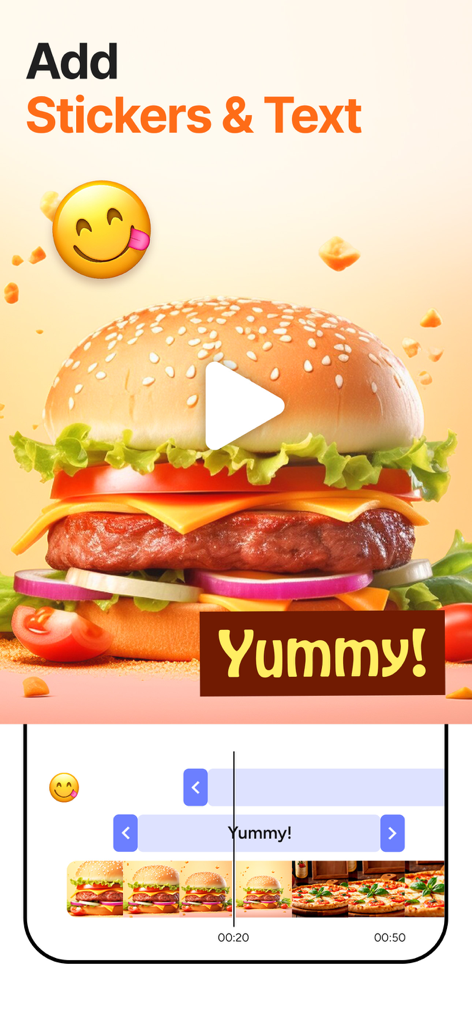
Video editing app interface showing how to add stickers and text to a food video

Sharing screen of SpeedPro app featuring a video of a boy on a beach and icons for sharing to Instagram Facebook and WhatsApp

A man with sunglasses shown with different cinematic color filters in the SpeedPro app interface
Description
Download
More Like This
Apps with similar features and user experience

Hugo - Live Video Chat
ECOGREEN TRADE LIMITED

Time Warp: Scan Filter & Emoji
Michael Barker

雅俗共赏-朋友圈豪车游艇配音Live素材
紫玲 王

My Character: Cartoon Filter
CEM SOFTWARE COMPANY LIMITED

Tap Tap Filter Challenge Games
Proxglobal Investment And Technology Development Joint Stock Company

Ranking Filter Funny Challenge
Proxglobal Investment And Technology Development Joint Stock Company
This page is not an official page of the app or its developer, but an independent editorial publication created for informational and commentary purposes. Unless expressly stated otherwise, neither the app nor its developer is affiliated with, endorsed by, sponsored by, authorized by, or otherwise officially connected with MWM, Apple, Google Play, the app publisher, or the app's developer, and nothing on this page implies that the app was developed using MWM's services. Any trademarks, logos, screenshots, and other content remain the property of their respective owners.