
This page is not an official page of the app or its developer, but an independent editorial publication created for informational and commentary purposes. Unless expressly stated otherwise, neither the app nor its developer is affiliated with, endorsed by, sponsored by, authorized by, or otherwise officially connected with MWM, Apple, Google Play, the app publisher, or the app's developer, and nothing on this page implies that the app was developed using MWM's services. Any trademarks, logos, screenshots, and other content remain the property of their respective owners.


Spiceworks Help Desk
Untether your workflow and respond to critical issues on the go. Join 1 million IT pros using our free, community-trusted tools to close tickets and manage users right from your pocket.
Downloads
0User Rating
Total Ratings
0Publisher
Category
BusinessLocales
1Latest Version
1.1.13Size
5.9 MBFirst Released
Jan 9, 2022Untethered IT Management
Stop being chained to your desk. Manage your Spiceworks Cloud Help Desk directly from the server room, the warehouse, or on the go with a mobile toolkit designed for IT pros.
Instant SLA Response
Stay ahead of critical outages with real-time push notifications. React to new, assigned, or reopened tickets the moment they hit your queue.
Full Ticket Lifecycle
Create, edit, assign, and close tickets on the fly. Update priorities and document fixes at the site of the problem to ensure nothing gets forgotten.
The following screenshots and description are sourced directly from the app's official store listing and are the property of the app developer.
App Store
Screenshots
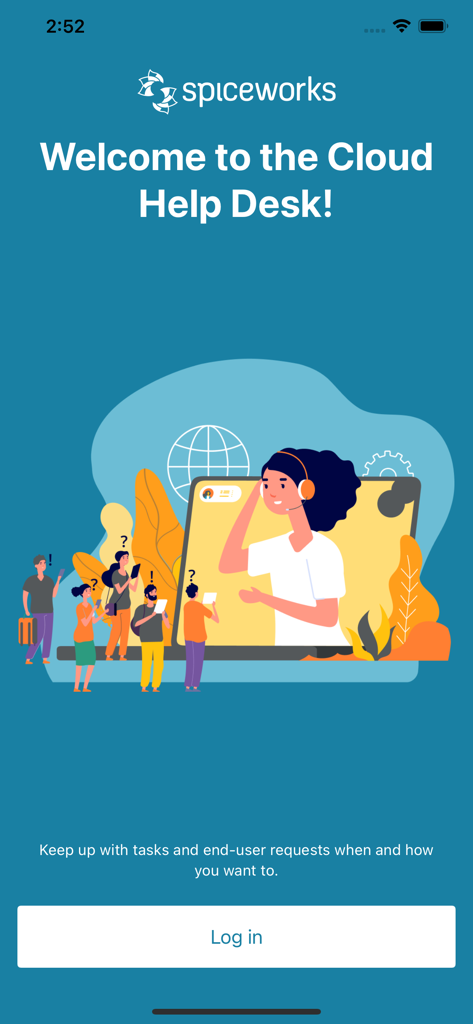
Spiceworks Help Desk welcome screen with IT support illustration and login button

Login screen for the Spiceworks Help Desk app with fields for email and password.
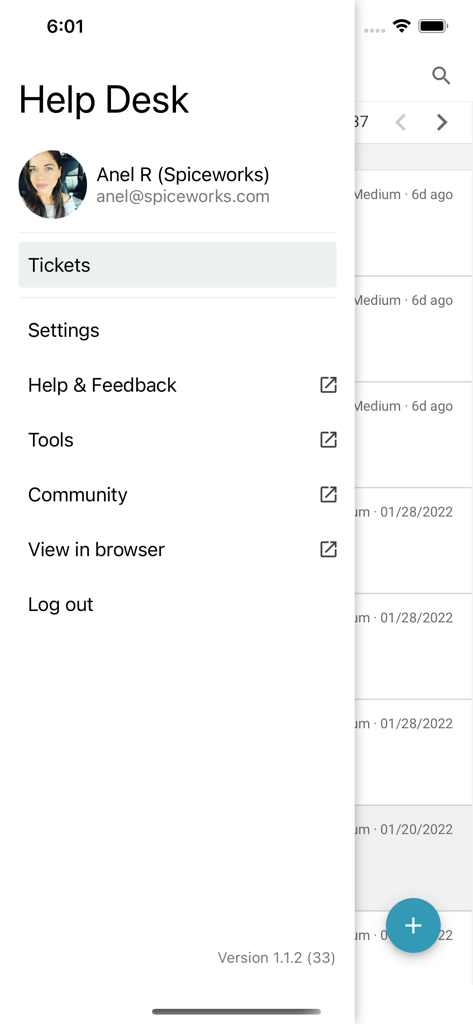
Side navigation menu of the Spiceworks Help Desk mobile app displaying options for tickets settings and community access.
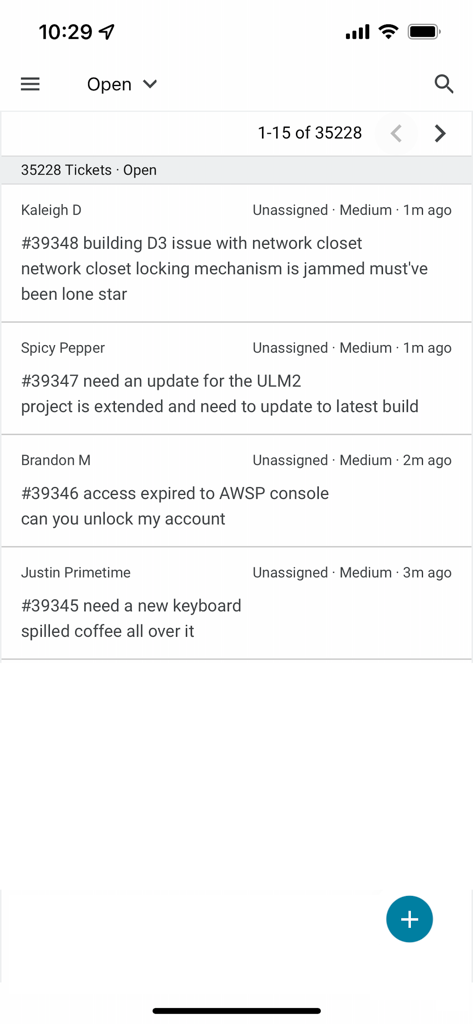
A list of open IT support tickets within the Spiceworks Help Desk mobile app interface
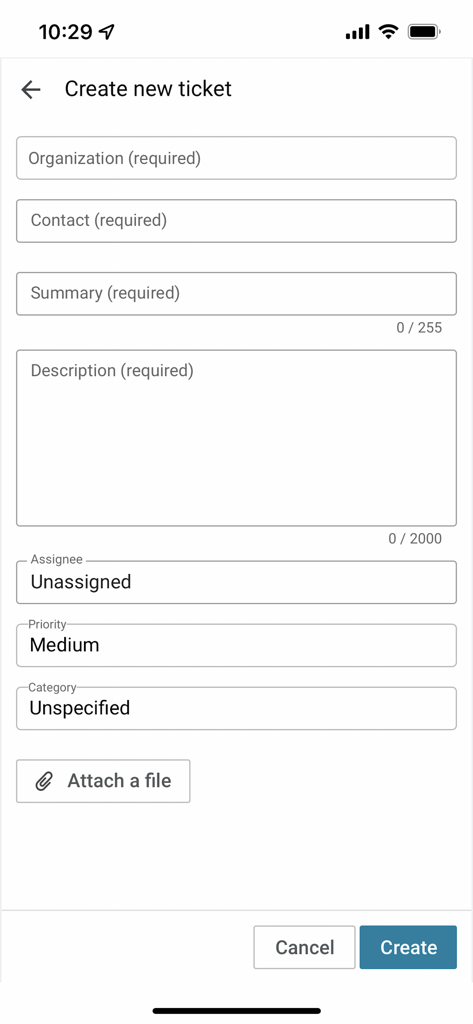
Create new ticket screen in the Spiceworks Help Desk mobile app showing a form with fields for organization, summary, and description
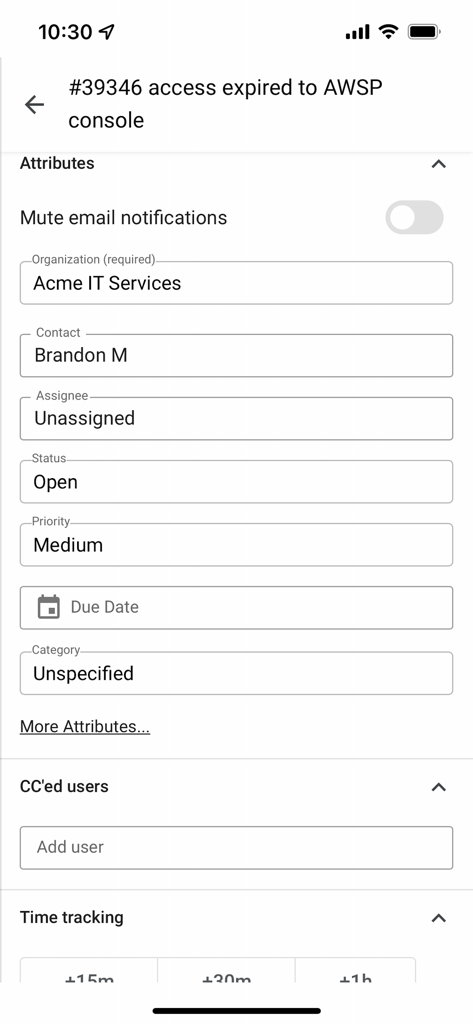
Interface of the Spiceworks Help Desk app showing ticket attributes such as status, priority, and assignee for an IT support request.
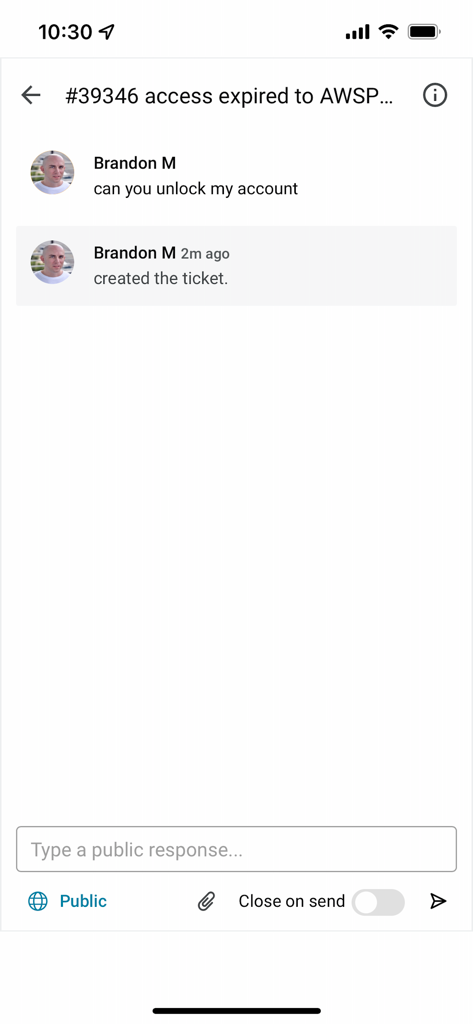
Spiceworks Help Desk mobile app interface showing a support ticket for an account unlock request
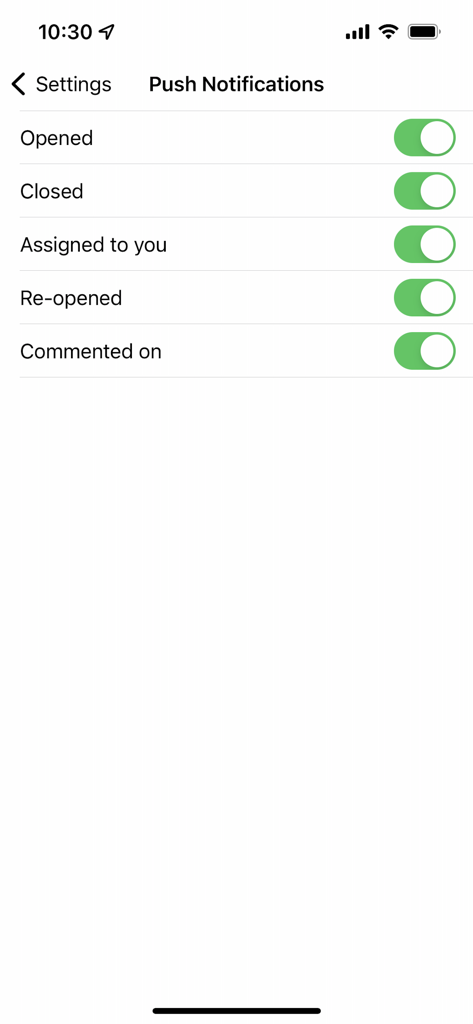
A screenshot of the push notification settings in the Spiceworks Help Desk app showing toggles for ticket status updates
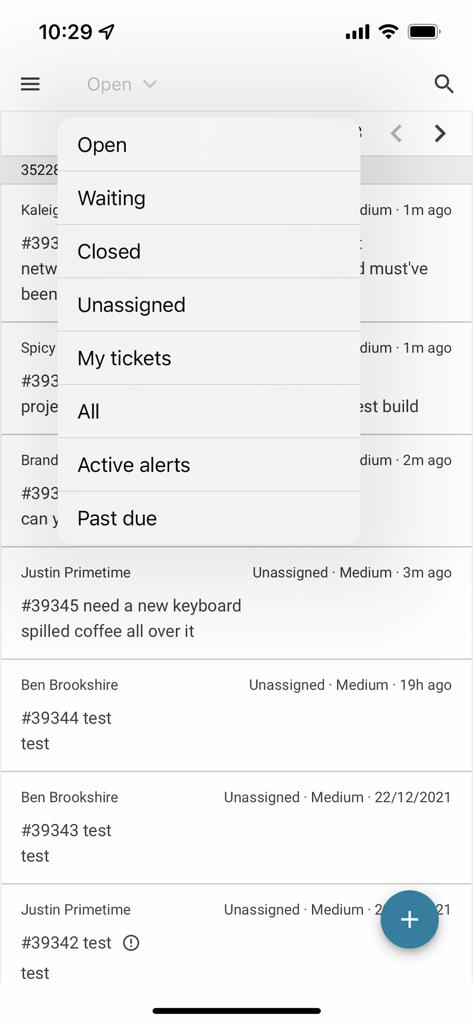
Spiceworks Help Desk mobile app showing ticket list and filter menu
Description
Download
More Like This
Top-ranked apps in the same category

Microsoft Teams
Microsoft Corporation

WhatsApp Business
WhatsApp Inc.

Zoom Workplace
Zoom Communications, Inc.

Indeed Job Search
Indeed Inc.

LinkedIn: Community & Network
LinkedIn Corporation

BOSS直聘-招聘求职找工作神器
Beijing China Product Bo Farce Network Technology Co., Ltd.

Adobe Acrobat Reader: Sign PDF
Adobe Inc.

DingDing - Redefine Work in AI
DingTalk Technology Co., Ltd.

WeCom-Work Communication&Tools
Tencent Technology (Shenzhen) Company Limited
This page is not an official page of the app or its developer, but an independent editorial publication created for informational and commentary purposes. Unless expressly stated otherwise, neither the app nor its developer is affiliated with, endorsed by, sponsored by, authorized by, or otherwise officially connected with MWM, Apple, Google Play, the app publisher, or the app's developer, and nothing on this page implies that the app was developed using MWM's services. Any trademarks, logos, screenshots, and other content remain the property of their respective owners.